
Modrinth · Fabric
Bedrock Edition: Renew server hosting
Your own Bedrock Edition: Renew server on AMD Ryzen 9 without a thread limit. The server is ready usually under 60 seconds; then install the pack with one click in the modpack browser.
Bedrock Edition ported into Java with the menus, features and more, "play with your friends"!
- Downloads
- 8.8K
- Followers
- 0
- Loader
- Fabric
- Minecraft
- 1.21.1
- Updated
- –
Screenshots
What Bedrock Edition: Renew looks like


Images: Bedrock Edition: Renew on Modrinth, published by the project team.
Setup
Your Bedrock Edition: Renew server in four steps
For errors, check startup logs, Java version, loader and dependencies first. Increase RAM when there is evidence of memory pressure. Keep a copy of the working installation before updates.
- 01
Configure
8 GB of RAM is preselected and Bedrock Edition: Renew is noted in the configurator. You choose the term and add-ons.
- 02
Pay
By credit card or PayPal. Your server is ready usually under 60 seconds.
- 03
Install the pack
Open the modpack browser in the panel, choose Modrinth, verify the project ID and install your chosen pack release. Back up an existing world first.
- 04
Connect
Every player installs the same pack release in a compatible launcher and connects using the server address from the panel.
Modrinth project ID: 1rywjt8g
The panel
Install the pack, find errors.
Real screenshots from the Mado panel. Both come with every Minecraft server.
Modpack browser
Modrinth and CurseForge, right in the panel.
Search the pack, choose a release, install. You do not have to upload the loader or server files by hand.

AI crash analysis
When a mod crashes, the analyzer reads the log.
Large modpacks often fail on a single mod, Java version or missing dependency. The analyzer names a likely cause and suggests a fix.

Releases
Published pack releases
The server and players need the same pack release. Pick it in the modpack browser to match your group’s clients.
Bedrock Edition: Renew · ModrinthOriginal description by the project author
Bedrock Edition: Renew

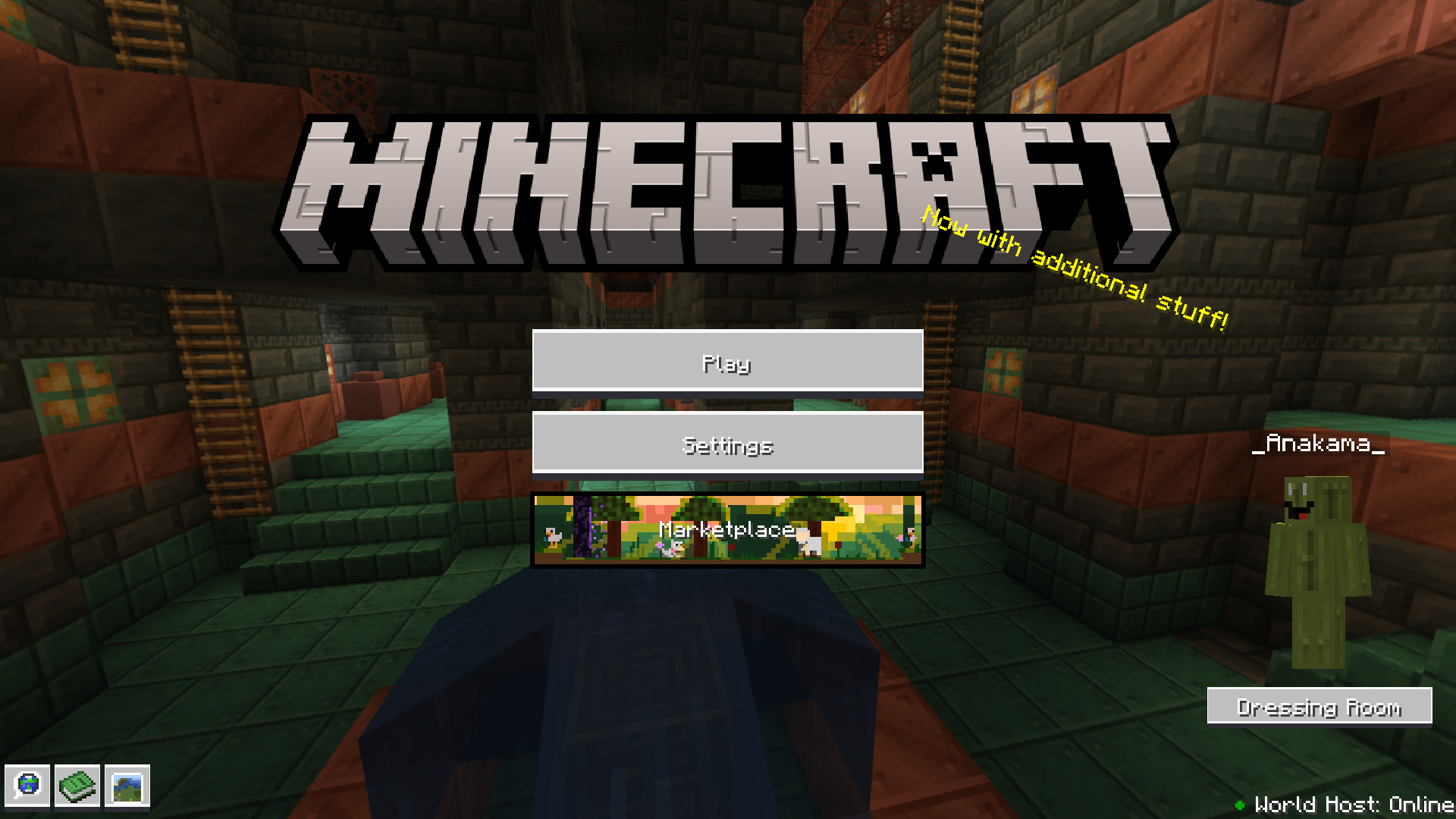
This modpack makes Minecraft Java Edition, Bedrock Edition. It changes the in-game menus, adds a lot of Bedrock features and imrproves the game's optimization.
Features
- Armor Stand Arms.
- Bedrock-like loading screens with helpful tips.
- Third person eating animations.
- Sheared Sheep Colors
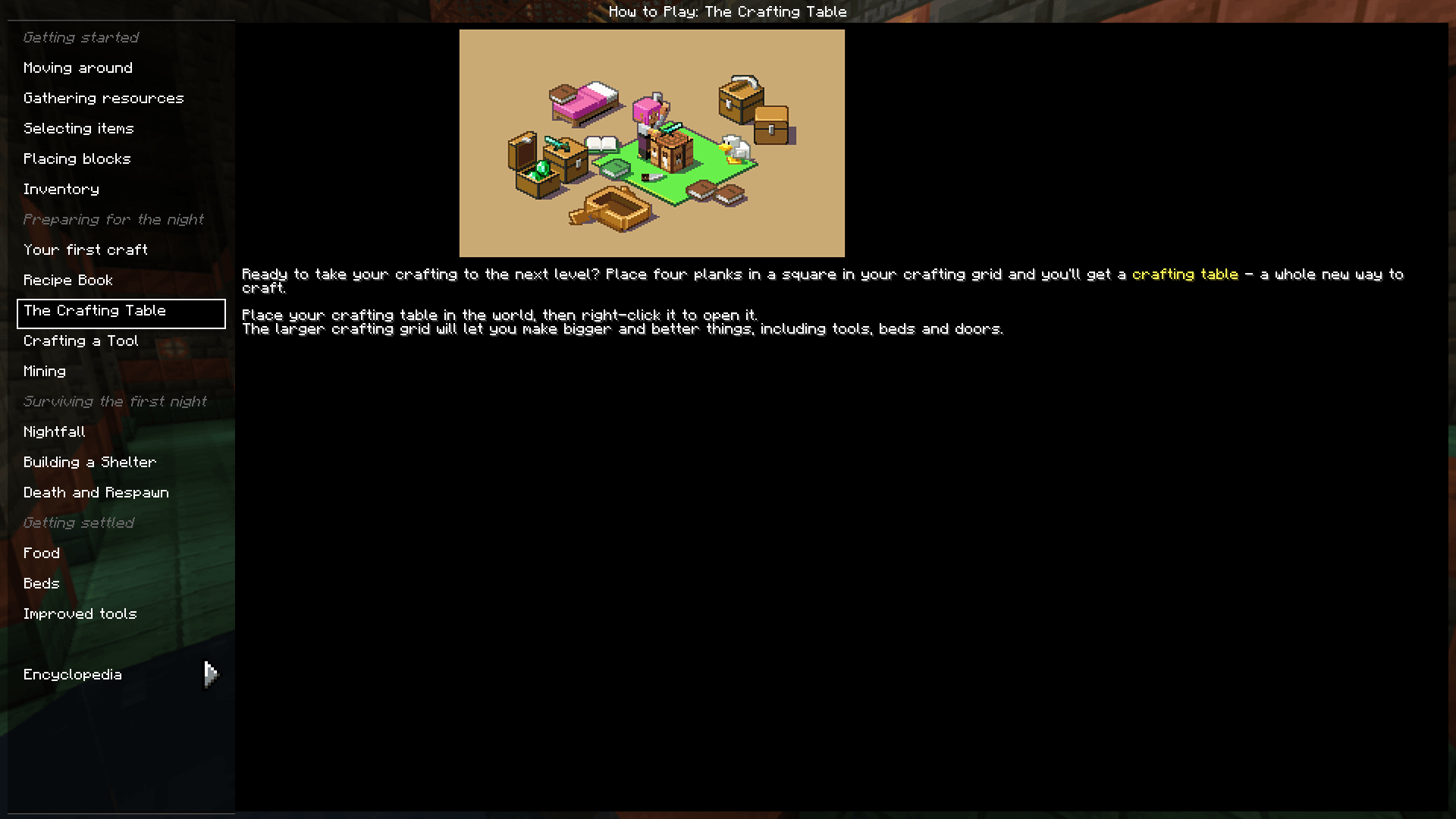
- How to play menu.
- Entity Culling.
- Bedrock Pause Menu.
- No Chat Reports.
- Position and "paper doll" overlay.
- Dynamic Inactive Hud Opacity.
- Saving status overlay.
- 3D fishing hook
- Bedrock Cauldrons that hold dyed water and potions
- Bedrock Sun Glare
- Bedrock Chunk Loading Animation
- Bedrock Crafting Recipes (Toggleable).
- Bedrock-like chat.
- Bedrock Edition world color noise for grass and water.
- Idle hand animations.
- Held item descriptions (enchantments, books and potions).
- Reach-around block placement.
- Dying and Fallen Trees!
- Bedrock Light block shading.
- Disable flying momentum (Drift) in creative mode.
- Stop elytra flying by pressing space on air.
- Quick armor swapping.
- Items don't despawn after you die.
- Bedrock Impaling.
- Bedrock Jumping Sounds.
- Bedrock Inventory Animations.
- Bedrock Wither.
- Bedrock like menus.
- Bedrock like gui colors.
- Enchantment icons.
- Better held item info.
- Instant world quit.
- Nether Portal Fix on multiplayer servers.
- Block Culling.
- Automatic language choosing.
- Better packet sending.
- Smooth scrolling.
- Better and cleaner debug menu (F3).
- Bedrock Armor Stand Arms.
- Bedrock Accarute Block Placement.
- Bedrock Bubbles.
- Capes feature (Allows you to see/use capes from other mods like OptiFine).
- See greater then server's render distance.
- Skyboxes in Fabric.
- Debugify (fixes a lot of vanilla bugs).
- Shaders.
- Model Gap Fix.
- Controler support.
- Bedrock Snowy Leaves.
- Leaf Culling.
- First Person Animations in Third Person.
- No Attack Cooldown.
- No Mining cooldown.
- World Hosting to your friends.
- OptiFine Texture Pack Features.
- ScreenShot Viewer In-Gane.
- Bedrock-like marketplace which allows you to download datapacks, resourcepacks, worlds and shaders.
- Bedrock-like world creating menu.
- Camera from education edition.
- Bedrock-like Creative Inventory.
- No Chat Reports and Telemetry.
- Longer chat history.
- Better Performance
Questions & Answers
Can you use this modpack in servers?
Yes and no; Bedrock Edition: Renew is built for singeplayer and world hosting, other servers' anti-cheats may detect this modpack as a cheat, or just don't allow you to join at all. And also yes, you can copy the mods folder from the modpack into a fabric server's mods folder and then use the server with this modpack.Why the Dress Room button is not working?
I deleted the mod to it because it was crashing the game, so its just a decoration.
I suggest you should do this, or I should contact you.
You can use the contact box at the bottom of the main page of my website if you need to contact me, and you can submit an issue at the NetherTeam Issue Tracker.
Credits
- Idea and the original modpack: xdf22.
- Other: Anakama.
- Some of Bedrock Assets: seriousfreezing
- Bedrock-like GUI Textures: Made by StardustSys and edited by Anakama.
NOTE:
- This project uses assets from Bedrock Reloaded.
Similar packs
More server-ready modpacks
 Server-ready

Cobblemon Official Modpack [Fabric]
by CobbledStudios
The official modpack of the Cobblemon mod, for Fabric!
 Server-ready

COBBLEVERSE - Pokemon Adventure [Cobblemon]
by LUMYVERSE
Start a true Pokémon adventure in Minecraft: Cobblemon 1.8.4 | ALL 1025 Pokémon! | Mega Evolutions | Gyms & Badges | Starter Kit | Unique Structures | Custom Music | Shaders | Optimized | So much more! [1.21.1]
 Server-ready

Better MC [FABRIC] - BMC2
by SHXRKIE
Version 1.20 | A Proper Vanilla+ Modpack | Don't play Vanilla play this!
 Server-ready

Vanilla Perfected
by demonjoeTV
A compilation of Vanilla Plus mods & packs to perfect the Minecraft experience without drifting too far from the feel of the base game!
Ready for your Bedrock Edition: Renew server?
8 GB of RAM from €16.00 per month. 35% off your first month with MADO35.