
Modrinth · Fabric
Metro+ server hosting
Your own Metro+ server on AMD Ryzen 9 without a thread limit. The server is ready usually under 60 seconds; then install the pack with one click in the modpack browser.
A Train Mod containing everything you need to get started on transportation!
- Downloads
- 2.9K
- Followers
- 0
- Loader
- Fabric
- Minecraft
- 1.20.1
- Updated
- –
Screenshots
What Metro+ looks like
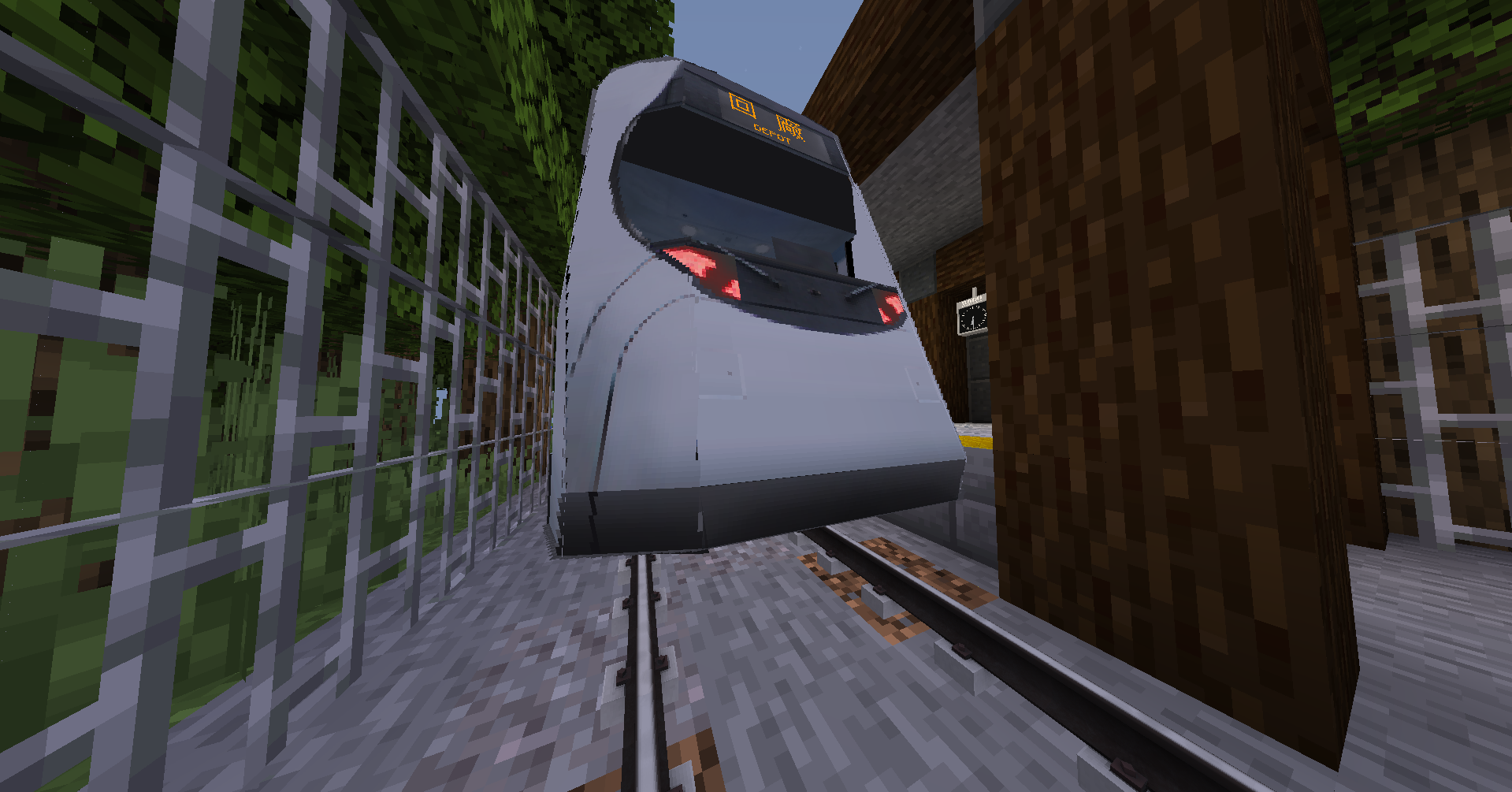
Images: Metro+ on Modrinth, published by the project team.
Setup
Your Metro+ server in four steps
For errors, check startup logs, Java version, loader and dependencies first. Increase RAM when there is evidence of memory pressure. Keep a copy of the working installation before updates.
- 01
Configure
8 GB of RAM is preselected and Metro+ is noted in the configurator. You choose the term and add-ons.
- 02
Pay
By credit card or PayPal. Your server is ready usually under 60 seconds.
- 03
Install the pack
Open the modpack browser in the panel, choose Modrinth, verify the project ID and install your chosen pack release. Back up an existing world first.
- 04
Connect
Every player installs the same pack release in a compatible launcher and connects using the server address from the panel.
Modrinth project ID: EzAWQNPS
The panel
Install the pack, find errors.
Real screenshots from the Mado panel. Both come with every Minecraft server.
Modpack browser
Modrinth and CurseForge, right in the panel.
Search the pack, choose a release, install. You do not have to upload the loader or server files by hand.

AI crash analysis
When a mod crashes, the analyzer reads the log.
Large modpacks often fail on a single mod, Java version or missing dependency. The analyzer names a likely cause and suggests a fix.

Releases
Published pack releases
The server and players need the same pack release. Pick it in the modpack browser to match your group’s clients.
Metro+ · Modrinth- Metro+ 1.1.7August 6, 2025Minecraft 1.20.1 · Fabric
- Metro+ 1.1.5June 9, 2025Minecraft 1.20.1 · Fabric
Original description by the project author
Metro+
General Rundown:
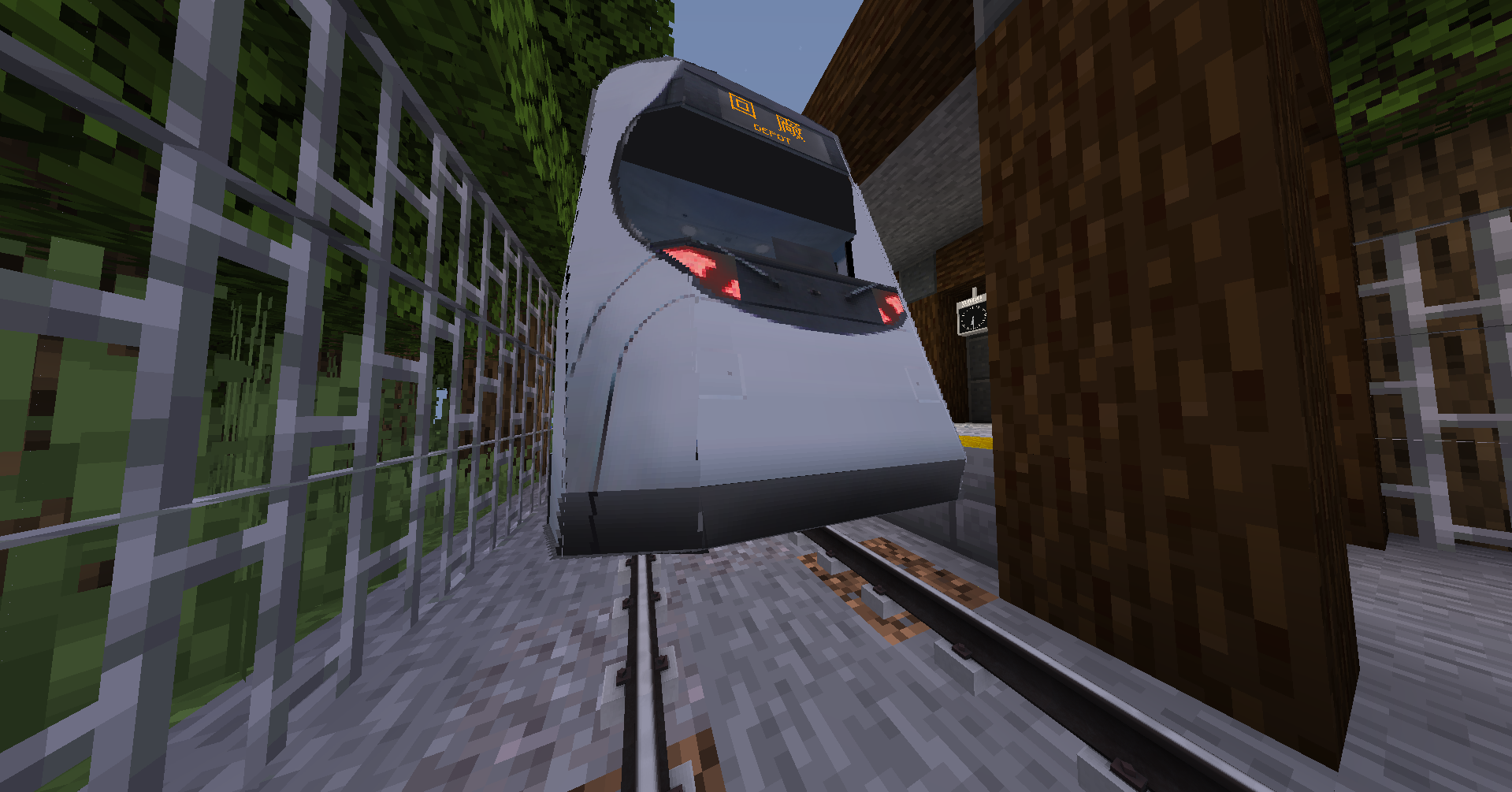
This Is a transportation mod, contains trains, boats, planes, cablecars, cars (Removed Temporarily), and a whole lot more stuff (Incudes but not limited to decoration mods). This mod is pre-optimized for your convinience for if you have a bad computer, it does include some shaders right off the bat. Last But not least this mod includes quality of life changes to minecraft that improve gameplay expirience.
Features:
- Shaders ("OMG So unoriginal!?!?!" i know)
- Minecraft Transit Railway ("You Stole That!?!" simply put in a modpack)
- Pre-Optimized ("How Dare you optimize MY GAME!?" optimized for people who have potatos for PC's like me)
- A Few Quality Of life Mods To Improve Overall The Expirence.
Known Issues/Incompatible Mods:
kennytvs-epic-force-close-loading-screen-mod-for-fabriccauses falling through the world more than before.- On versions older than
1.1.xIt was possible to fall through the world off spawn, chunk loading error, Leave and rejoin. (Fixes it most of the time) Tape StopCauses Major Instability within the renderer.ChunkumulatorCauses World Loading Crashes (Potentialy incorrect)- On Versions
1.0.6Or older, falling blocks will crash your game on select devices. (Fixed on1.0.7Or later) - Hosting Big worlds using
Essentialson Bad Hardware does cause game instability, crashes, and world corruption. ( Most instability issues Have been fixed on versions1.1.3Or newer ) - Bugged F3 Menu on
1.1.3Or newer, Move arround and it fixes it's self. - Bugged F3 Menu on
1.1.3Or newer causes minimap projection corruption, simply move arround and it fixes it's self. ( Your world data is not affected ) - Switching Modpack Versions Can Cause World Corruption.
- On versions prior to
1.1.7It was possible for world generation to get stuck and cause a memory leak, it has been fixed on1.1.7or newer.
Extra Need To Know Stuff:
- Use
localhost:8888In A Web Browser In Singleplayer To Open A Dynamic Train Map in singleplayer or if hosting. - To Use The Dynamic Train map In Multi-Player Use
<Server-IP>:<Port>. - Use
Mod MenuFor Customizing Any mods. - Removed
Treps carson versions1.1.0Or newer temporarily as it caused major instability. - If You want to use
Essentialsyou have to install it seperatly (I somewhat dislike their practices) - No Promises For next updates ( I do this as a hobby )
- Recomended Version to download as of last description update
1.2.1. - Description Last Updated on
2/8/26And Or1.2.1
Metro+ © 2024 Pro42good.
The Metro+ modpack (configs, scripts, and original material) is licensed under CC BY-NC-ND 4.0.
Included mods, assets, and other third-party content are the property of their respective authors and remain under their original licenses.
“Metro+” and its icon are the property of Pro42good.
Similar packs
More server-ready modpacks
 Server-ready

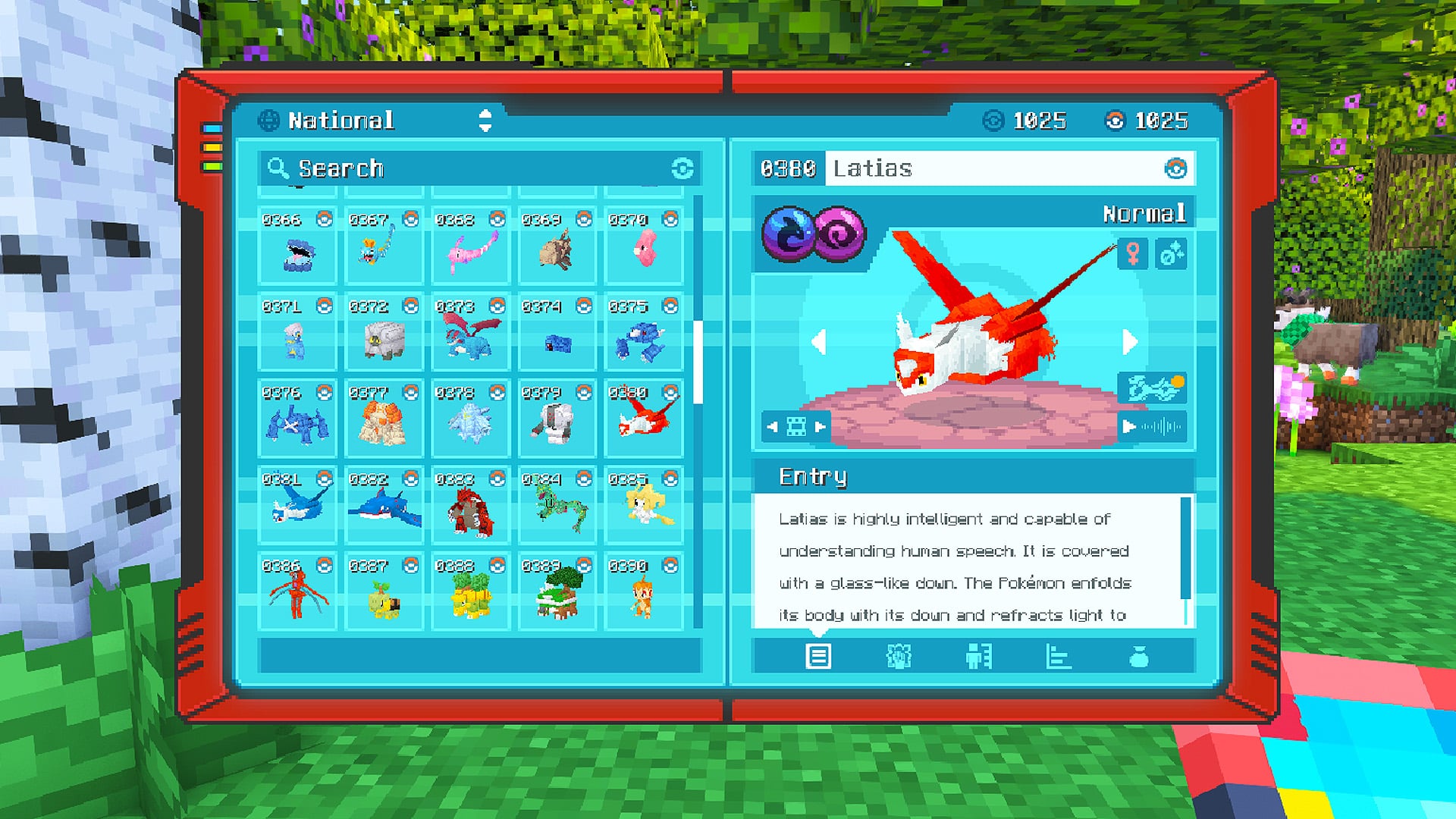
Cobblemon Official Modpack [Fabric]
by CobbledStudios
The official modpack of the Cobblemon mod, for Fabric!
 Server-ready

COBBLEVERSE - Pokemon Adventure [Cobblemon]
by LUMYVERSE
Start a true Pokémon adventure in Minecraft: Cobblemon 1.8.4 | ALL 1025 Pokémon! | Mega Evolutions | Gyms & Badges | Starter Kit | Unique Structures | Custom Music | Shaders | Optimized | So much more! [1.21.1]
 Server-ready

Better MC [FABRIC] - BMC2
by SHXRKIE
Version 1.20 | A Proper Vanilla+ Modpack | Don't play Vanilla play this!
 Server-ready

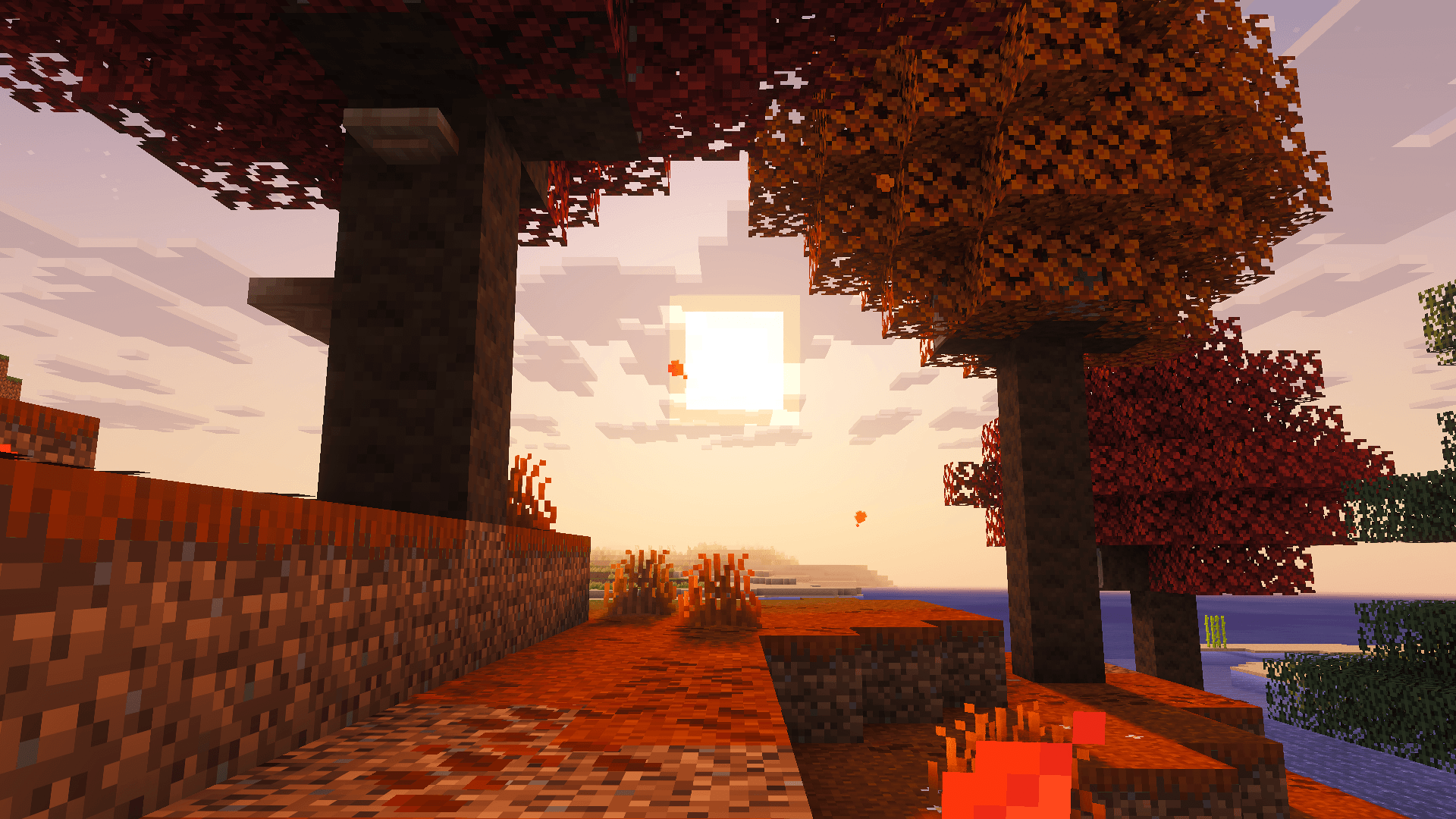
Vanilla Perfected
by demonjoeTV
A compilation of Vanilla Plus mods & packs to perfect the Minecraft experience without drifting too far from the feel of the base game!
Ready for your Metro+ server?
8 GB of RAM from €16.00 per month. 35% off your first month with MADO35.