
Modrinth · Fabric
Redstone Utilities server hosting
Your own Redstone Utilities server on AMD Ryzen 9 without a thread limit. The server is ready usually under 60 seconds; then install the pack with one click in the modpack browser.
Redstone Utilities provides the best mods for technical Minecraft players while simultaneously providing the best possible performance.
- Downloads
- 4.9K
- Followers
- 0
- Loader
- Fabric
- Minecraft
- 1.20.4 – 1.21.7
- Updated
- –
Screenshots
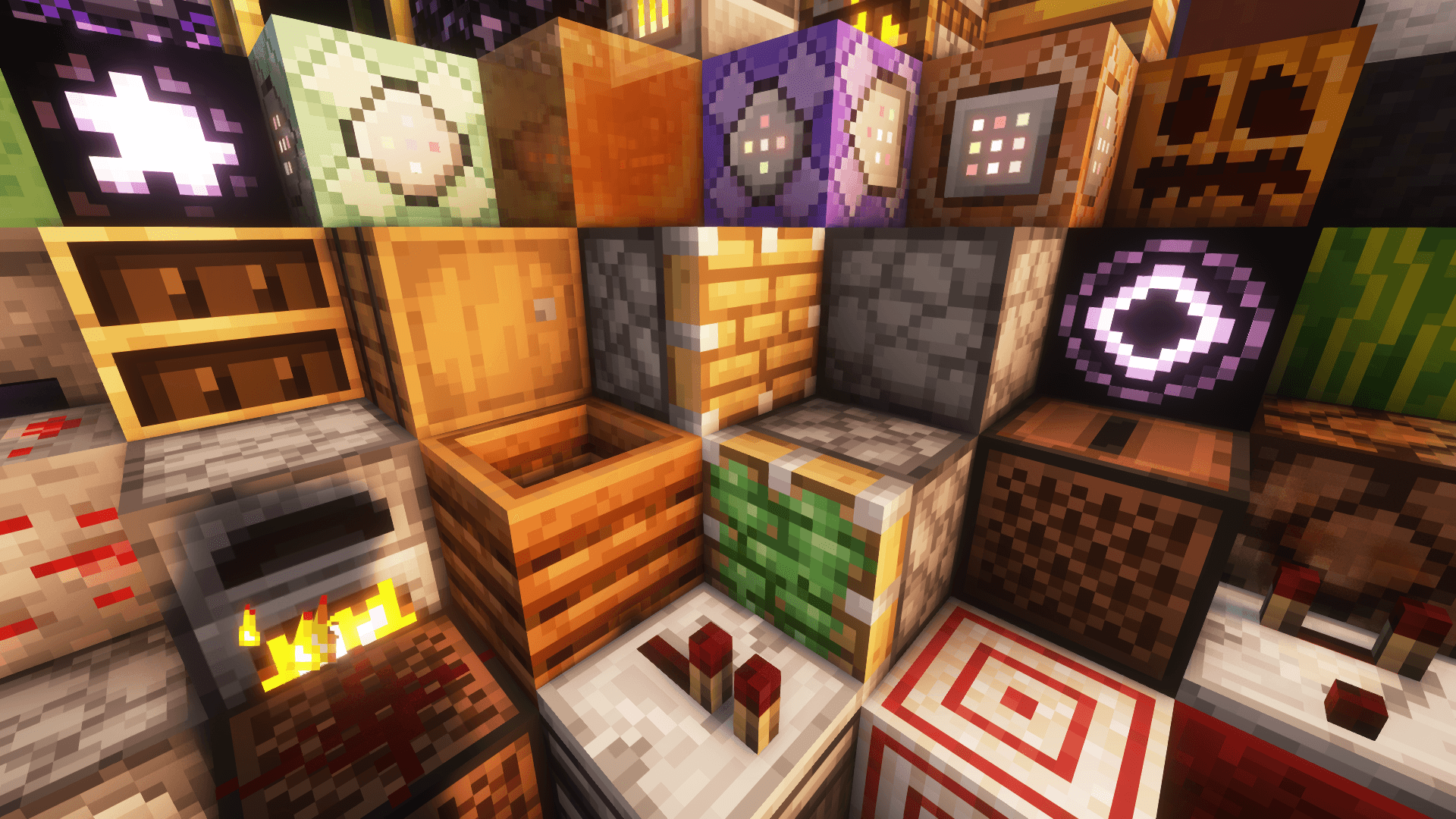
What Redstone Utilities looks like
 Redstone-Components
 Ingame Command Block Screenshot
 NBT Autocomplete mod
 MiniHUD Configs
 NBT Tooltip mod
Images: Redstone Utilities on Modrinth, published by the project team.
Setup
Your Redstone Utilities server in four steps
For errors, check startup logs, Java version, loader and dependencies first. Increase RAM when there is evidence of memory pressure. Keep a copy of the working installation before updates.
- 01
Configure
8 GB of RAM is preselected and Redstone Utilities is noted in the configurator. You choose the term and add-ons.
- 02
Pay
By credit card or PayPal. Your server is ready usually under 60 seconds.
- 03
Install the pack
Open the modpack browser in the panel, choose Modrinth, verify the project ID and install your chosen pack release. Back up an existing world first.
- 04
Connect
Every player installs the same pack release in a compatible launcher and connects using the server address from the panel.
Modrinth project ID: s93gxpxD
The panel
Install the pack, find errors.
Real screenshots from the Mado panel. Both come with every Minecraft server.
Modpack browser
Modrinth and CurseForge, right in the panel.
Search the pack, choose a release, install. You do not have to upload the loader or server files by hand.

AI crash analysis
When a mod crashes, the analyzer reads the log.
Large modpacks often fail on a single mod, Java version or missing dependency. The analyzer names a likely cause and suggests a fix.

Releases
Published pack releases
The server and players need the same pack release. Pick it in the modpack browser to match your group’s clients.
Redstone Utilities · Modrinth- Redstone Utilities 1.7 - 1.21.7November 22, 2025Minecraft 1.21.7 · Fabric
- Redstone Utilities 1.6 - 1.21.5July 5, 2025Minecraft 1.21.5 · Fabric
- Redstone Utilities 1.5 - 1.21.4May 16, 2025Minecraft 1.21.4 · Fabric
- Redstone Utilities 1.3 - 1.21.1November 5, 2024Minecraft 1.21.1 · Fabric
- Redstone Utilities 1.2 - 1.20.4April 2, 2024Minecraft 1.20.4 · Fabric
Original description by the project author

What is Redstone Utilities?
Redstone Utilities is a modpack designed to improve redstone building and technical gameplay in Minecraft. It includes a range of small, helpful mods that make working with commands, NBT data, and redstone systems easier and more efficient. Features like better command input, improved command block interfaces, and detailed tooltips help streamline complex builds and reduce the time spent on technical setup. The modpack focuses on quality-of-life improvements for players who work with redstone and commands regularly.
Mods
Technical Mods (13)
- Better Command Block UI by Tec
- Carpet* by altrisi (Original gnembon)
- Carpet Extra* by altrisi (Original gnembon)
- Carpet TIS Addition* by fallen-breath
- Litematica by
masady- Litemoretica** by earthcomputer
- MiniHUD by masady
- NBT Autocomplete by mt1006
- NBT Tooltip by zabi94
- TweakerMore by fallen-breath
- WorldEdit by me4502
- Pistorder by fallen-breath
- G4mespeed by G4me4u
Performance Mods (14)
- Sodium by jellysquid3
- Sodium Extra by FlashyReese
- Reese's Sodium Options by FlashyReese
- Lithium by jellysquid3
jellysquid3 - Indium by comp500
- Concurrent Chunk Management Engine (Fabric) by ishland
- ScalableLux by ishland
- Dynamic FPS by juliand665
- Entity Culling by tr7zw
- FerriteCore by malte0811
- ImmediatelyFast by RaphiMC
- ModernFix** by embeddedt
- More Culling by FX
- Very Many Players (Fabric) by ishland
Other Mods (4)
- Mod Menu by Prospector
- Ping View by karlsson1000
- Chat Heads by dzwdz
- FancyMenu by keksuccino
Library Mods (5)
- Fabric API by modmuss50
- Cloth Config API by shedaniel
- Konkrete by keksuccino
- MaLiLib by masa
- Melody by keksuccino
Resource Packs (2)
- Redstone Tweaks by RexxStone
- XK Redstone Display by XeKr
* Note, these mods are intended for single-player use only. If you wish to play on a server, you'll need to install the Carpet Mod on the server.
** Note, these mods are currently disabled as the author of those mods didn't update them to the current Minecraft version.
Discord • Github • Issues
Similar packs
More server-ready modpacks
 Server-ready

Cobblemon Official Modpack [Fabric]
by CobbledStudios
The official modpack of the Cobblemon mod, for Fabric!
 Server-ready

COBBLEVERSE - Pokemon Adventure [Cobblemon]
by LUMYVERSE
Start a true Pokémon adventure in Minecraft: Cobblemon 1.8.4 | ALL 1025 Pokémon! | Mega Evolutions | Gyms & Badges | Starter Kit | Unique Structures | Custom Music | Shaders | Optimized | So much more! [1.21.1]
 Server-ready

Better MC [FABRIC] - BMC2
by SHXRKIE
Version 1.20 | A Proper Vanilla+ Modpack | Don't play Vanilla play this!
 Server-ready

Vanilla Perfected
by demonjoeTV
A compilation of Vanilla Plus mods & packs to perfect the Minecraft experience without drifting too far from the feel of the base game!
Ready for your Redstone Utilities server?
8 GB of RAM from €16.00 per month. 35% off your first month with MADO35.