
Mediumcore
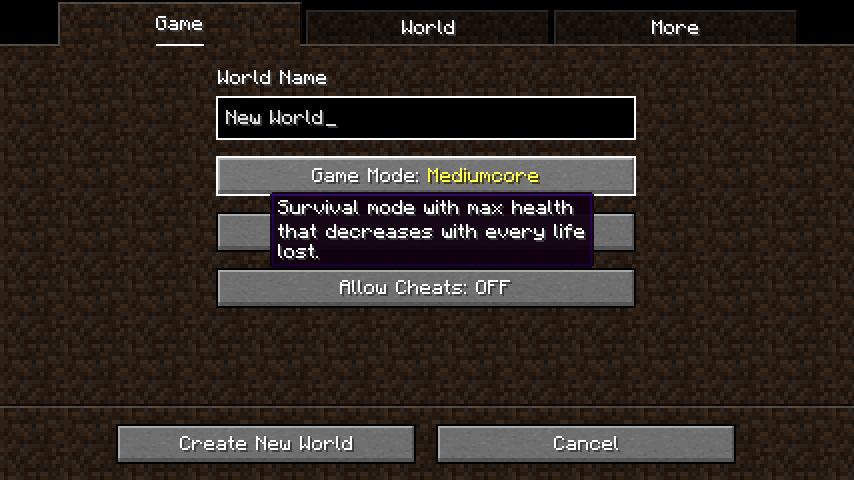
A difficulty option between Hardcore and Regular Survival
Screenshots
About this Mod
Mediumcore
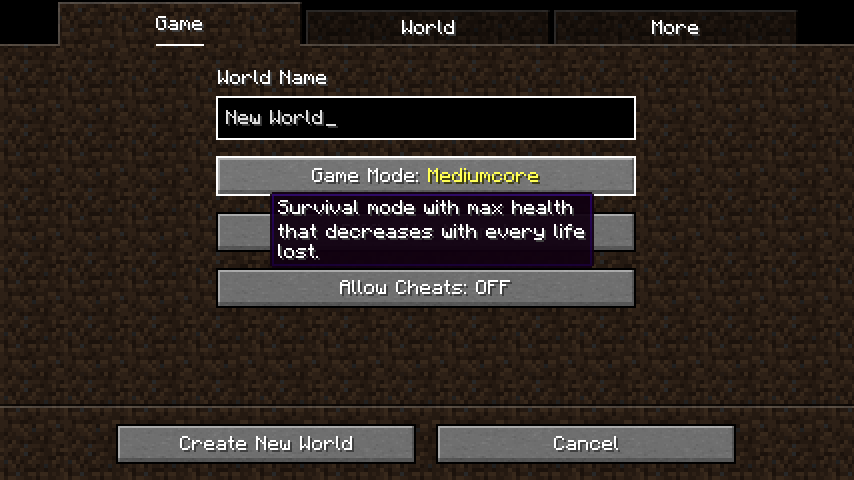
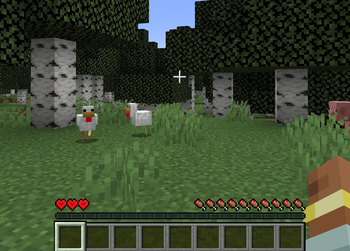
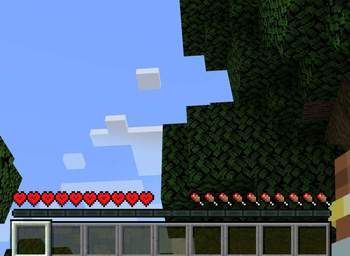
Mediumcore also is a game rule that can be set with the command /gamerule mediumcoreMode true on pre-existing worlds. Mediumcore mode being active is indicated by a unique look of the hearts in the ingame HUD.
How it works
The only significant change mediumcore has over default survival is that each death decreases the maximum available health a player can regenerate. The player looses a heart of max health per death, until they only have 3 hearts of health left. At this point, they will not loose anymore and can continue to play the game in their hobbled, feeble state.
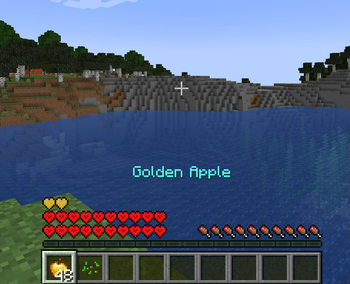
Luckily, this punishment isn't permanent - if you're willing to do what it takes to get your hearts back. Consuming a Golden Apple or Enchanted Golden Apple will grant you one of your missing hearts, along with the usual effects of consuming these foods.
Configurability
Mediumcore is very configurable, and most options can be changed in mediumcore-common.toml in the config folder. These options include features such as a default set starting health for new players, the minimum and maximum possible health in the game mode, how much health is lost or regenerated from foods, whether Mediumcore is the default game mode, and more.
The items that regenerate max health are determined by item tag mediumcore:restores_max_health and can be changed or expanded with a data pack.
Available Versions
How to Install Mediumcore on Your Server
Order Server
Order a Minecraft Java server with at least 3 GB RAM (4 GB recommended).
Set forge Loader
In the panel under "Egg", select the forge loader and matching Minecraft version (1.20.1).
Install Mod
Open the mod browser in the dashboard and search for "Mediumcore". Click "Install" – done! Alternatively, upload the .jar via SFTP to the /mods folder.
Compatibility
Mod Loaders
Minecraft Versions
1.20.1
Server-side
✓ RequiredRecommended RAM
4 GB(min. 3 GB)Frequently Asked Questions
Mediumcore server crashes on startup – what to do?
Most common cause: wrong forge version or insufficient RAM. Check the server log (latest.log) for "OutOfMemoryError" or "Mixin" errors. With Mado Hosting: ensure at least 3 GB RAM is allocated and the loader matches the mod version (1.20.1). You can switch loaders with one click in the panel.
Is Mediumcore compatible with forge and neoforge?
Mediumcore officially supports forge, neoforge for Minecraft 1.20.1. The Mado dashboard automatically detects incompatible loader combinations.
Server lagging with Mediumcore – how to optimize performance?
Recommended RAM: 4 GB (per 8 players). Use /spark profiler to check if Mediumcore consumes the most tick time. Common fixes: reduce server view-distance to 8-10, install "performant" or "starlight" as supplementary mods on Forge. With Mado Hosting, your server runs on NVMe SSDs with dedicated CPU cores for minimal latency.
Similar Mods






Rent Modded Server
Install Mediumcore with just one click on your server.