
CC:C Bridge
Adds compatibility between CC: Tweaked and Create through more peripherals!
Screenshots
About this Mod
CC:C Bridge
Adds compatibility between CC: Tweaked and Create through more peripherals!



Available for mc1.19.2, mc1.20.1 & mc.1.21.1 via (Neo)Forge and Fabric.
Description
While Create on its own has minimal support for CC: Tweaked, CC:C Bridge adds more peripheral blocks in addition, allowing for more ways to monitor and interact with Create's machines.
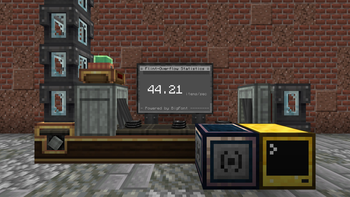
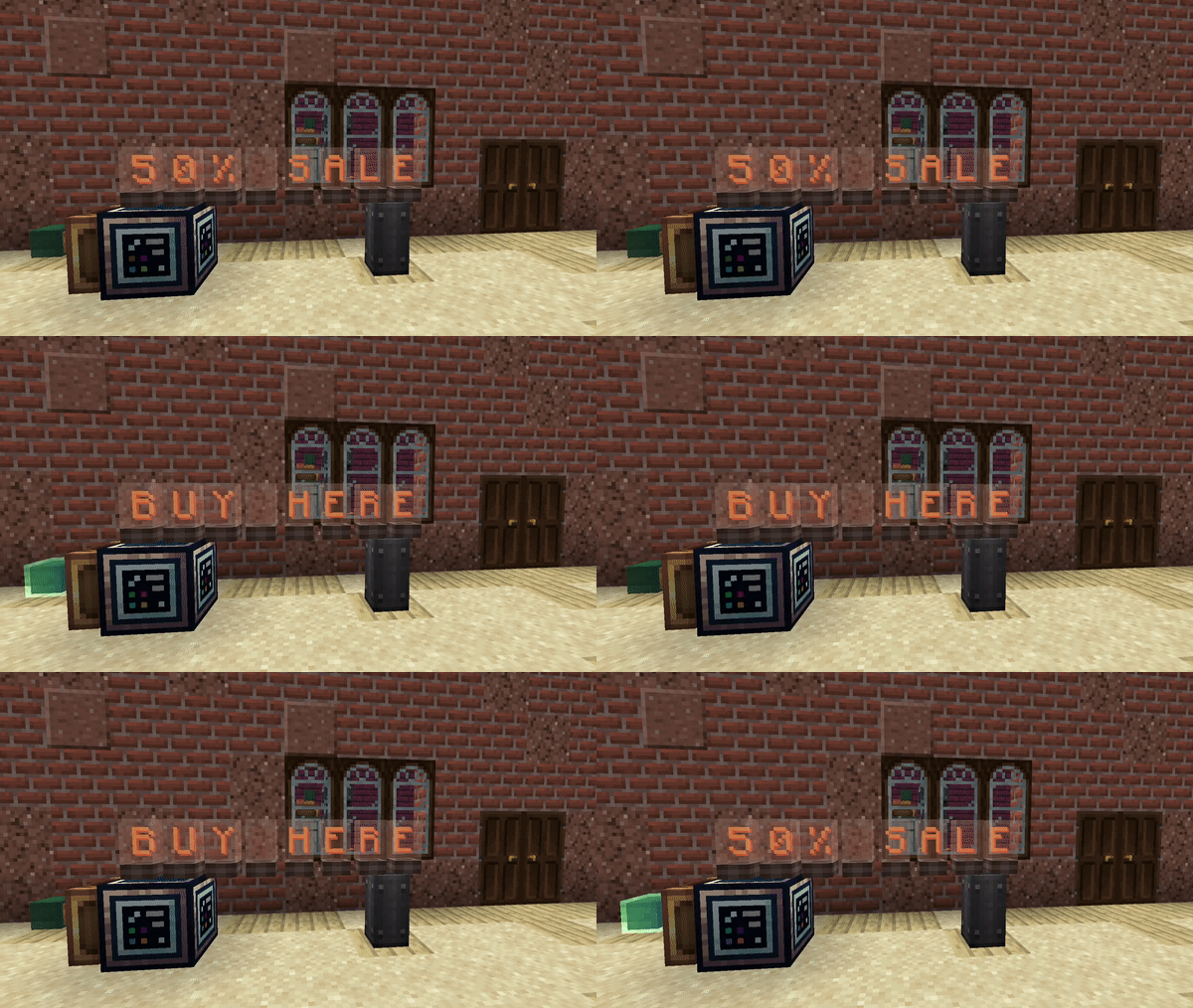
Using the Source- and Target Block, displayable information can be sent from or towards a Computer. This means that information like the current Stress Units can be precisely read and parsed, while other information from a Computer can be displayed on a Flip Display, Nixie Tube, Lectern or Sign.
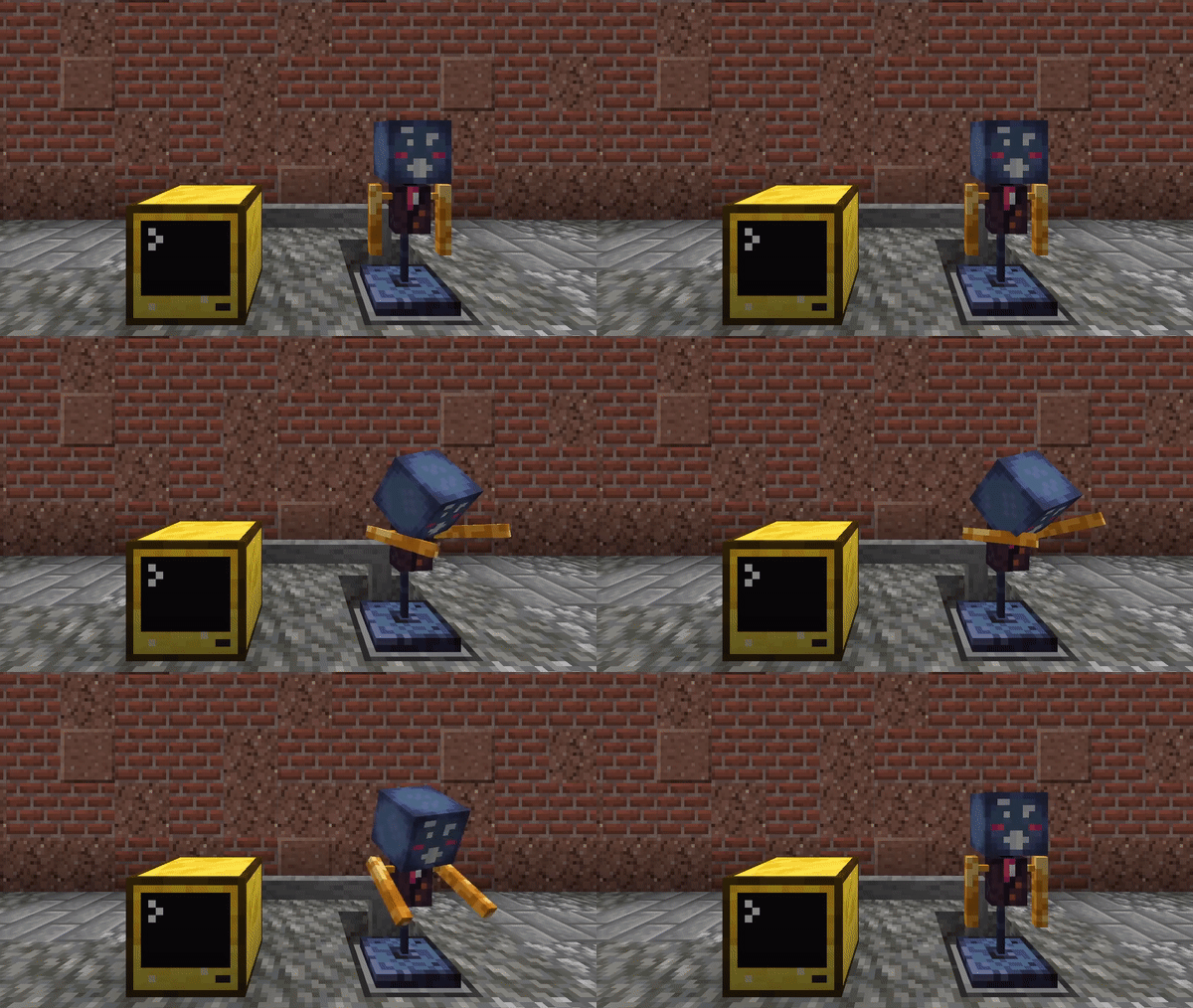
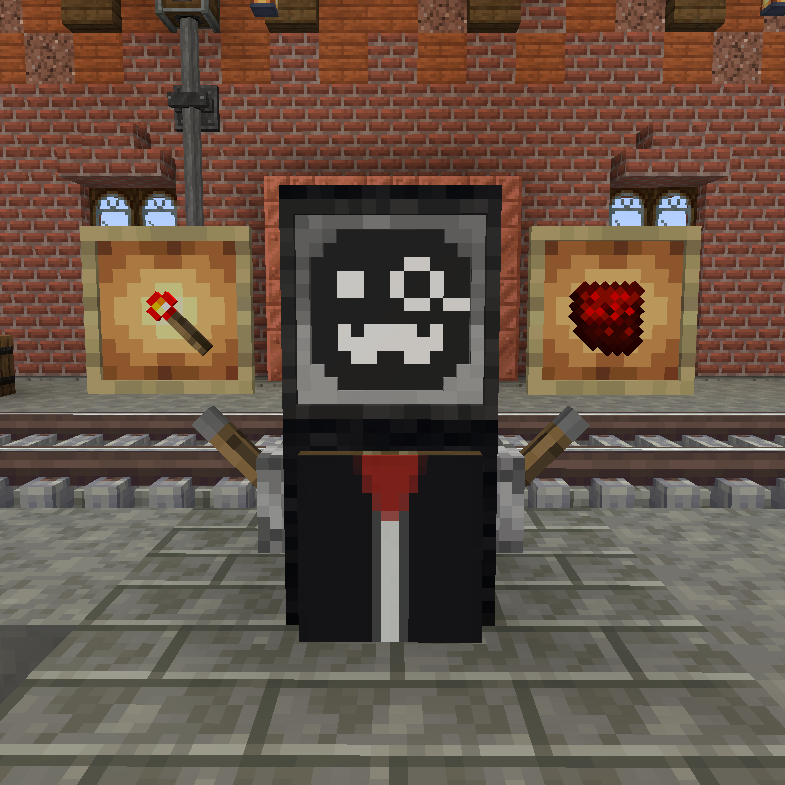
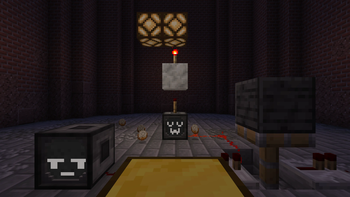
In addition, other fun blocks have been added like the Animatronic, which lets you animate expressive and funny robot puppets, or the RedRouter, allowing to control redstone signals through one simple and infinitely long cables.
With these blocks, many things you always wanted to handle precisely and easily via Lua scripts are now possible!
Documentation and Feedback
Guides for beginners as well as the API documentation can be found on our wiki.
If you found any bug or have an idea for a new feature, feel free to open a new issue on our Issue Tracker on GitHub!
Copyright © 2022-2026 Sammy L. Koch
CC:C Bridge is open software: you can redistribute it and/or modify it under the terms of the Apache License, version 2.0 only.
CC:C Bridge is distributed in the hope that it will be useful, but WITHOUT ANY WARRANTY; without even the implied warranty of MERCHANTABILITY or FITNESS FOR A PARTICULAR PURPOSE. See the Apache 2.0 License for more details.
You should have received a copy of the Apache 2.0 License along with this mod. If not, see https://github.com/tweaked-programs/cccbridge/blob/mc1.20.1/COPYING.md.
Available Versions
How to Install CC:C Bridge on Your Server
Order Server
Order a Minecraft Java server with at least 3 GB RAM (4 GB recommended).
Set fabric Loader
In the panel under "Egg", select the fabric loader and matching Minecraft version (1.21.1).
Install Mod
Open the mod browser in the dashboard and search for "CC:C Bridge". Click "Install" – done! Alternatively, upload the .jar via SFTP to the /mods folder.
Compatibility
Mod Loaders
Minecraft Versions
1.21.1, 1.20.2, 1.20.1 (+2 more)
Server-side
✓ RequiredRecommended RAM
4 GB(min. 3 GB)Frequently Asked Questions
CC:C Bridge server crashes on startup – what to do?
Most common cause: wrong fabric version or insufficient RAM. Check the server log (latest.log) for "OutOfMemoryError" or "Mixin" errors. With Mado Hosting: ensure at least 3 GB RAM is allocated and the loader matches the mod version (1.21.1). You can switch loaders with one click in the panel.
Is CC:C Bridge compatible with fabric and forge and neoforge and quilt?
CC:C Bridge officially supports fabric, forge, neoforge, quilt for Minecraft 1.21.1, 1.20.2, 1.20.1. Note: Forge and Fabric mods are NOT cross-compatible – pick one loader and stick with it. The Mado dashboard automatically detects incompatible loader combinations.
Server lagging with CC:C Bridge – how to optimize performance?
Recommended RAM: 4 GB (per 8 players). Use /spark profiler to check if CC:C Bridge consumes the most tick time. Common fixes: reduce server view-distance to 8-10, install "performant" or "starlight" as supplementary mods on Forge. With Mado Hosting, your server runs on NVMe SSDs with dedicated CPU cores for minimal latency.
Similar Mods




Rent Modded Server
Install CC:C Bridge with just one click on your server.