
Create Cobblestone
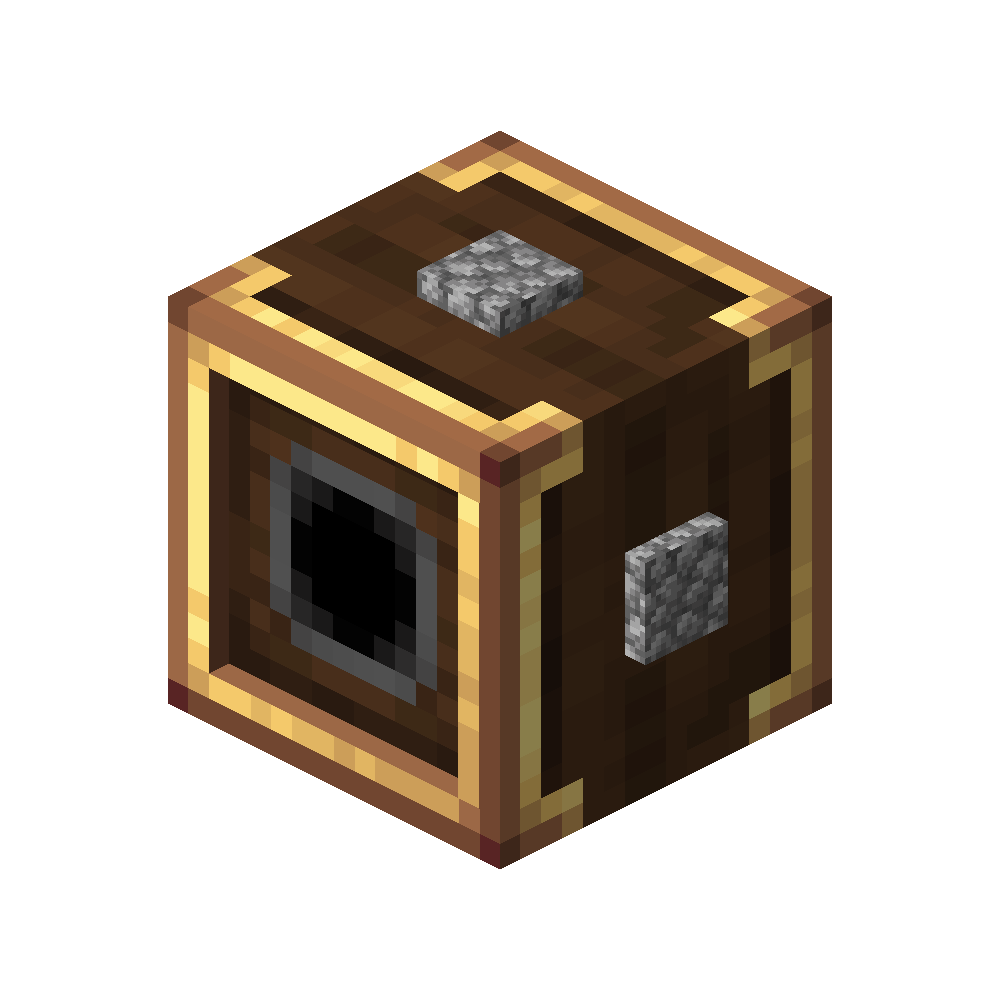
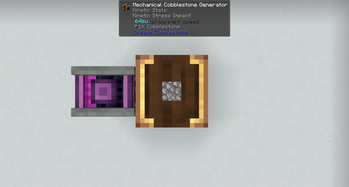
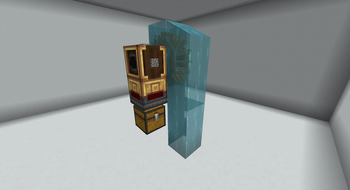
Adds a block generating cobblestone using SU, stopping cobblestone generators from eating your frames.
Screenshots
About this Mod
Create cobblestone
Create cobblestone is a create mod addon that focusses on reducing the lag generated by cobblestone generators. Ideal for server wanting to keep the tps above 10 without buying a very expensive server. The mod does not only add cobblestone generators, but also stone generators, basalt generators, limestone generators and scoria generators.
Links



Crafting
Mechanical generator
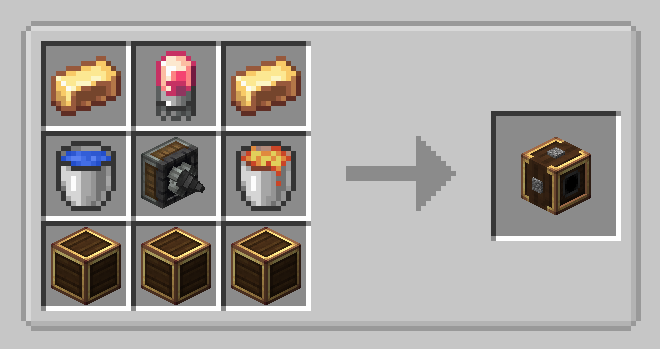
The mechanical generator can be crafted as follows:
Generator types
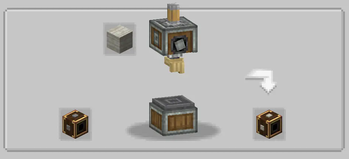
When the generator is clicked with a valid item, the generator type will be changed to that item.
By default, Create Cobblestone offers the following generator types:
- Cobblestone
- Stone
- Basalt
- Limestone
- Scoria
The deepslate generators datapack adds the following generators:
- Deepslate
- Cobbled deepslate
All the generators above can be enabled and disabled using the config. Disabling a generator while it is being used in the world will replace the generator with an empty one.
Custom generators
Custom generators can be added by installing a datapack. Custom generator types can have a custom stress, ratio and storage amount set. For an example pack check out the deepslate generators datapack.
An easy way to create a custom generators datapack is using the online generator, which will generate a datapack for the specified block id's.
Technical details
Custom generator files are json files located in the datapack folder data/MOD/generator_types/TYPE.json with the following required content:
{
  "block": "minecraft:BLOCK_ID",
}
The file can be expanded to contain the following extra configuration (inside the existing brackets):
  "stress": STRESS_AMOUNT,
  "ratio": GENERATOR_RATIO,
  "storage": GENERATOR_STORAGE,
Please check the configuration for what those values do. The default config will be overridden by the per generator config.
Stress Units to cobblestone ratio
The amount of cobblestone per tick is scaled with the rpm, and the rpm is scaled with stress units. With the default configuration each 8 rpm gives one additional cobblestone per tick, and each rpm increases the stress with 8. In other words: one piece of cobblestone/tick costs 64SU.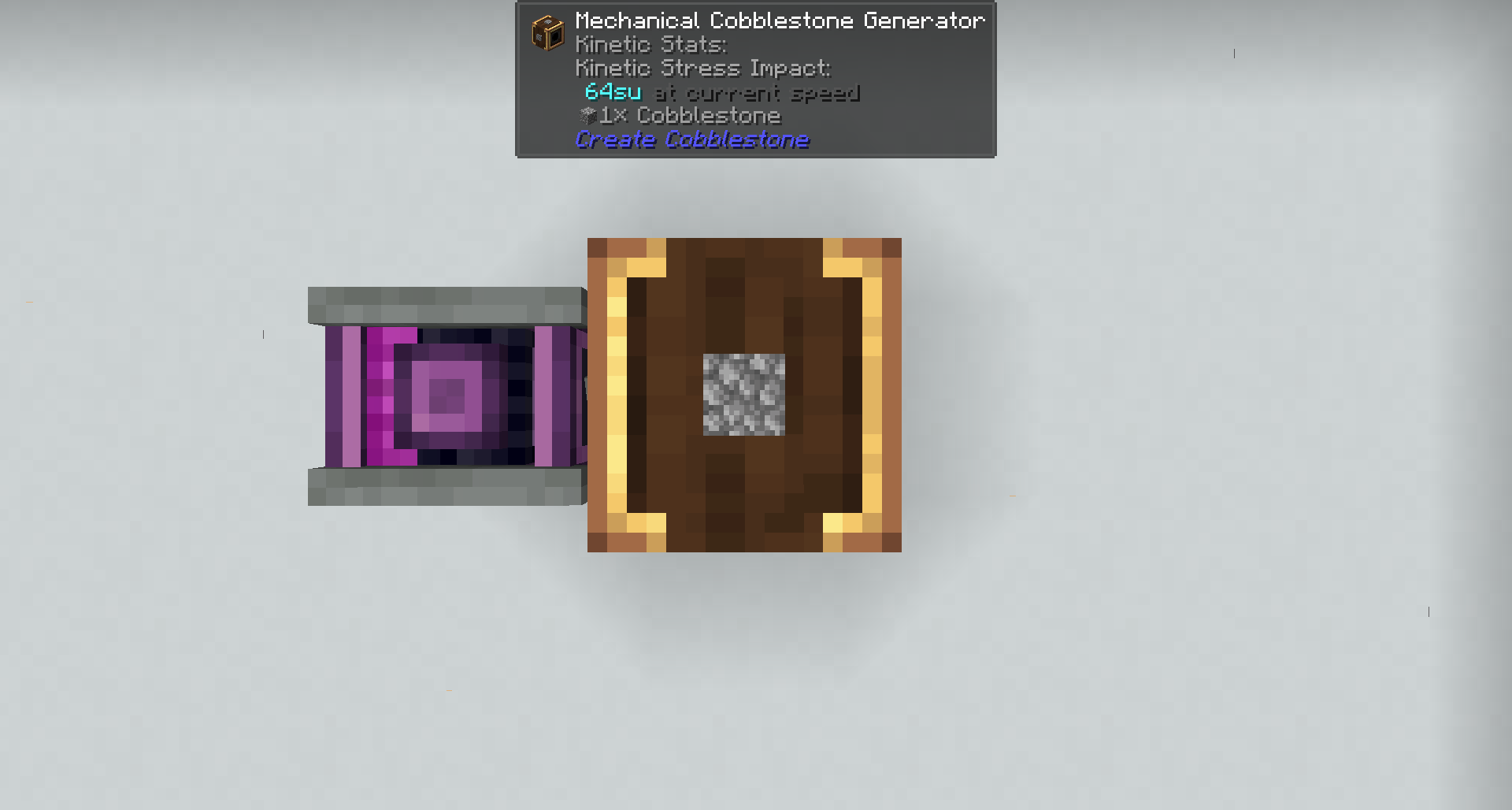
Config
rates
The stress per rpm and the rpm per cobblestone per tick are configurable.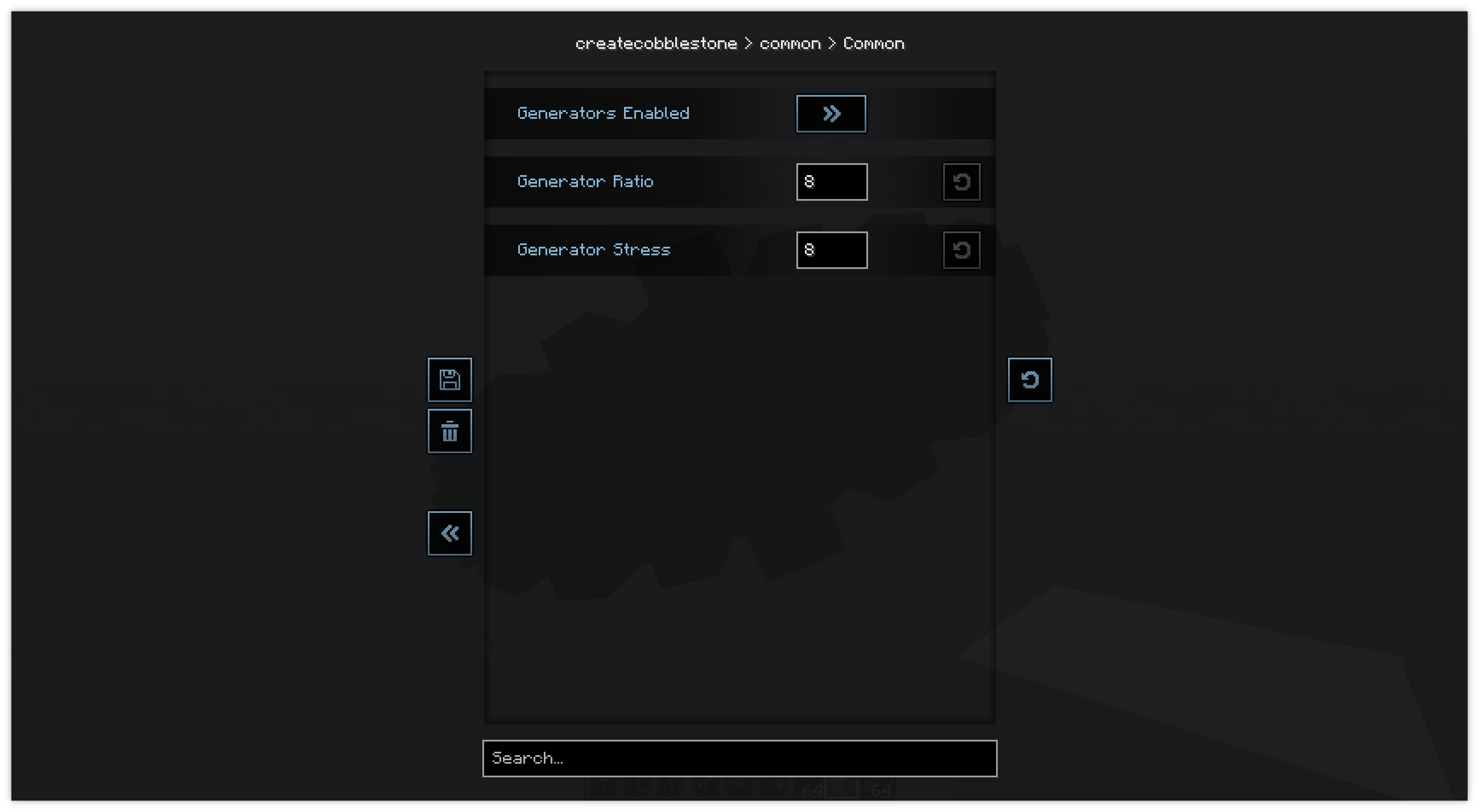
Generator types
The generator types are also configurable. By default are all enabled, except for deepslate and cobbled deepslate. Those generator types also require a datapack to be installed.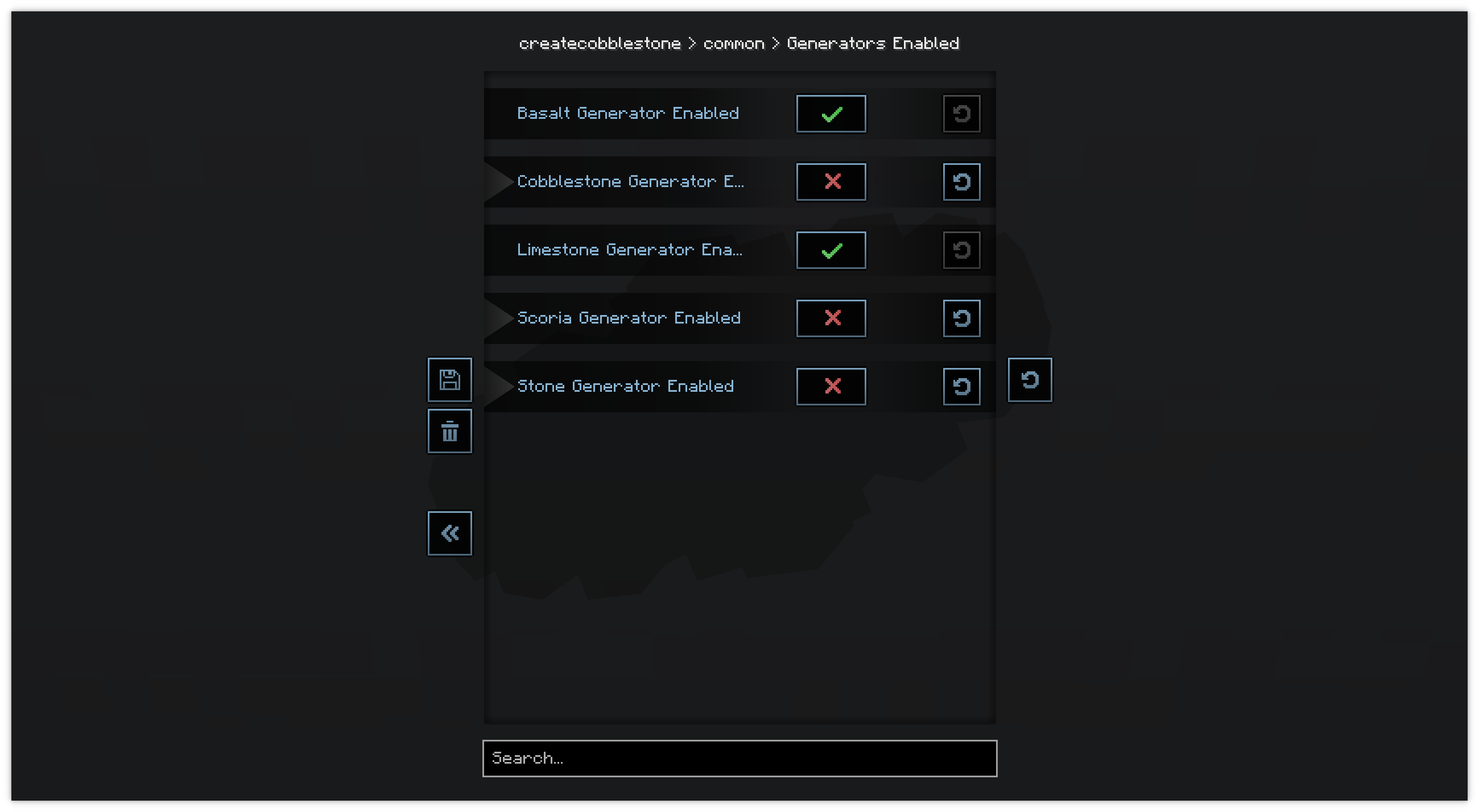
Example usage
Minimal
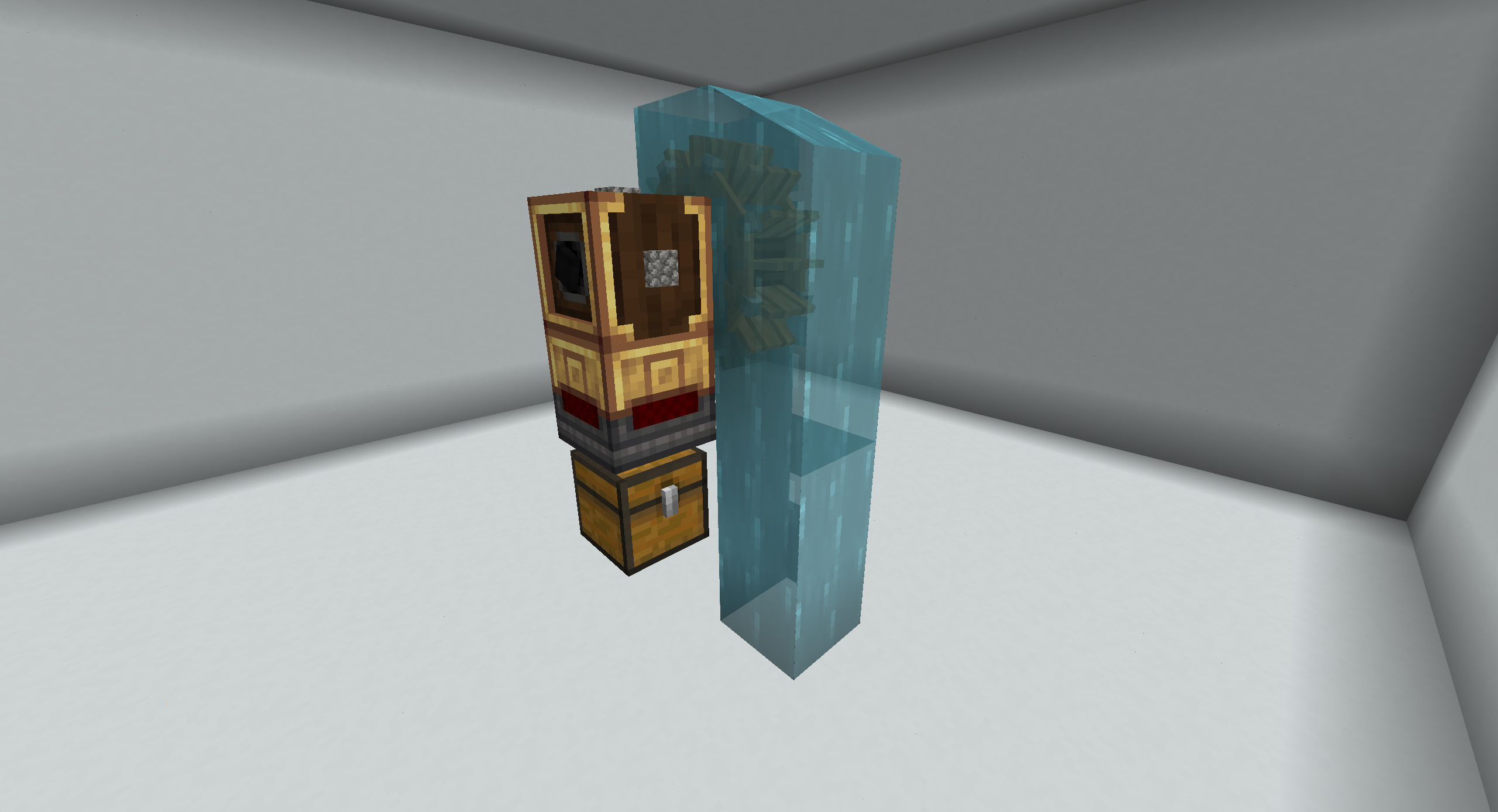
Extended drawers:
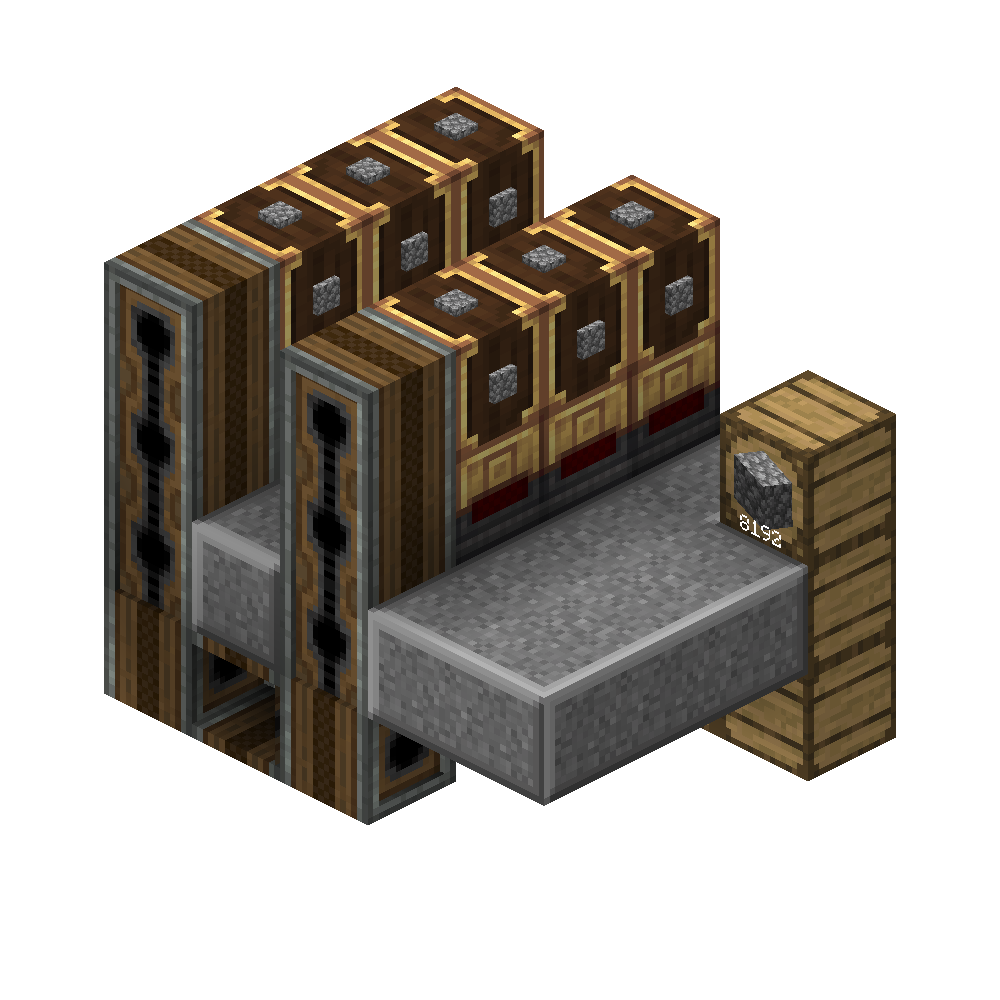
Balancing
Do note that this mod makes it far more easy to generate cobblestone. If you feel its unbalanced, change the recipe for the cobblestone generator to something more difficult using a datapack or KubeJS. Or change the config to make the generators generate less cobblestone.
Contributors
Available Versions
How to Install Create Cobblestone on Your Server
Order Server
Order a Minecraft Java server with at least 4 GB RAM (6 GB recommended).
Set fabric Loader
In the panel under "Egg", select the fabric loader and matching Minecraft version (1.21.1).
Install Mod
Open the mod browser in the dashboard and search for "Create Cobblestone". Click "Install" – done! Alternatively, upload the .jar via SFTP to the /mods folder.
Compatibility
Mod Loaders
Minecraft Versions
1.21.1, 1.20.1
Server-side
✓ RequiredRecommended RAM
6 GB(min. 4 GB)Frequently Asked Questions
Create Cobblestone server crashes on startup – what to do?
Most common cause: wrong fabric version or insufficient RAM. Check the server log (latest.log) for "OutOfMemoryError" or "Mixin" errors. With Mado Hosting: ensure at least 4 GB RAM is allocated and the loader matches the mod version (1.21.1). You can switch loaders with one click in the panel.
Is Create Cobblestone compatible with fabric and forge and neoforge and quilt?
Create Cobblestone officially supports fabric, forge, neoforge, quilt for Minecraft 1.21.1, 1.20.1. Note: Forge and Fabric mods are NOT cross-compatible – pick one loader and stick with it. The Mado dashboard automatically detects incompatible loader combinations.
Server lagging with Create Cobblestone – how to optimize performance?
Recommended RAM: 6 GB (per 5 players). Use /spark profiler to check if Create Cobblestone consumes the most tick time. Common fixes: reduce server view-distance to 8-10, install "performant" or "starlight" as supplementary mods on Forge. With Mado Hosting, your server runs on NVMe SSDs with dedicated CPU cores for minimal latency.
Similar Mods




Rent Modded Server
Install Create Cobblestone with just one click on your server.