
Modrinth · NeoForge
Create: Petrochem on your Minecraft server
Create: Petrochem runs on Minecraft servers with NeoForge. Order your server, set the loader in the panel and install the mod with one click in the mod browser.
Realistic oil refining comes to Minecraft
- Downloads
- 11.9K
- Author
- hadron13
- Loader
- NeoForge
- Minecraft
- 1.21.1
- Updated
- –
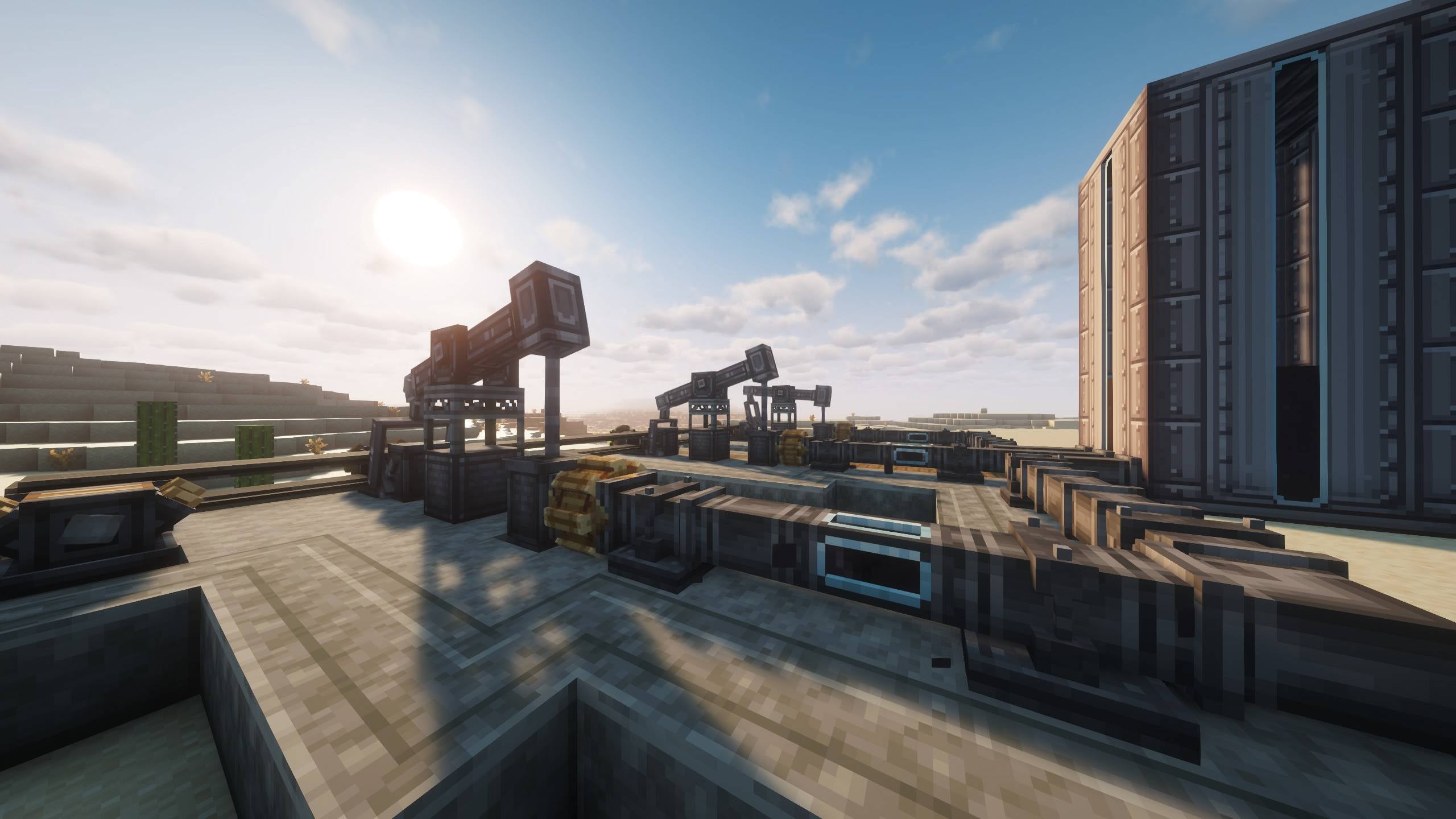
Screenshots
What Create: Petrochem looks like


Images: Create: Petrochem on Modrinth, published by the project team.
Setup
Install Create: Petrochem on your server
The server and players need the same loader and Minecraft version. Back up the world before adding or updating mods.
- 01
Configure
6 GB of RAM is preselected. You choose the term and add-ons and pay by credit card or PayPal.
- 02
Set the loader
In the panel, set the server software to NeoForge and choose the matching Minecraft version, for example 1.21.1.
- 03
Install the mod
Search the mod browser for “Create: Petrochem” and install the release for your loader. Alternatively, upload the .jar to the mods folder via SFTP. Required dependencies are listed on the project page.
- 04
Connect
Every player installs the same Create: Petrochem release locally and connects using the server address from the panel.
- On the server
- Required
- On the client
- Required
- Loader
- NeoForge
- Minecraft
- 1.21.1
- License
- MIT License
The panel
Install mods, find errors.
Real screenshots from the Mado panel. Both come with every Minecraft server.
Mod browser
Modrinth and CurseForge, right in the panel.
The browser filters by your Minecraft version. Install mods with one click, without uploading .jar files.

AI crash analysis
When a mod crashes, the analyzer reads the log.
Mods often fail on a wrong loader version, Java version or missing dependency. The analyzer names a likely cause and suggests a fix.

Releases
Published releases
Pick the file that matches your server’s loader and Minecraft version. The server and players need the same release.
Create: Petrochem · ModrinthOriginal description by the project author
Create Petrochem is an addon for Create that introduces petroleum extraction and refining.
Machinery
This mod adds the following machines:
- Pumpjack - animated multiblock petroleum extractor.
- Electrolyzer - a modified mixer that uses electricity to perform electrolysis.
- Distillation Tower - a multiblock tower to perform distillation in 3 different methods.
- Flarestack - a simple burner to discard fluids.
- Gasoline Engine - portable and powerful rotation generator - ~49kSU
- Diesel Engine - compact and super powerful rotation generator - ~130kSU
- Gas Turbine - electric generator powered by LPG
- Steel pipe and derivates - steel variant of pipe, pump, valve and smart pipe.
- Steel fluid tank - steel variant of the Create fluid tank, base of the distillation tower.
Modes
Base
simpler, straightforward recipes to get going:
- Dessalinization
- Flash, Atmospheric and Vacuum distillation
Expert - gregtech mode (upcoming, see discord roadmap)
in-depth petroleum refining recipe graph for experts, based on real life processes and adapted into a create addon. processes include but not limited to:
- Desalinization
- Flash, Atmospheric and Vacuum distillation
- Hydrodesulfurization
- Mercaptan Oxidation
- Alkylation
- Delayed coking
- Propane deasphalting
- about 5 more…
Fluids & Materials
Crude Materials:
- Petroleum
Gases:
- Air
- Steam
- Chlorine
Intermediary Products:
- Light Naphta
- Heavy Naphta
- Desalted Oil
- Oil
- Oil Residue
- Heavy Oil Residue
- Heavy Gas Oil
Refined Products:
- Gasoline
- Kerosene
- Diesel
- Fuel Oil
- LPG
- Lubricant
- Petroleum Coke
- Asphalt
Others:
- Salt
- Caustic Soda
Note: Expert roughly doubles this list.
Why not X?
- TFMG - Ever tried getting any deep into tfmg? Glitches and unexplained mechanics are plentiful, the recipes are too simple (does not yield a cool refinery), and they ruined the pumpjack's aesthetic. No, 0 lines of code came off it.
- Diesel Generators - It's fine if you don't want anything fancy, this addon provides a much deeper (even in base mode) challenge and the refinery looks cooler.
Dependencies
- Create
- KubeJS Create (optional) - required if using KubeJS
Modpacks
Any modpack dev is allowed to use this mod without asking. In fact, I recommend you do so.
This is much more bug-free, compact and resourceful than TFMG.
KubeJS
This mod has a built-in KubeJS plugin for ease of development, will be providing examples here soon.
Create: Petrochem server crashes on startup – what to do?
Common causes: the loader or Minecraft version does not match the mod file, a dependency is missing, or RAM is too low. Check the log (latest.log) for “OutOfMemoryError”, “Mixin” or missing mods. At Mado, the AI crash analysis reads the log and suggests a cause. You can change the loader and version in the panel.
Which loader does Create: Petrochem run on?
According to Modrinth, Create: Petrochem supports NeoForge for Minecraft 1.21.1.
How much RAM does a server with Create: Petrochem need?
As guidance, 4–6 GB for a server with this mod. This is an estimate, not a measured minimum. More mods, many players and long view distances need more. The spark profiler shows whether a mod is costing tick time.
Similar mods
Popular mods in the same category
 Server-ready

VeinMiner
by Miraculixx
Mine the whole vein on mining a single ore/block. Make the tedious mining experience to something satisfying and fun! FTB Ultimine alternative
 Client only

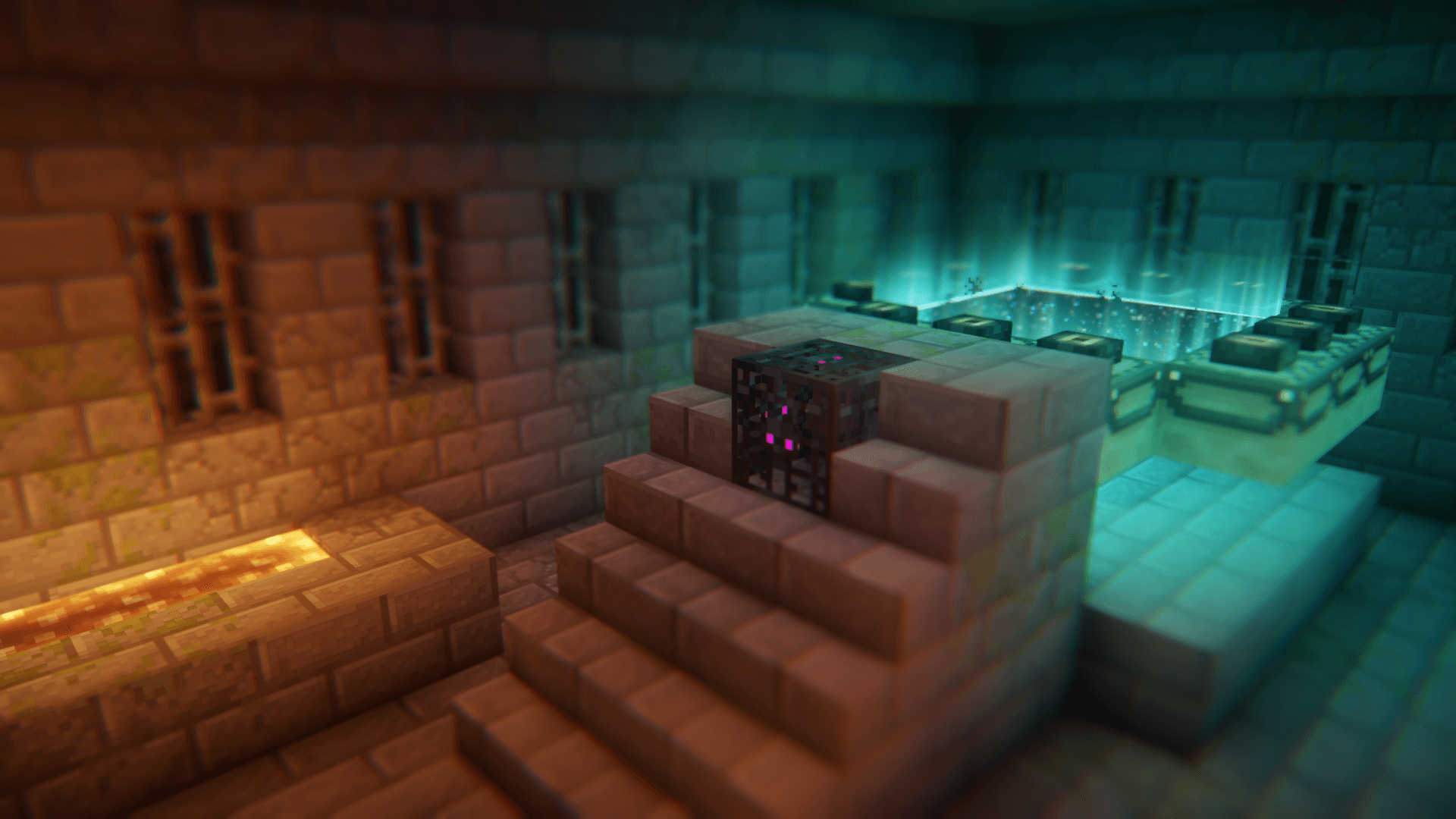
Euphoria Patches
by SpacEagle17
Euphoria Patches is an add-on for Complementary Shaders, extending it with more optional features and settings.
 Server-ready

Create
by simibubi
Aesthetic Technology that empowers the Player
 Server-ready

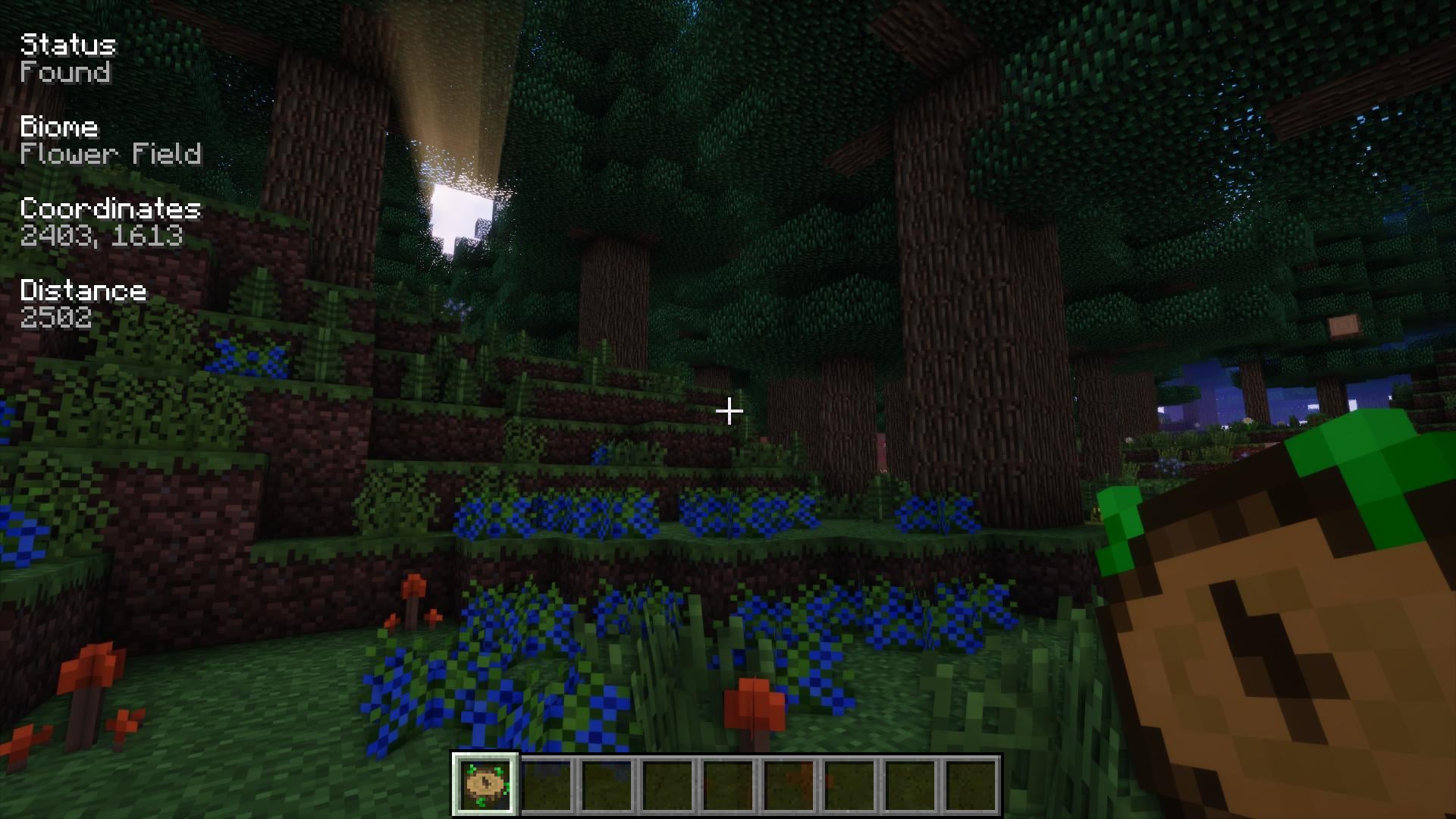
Nature's Compass
by Chaosyr
Allows you to locate biomes anywhere in the world.
Ready for your server with Create: Petrochem?
6 GB of RAM from €12.00 per month. 35% off your first month with MADO35.