
Modrinth · Fabric, Forge, NeoForge, Quilt
Create: Steam 'n' Rails on your Minecraft server
Create: Steam 'n' Rails runs on Minecraft servers with Fabric or Forge or NeoForge or Quilt. Order your server, set the loader in the panel and install the mod with one click in the mod browser.
Adding depth to Create's rail network & steam system
- Downloads
- 13.7M
- Author
- IThundxr
- Loader
- Fabric, Forge, NeoForge, Quilt
- Minecraft
- 1.18.2 – 1.20.1
- Updated
- –
Screenshots
What Create: Steam 'n' Rails looks like


Images: Create: Steam 'n' Rails on Modrinth, published by the project team.
Setup
Install Create: Steam 'n' Rails on your server
The server and players need the same loader and Minecraft version. Back up the world before adding or updating mods.
- 01
Configure
6 GB of RAM is preselected. You choose the term and add-ons and pay by credit card or PayPal.
- 02
Set the loader
In the panel, set the server software to Fabric or Forge or NeoForge or Quilt and choose the matching Minecraft version, for example 1.20.1.
- 03
Install the mod
Search the mod browser for “Create: Steam 'n' Rails” and install the release for your loader. Alternatively, upload the .jar to the mods folder via SFTP. Required dependencies are listed on the project page.
- 04
Connect
Every player installs the same Create: Steam 'n' Rails release locally and connects using the server address from the panel.
- On the server
- Required
- On the client
- Required
- Loader
- Fabric, Forge, NeoForge, Quilt
- Minecraft
- 1.20.1, 1.19.2, 1.18.2
- License
- GNU Lesser General Public License v3.0 only
The panel
Install mods, find errors.
Real screenshots from the Mado panel. Both come with every Minecraft server.
Mod browser
Modrinth and CurseForge, right in the panel.
The browser filters by your Minecraft version. Install mods with one click, without uploading .jar files.

AI crash analysis
When a mod crashes, the analyzer reads the log.
Mods often fail on a wrong loader version, Java version or missing dependency. The analyzer names a likely cause and suggests a fix.

Releases
Published releases
Pick the file that matches your server’s loader and Minecraft version. The server and players need the same release.
Create: Steam 'n' Rails · Modrinth- Steam 'n' Rails 1.7.3 Forge 1.20.1 C6August 27, 2026Minecraft 1.20.1 · Forge, NeoForge
- Steam 'n' Rails 1.7.3 Fabric 1.20.1 C6August 27, 2026Minecraft 1.20.1 · Fabric, Quilt
- Steam 'n' Rails 1.6.6 Forge 1.19.2October 9, 2024Minecraft 1.19.2 · Forge, NeoForge
- Steam 'n' Rails 1.6.4 Fabric 1.19.2May 9, 2024Minecraft 1.19.2 · Fabric, Quilt
- Steam 'n' Rails 1.4.8 Fabric 1.18.2March 9, 2024Minecraft 1.18.2 · Fabric
Original description by the project author

Create: Steam & Rails
All aboard a mod dedicated to expanding the possibilities of Create’s railway system. We are turning a basic logistical system into an extensive and aesthetic integration of railways into Minecraft.
Features
Tracks
Decorate your builds and bring new life and depth to your rail networks with eight new rail types! They’re fully compatible with the existing rails, as well as each other. Try our signature dark oak rails to give your build that distinguished look, make it really stand out with gold and nether wood rails or give our monorail track a go..
Additionally you can right-click a track with any slab creates a grade crossing track,works on slopes and turns for that extra bit of spice.
Semaphores
Make your train yards and junctions pop with our new Semaphore blocks! They serve the same purpose as nixie tubes, but do so in a far more aesthetically pleasing way.
Conductors
- Construct a cute little conductor. A Remote Redstone operator and toolbox carrier, all in one adorable creature!
Minecarts
- Workbench Cart - Crafting on the move
- Jukebox Cart - Music on the move
Coupling block
- Blocks that can connect or disconnect two trains when powered
Conductor Whistles
- whistles that can summon a train driven by a conductor
Smokestacks
- A variety of decorative alternatives to campfires.
Steam 'n Rails development would not be possible without the amazing contributions of the following people:
- ToOpa
- Luna
- Rdh
- Ya
- Megamikey
- RakuGaki
- Flashduke
- Robotix
- Tiestoettoet
- Qirmack
- Jab_of_jobe
- Casey
- Omokage R
- AndreSk_
- Poly1810
- Bluephi09
- Redcat
Create: Steam 'n' Rails server crashes on startup – what to do?
Common causes: the loader or Minecraft version does not match the mod file, a dependency is missing, or RAM is too low. Check the log (latest.log) for “OutOfMemoryError”, “Mixin” or missing mods. At Mado, the AI crash analysis reads the log and suggests a cause. You can change the loader and version in the panel.
Which loader does Create: Steam 'n' Rails run on?
According to Modrinth, Create: Steam 'n' Rails supports Fabric, Forge, NeoForge, Quilt for Minecraft 1.20.1, 1.19.2, 1.18.2. Forge and Fabric files are not interchangeable: pick one loader for the server and clients.
How much RAM does a server with Create: Steam 'n' Rails need?
As guidance, 4–6 GB for a server with this mod. This is an estimate, not a measured minimum. More mods, many players and long view distances need more. The spark profiler shows whether a mod is costing tick time.
Similar mods
Popular mods in the same category
 Server-ready

VeinMiner
by Miraculixx
Mine the whole vein on mining a single ore/block. Make the tedious mining experience to something satisfying and fun! FTB Ultimine alternative
 Client only

Euphoria Patches
by SpacEagle17
Euphoria Patches is an add-on for Complementary Shaders, extending it with more optional features and settings.
 Server-ready

Create
by simibubi
Aesthetic Technology that empowers the Player
 Server-ready

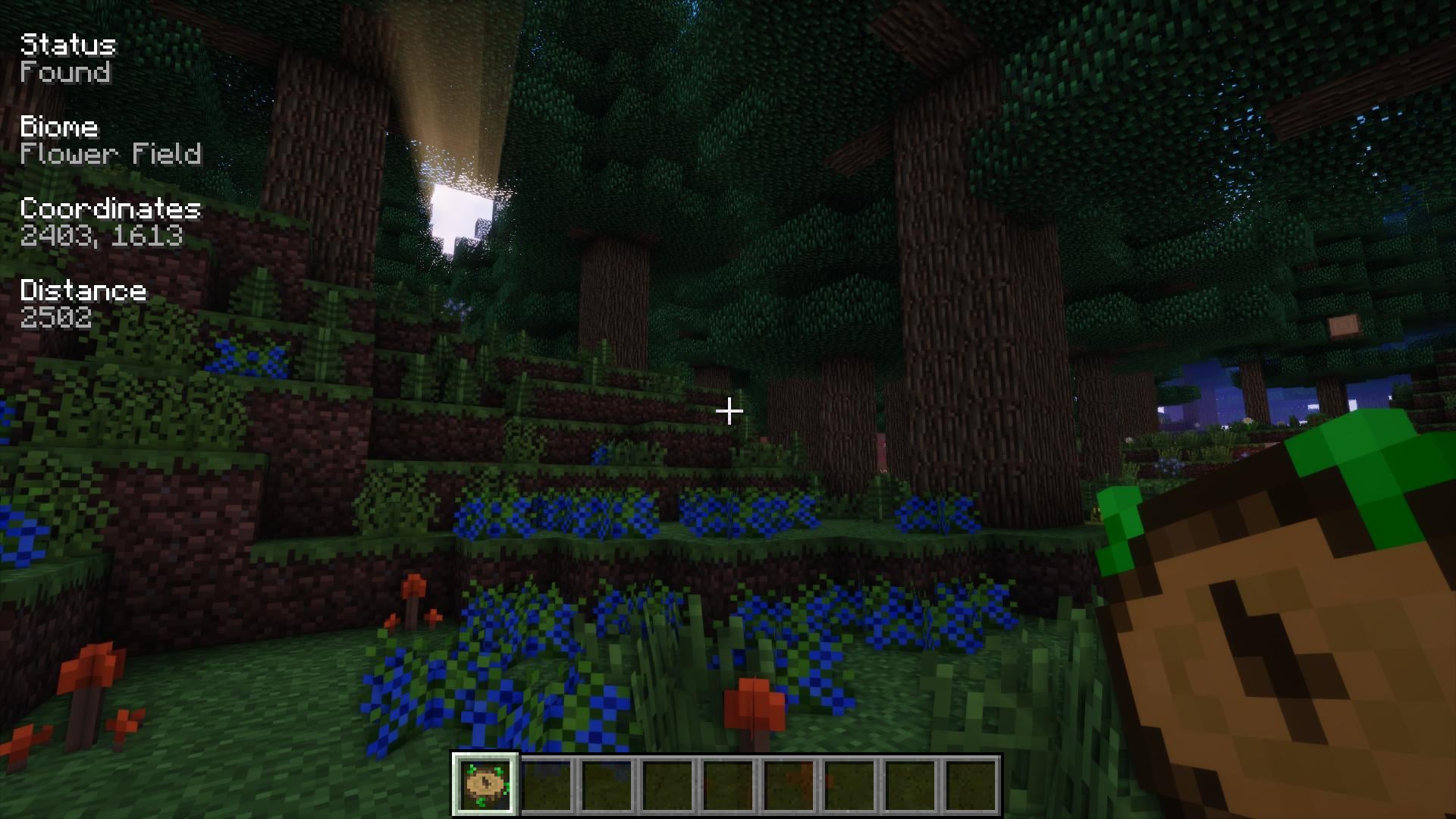
Nature's Compass
by Chaosyr
Allows you to locate biomes anywhere in the world.
Ready for your server with Create: Steam 'n' Rails?
6 GB of RAM from €12.00 per month. 35% off your first month with MADO35.