
Modrinth · Fabric, Forge · Client mod
Creative in hardcore
Creative in hardcore is a client-side mod. Install it on your computer; the server does not need it.
Owner-controlled creative access for singleplayer, LAN, and dedicated Fabric servers.
- Downloads
- 10.5K
- Author
- zihan.wang20122020
- Loader
- Fabric, Forge
- Minecraft
- 26.1.1 – 26.3
- Updated
- –
Screenshots
What Creative in hardcore looks like

Images: Creative in hardcore on Modrinth, published by the project team.
Setup
Install Creative in hardcore on your client
Client-side mods only run on your computer. More server RAM does not change their performance.
- 01
Install the loader locally
Install Fabric or Forge for your Minecraft version in your launcher.
- 02
Download the file
Download the Creative in hardcore file for your loader and your exact Minecraft version, for example 26.3.
- 03
Add it to the mods folder
Put the .jar file in your local .minecraft/mods folder and remove older duplicates.
- 04
Launch
Launch Minecraft with the loader profile. Nothing needs to change on the server.
- On the server
- Not needed
- On the client
- Required
- Loader
- Fabric, Forge
- Minecraft
- 26.3, 26.2, 26.1.2 +1 more
- License
- MIT License
Releases
Published releases
Pick the file that matches your server’s loader and Minecraft version. The server and players need the same release.
Creative in hardcore · Modrinth- Creative in hardcore 4.9.2October 29, 2026Minecraft 26.3 · Fabric
- Creative in hardcore 4.3.0August 25, 2026Minecraft 26.2 · Fabric
- Creative in hardcore 1.0.0April 9, 2026Minecraft 26.1.2 · Fabric
- Creative in hardcore 1.0.0April 8, 2026Minecraft 26.1.1 · Forge
- Creative in hardcore 1.0.0April 8, 2026Minecraft 26.1.1 · Fabric
Original description by the project author
Hardcore Creative is a Fabric server-side mod that gives the recorded world owner controlled creative access without making every operator, LAN guest, command block, console source, or server player a mod
administrator.
It is designed for singleplayer worlds, LAN worlds, and dedicated Fabric servers. The same jar works in all supported environments. On dedicated servers, vanilla clients can connect without installing the mod.
What It Does
Hardcore Creative records a per-world owner UUID and uses that player as the trusted administrator for creative access. The owner can grant, revoke, enable, or disable creative access for selected players.
Authorized players can use their own creative access, but they cannot grant access to other players unless they are the recorded world owner.
Features
- Works in singleplayer, LAN worlds, and dedicated Fabric servers.
- Server-side only for multiplayer servers.
- Compatible with vanilla clients on dedicated servers.
- Works in survival, creative, adventure, and hardcore worlds.
- Uses one jar for all supported environments.
- Gives the recorded world owner real server-side permissions through the mod.
- Allows authorized players to use creative mode.
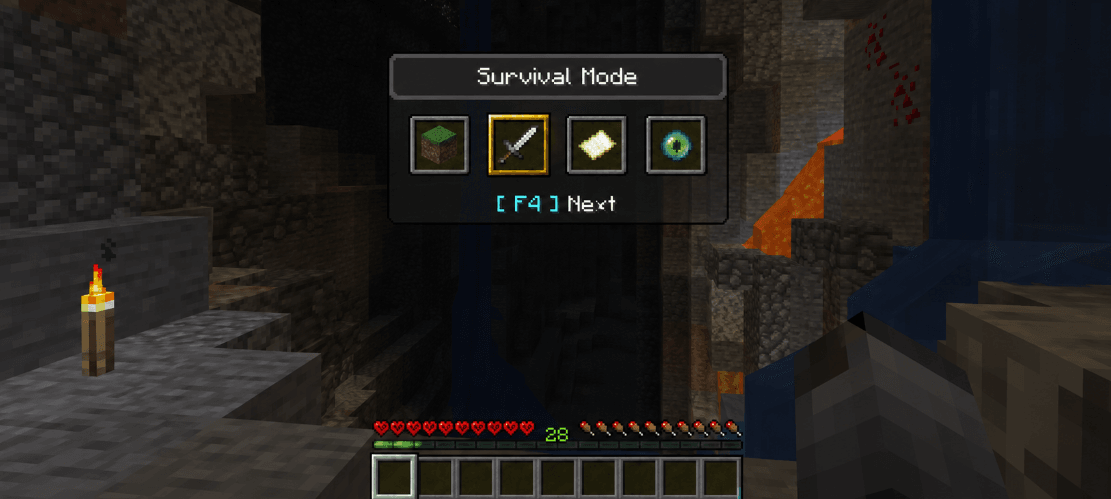
- Supports the vanilla F3+F4 game mode switcher for authorized players.
- Stores owner, authorization, and creative restore state per world/server.
- Prevents non-owner players from granting creative access to others.
- Prevents command blocks from administering the mod.
- Keeps console and RCON from becoming implicit mod administrators.
Ownership System
In singleplayer and LAN, the Minecraft singleplayer owner becomes the mod owner.
On a dedicated server, if the world has no saved owner yet, the first player who initializes the world becomes the recorded owner. After that, administration is locked to that UUID.
This means operators do not automatically become mod administrators. Only the recorded owner controls who gets creative access.
Commands
Use /hccreative or /hardcorecreative.
/hccreative status [player]/hccreative grant <player>/hccreative revoke <player>/hccreative enable <player>/hccreative disable <player>/hccreative setmode creative/hccreative setmode survival/hccreative list/hccreative reload
Installation
Singleplayer
Install the jar in your client mods folder.
LAN
Install the jar in the LAN host’s mods folder.
Dedicated Server
Install the jar in the server mods folder.
Players joining the dedicated server do not need to install the mod.
Requirements
- Minecraft
26+ - Fabric Loader
0.19+ - Fabric API
0.154.0+26+ - Java
25+
Configuration
The config file is created at:
config/hardcorecreative.properties

Main options:

- allowCreativeAccess=true
- autoAuthorizeSingleplayerOwner=true
- autoRestoreCreativeOnLogin=true
- forceSurvivalOnRevoke=true
- verboseLogging=false

## Compatibility

Hardcore Creative is made for Fabric and Minecraft 26.2.

It is intended for:

- singleplayer
- LAN worlds
- dedicated Fabric servers

For dedicated servers, mark the mod as server-side only.
Does Creative in hardcore need to be installed on the Minecraft server?
No. Modrinth marks Creative in hardcore as unsupported on the server side. Install it only in your local mods folder. Your server can stay unchanged unless the project page lists an additional dependency.
Which version and loader does Creative in hardcore require?
Use a file for Fabric, Forge and your exact Minecraft version. Supported versions include 26.3, 26.2, 26.1.2. Files for different loaders are not interchangeable.
Creative in hardcore is not working – what should I check?
First check the Minecraft version, loader version and required dependencies. Because the mod is client-side, more server RAM will not fix it.
Similar mods
Popular mods in the same category
 Server-ready

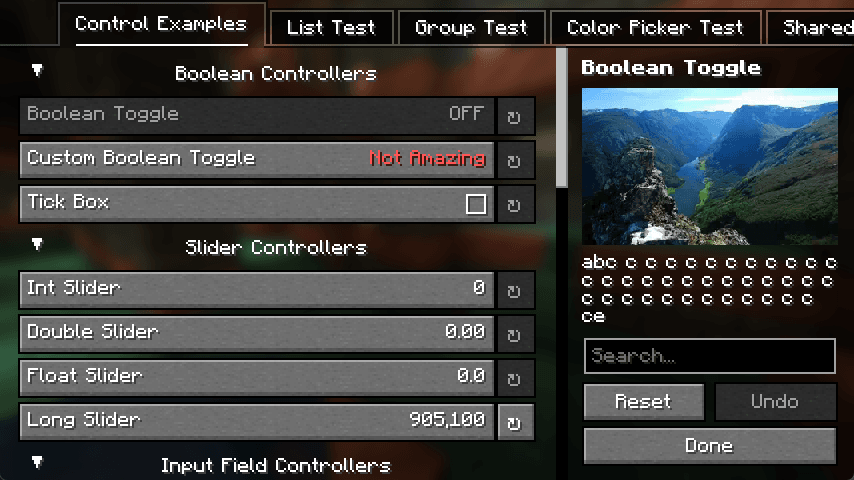
YetAnotherConfigLib (YACL)
by isxander
A builder-based configuration library for Minecraft!
 Server-ready

Text Placeholder API
by Patbox
Placeholder and Text manipulation library for your Minecraft mods.
 Client only

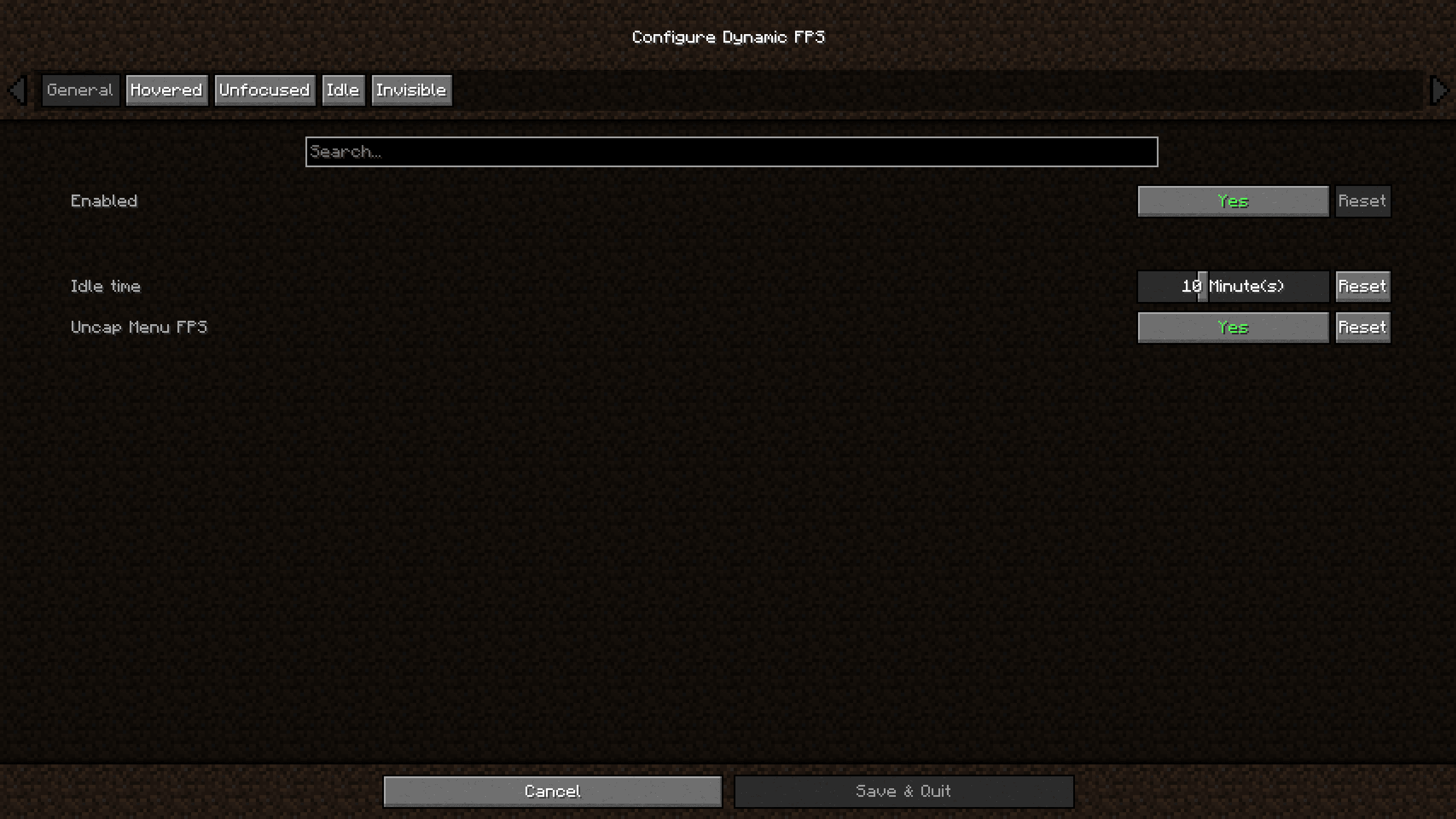
Dynamic FPS
by juliand665
Reduce resource usage while Minecraft is in the background, idle, or on battery.
 Server-ready

No Chat Reports
by Aizistral
Makes chat unreportable (where possible)
Looking for mods for your own server?
The catalog lists mods that run on Minecraft servers.