
Modrinth · Fabric · Client mod
Eclipse
Eclipse is a client-side mod. Install it on your computer; the server does not need it.
Eclipse is an mod used to activate some Clientside Festures via UI, Commands and Keybinds.
- Downloads
- 3.1K
- Author
- F2HG
- Loader
- Fabric
- Minecraft
- 1.21.11 – 26.2
- Updated
- –
Screenshots
What Eclipse looks like
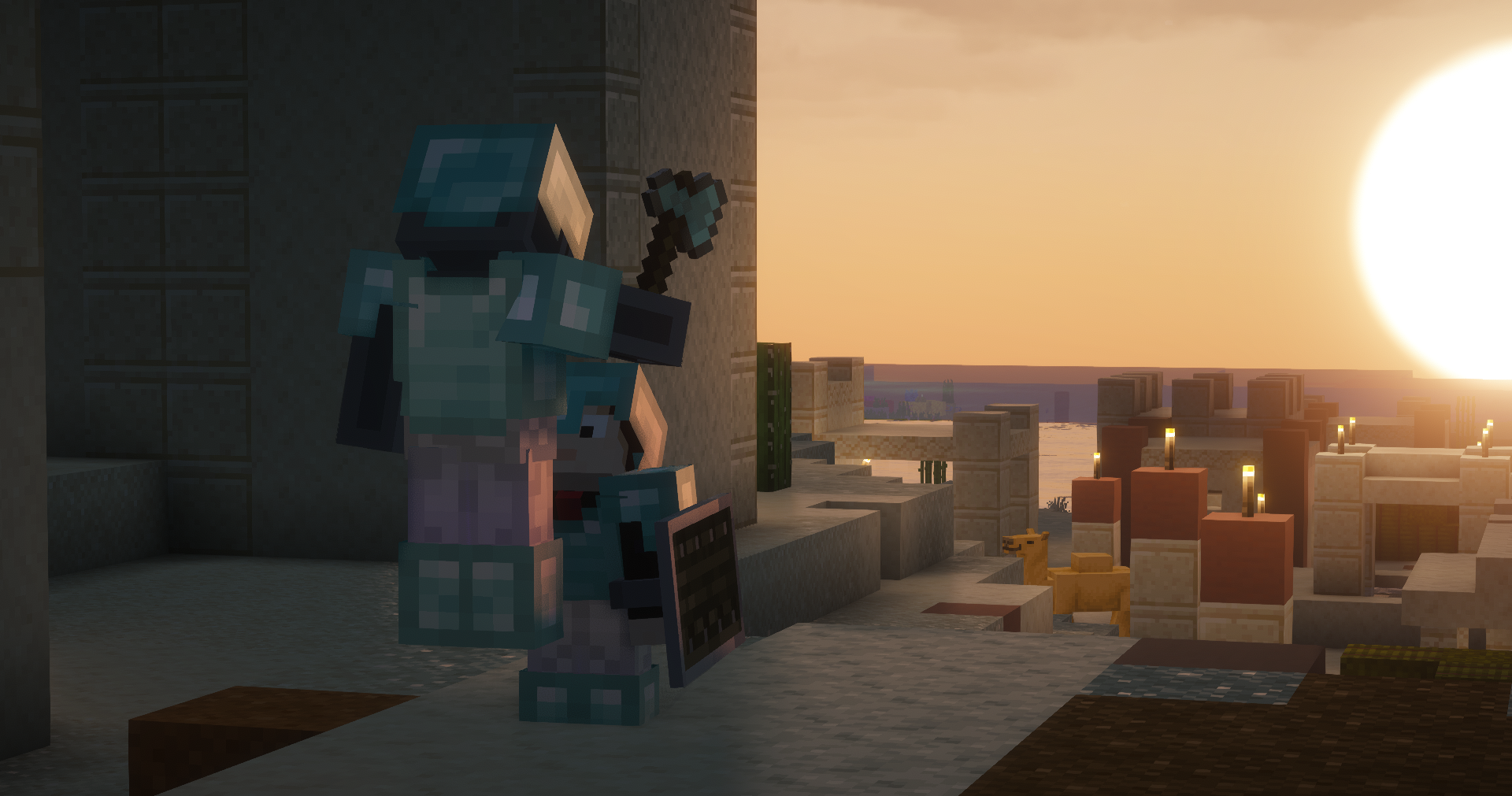
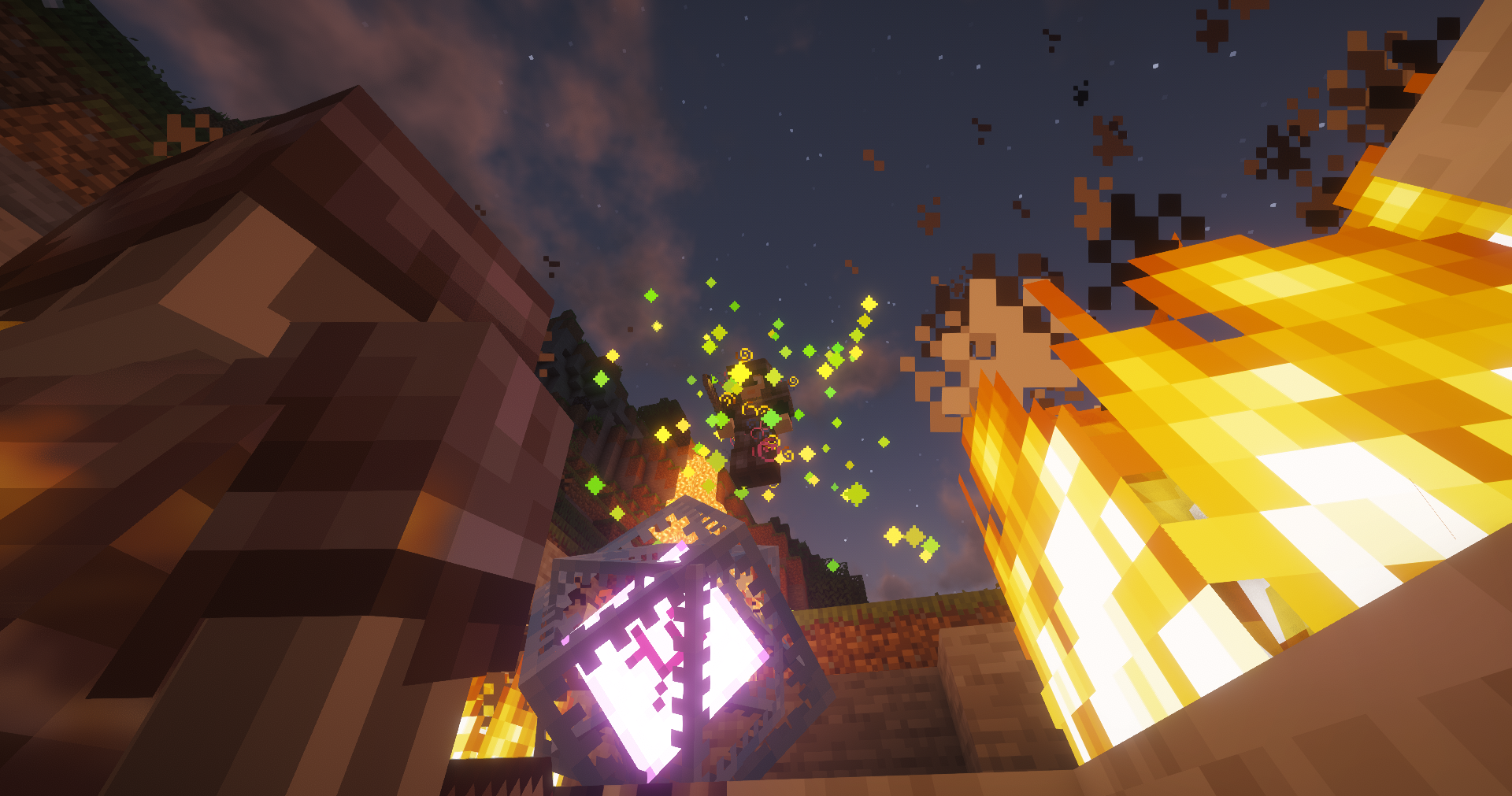
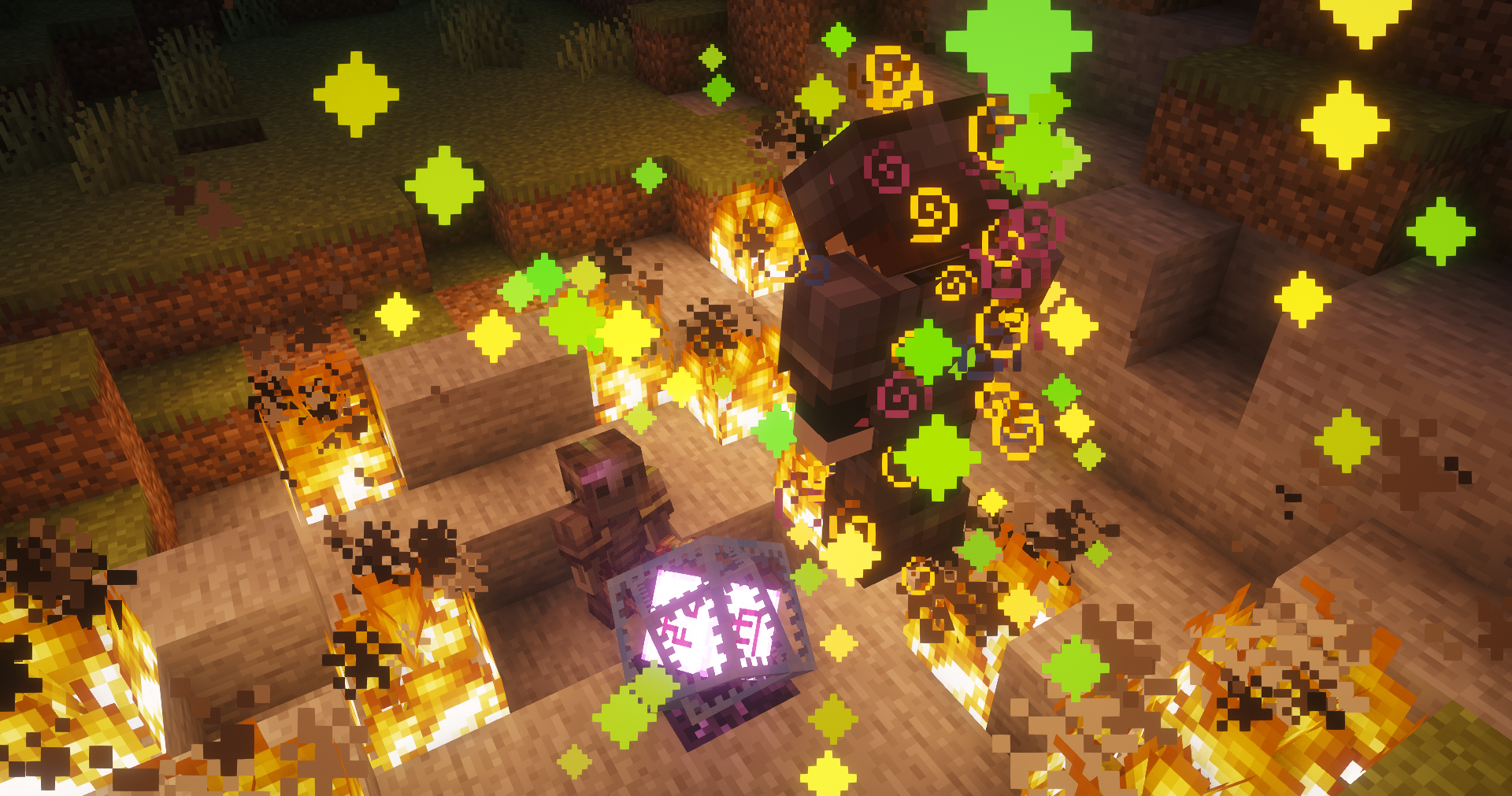
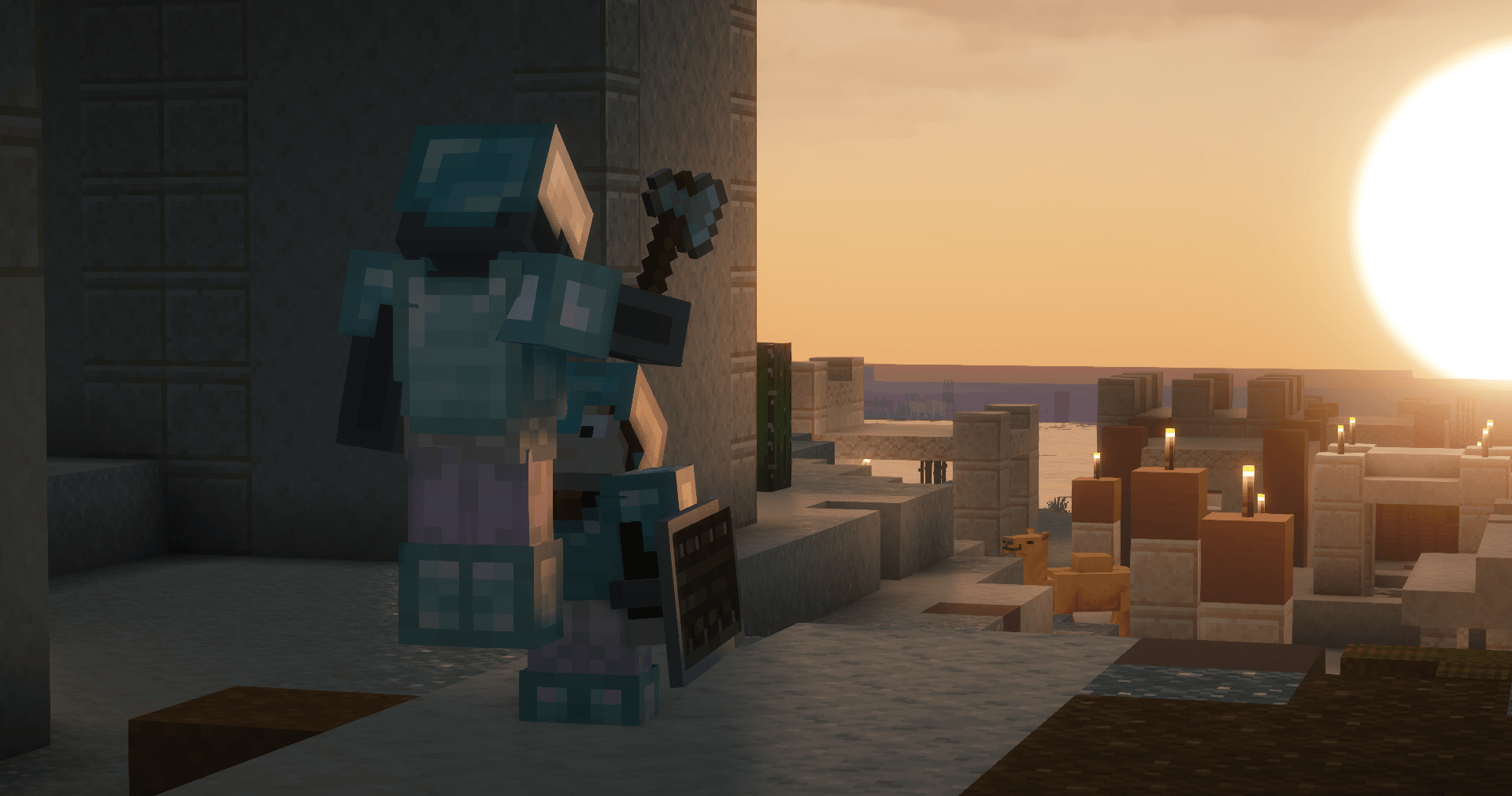
Images: Eclipse on Modrinth, published by the project team.
Setup
Install Eclipse on your client
Client-side mods only run on your computer. More server RAM does not change their performance.
- 01
Install the loader locally
Install Fabric for your Minecraft version in your launcher.
- 02
Download the file
Download the Eclipse file for your loader and your exact Minecraft version, for example 26.2.
- 03
Add it to the mods folder
Put the .jar file in your local .minecraft/mods folder and remove older duplicates.
- 04
Launch
Launch Minecraft with the loader profile. Nothing needs to change on the server.
- On the server
- Not needed
- On the client
- Required
- Loader
- Fabric
- Minecraft
- 26.2, 26.1.2, 26.1.1 +2 more
- License
- GNU General Public License v3.0 only
Releases
Published releases
Pick the file that matches your server’s loader and Minecraft version. The server and players need the same release.
Eclipse · Modrinth- Eclipse 1.2.3July 12, 2026Minecraft 26.2 · Fabric
- Eclipse 1.2.2July 6, 2026Minecraft 26.1, 26.1.1, 26.1.2 · Fabric
- Eclipse 1.1.5-HOTFIX.1 (for older Version)May 3, 2026Minecraft 1.21.11 · Fabric
Original description by the project author
Eclipse
This Clientside Mod is meant as a collection of client-side utilities. This mod is still work in progress.
Features:
- Config GUI, open via COMMA , more info below
- Show FPS count (default to false), Key Bind: F6, configurable in GUI
- Show Ping (default to true), configurable in GUI
- Show CPS (default to true), configurable in GUI
- Enable pvp mode (default to true), Command: /pvp, more info below
- Toggle autosprint (default to true), Key Bind: Left Control, configurable in GUI
- Toggle display of autosprint (default to true), configurable in GUI
- Toggle Freecam (default to false), Key Bind: F4, Command: /freecam toggle, more below
- Timer+Expansion (default to false), Command: /timer, configurable in GUI, more Info below
- Toggle nofog (default to true), configurable in GUI
- Toggle gamma (default to true), Key Bind: J, configurable in GUI
- Auto Marker for players using this mod (with different Ranks --> upcoming), more info below
Commands:
- /pvp enables pvp mode, more info below (default to true)
- /freecam toggles Freecam, more info below (default to false)
- /timer + expansion more Info below (default to false)
Hotkeys:
- COMMA Toggles Config Menu
- F6 Toggles Fps
- F4 Toggles Freecam
- Left Control Toggles Sprint
- J Toggles Gamma
Config GUI
The Config GUI adds a menu in Minecraft, that opens by pressing COMMA , in which the things in the List below are configurable.
Move
This opens a under menu in which the Widgets like the timer and the FPS count can be moved around the screen.
FPS
- Toggle FPS (shows FPS count)
Timer
- Toggle Timer (toggles timer)
- Start Timer (starts timer)
- Stop Timer (stop timer)
- Restart Timer (restarts timer)
CPS
- Toggle CPS (toggles CPS)
Ping
- Ping Self (toggles your ping)
- Ping TAB (toggles Ping in TAB List)
NoFog
- Nofog (toggles Nofog)
Sprint
- Auto Sprint (toggles Auto Sprint)
- Visual Sprint (toggles Sprint Visual)
Gamma
- Gamma (toggles Gamma)
PVP MODE
The PVP MODE sets various Minecraft options to the best values for pvp like turning off unimportant and annoying features which are unnecessary for PVP, toggle able once (can't be undone) with /pvp.
- No bob (no camera shake while walking)
- No vignette (no black borders)
- No damage tilt (when you get damage your camera is not shaking)
- No narratorHotkey (disables the narrator hot key)
- No fov effect (this makes that if you accelerate your fov is not changing)
- No entity shadows (disables the entity shadows, what can cause performance impacts)
Timer
The Timer adds a stopwatch which is manageable and movable via GUI or the List of commands below.
- /timer toggle toggles timer
- /timer start starts timer
- /timer stop stops timer
- /timer restart restarts the timer
- /timer togglemode switches between analog and digital timer mode
Freecam
This Feature adds a Freecam to fly around like in Creative Mode while the Player does not move. The Freecam is movable by W, A, S, D, Left Shift and Space. These Key Binds can be changed in the Settings.
- /freecam toggles freecam
- /freecam speed controls the speed of the Freecam
- F4 toggles Freecam
Wiki
This Feature adds the ability to use the Minecraft Wiki directly in Minecraft, which is manageable via the List of commands below.
- /wiki+Name opens the Minecraft Wiki for the item in the browser
- /wikihand opens the Minecraft Wiki for the item in offhand in the browser
What In The Fck Is That (WITFIT)
This Feature adds a Widget where the block the player is looking at is displayed.
Highlighting other Players with Eclipse Mod
This feature highlights Players with Eclipse Mod with an EP (and with different Ranks --> upcoming) before name.
In case of you having any brilliant ideas, please submit them here:
https://docs.google.com/forms/d/e/1FAIpQLSdC_3SM02lKfVTV1IyXYU7uZB4V9yEyLHUcJbVV_DdIoP3lsA/viewform?usp=publish-editor
Updates:
Upcoming
- Different Ranks for Markers before name
Design and Desire UPDATE 1.2.3
- Now for Version 26.2
- Performance fix for Timer
- Pumpkin overlay now toggle able
- New Design for GUI
- New Widget for Server Name
- Added Armor Status Widget
- Added Time changer
- Added WITFIT Widget
- Window ratio support
- Custom Prefix and Suffix for Widgets
- Fixed Button position on Serverside Pause menu
Design and Furniture UPDATE 1.2.2
- Redesigning of Config Menu
- Better Performance
- Changed Command for Freecam toggle
- Fixed Freecam culling
- Fixed problem with offhand item in Freecam
- Fixed Timer restart
- Fixed problems with NoFog
- Integrated Wiki
- Fixed Saving of vars
Massive Overhaul UPDATE 1.2.1
- Better Performance
- Eclipse Logo in Main menu
- Eclipse in the name of the Minecraft window
- Better Keybinds
- CPS Display now toggleable
- Ping Display added
- Config Menu improvements
- Toasts have been removed
Featuring UPDATE 1.2.0
- CPS Display added
- Freecam Key Binds now configurable
- Better Performance
Mixed UPDATE 1.1.9
- Better Prefix
- Prefix now visible when playerlist is shown
- Config GUI was optimized
Big Step (AGAIN) UPDATE 1.1.8
- Added multi Prefix Support
- Better support at autosprint
Big Step UPDATE 1.1.7
- Now you can see players with my mod with an EP before name
- Fog fix
Mixin Freecam But Better UPDATE 1.1.6
- You can now see yourself in Freecam
- Freecam Movement was made much better
Mixin Better UPDATE 1.1.5
- No Server-Side Freecam Check
- No fog
- Optimized code
- Better Freecam Performence
Better UPDATE 1.1.4 (for older Version)
- No Blur in move mode
- Made only 1 move mode
- Added grid to moving
- Removed losing Focus while dragging
- Added autosprint to HUD
Better UPDATE 1.1.4
- No Blur in move mode
- Made only 1 move mode
- Added grid to moving
- Removed losing Focus while dragging
- Added autosprint to HUD
Better UPDATE 1.1.3 (for older Version)
- Better code
- Better timer logic
- Config gui
- Freecam hand fix
- Less crashes
- Timer & Fps hud portable
- Threw aways: reload, colortimer, colorfps
- Save Config fix
- Better readable code
- Better autosprint
- Better freecam speed control
Better UPDATE 1.1.3
- Better code
- Better timer logic
- Config gui
- Freecam hand fix
- Less crashes
- Timer & Fps hud portable
- Threw aways: reload, colortimer, colorfps
- Save Config fix
- Better readable code
- Better autosprint
- Better freecam speed control
Back To The Past UPDATE 1.1.2
- Brought all new features in 1.21.11
Rename UPDATE 1.1.1
- Renamed config file
Unhack UPDATE 1.1.0
- Added unabletohack function
Save Data UPDATE 1.0.9
- Implemented storage
- Freecamspeed control
- Color control
Controls UPDATE 1.0.8
- Control rebinding
Version UPDATE 1.0.7.1
- Freecam Fix
- Removed VSync in PVPMODE
Version UPDATE 1.0.7
- Code converted
Bug Fixer UPDATE 1.0.6
- Bug Fixes in if statement
- Shorted code
Final Freecam UPDATE 1.0.5.2
- Freecam Left
- Freecam Right
Timer UPDATE 1.0.4
- Timer added
- Timer controls
- Timer analog and digital
Freecam Movement UPDATE 1.0.3
- Freecam Forward
- Freecam Backward
Beta Freecam UPDATE 1.0.2
- Freecam Basics
- Freecam Up Move
- Freecam Down Move
- Resetrenderengine rewrote
PVP UPDATE 1.0.1
- PVP Mode
Basic UPDATE 1.0.0
- Auto Sprinting
- Fps counter
- Resetrenderengine
Hotfixes are not listed in the List because they mostly just solve bugs or make only small improvements.
The GitHub repository will be on a newer status then Modrinth's page
Does Eclipse need to be installed on the Minecraft server?
No. Modrinth marks Eclipse as unsupported on the server side. Install it only in your local mods folder. Your server can stay unchanged unless the project page lists an additional dependency.
Which version and loader does Eclipse require?
Use a file for Fabric and your exact Minecraft version. Supported versions include 26.2, 26.1.2, 26.1.1. Files for different loaders are not interchangeable.
Eclipse is not working – what should I check?
First check the Minecraft version, loader version and required dependencies. Because the mod is client-side, more server RAM will not fix it.
Similar mods
Popular mods in the same category
 Server-ready

VeinMiner
by Miraculixx
Mine the whole vein on mining a single ore/block. Make the tedious mining experience to something satisfying and fun! FTB Ultimine alternative
 Server-ready

Geckolib
by Gecko
A 3D animation library for entities, blocks, items, armor, and more!
 Client only

VeinMiner Hotkey
by Miraculixx
Veinminer Addon - Use a hotkey to veinmine with a dynamic crosshair & block highlighting
 Server-ready

Fzzy Config
by fzzyhmstrs
Config API with automatic GUIs, powerful validation options, server-client sync, and more!
Looking for mods for your own server?
The catalog lists mods that run on Minecraft servers.