
Modrinth · Fabric, Forge, NeoForge
Effortless Building on your Minecraft server
Effortless Building runs on Minecraft servers with Fabric or Forge or NeoForge. Order your server, set the loader in the panel and install the mod with one click in the mod browser.
Makes building easier by providing tools like mirrors, arrays, build modes and a block randomizer. For survival and creative mode.
- Downloads
- 1.7M
- Author
- Requios
- Loader
- Fabric, Forge, NeoForge
- Minecraft
- 1.19.2 – 26.3
- Updated
- –
Screenshots
What Effortless Building looks like
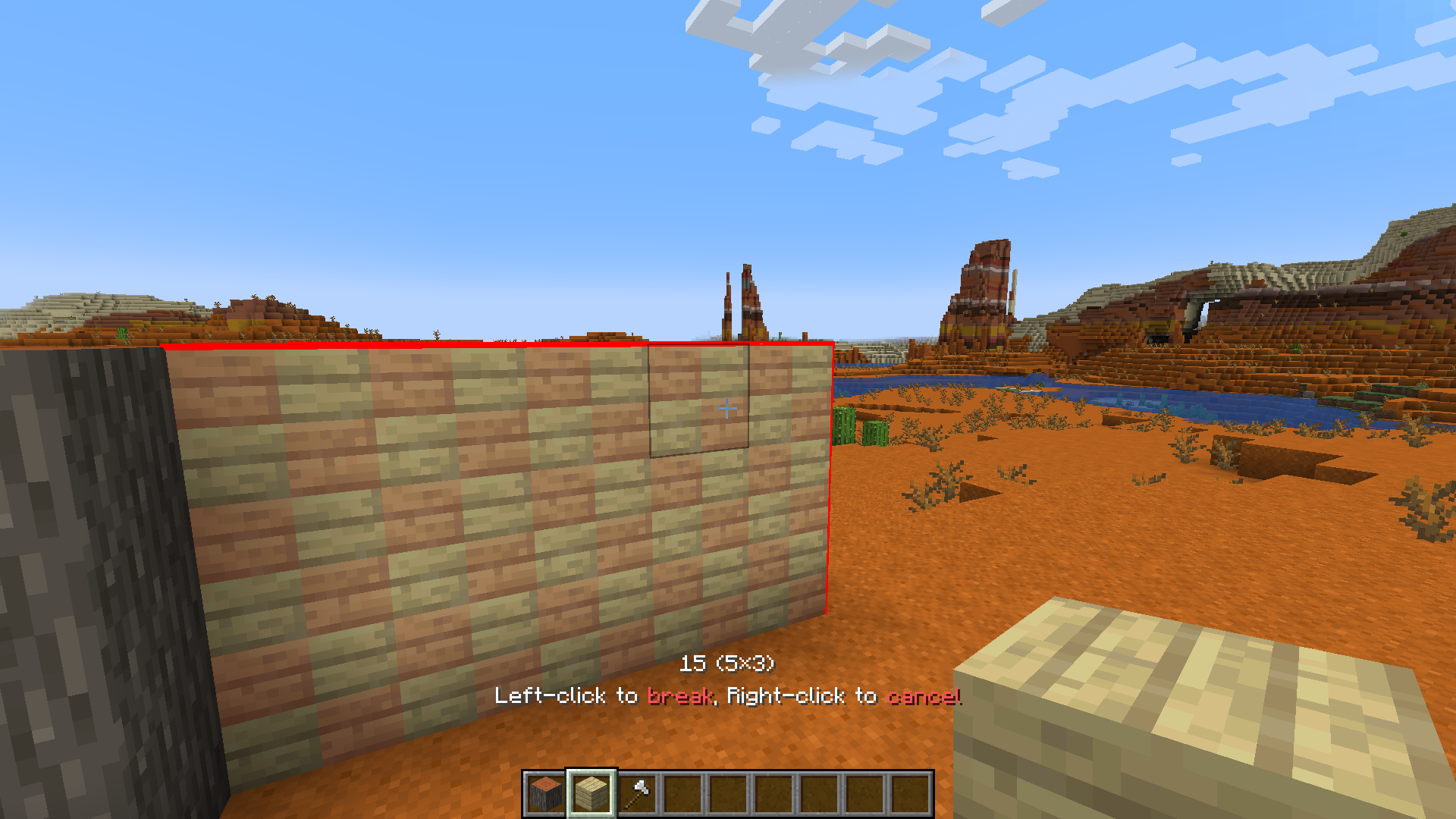
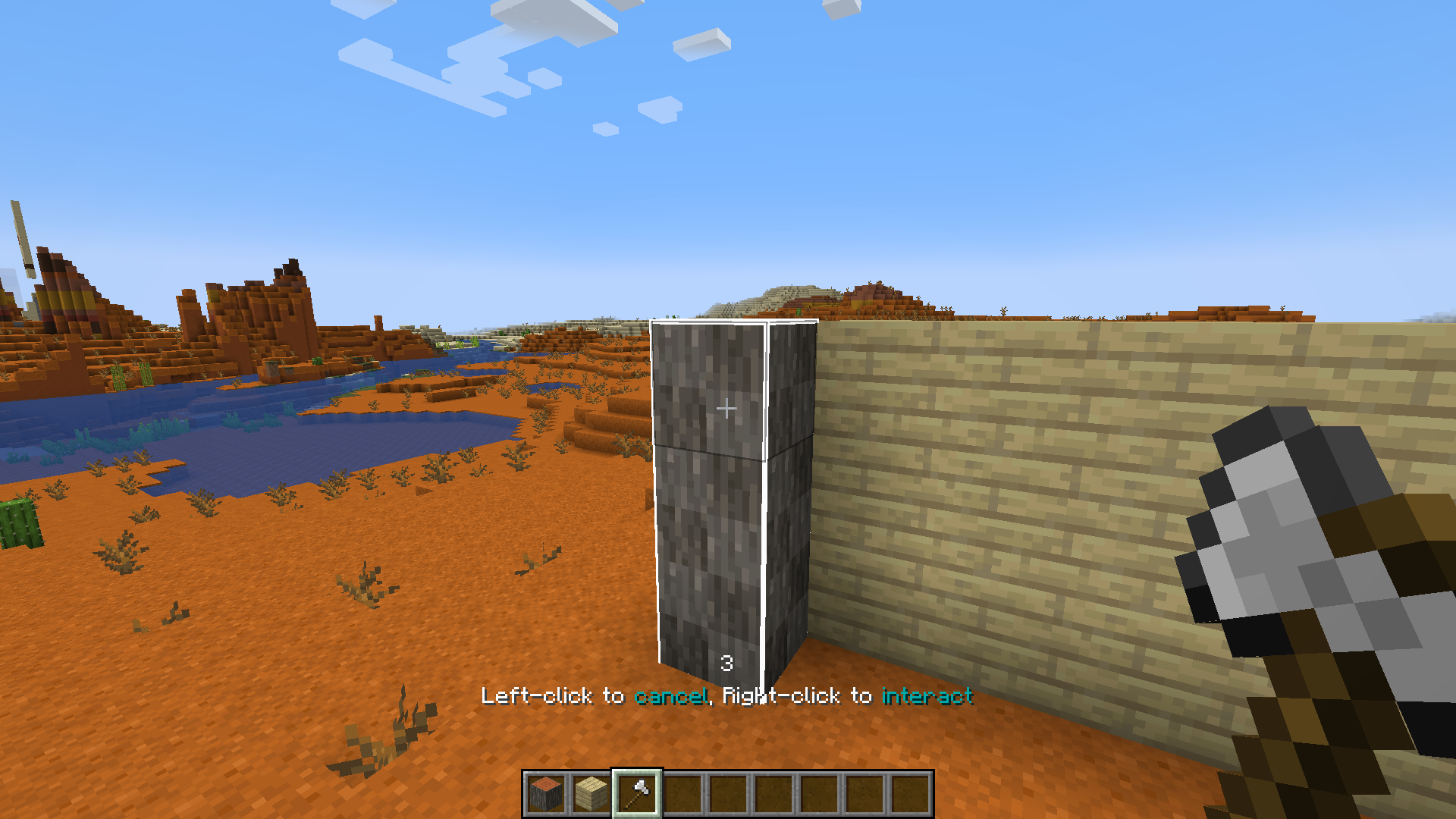
Images: Effortless Building on Modrinth, published by the project team.
Setup
Install Effortless Building on your server
The server and players need the same loader and Minecraft version. Back up the world before adding or updating mods.
- 01
Configure
4 GB of RAM is preselected. You choose the term and add-ons and pay by credit card or PayPal.
- 02
Set the loader
In the panel, set the server software to Fabric or Forge or NeoForge and choose the matching Minecraft version, for example 26.3.
- 03
Install the mod
Search the mod browser for “Effortless Building” and install the release for your loader. Alternatively, upload the .jar to the mods folder via SFTP. Required dependencies are listed on the project page.
- 04
Connect
Every player installs the same Effortless Building release locally and connects using the server address from the panel.
- On the server
- Required
- On the client
- Required
- Loader
- Fabric, Forge, NeoForge
- Minecraft
- 26.3, 26.2, 26.1.2 +6 more
- License
- GNU Lesser General Public License v3.0 only
The panel
Install mods, find errors.
Real screenshots from the Mado panel. Both come with every Minecraft server.
Mod browser
Modrinth and CurseForge, right in the panel.
The browser filters by your Minecraft version. Install mods with one click, without uploading .jar files.

AI crash analysis
When a mod crashes, the analyzer reads the log.
Mods often fail on a wrong loader version, Java version or missing dependency. The analyzer names a likely cause and suggests a fix.

Releases
Published releases
Pick the file that matches your server’s loader and Minecraft version. The server and players need the same release.
Effortless Building · Modrinth- Effortless Building 4.3October 10, 2026Minecraft 26.3 · NeoForge
- Effortless Building 4.3October 10, 2026Minecraft 26.3 · Fabric
- Effortless Building 4.3August 1, 2026Minecraft 26.2 · Fabric
- Effortless Building 4.3August 1, 2026Minecraft 26.2 · NeoForge
- Effortless Building 4.3August 1, 2026Minecraft 26.1.2 · NeoForge
Original description by the project author
Many mods make it easier to break blocks, but not many focus on placing them. Even the most experienced players still often place blocks one by one. This mod makes building easier by providing tools like mirrors, arrays, build modes and a block randomizer.
- Place and break multiple blocks at once
- Mirror blocks in realtime
- Place random blocks using the Randomizer Bag
- Undo and redo
- Fully supported in survival mode
Build Modes
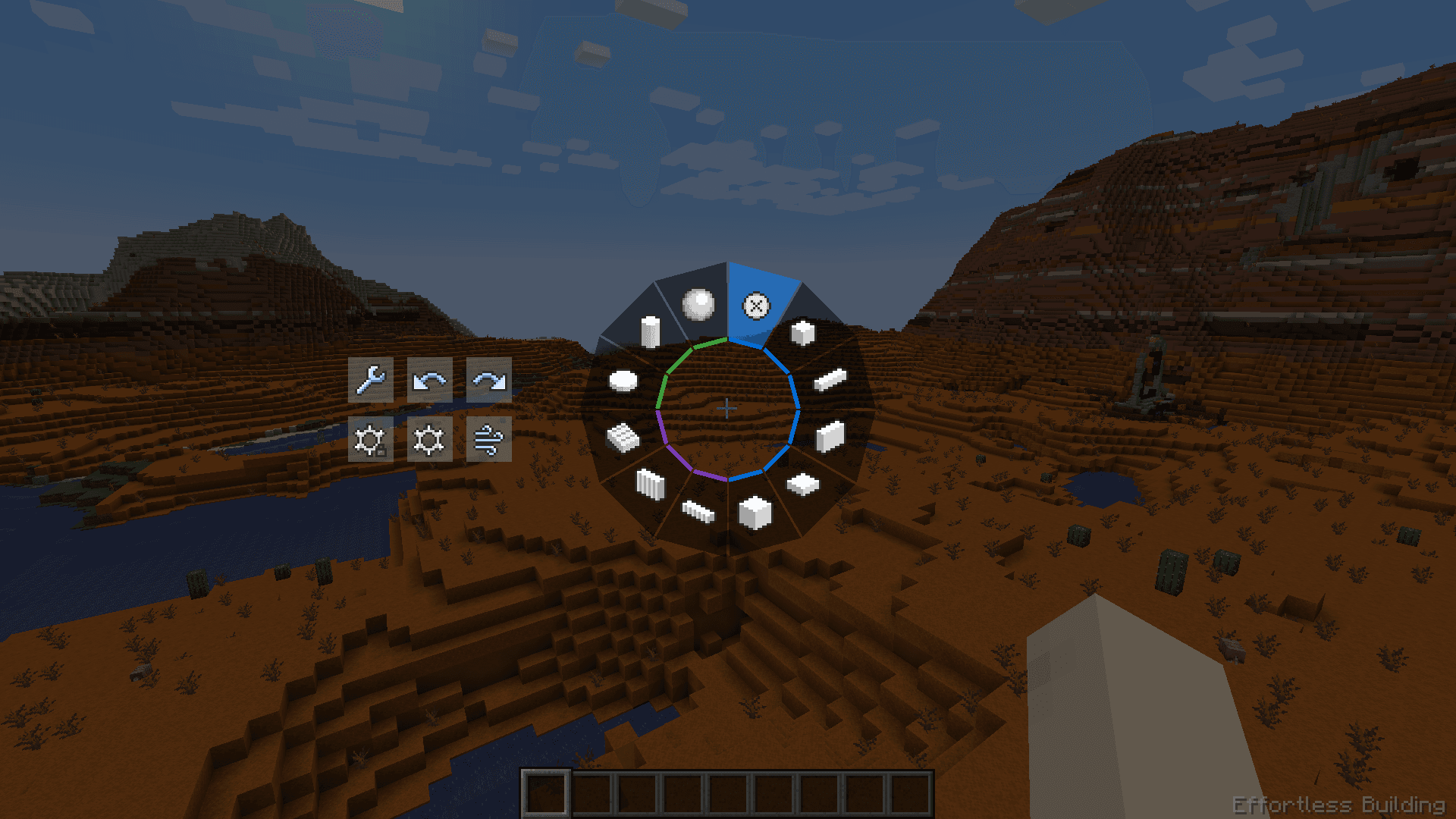
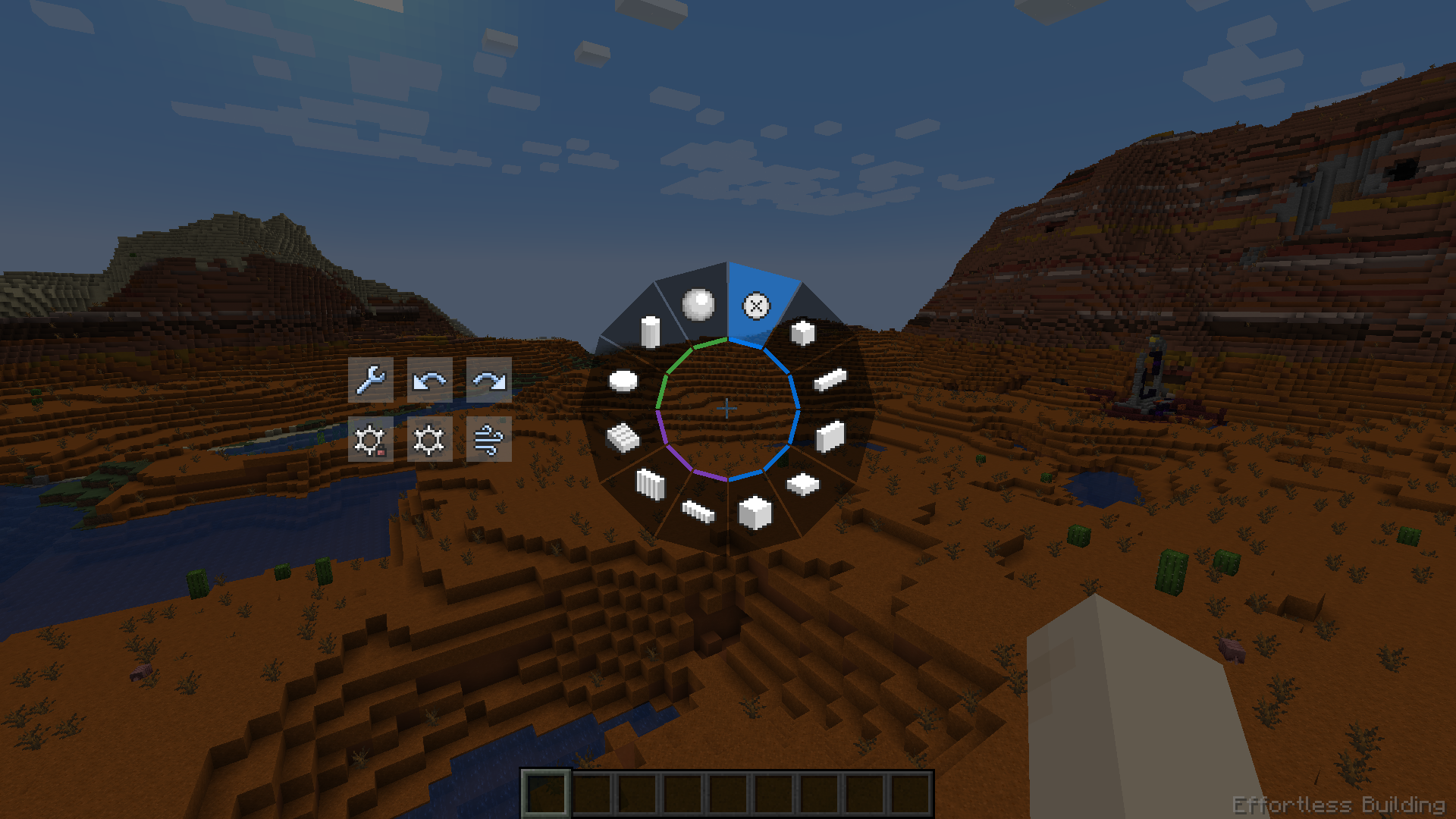
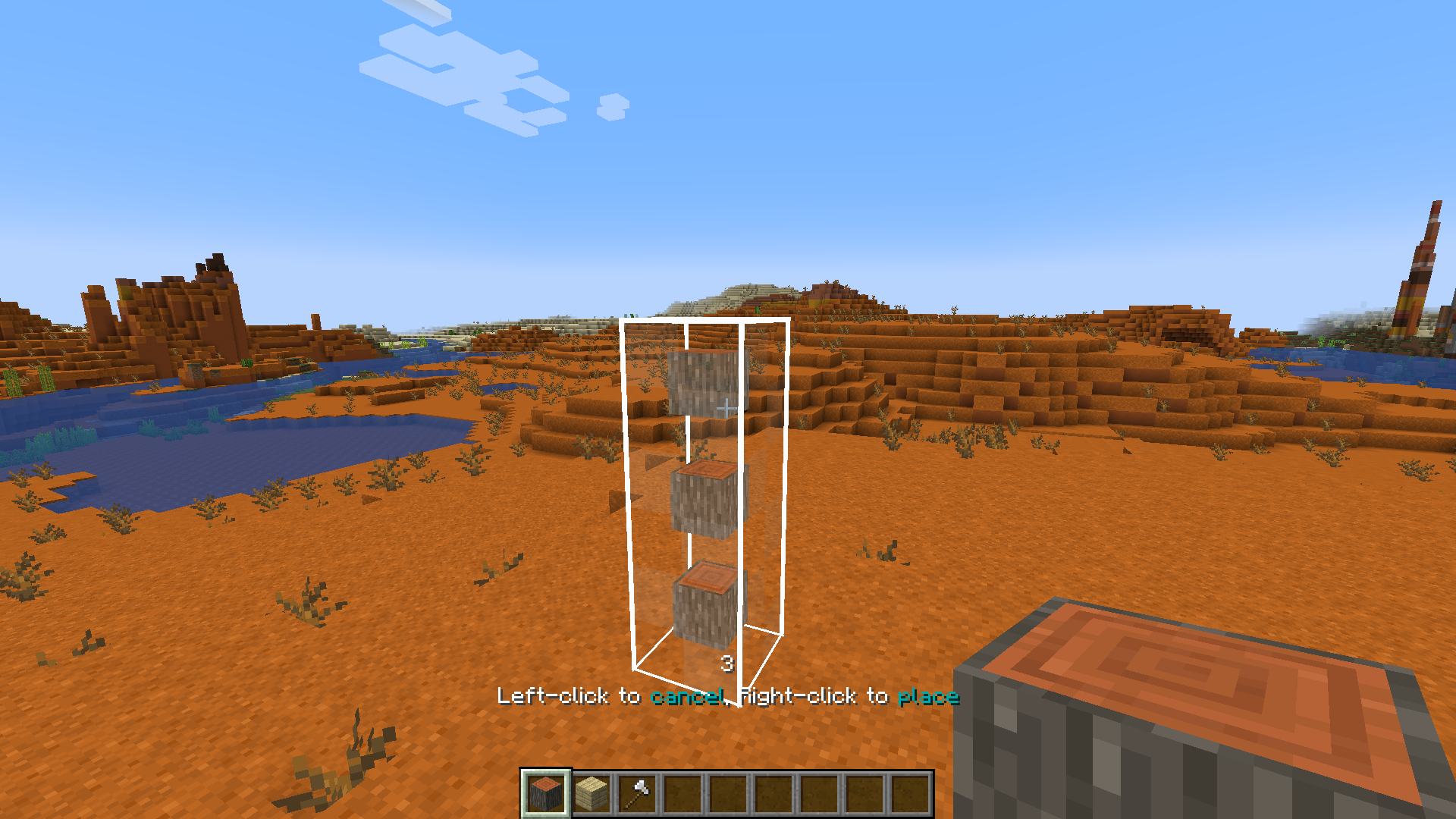
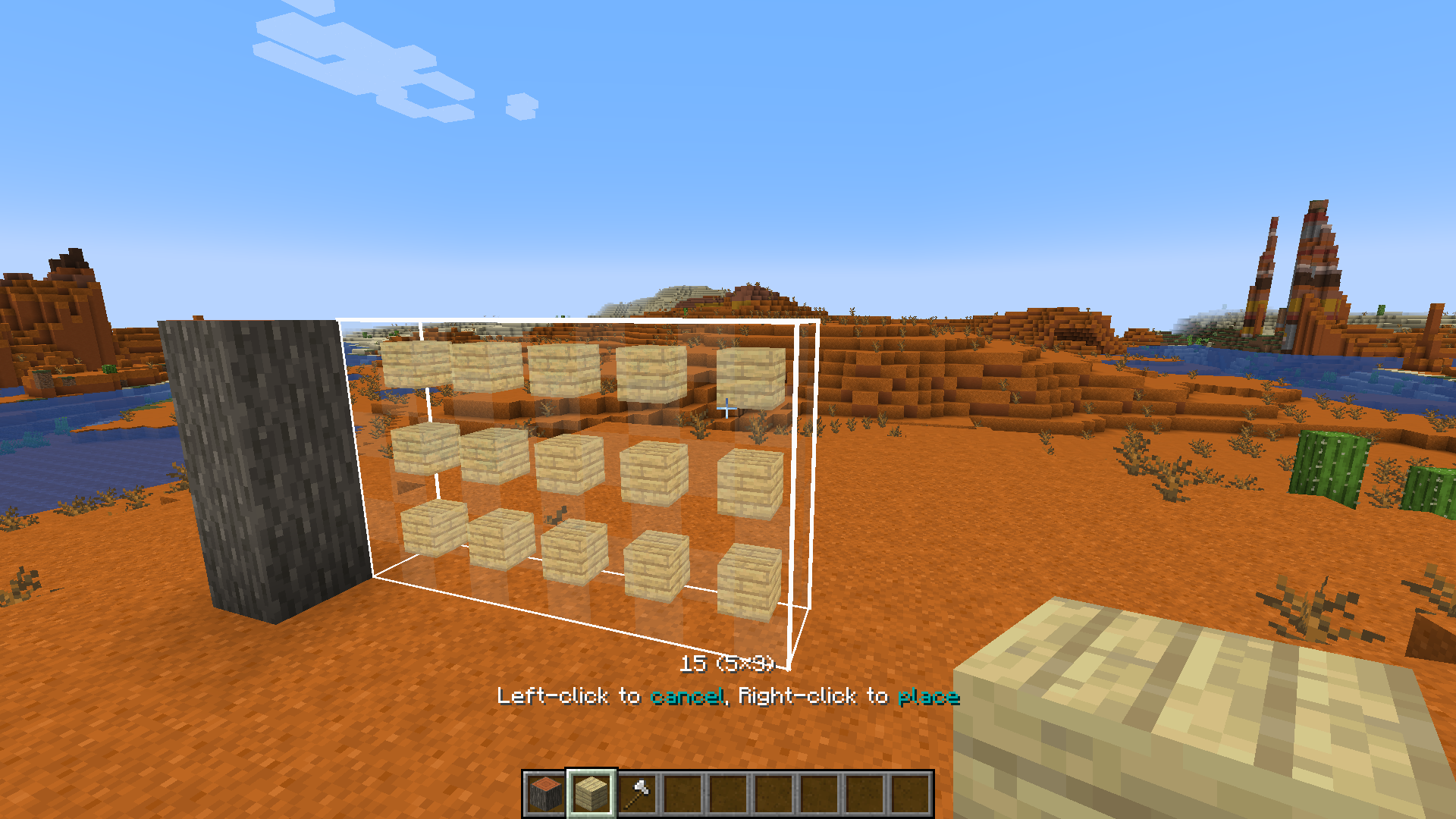
Hold ALT to open the radial menu and select a build mode. With a block in hand, right-click to pick the starting position. Aim somewhere else, then right-click again to build the shape.
Build modes can be used to place blocks, break blocks, and interact with certain blocks. When holding a tool, right-clicking will interact with all the blocks in the shape. For example, stripping logs with an axe, pathing with a shovel, tilling with a hoe, and placing liquids with a bucket.
Available build modes:
- Disabled
- Single
- Line
- Wall
- Floor
- Cube
- Diagonal Line
- Diagonal Wall
- Slope Floor
- Circle
- Cylinder
- Sphere
On the right side of the radial menu you can find additional options for each build mode. On the left side you can find buttons for undo/redo, replace options, opening the modifier settings and config screens.
More videos
Build Modifiers
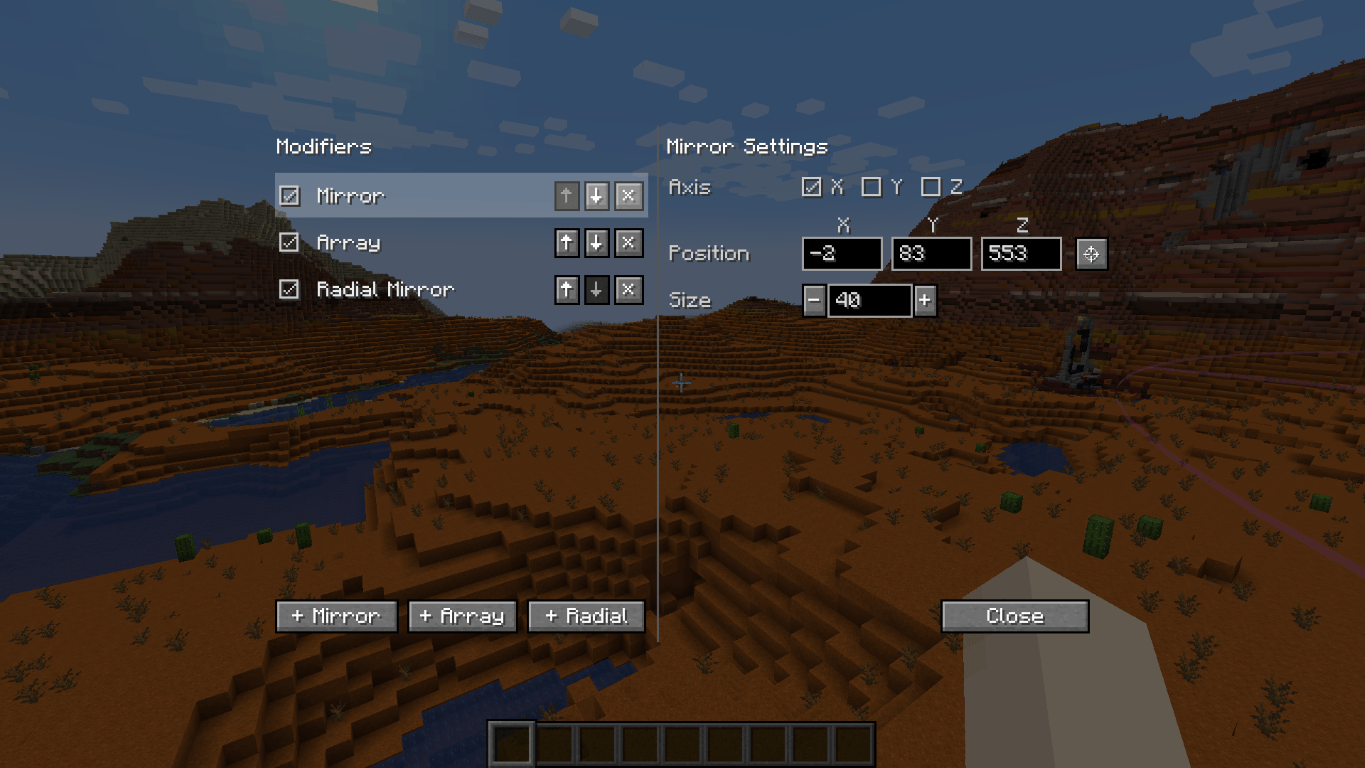
Modifiers can place additional blocks for each block you placed. You can enable any number of modifiers in the modifier settings. Open the modifier settings with the button in the radial menu, or use the keybind (default NUMPAD+).
- Mirror. Place a mirror at a position of a certain size. Each block placed on one side gets mirrored to the other side.
- Array. Copies the block you placed in a certain direction a certain number of times. Useful for repeated builds like tunnels and walls.
- Radial Mirror. Divides an area in slices around a central point. Each slice copies your block placements.
Randomizer Tool
This item allows you to place random blocks. Configure the tool by shift-rightclicking when in hand.
- Use it in combination with build modes and build modifiers.
- While placing a shape, you can open the randomizer tool and change its settings. You can preview those settings in realtime!
- Setting the ratio of an empty slot will cause air gaps to appear in your shape.
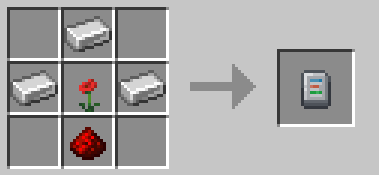
Crafting recipe: 3 iron ingots, 1 redstone dust, 1 any flower.
Replace Options
Use the button to the left of the radial menu to cycle through replace options.
- Replace Only Air: You can only place blocks where there was air. Replaceables such as short grass and ferns can still be replaced.
- Replace Blocks And Air: You can replace blocks and air.
- Replace Only Blocks: You can only replace blocks, not air.
- Filter By Offhand: You can only replace blocks that match the block in your offhand.
Undo and Redo
Press CTRL+Z to undo and CTRL+Y to redo placing blocks.
Survival-friendly
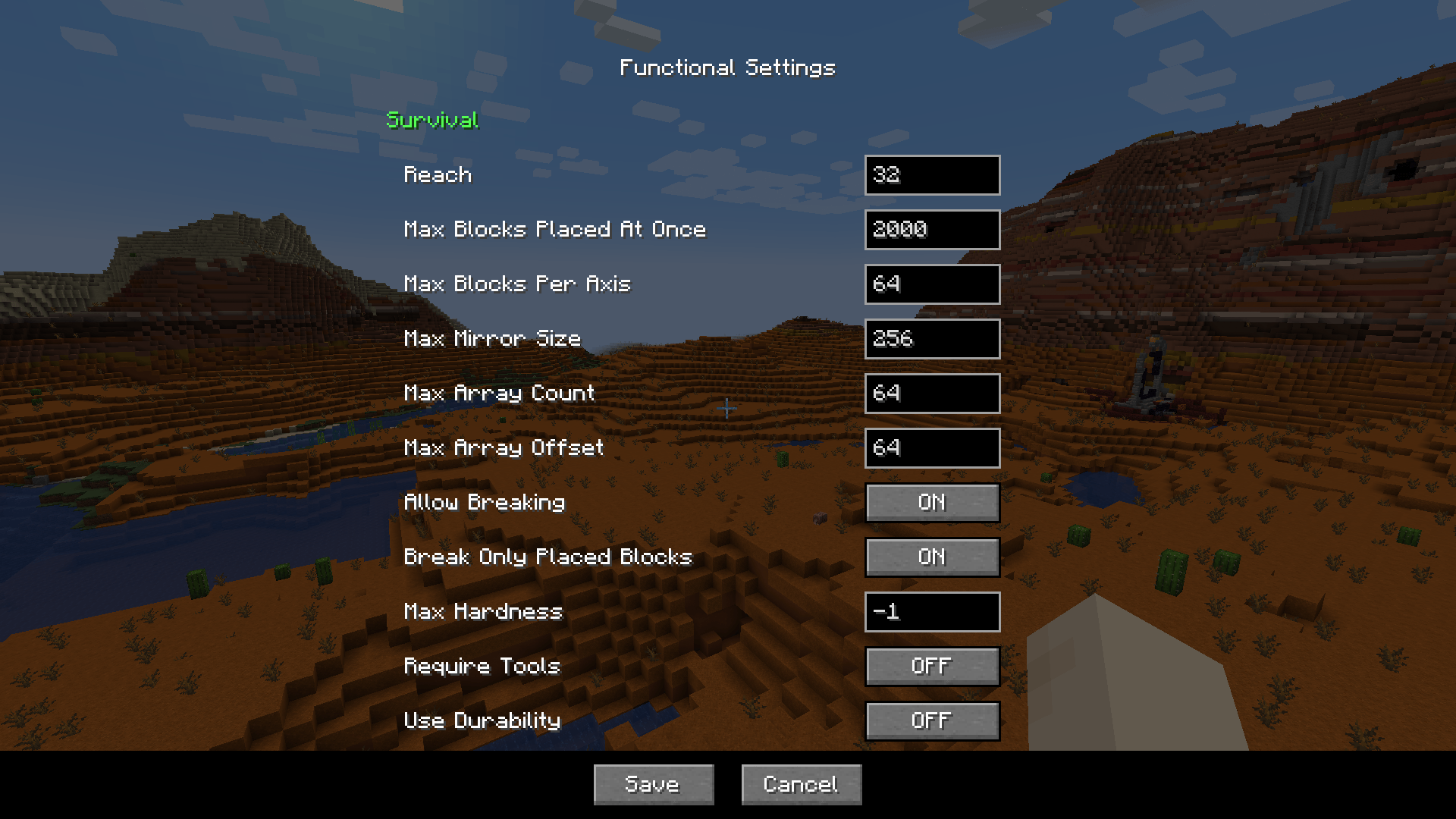
Playing this mod in survival mode is fully supported. All actions consume the right number of blocks from your inventory. It is fully configurable, so you can find settings that feel balanced for you.
Here's a small sample of what you can configure:
- How far away you can place blocks
- The maximum number of blocks placed at once
- The maximum size of the mirror and array
- Whether you can break and replace multiple blocks at once, including if tools are required, if they should use durability, etc. By default, you can break and replace blocks that you placed in the same play session.
The functional settings can be found in the radial menu. On a server, you can only edit functional settings if you are an admin.
FAQ
"Can I add this mod to my modpack?"
Yes, certainly!
"Is this mod available for bedrock edition?"
Yes, ExterLeo made a version that works in Bedrock Edition.
"Is this a client-side only mod?"
No, it needs to be installed on both server and client. The server part places the blocks in bulk. If there was no server part, the client would need to send all the blocks individually, which will overload most servers.
"Am I allowed to make my own version of this mod?"
Yes, as long as you comply with the LGPL-3.0 license (usually this means: link to this page, license your modification under LGPL-3.0, make the code visible and state significant changes).
Mod Spotlights
Mod Spotlights
Credits
Many thanks to Grimmauld for porting to 1.16, Dashos for fixing 'fake player' related crashes and manapart for porting to 1.19!
Radial Menu inspired by Chisels & Bits by AlgorithmX2
Effortless Building server crashes on startup – what to do?
Common causes: the loader or Minecraft version does not match the mod file, a dependency is missing, or RAM is too low. Check the log (latest.log) for “OutOfMemoryError”, “Mixin” or missing mods. At Mado, the AI crash analysis reads the log and suggests a cause. You can change the loader and version in the panel.
Which loader does Effortless Building run on?
According to Modrinth, Effortless Building supports Fabric, Forge, NeoForge for Minecraft 26.3, 26.2, 26.1.2. Forge and Fabric files are not interchangeable: pick one loader for the server and clients.
How much RAM does a server with Effortless Building need?
As guidance, 3–4 GB for a server with this mod. This is an estimate, not a measured minimum. More mods, many players and long view distances need more. The spark profiler shows whether a mod is costing tick time.
Similar mods
Popular mods in the same category
 Client only

Iris Shaders
by coderbot
A modern shader pack loader for Minecraft intended to be compatible with existing OptiFine shader packs
 Client only

[ETF] Entity Texture Features
by Traben
Emissive, Random & Custom texture support for entities in resourcepacks just like Optifine but for Fabric
 Client only

[EMF] Entity Model Features
by Traben
EMF is an, OptiFine format, Custom Entity Model replacement mod available for Fabric and Forge.
 Client only

Not Enough Animations
by tr7zw
Bringing first-person animations to the third-person
Ready for your server with Effortless Building?
4 GB of RAM from €8.00 per month. 35% off your first month with MADO35.