Modrinth · NeoForge
Excessive Utilities on your Minecraft server
Excessive Utilities runs on Minecraft servers with NeoForge. Order your server, set the loader in the panel and install the mod with one click in the mod browser.
A modern remake of Extra Utilities
- Downloads
- 10.1K
- Author
- aaronhowser1
- Loader
- NeoForge
- Minecraft
- 1.21.1
- Updated
- –
Screenshots
What Excessive Utilities looks like
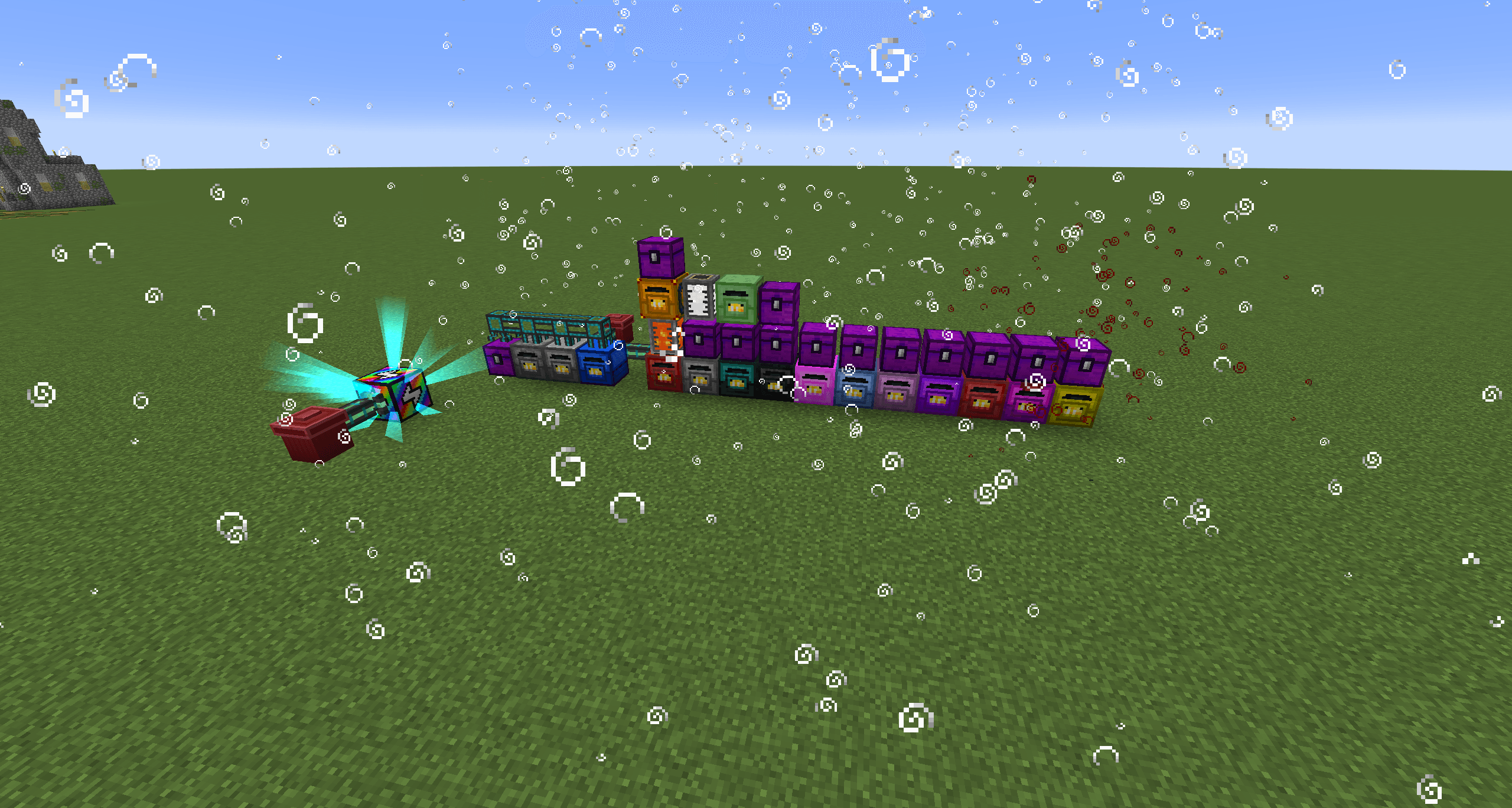
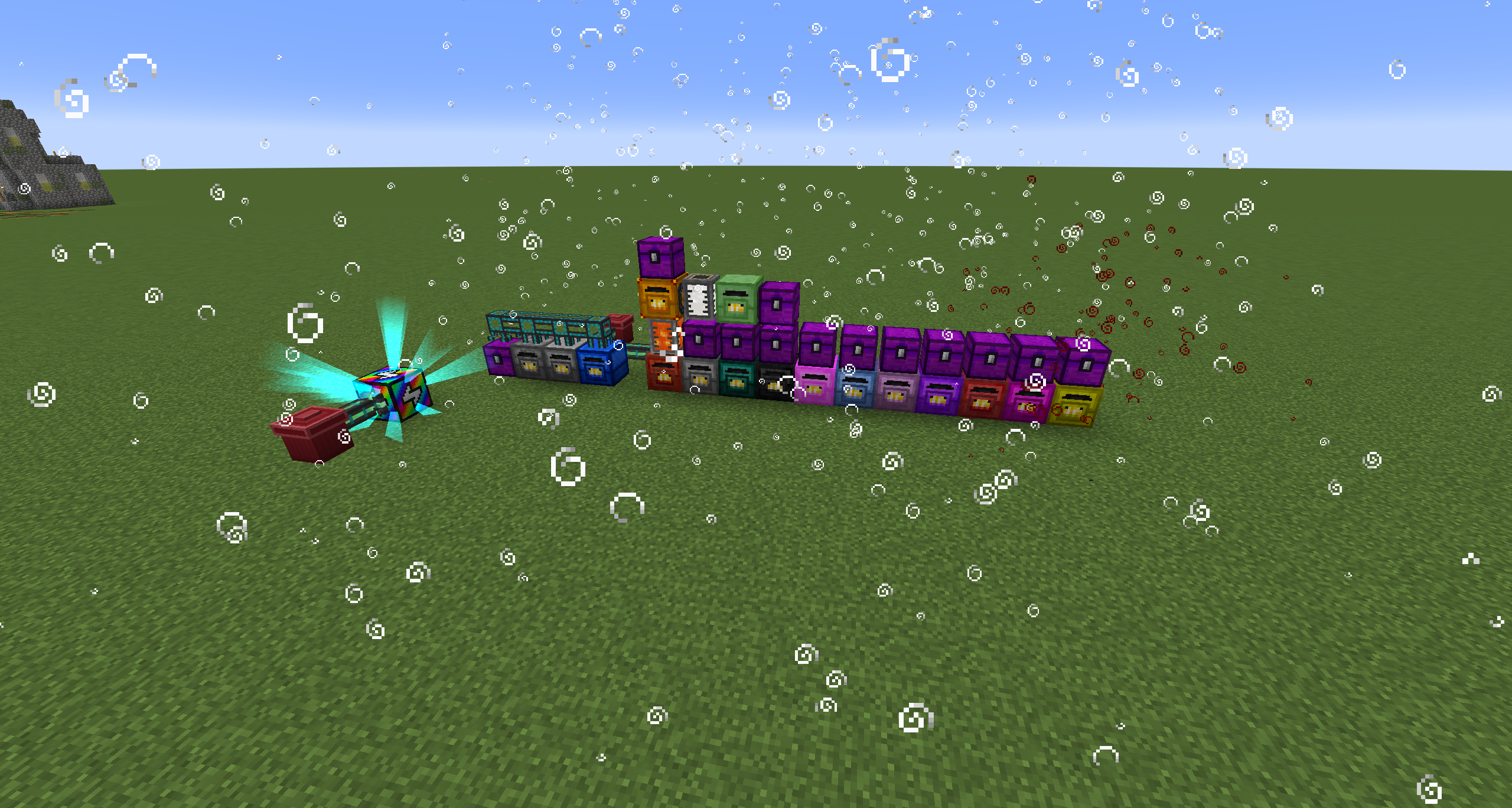 Rainbow Generator setup
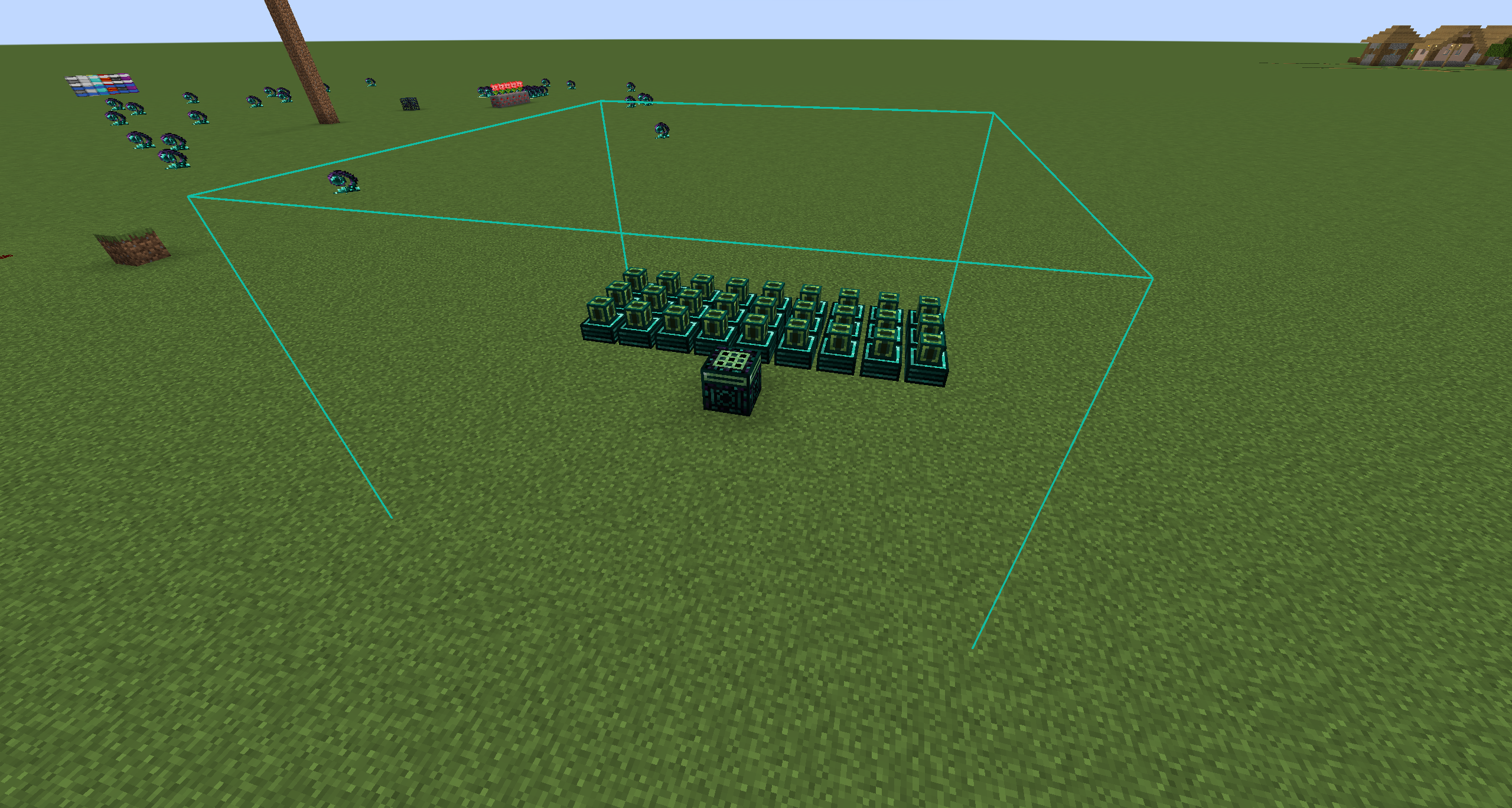 QED setup
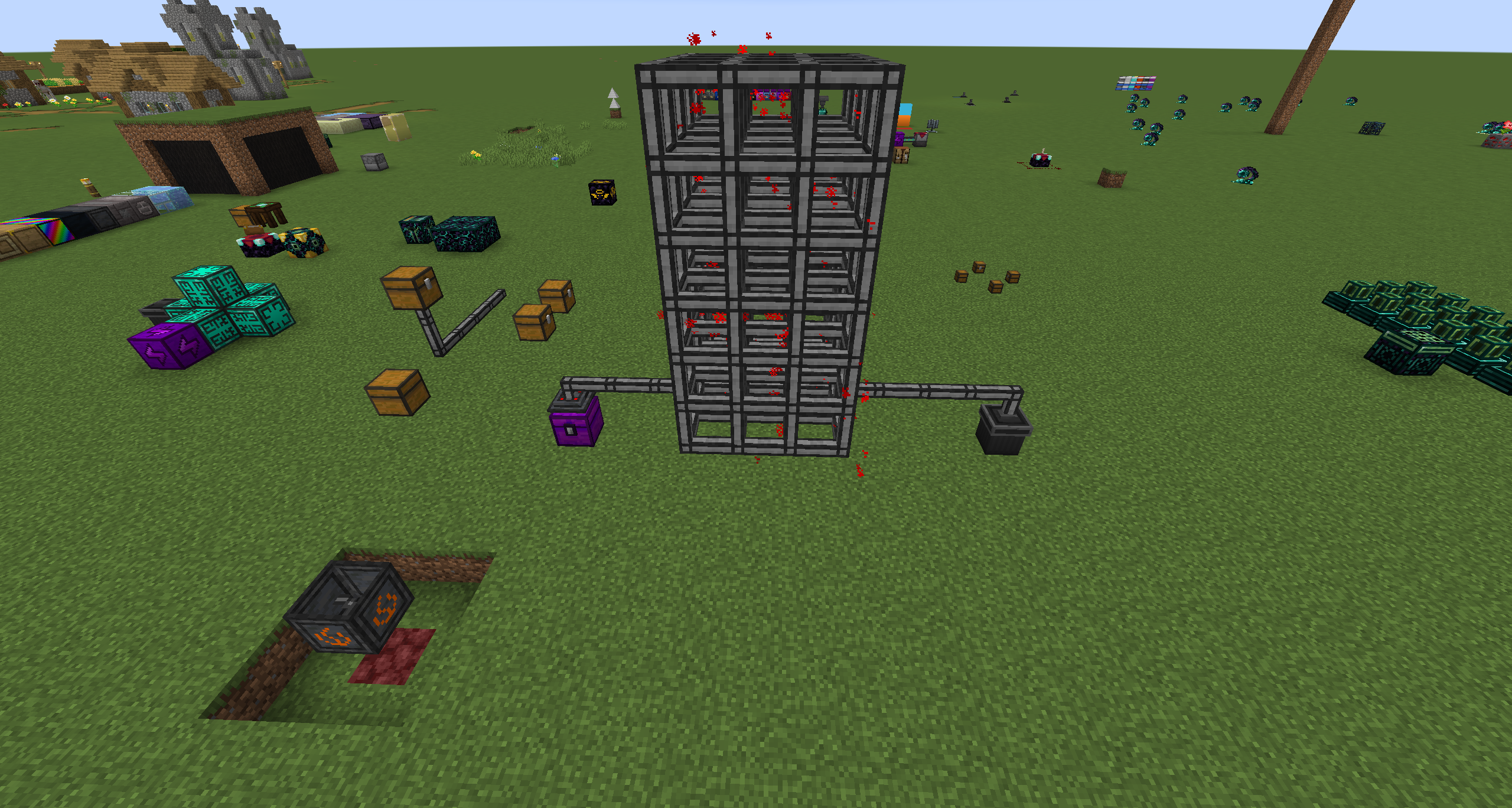 Transfer Node searching for a destination
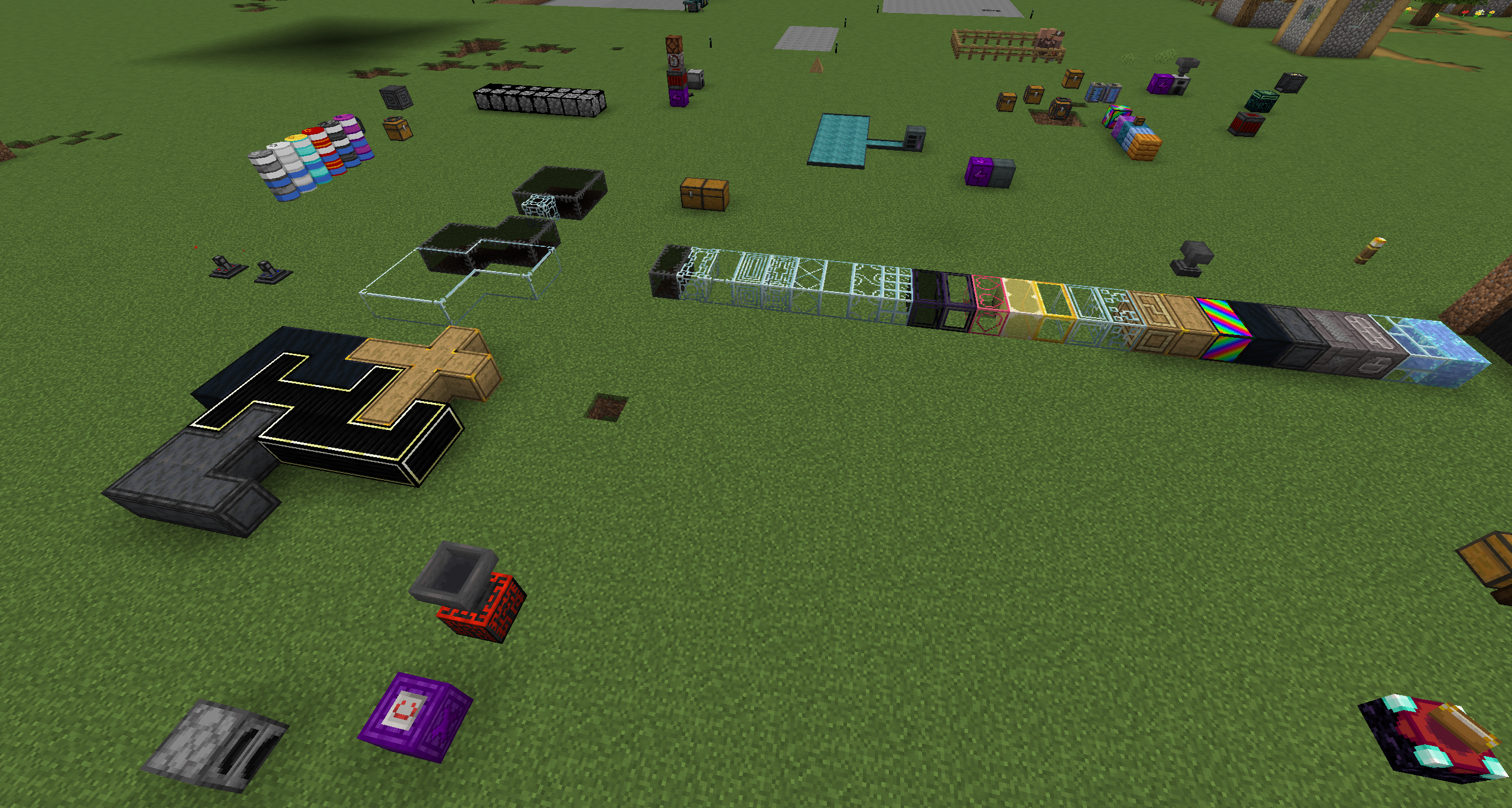 Various decorative blocks
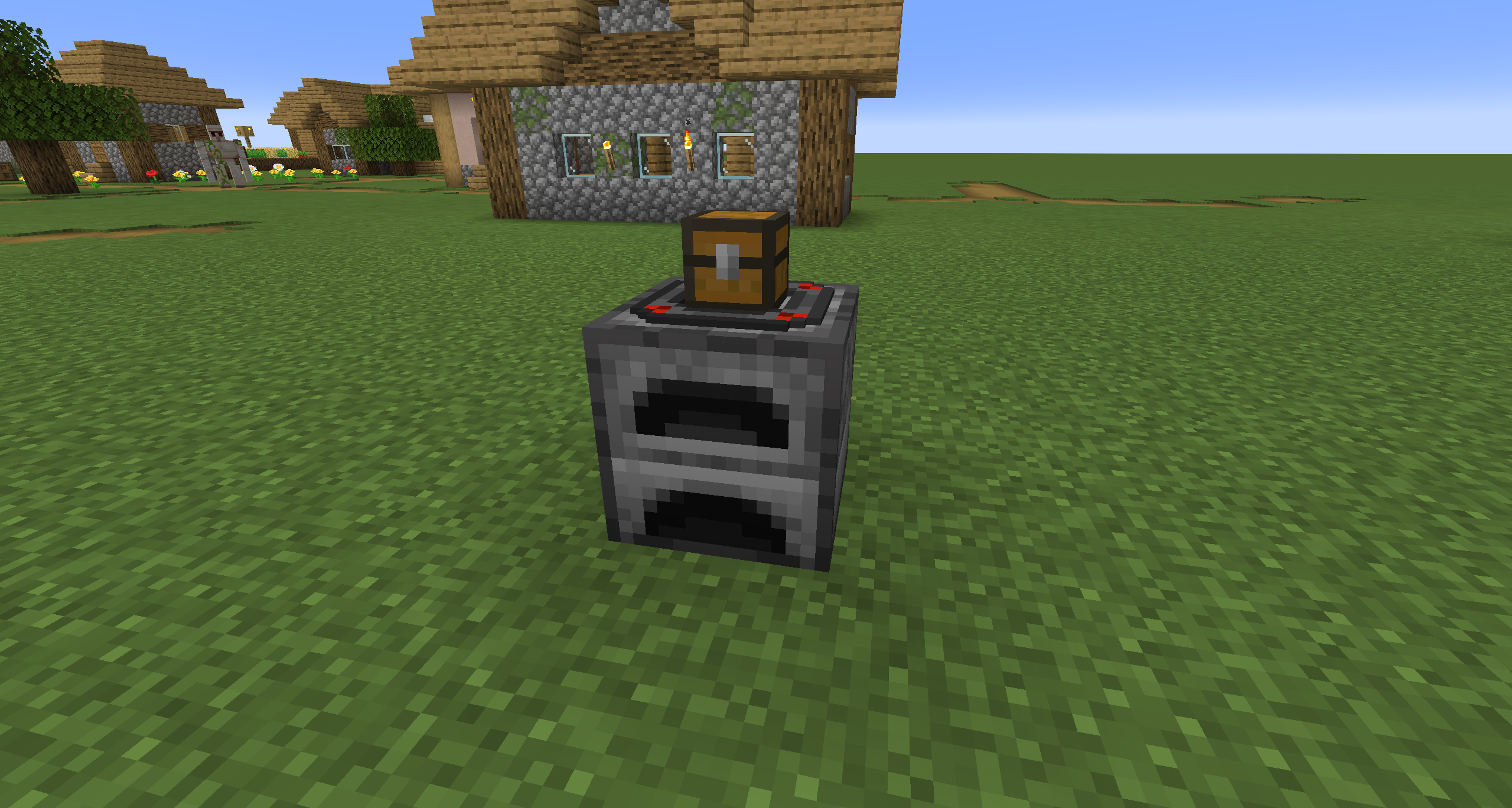 Flat Transfer Node on a Mini Chest
Images: Excessive Utilities on Modrinth, published by the project team.
Setup
Install Excessive Utilities on your server
The server and players need the same loader and Minecraft version. Back up the world before adding or updating mods.
- 01
Configure
4 GB of RAM is preselected. You choose the term and add-ons and pay by credit card or PayPal.
- 02
Set the loader
In the panel, set the server software to NeoForge and choose the matching Minecraft version, for example 1.21.1.
- 03
Install the mod
Search the mod browser for “Excessive Utilities” and install the release for your loader. Alternatively, upload the .jar to the mods folder via SFTP. Required dependencies are listed on the project page.
- 04
Connect
Every player installs the same Excessive Utilities release locally and connects using the server address from the panel.
- On the server
- Required
- On the client
- Required
- Loader
- NeoForge
- Minecraft
- 1.21.1
- License
- GNU Lesser General Public License v3.0 only
The panel
Install mods, find errors.
Real screenshots from the Mado panel. Both come with every Minecraft server.
Mod browser
Modrinth and CurseForge, right in the panel.
The browser filters by your Minecraft version. Install mods with one click, without uploading .jar files.

AI crash analysis
When a mod crashes, the analyzer reads the log.
Mods often fail on a wrong loader version, Java version or missing dependency. The analyzer names a likely cause and suggests a fix.

Releases
Published releases
Pick the file that matches your server’s loader and Minecraft version. The server and players need the same release.
Excessive Utilities · ModrinthOriginal description by the project author
Excessive Utilities is a modern remake of Extra Utilities by RWTema, with features from both Extra Utilities 1 and 2, including all your favorites such as:
- Unstable Ingots and their tools
- The Depths and Last Millennium dimensions
- 16 FE Generators, plus the Rainbow Generator!
- 6 types of Angel Ring
- A fully configurable Grid Power system
- Both the Quantum Quarry and the Ender Quarry, with all its upgrades!
- Filing Cabinets, Trash Cans, and Drums
- Transfer/Retrieval Nodes that can move items, fluids, and energy all along the same pipes
- Dozens of decorative blocks, many of which have connected textures (requires Athena)
- 16 levels of compressed blocks
- 224 colored versions of various blocks, like Planks and Lanterns!
Note that as Extra Utilities does not have an open license, none of the original mods' code or textures were used to make this one. It was fully remade from the ground up, by reading wiki articles and playing the old ones to see what they did and then remaking them from scratch. There may be some inconsistencies or minor missing features due to this.
Excessive Utilities server crashes on startup – what to do?
Common causes: the loader or Minecraft version does not match the mod file, a dependency is missing, or RAM is too low. Check the log (latest.log) for “OutOfMemoryError”, “Mixin” or missing mods. At Mado, the AI crash analysis reads the log and suggests a cause. You can change the loader and version in the panel.
Which loader does Excessive Utilities run on?
According to Modrinth, Excessive Utilities supports NeoForge for Minecraft 1.21.1.
How much RAM does a server with Excessive Utilities need?
As guidance, 3–4 GB for a server with this mod. This is an estimate, not a measured minimum. More mods, many players and long view distances need more. The spark profiler shows whether a mod is costing tick time.
Similar mods
Popular mods in the same category
 Server-ready

VeinMiner
by Miraculixx
Mine the whole vein on mining a single ore/block. Make the tedious mining experience to something satisfying and fun! FTB Ultimine alternative
 Client only

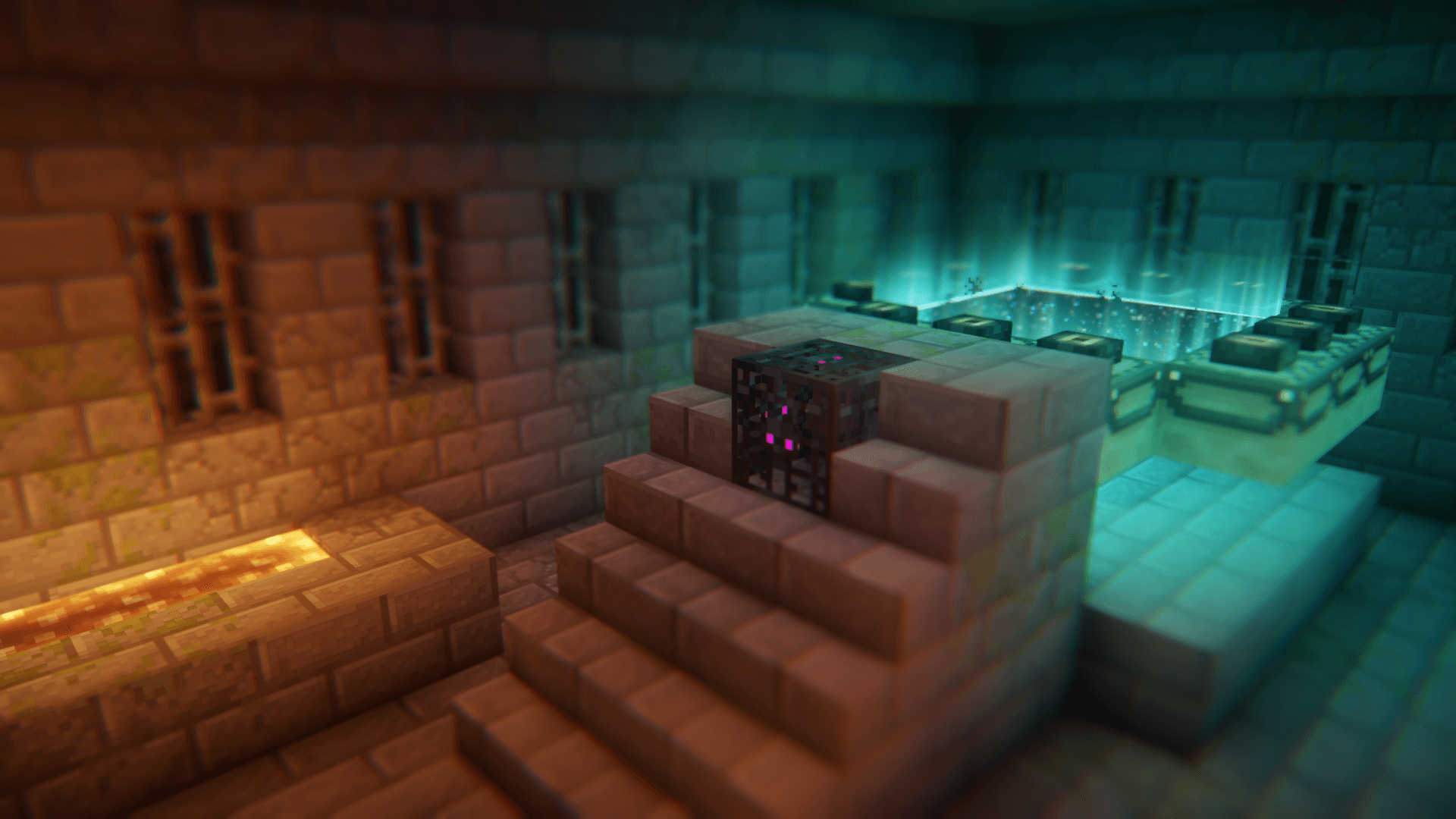
Euphoria Patches
by SpacEagle17
Euphoria Patches is an add-on for Complementary Shaders, extending it with more optional features and settings.
 Server-ready

Create
by simibubi
Aesthetic Technology that empowers the Player
 Server-ready

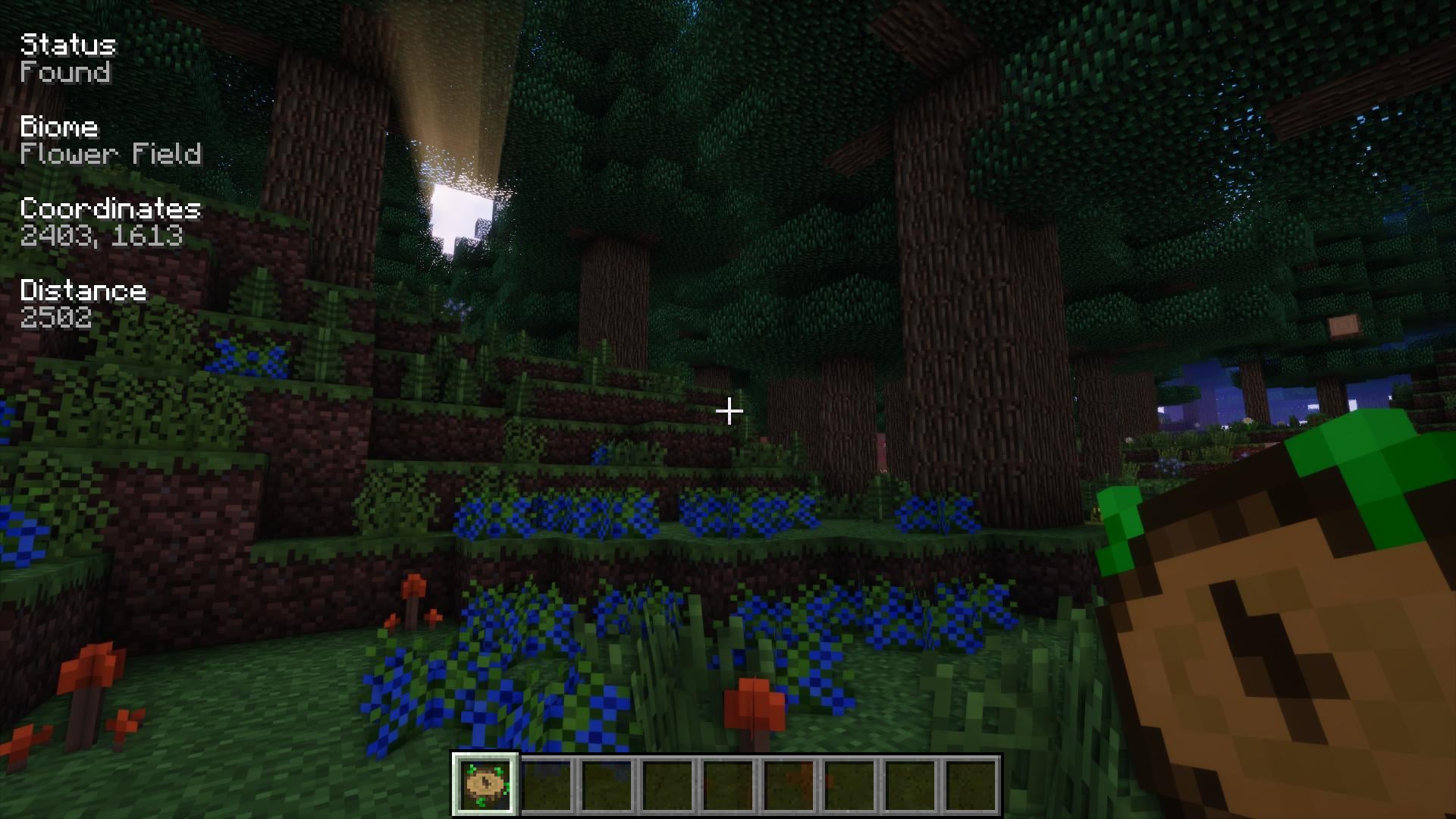
Nature's Compass
by Chaosyr
Allows you to locate biomes anywhere in the world.
Ready for your server with Excessive Utilities?
4 GB of RAM from €8.00 per month. 35% off your first month with MADO35.