
IJM's Tweaks
⚙️ A Fabric mod that tweaks the client side of Minecraft.
Screenshots
About this Mod
⚙️ IJM's Tweaks
A Fabric mod that tweaks the client side of Minecraft.
📌Description
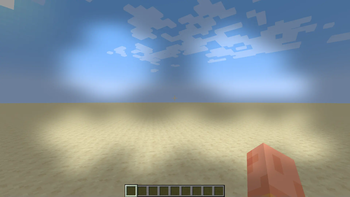
- Force the dark loading overlay (the black monochrome color).
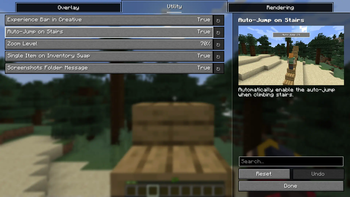
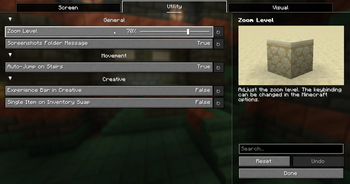
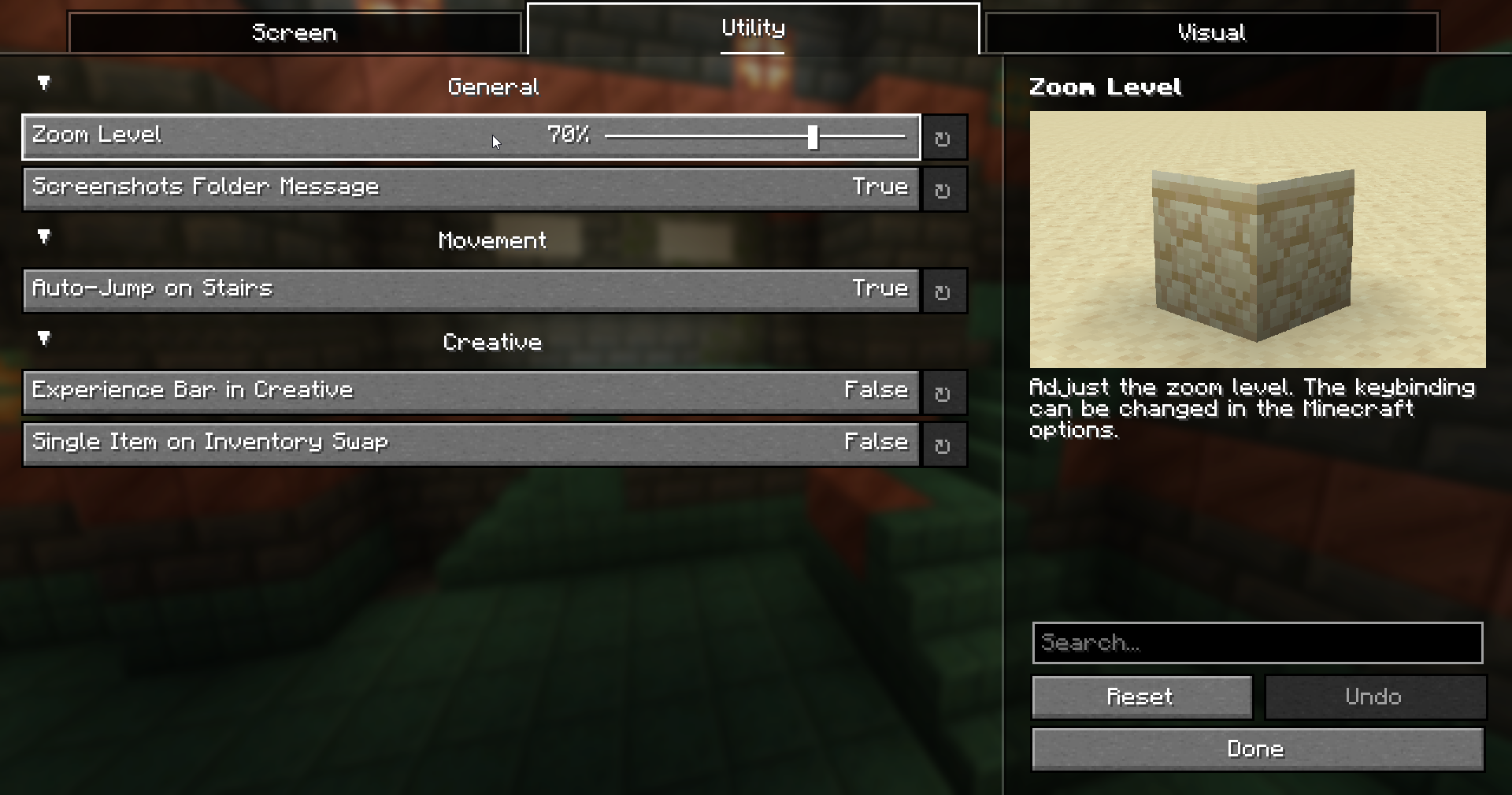
- Automatically enable the auto-jump when you step on stairs.
- Allow the experience bar to show up in creative.
- Reduce the particles when a block is broken.
- Change the opacity of the pumpkin overlay.
- Zoom by holding a keybinding.
- Lower the height of the fire overlay.
- Some tweaks on the creative inventory.
- Add a message to open the screenshots folder after taking a screenshot.
- An option to render the hitboxes of the invisible entities when using F3 + B. Require to be OP and in a non survival-like gamemode on a dedicated server.
- A fullbright option that can be toggled with a keybinding.
Note: Everything is configurable and can be toggled.
🔗 Requirements
🔗 Recommended
🔗 Compatible with
📜 License
This project is under the MIT license.
Available Versions
How to Install IJM's Tweaks on Your Client
Install the Mod Loader Locally
Install fabric for your local Minecraft version.
Download the Matching File
Choose the IJM's Tweaks file for fabric and Minecraft 26.3.
Install Mod
Place the .jar file in your local .minecraft/mods folder and restart Minecraft. No server-side installation is required.
Compatibility
Mod Loaders
Minecraft Versions
26.3, 26.2, 26.1 (+19 more)
Server-side
✗ UnsupportedRecommended RAM
4 GB(min. 3 GB)Frequently Asked Questions
Does IJM's Tweaks need to be installed on the Minecraft server?
No. Modrinth marks IJM's Tweaks as unsupported on the server side. Install it only in your local Minecraft mods folder. Your server can remain unchanged unless the mod page lists an additional dependency.
Which version and loader does IJM's Tweaks require?
Use a file for fabric and your exact Minecraft version. Supported versions include 26.3, 26.2, 26.1. Files for different loaders are not interchangeable.
IJM's Tweaks is not working – what should I check?
First check the Minecraft version, loader version and required dependencies. Put the .jar file in your local .minecraft/mods folder and remove older duplicates. Because this mod is client-side, adding server RAM will not fix it.
Similar Mods






Minecraft Server for Your Group
IJM's Tweaks stays on your client. Host a compatible world for your group.