
Modrinth · Fabric, Forge, NeoForge
KleeSlabs on your Minecraft server
KleeSlabs runs on Minecraft servers with Fabric or Forge or NeoForge. Order your server, set the loader in the panel and install the mod with one click in the mod browser.
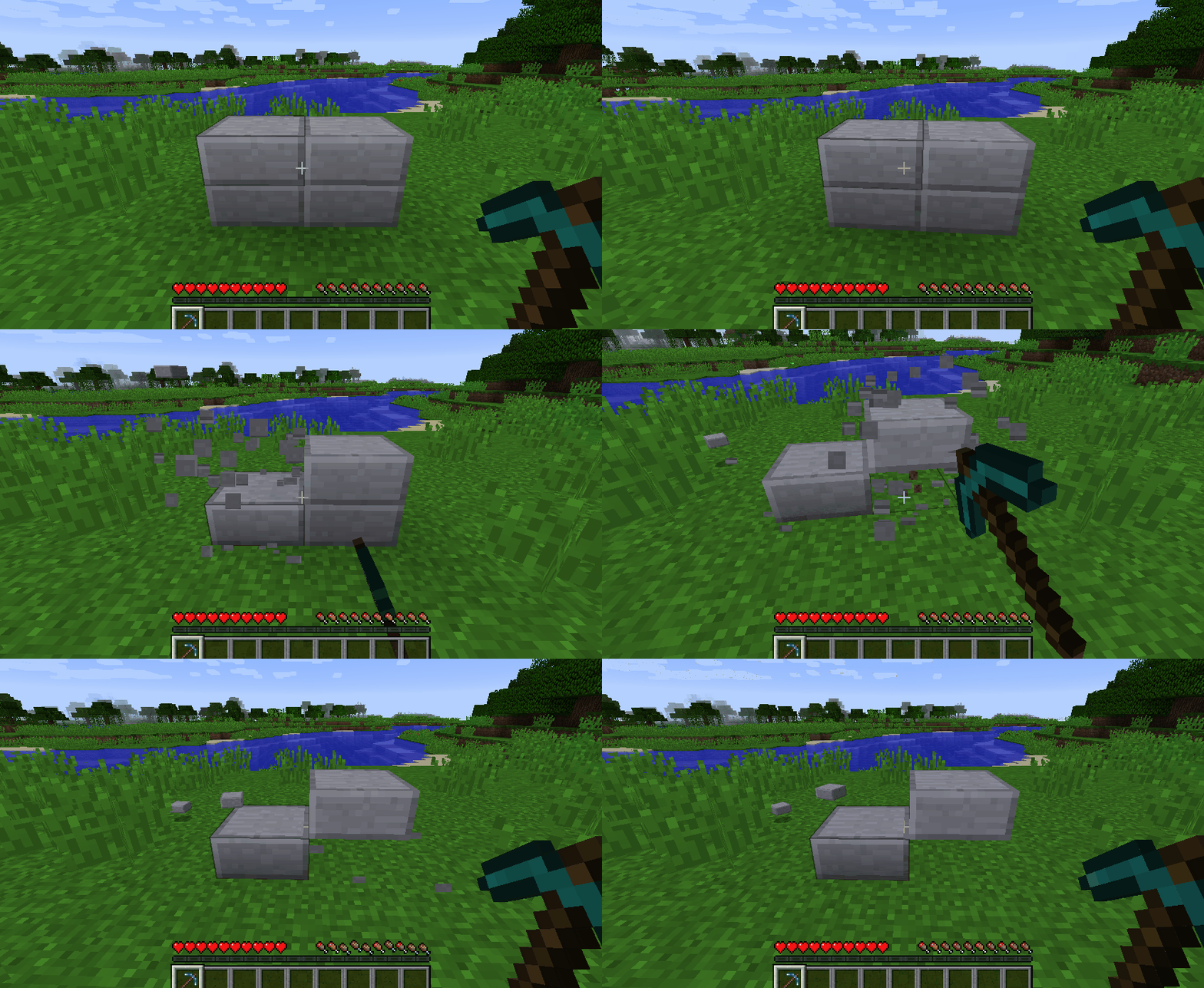
Break only the half of a double slab that you're looking at.
- Downloads
- 7.0M
- Author
- BlayTheNinth
- Loader
- Fabric, Forge, NeoForge
- Minecraft
- 1.18 – 26.3
- Updated
- –
Screenshots
What KleeSlabs looks like
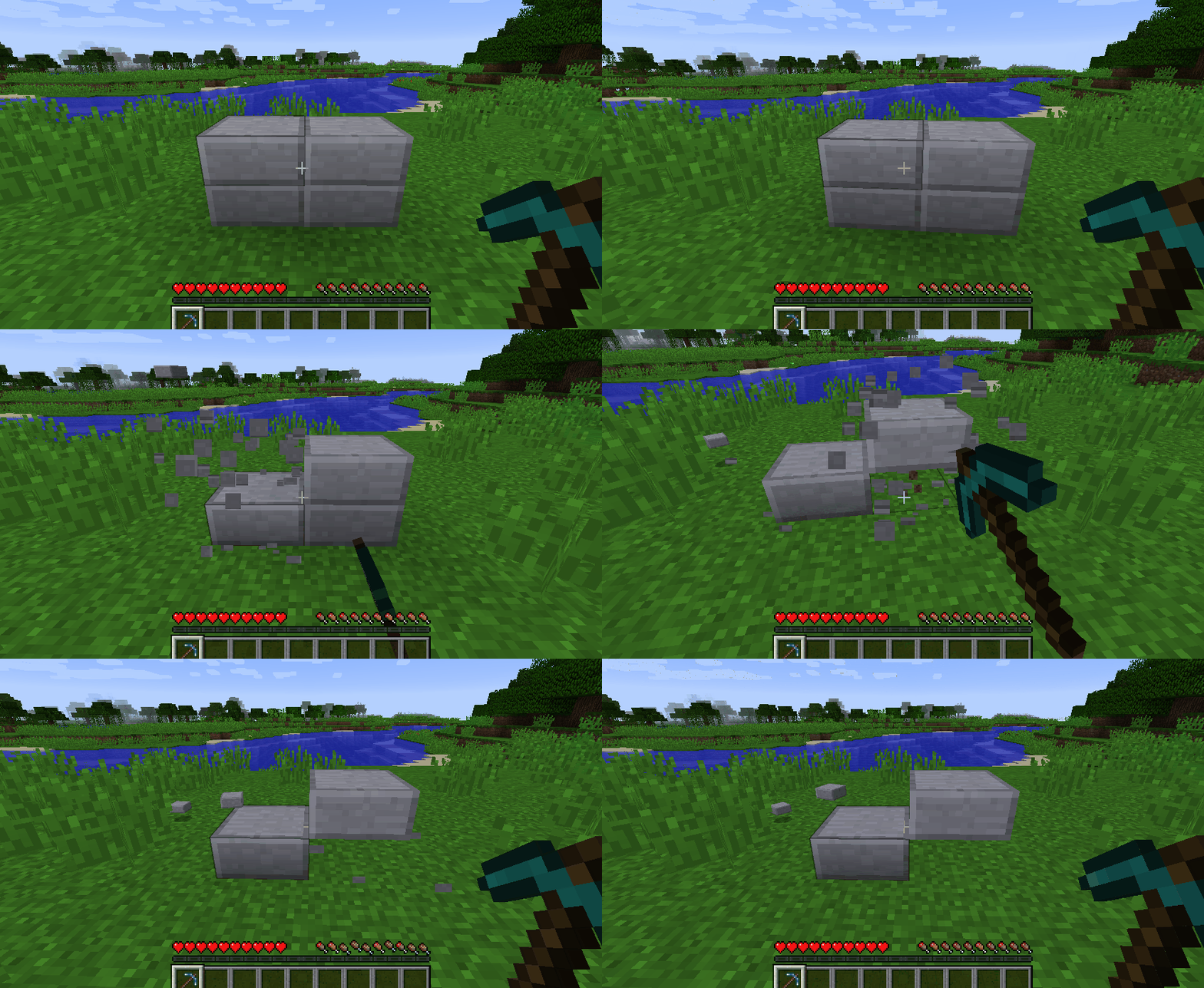
Images: KleeSlabs on Modrinth, published by the project team.
Setup
Install KleeSlabs on your server
The server and players need the same loader and Minecraft version. Back up the world before adding or updating mods.
- 01
Configure
4 GB of RAM is preselected. You choose the term and add-ons and pay by credit card or PayPal.
- 02
Set the loader
In the panel, set the server software to Fabric or Forge or NeoForge and choose the matching Minecraft version, for example 26.3.
- 03
Install the mod
Search the mod browser for “KleeSlabs” and install the release for your loader. Alternatively, upload the .jar to the mods folder via SFTP. Required dependencies are listed on the project page.
- 04
Connect
KleeSlabs is optional on the client. Players connect using the server address from the panel.
- On the server
- Required
- On the client
- Optional
- Loader
- Fabric, Forge, NeoForge
- Minecraft
- 26.3, 26.2, 26.1.2 +27 more
- License
- LicenseRef-All-Rights-Reserved
The panel
Install mods, find errors.
Real screenshots from the Mado panel. Both come with every Minecraft server.
Mod browser
Modrinth and CurseForge, right in the panel.
The browser filters by your Minecraft version. Install mods with one click, without uploading .jar files.

AI crash analysis
When a mod crashes, the analyzer reads the log.
Mods often fail on a wrong loader version, Java version or missing dependency. The analyzer names a likely cause and suggests a fix.

Releases
Published releases
Pick the file that matches your server’s loader and Minecraft version. The server and players need the same release.
KleeSlabs · Modrinth- 26.3.0.2+neoforge-26.3September 25, 2026Minecraft 26.3 · NeoForge
- 26.3.0.2+fabric-26.3September 25, 2026Minecraft 26.3 · Fabric
- 26.2.0.1+fabric-26.2June 16, 2026Minecraft 26.2 · Fabric
- 26.2.0.1+neoforge-26.2June 16, 2026Minecraft 26.2 · NeoForge
- 21.1.11+forge-1.21.1May 29, 2026Minecraft 1.21.1 · Forge
Original description by the project author
This mod allows you to break only one half of a double slab. The half that is broken depends on which half you're looking at.
It supports Vanilla slabs as well as many modded slabs. Modded slabs that do not work yet should be reported on the Issue Tracker.
This mod requires Balm, which must be installed alongside the mod.

- Break only the half of a double slab that you're looking at
- Supports all Vanilla slabs
- Supports slabs from many different mods

This mod was made by suggestion of Kleetho during one of her livestreams, hence the name.
KleeSlabs server crashes on startup – what to do?
Common causes: the loader or Minecraft version does not match the mod file, a dependency is missing, or RAM is too low. Check the log (latest.log) for “OutOfMemoryError”, “Mixin” or missing mods. At Mado, the AI crash analysis reads the log and suggests a cause. You can change the loader and version in the panel.
Which loader does KleeSlabs run on?
According to Modrinth, KleeSlabs supports Fabric, Forge, NeoForge for Minecraft 26.3, 26.2, 26.1.2. Forge and Fabric files are not interchangeable: pick one loader for the server and clients.
How much RAM does a server with KleeSlabs need?
As guidance, 3–4 GB for a server with this mod. This is an estimate, not a measured minimum. More mods, many players and long view distances need more. The spark profiler shows whether a mod is costing tick time.
Similar mods
Popular mods in the same category
 Server-ready
VeinMiner
by Miraculixx
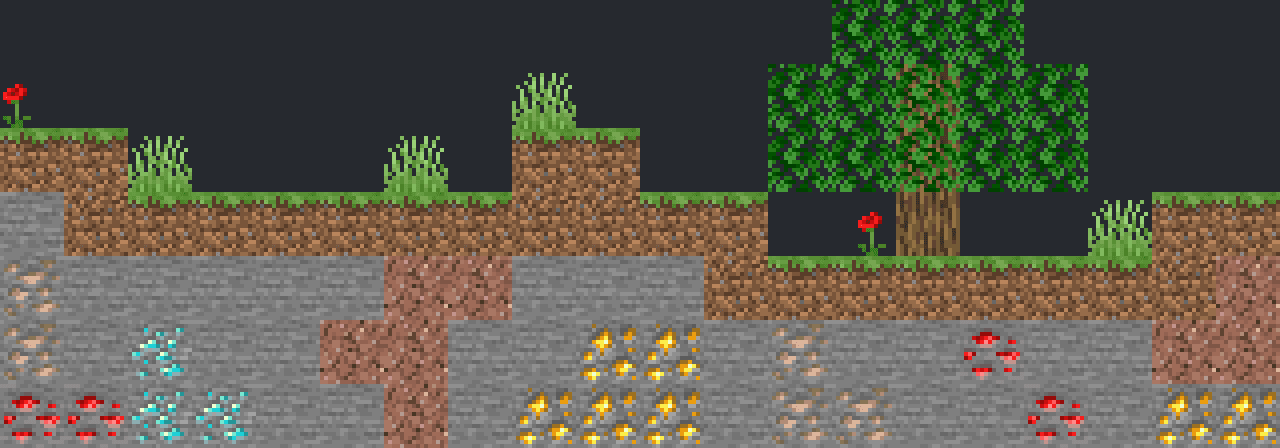
Mine the whole vein on mining a single ore/block. Make the tedious mining experience to something satisfying and fun! FTB Ultimine alternative
 Server-ready

Geckolib
by Gecko
A 3D animation library for entities, blocks, items, armor, and more!
 Client only

VeinMiner Hotkey
by Miraculixx
Veinminer Addon - Use a hotkey to veinmine with a dynamic crosshair & block highlighting
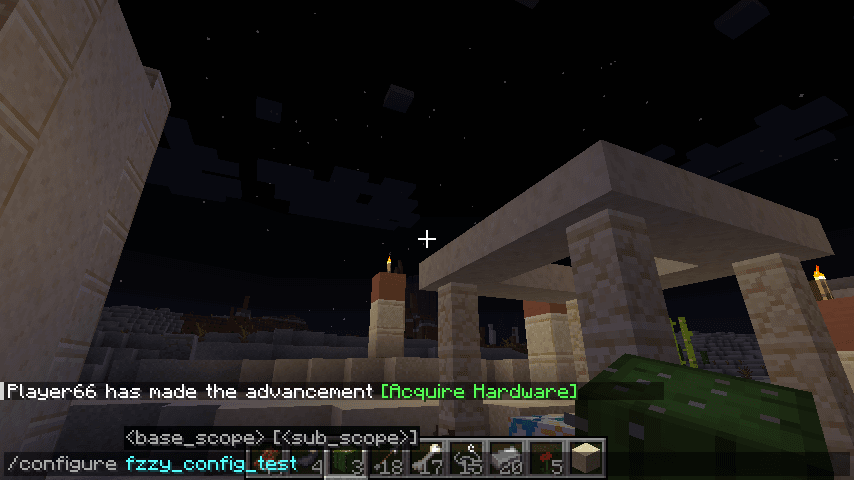 Server-ready

Fzzy Config
by fzzyhmstrs
Config API with automatic GUIs, powerful validation options, server-client sync, and more!
Ready for your server with KleeSlabs?
4 GB of RAM from €8.00 per month. 35% off your first month with MADO35.