
Gravestones
Adds highly configurable Graves that spawn on death to hold your items
Screenshots

About this Mod
Gravestones
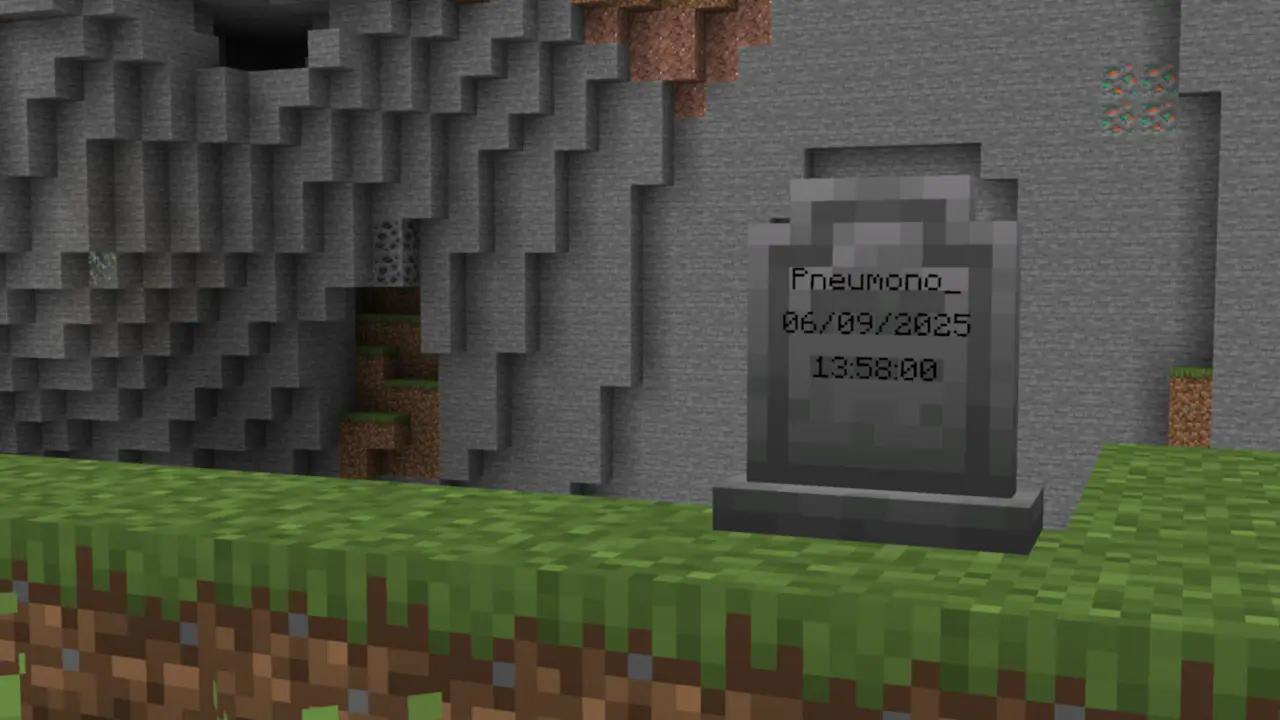
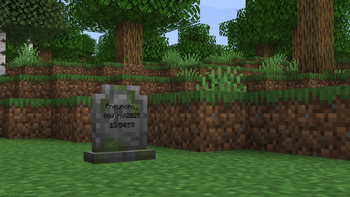
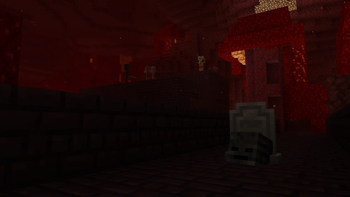
Gravestones adds blocks which store your items on death. You just right-click, and your items will go back to their original positions.
It's a fairly standard grave mod, but with nicer, vanilla-style textures, extra config options to help tailor the mod to specific servers, and the option to use gravestones in builds.
See the wiki for more detailed information!
Decay
Gravestone decay is very configurable and all of its features can be configured or disabled if they are not wanted!
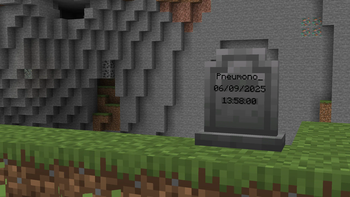
By default, all gravestones decay over time and due to subsequent deaths. This is shown visually by a change in the block's texture.
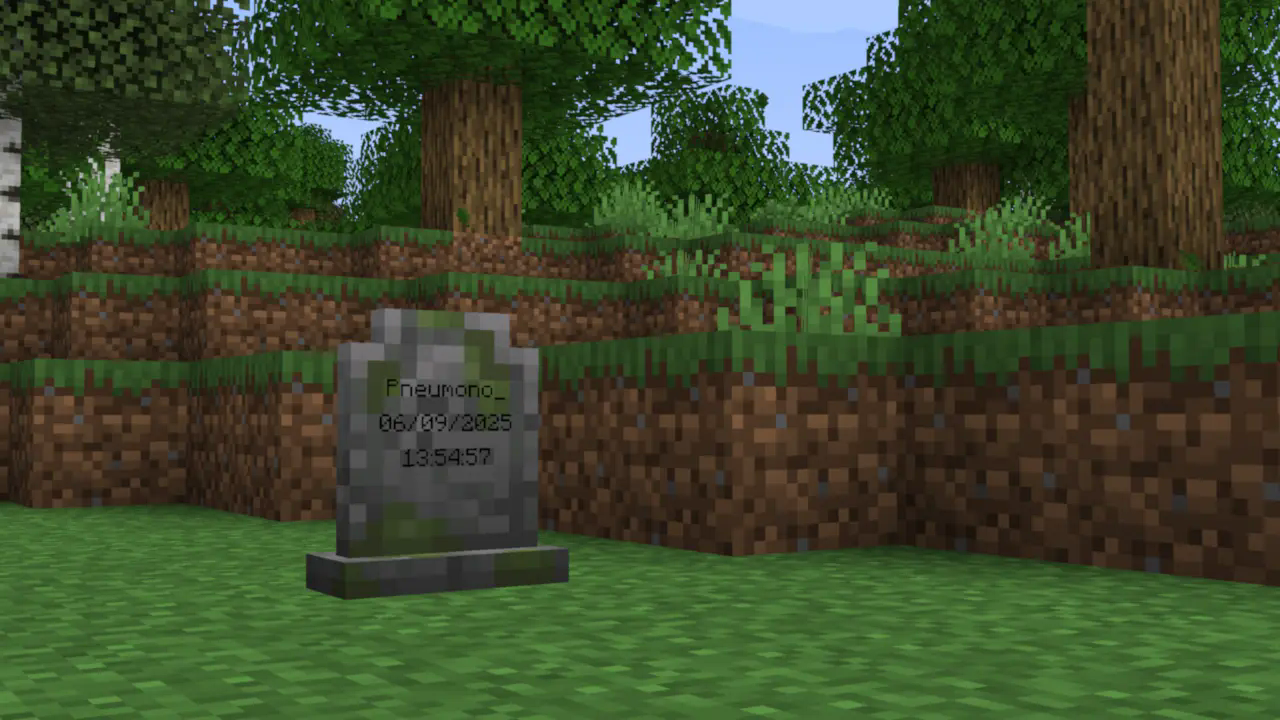
After a configurable amount of decay, the gravestone breaks entirely, spilling its contents onto the ground (after which the vanilla 5-minute despawn timer applies).
Aesthetic Gravestones
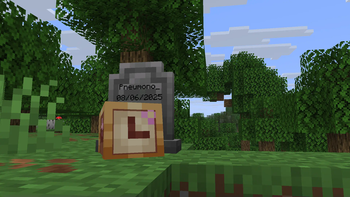
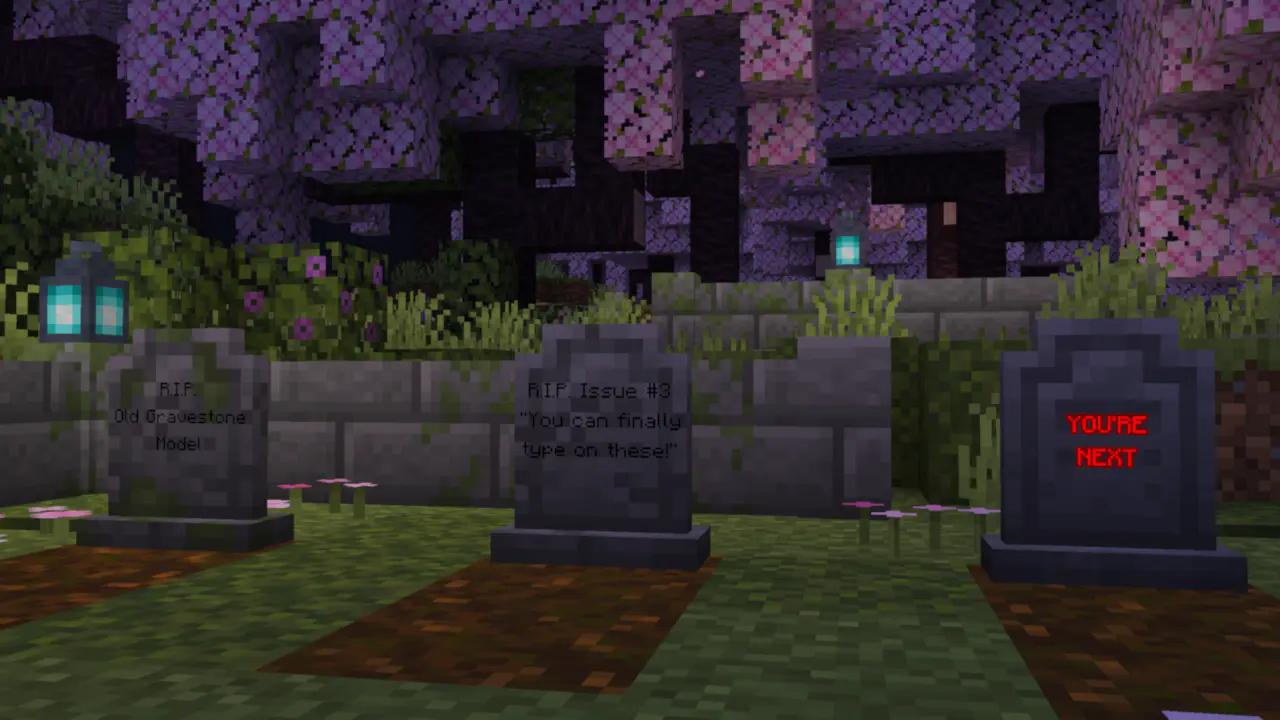
Gravestones also includes craftable "aesthetic gravestones", which allow builders to use the gravestone blocks without having their builds at risk of damage.
They can also be written on and dyed just like signs.
Configs
This is a short summary of some of the mod's configs. For the full list with more detailed explanations, see the wiki.
- Whether gravestones decay due to subsequent deaths
- Whether gravestones decay over time, and how long it takes
- Whether gravestones store experience, how much they store,
and whether experience "decays" over time along with the gravestone itself - Whether gravestones can be accessed by players other than their owner
- What time format the gravestones display (client-side)
- And more!
Compatibility
At the time of writing, Gravestones has built-in support for Trinkets, Accessories, several mods with Soulbound enchantments, and Spelunkery's recovery compass changes. More mods will be added in the future.
Gravestones has an API for mod developers to add support for Gravestones. Information about this can be found here.
Dependencies
Gravestones depends on my core mod, PneumonoCore.
Available Versions
How to Install Gravestones on Your Server
Order Server
Order a Minecraft Java server with at least 3 GB RAM (4 GB recommended).
Set fabric Loader
In the panel under "Egg", select the fabric loader and matching Minecraft version (26.2).
Install Mod
Open the mod browser in the dashboard and search for "Gravestones". Click "Install" – done! Alternatively, upload the .jar via SFTP to the /mods folder.
Compatibility
Mod Loaders
Minecraft Versions
26.2, 26.1.2, 26.1.1 (+20 more)
Server-side
✓ RequiredRecommended RAM
4 GB(min. 3 GB)Frequently Asked Questions
Gravestones server crashes on startup – what to do?
Most common cause: wrong fabric version or insufficient RAM. Check the server log (latest.log) for "OutOfMemoryError" or "Mixin" errors. With Mado Hosting: ensure at least 3 GB RAM is allocated and the loader matches the mod version (26.2). You can switch loaders with one click in the panel.
Is Gravestones compatible with fabric and quilt?
Gravestones officially supports fabric, quilt for Minecraft 26.2, 26.1.2, 26.1.1. The Mado dashboard automatically detects incompatible loader combinations.
Server lagging with Gravestones – how to optimize performance?
Recommended RAM: 4 GB (per 8 players). Use /spark profiler to check if Gravestones consumes the most tick time. Common fixes: reduce server view-distance to 8-10, install "performant" or "starlight" as supplementary mods on Forge. With Mado Hosting, your server runs on NVMe SSDs with dedicated CPU cores for minimal latency.
Similar Mods






Rent Modded Server
Install Gravestones with just one click on your server.