
Modrinth · Fabric · Client mod
Recorder Ingame
Recorder Ingame is a client-side mod. Install it on your computer; the server does not need it.
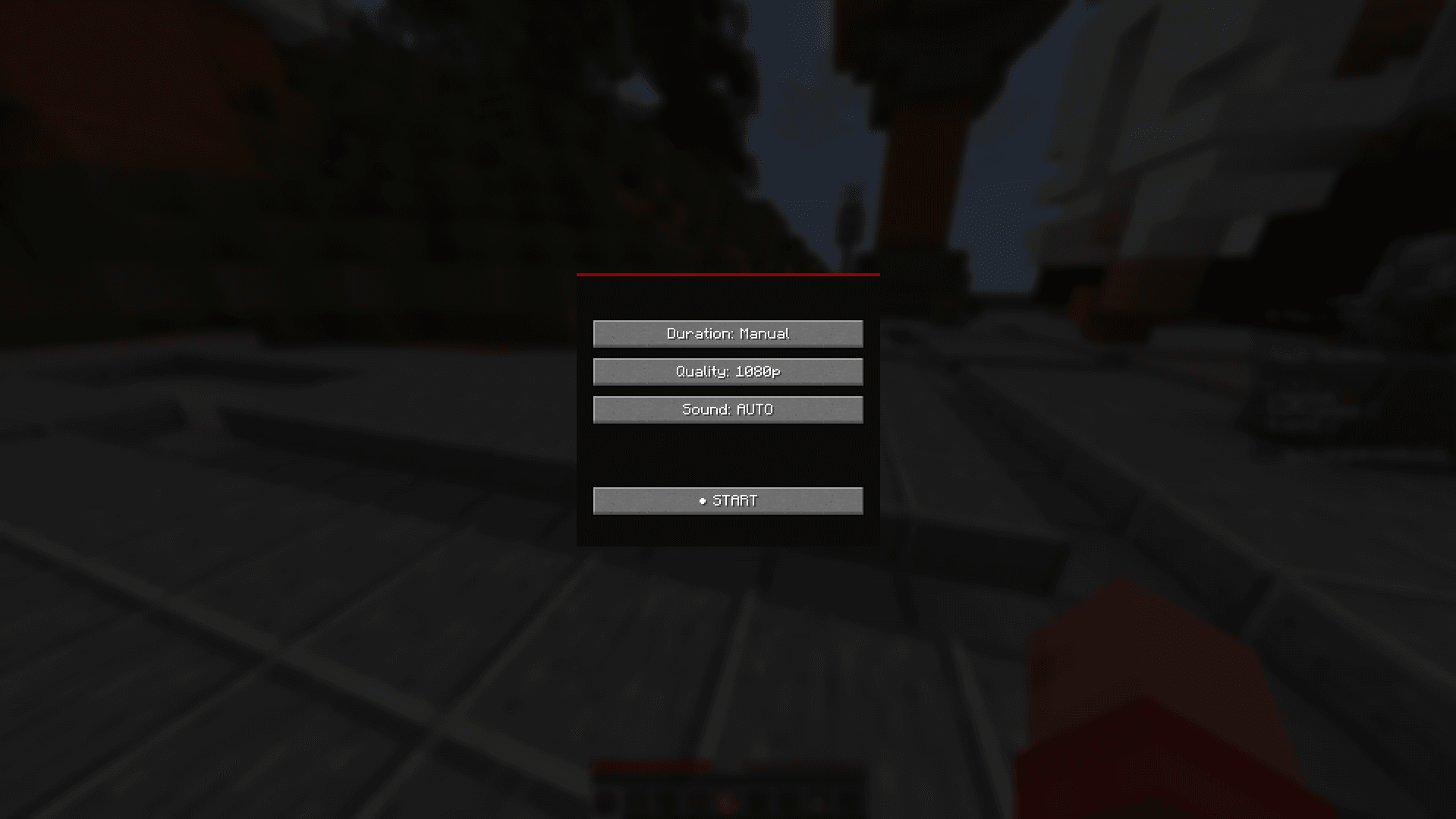
Recorder Mod is a lightweight in-game recorder for Minecraft that lets you record gameplay and game audio directly to MP4 files without needing OBS or other external software.
- Downloads
- 9.8K
- Author
- Jaysarch
- Loader
- Fabric
- Minecraft
- 1.21 – 1.21.9
- Updated
- –
Screenshots
What Recorder Ingame looks like


Images: Recorder Ingame on Modrinth, published by the project team.
Setup
Install Recorder Ingame on your client
Client-side mods only run on your computer. More server RAM does not change their performance.
- 01
Install the loader locally
Install Fabric for your Minecraft version in your launcher.
- 02
Download the file
Download the Recorder Ingame file for your loader and your exact Minecraft version, for example 1.21.9.
- 03
Add it to the mods folder
Put the .jar file in your local .minecraft/mods folder and remove older duplicates.
- 04
Launch
Launch Minecraft with the loader profile. Nothing needs to change on the server.
- On the server
- Not needed
- On the client
- Required
- Loader
- Fabric
- Minecraft
- 1.21.9, 1.21.8, 1.21.7 +9 more
- License
- MIT License
Releases
Published releases
Pick the file that matches your server’s loader and Minecraft version. The server and players need the same release.
Recorder Ingame · Modrinth- Rewind ingamerec 1.0.0May 2, 2026Minecraft 1.21.11 · Fabric
- Rewind ingamerec 1.0.0May 2, 2026Minecraft 1.21.10 · Fabric
- Rewind ingamerec 1.0.0May 2, 2026Minecraft 1.21.9 · Fabric
- Rewind ingamerec 1.0.0May 2, 2026Minecraft 1.21.8 · Fabric
- Rewind ingamerec 1.0.0May 2, 2026Minecraft 1.21.7 · Fabric
Original description by the project author
Recorder Mod is an all-in-one recording suite made specifically for Minecraft. Unlike OBS or ShadowPlay, it works directly inside the game, so recording feels seamless without extra setup or window management.
Features
- High-quality MP4 recording using FFmpeg
- Direct in-game video & audio capture
- Captures only Minecraft audio (no Discord, browser music, or notifications)
- Smooth audio/video synchronization with no desync
- Built-in Video Library to view and manage recordings in-game
- Simple controls with easy keybinds
- Automatic FFmpeg setup on first launch
- Performance optimized with threaded encoding and FPS-aware capture
How It Works
The mod captures frames directly from Minecraft and sends them to FFmpeg in real time for efficient encoding. Audio is intercepted from Minecraft’s internal sound engine instead of your desktop audio, giving clean recordings without background noise.
Designed for Ease
Recorder Mod is built to be plug-and-play. Install it, launch the game, and start recording with simple controls while staying fully inside Minecraft.
Community/Bug reports
Menu Keybind: "R" (changeable in default keybinds)
Does Recorder Ingame need to be installed on the Minecraft server?
No. Modrinth marks Recorder Ingame as unsupported on the server side. Install it only in your local mods folder. Your server can stay unchanged unless the project page lists an additional dependency.
Which version and loader does Recorder Ingame require?
Use a file for Fabric and your exact Minecraft version. Supported versions include 1.21.9, 1.21.8, 1.21.7. Files for different loaders are not interchangeable.
Recorder Ingame is not working – what should I check?
First check the Minecraft version, loader version and required dependencies. Because the mod is client-side, more server RAM will not fix it.
Similar mods
Popular mods in the same category
 Server-ready

VeinMiner
by Miraculixx
Mine the whole vein on mining a single ore/block. Make the tedious mining experience to something satisfying and fun! FTB Ultimine alternative
 Server-ready

Geckolib
by Gecko
A 3D animation library for entities, blocks, items, armor, and more!
 Client only

VeinMiner Hotkey
by Miraculixx
Veinminer Addon - Use a hotkey to veinmine with a dynamic crosshair & block highlighting
 Server-ready

Fzzy Config
by fzzyhmstrs
Config API with automatic GUIs, powerful validation options, server-client sync, and more!
Looking for mods for your own server?
The catalog lists mods that run on Minecraft servers.