
Modrinth · Fabric, NeoForge, Quilt · Client mod
ScreenshotMetadata
ScreenshotMetadata is a client-side mod. Install it on your computer; the server does not need it.
A Minecraft Fabric mod that automatically adds comprehensive metadata to your screenshots, making them easier to organize and search.
- Downloads
- 1.6K
- Author
- fentbuscoding
- Loader
- Fabric, NeoForge, Quilt
- Minecraft
- 1.21.1 – 26.3
- Updated
- –
Screenshots
What ScreenshotMetadata looks like
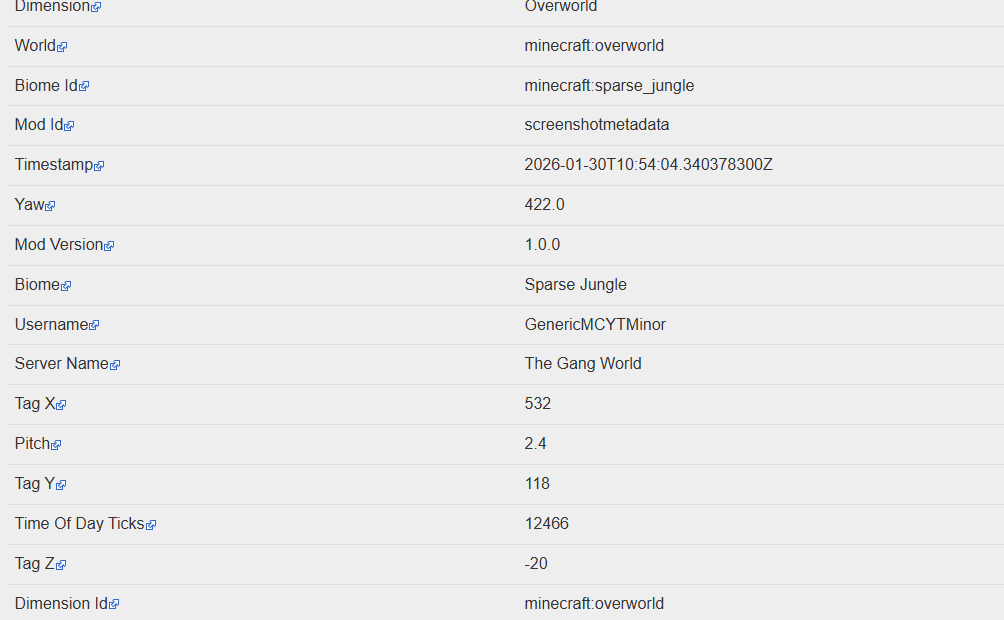
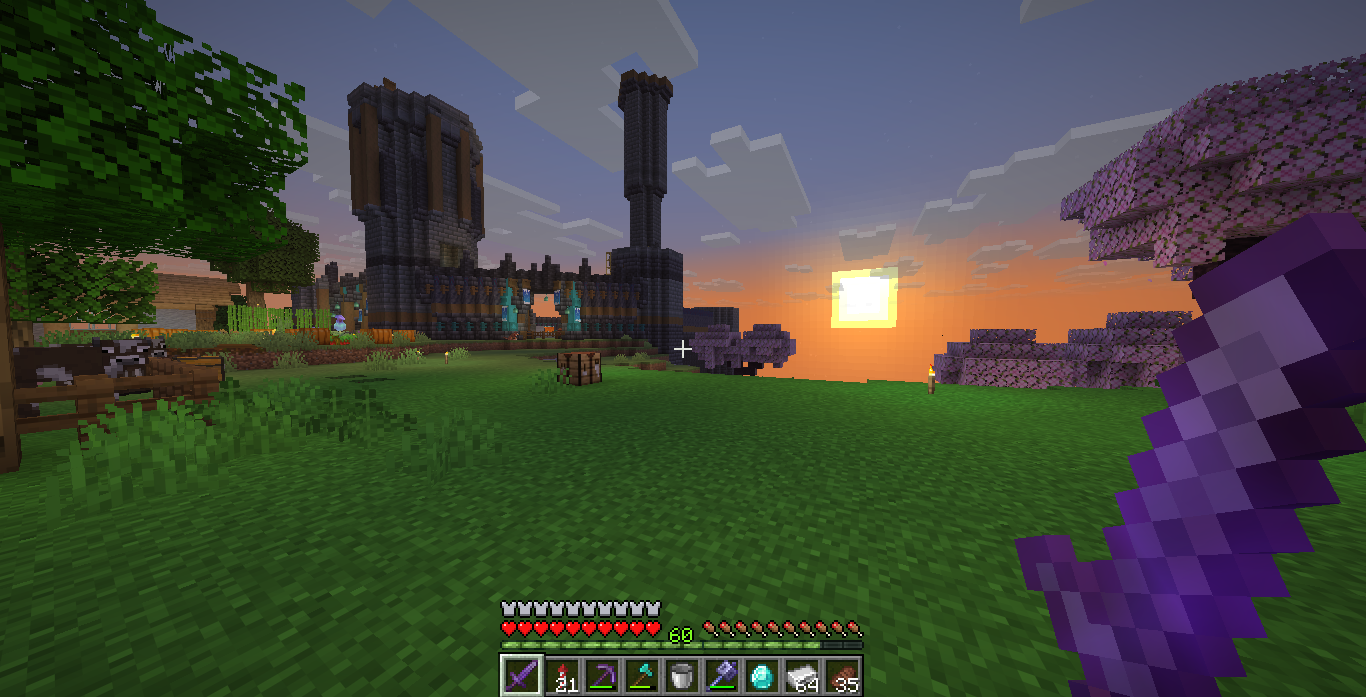
Images: ScreenshotMetadata on Modrinth, published by the project team.
Setup
Install ScreenshotMetadata on your client
Client-side mods only run on your computer. More server RAM does not change their performance.
- 01
Install the loader locally
Install Fabric or NeoForge or Quilt for your Minecraft version in your launcher.
- 02
Download the file
Download the ScreenshotMetadata file for your loader and your exact Minecraft version, for example b1.7.3.
- 03
Add it to the mods folder
Put the .jar file in your local .minecraft/mods folder and remove older duplicates.
- 04
Launch
Launch Minecraft with the loader profile. Nothing needs to change on the server.
- On the server
- Not needed
- On the client
- Required
- Loader
- Fabric, NeoForge, Quilt
- Minecraft
- b1.7.3, 26.4-snapshot-7, 26.3 +16 more
- License
- MIT License
Releases
Published releases
Pick the file that matches your server’s loader and Minecraft version. The server and players need the same release.
ScreenshotMetadata · Modrinth- Screenshot Metadata v1.4.3 (MC 1.21.6)November 7, 2026Minecraft 1.21.6 · Fabric, Quilt
- Screenshot Metadata v1.4.3 (MC 1.21.5)November 7, 2026Minecraft 1.21.5 · Fabric, Quilt
- Screenshot Metadata v1.4.3 (NeoForge 1.21.11)November 7, 2026Minecraft 1.21.11 · NeoForge
- Screenshot Metadata v1.4.3 (MC 1.21.3)November 7, 2026Minecraft 1.21.3 · Fabric, Quilt
- Screenshot Metadata v1.4.3 (MC 1.21.1)November 7, 2026Minecraft 1.21.1 · Fabric, Quilt
Original description by the project author
Screenshot Metadata is a Fabric mod that adds context to your screenshots automatically, so they’re still useful months later.
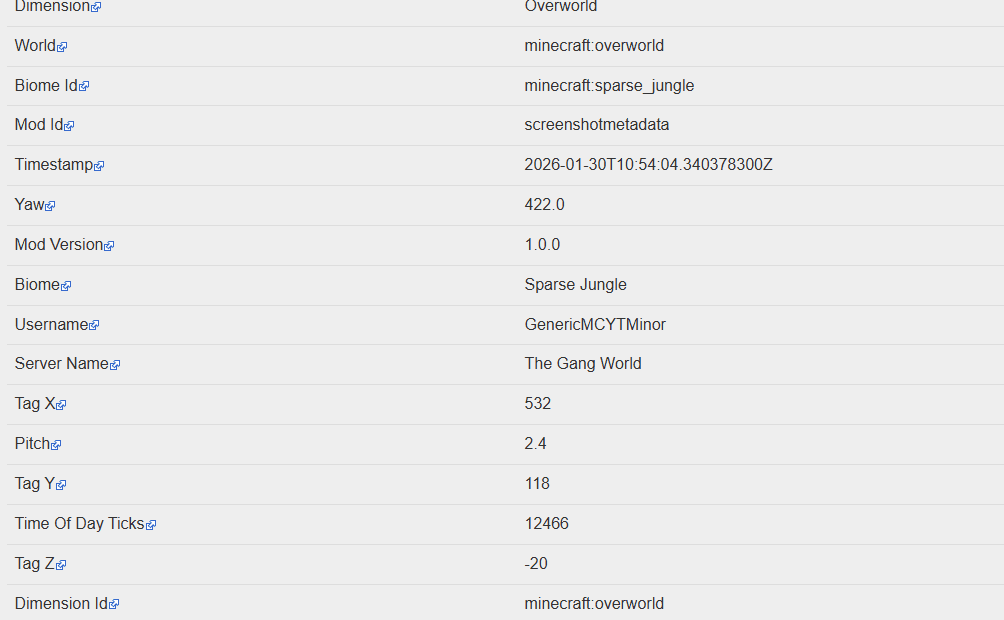
Every time you press F2, the mod collects information from your current game state and saves it with the screenshot. That can include your username, coordinates, dimension, biome, time, and other optional details depending on your settings. The idea is simple: screenshots should tell you what was happening, not just what it looked like.
You can choose how metadata is stored:
- PNG metadata for info embedded directly in the image
- XMP sidecar for compatibility with image/file tools
- JSON sidecar for easy parsing, scripting, and archive workflows
This makes the mod useful for players who document builds, track exploration, or keep progress logs across worlds and servers. Instead of guessing where a screenshot came from, you can immediately see the important details.
All settings are available in Mod Menu. You can pick output formats, switch capture profiles, and control privacy options (like how sensitive fields are handled). The default behavior is lightweight and automatic, so once it’s installed, you can just play normally and let it handle the metadata in the background.
Does ScreenshotMetadata need to be installed on the Minecraft server?
No. Modrinth marks ScreenshotMetadata as unsupported on the server side. Install it only in your local mods folder. Your server can stay unchanged unless the project page lists an additional dependency.
Which version and loader does ScreenshotMetadata require?
Use a file for Fabric, NeoForge, Quilt and your exact Minecraft version. Supported versions include b1.7.3, 26.4-snapshot-7, 26.3. Files for different loaders are not interchangeable.
ScreenshotMetadata is not working – what should I check?
First check the Minecraft version, loader version and required dependencies. Because the mod is client-side, more server RAM will not fix it.
Similar mods
Popular mods in the same category
 Server-ready

YetAnotherConfigLib (YACL)
by isxander
A builder-based configuration library for Minecraft!
 Server-ready

Text Placeholder API
by Patbox
Placeholder and Text manipulation library for your Minecraft mods.
 Client only

Dynamic FPS
by juliand665
Reduce resource usage while Minecraft is in the background, idle, or on battery.
 Server-ready

No Chat Reports
by Aizistral
Makes chat unreportable (where possible)
Looking for mods for your own server?
The catalog lists mods that run on Minecraft servers.