

Modrinth · Fabric · Client mod
Show My FPS
Show My FPS is a client-side mod. Install it on your computer; the server does not need it.
Lightweight, customizable HUD mod to keep track of the most precious number: your FPS.
- Downloads
- 2.8K
- Author
- IndruDev
- Loader
- Fabric
- Minecraft
- 1.21 – 1.21.5
- Updated
- –
Screenshots
What Show My FPS looks like

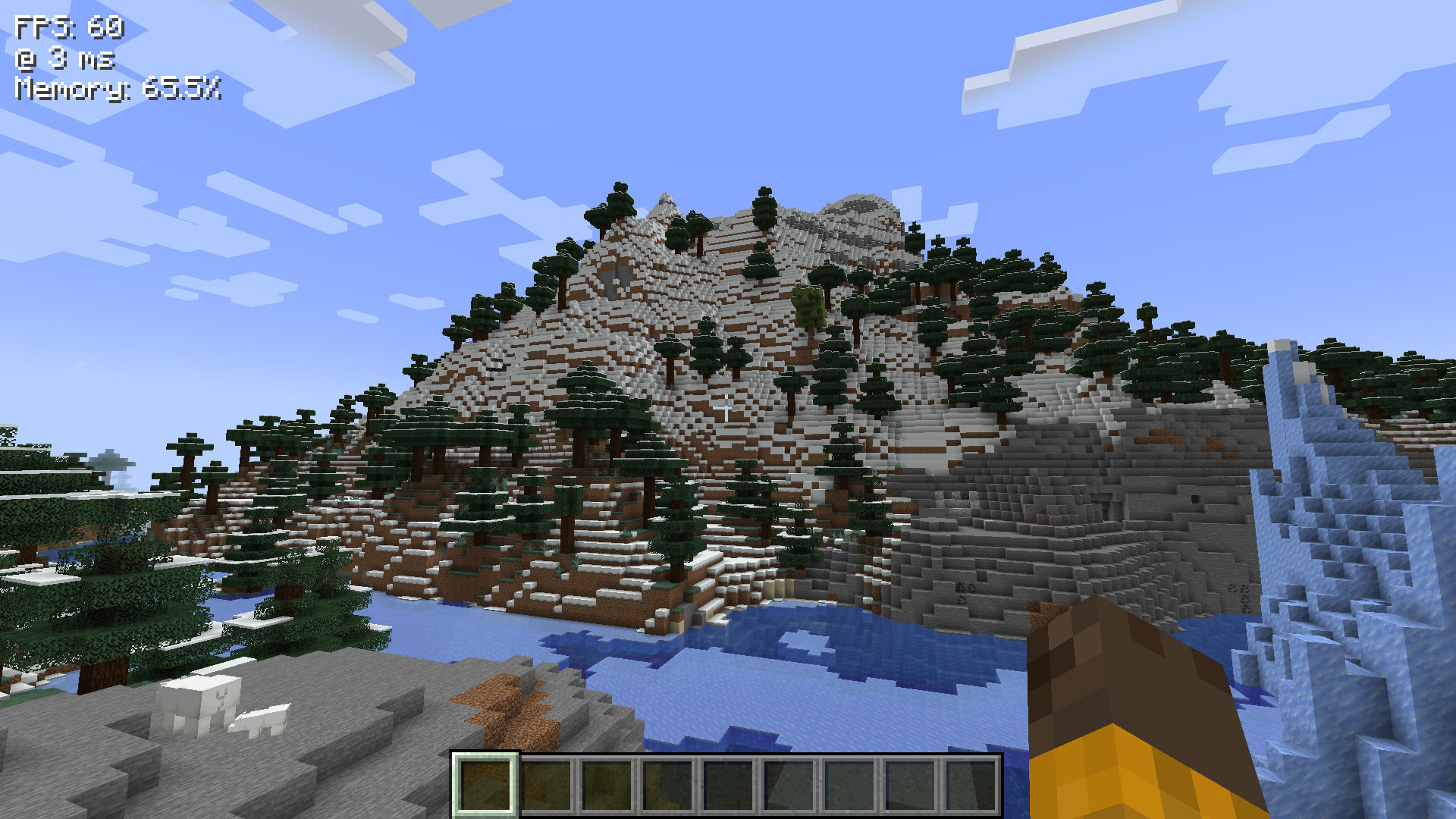
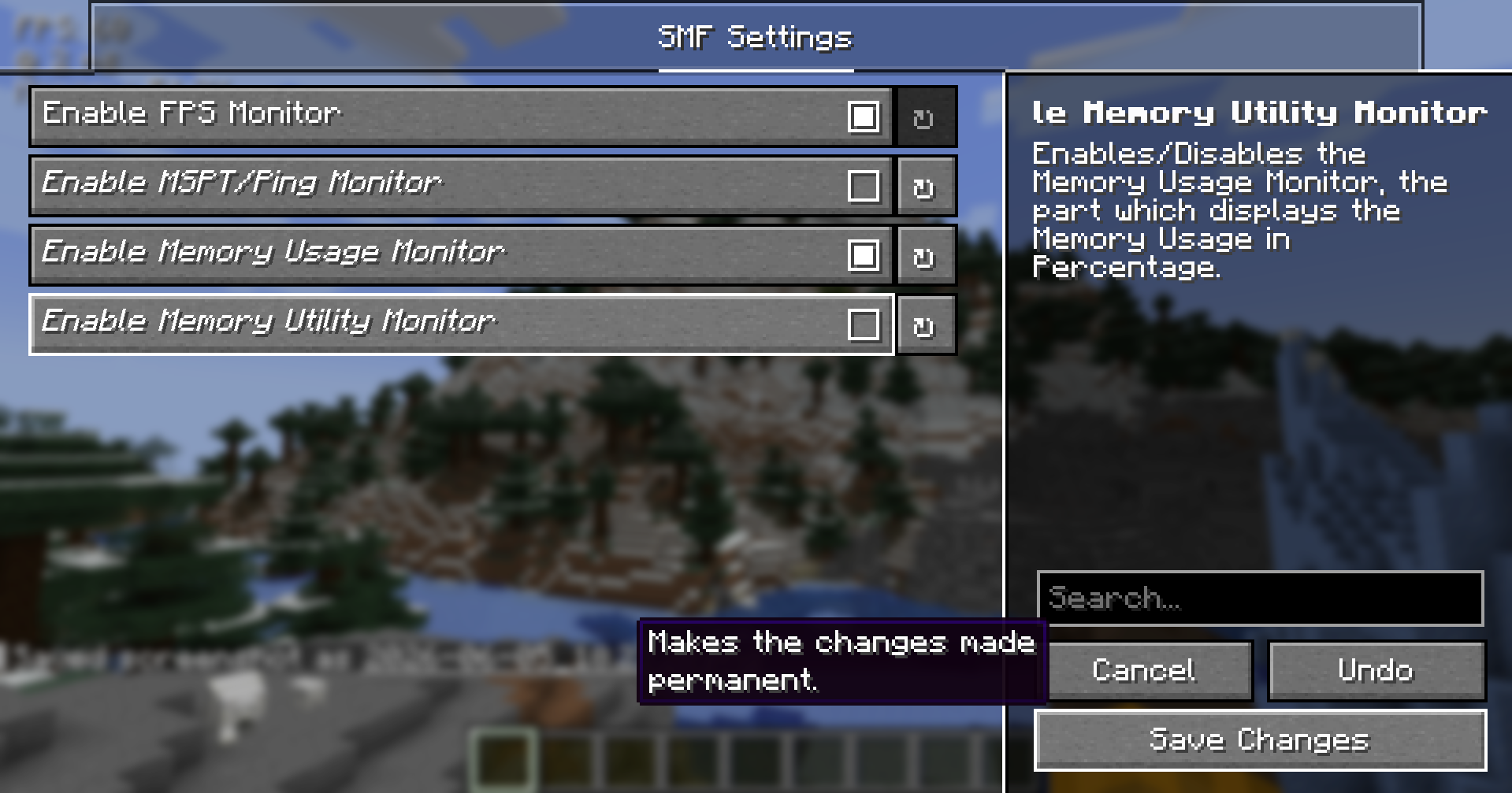
Images: Show My FPS on Modrinth, published by the project team.
Setup
Install Show My FPS on your client
Client-side mods only run on your computer. More server RAM does not change their performance.
- 01
Install the loader locally
Install Fabric for your Minecraft version in your launcher.
- 02
Download the file
Download the Show My FPS file for your loader and your exact Minecraft version, for example 1.21.5.
- 03
Add it to the mods folder
Put the .jar file in your local .minecraft/mods folder and remove older duplicates.
- 04
Launch
Launch Minecraft with the loader profile. Nothing needs to change on the server.
- On the server
- Not needed
- On the client
- Required
- Loader
- Fabric
- Minecraft
- 1.21.5, 1.21.4, 1.21.3 +3 more
- License
- MIT License
Releases
Published releases
Pick the file that matches your server’s loader and Minecraft version. The server and players need the same release.
Show My FPS · ModrinthOriginal description by the project author
Show My FPS




Show My FPS
Lightweight, customizable HUD mod to keep track of the most necessary necessities, that can all be configured, positioned, colored, edited and tweaked to your liking. Yes, your liking. 🫵
See the ⚙️ Config Tutorial Dropdown ⚙️ below to configure the mod, and have a good day, folks!
| "How shouldst thou behold thy frames per second, wer't not for this enchanted craft?" |
|---|
Demo 📷
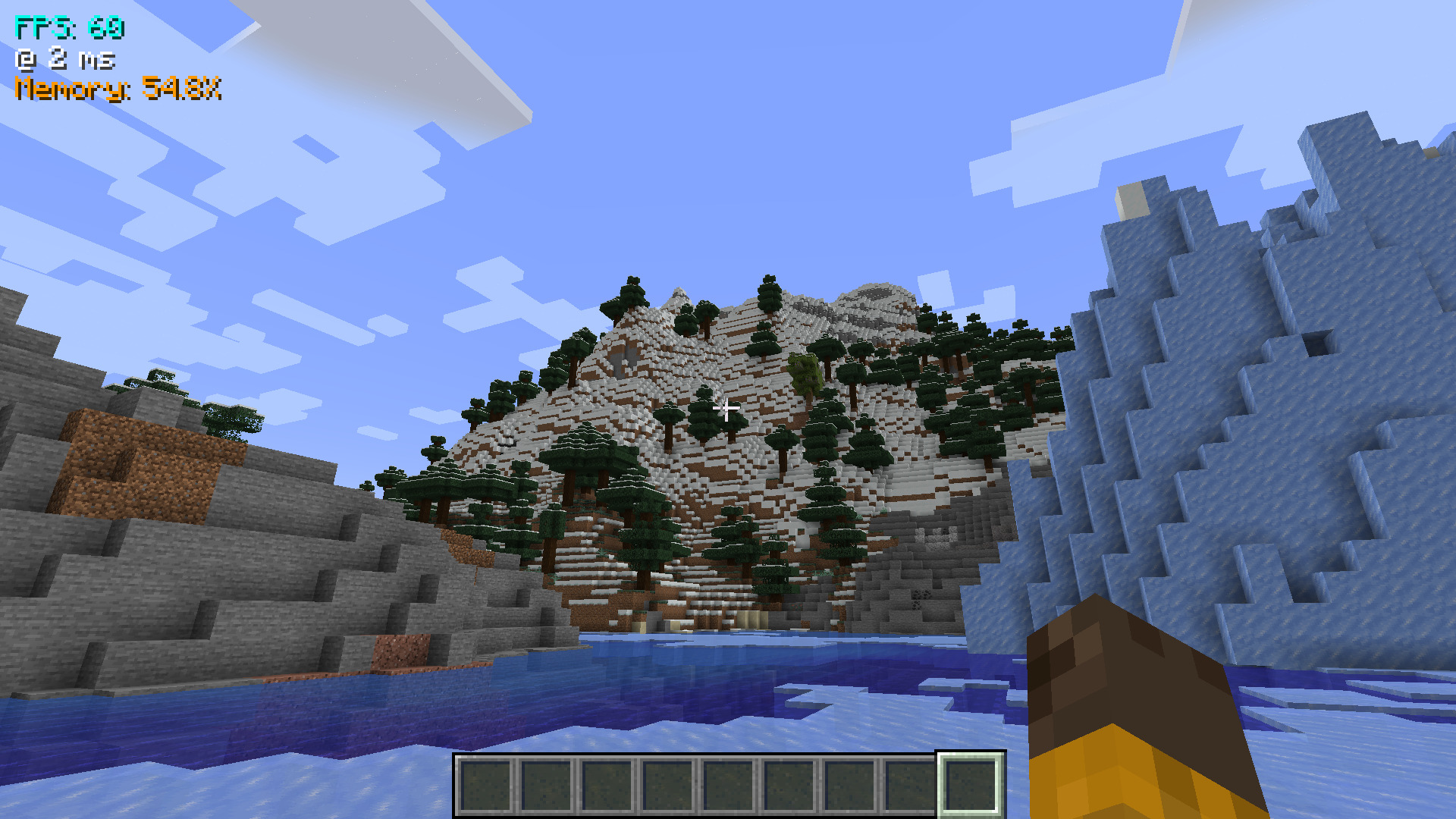
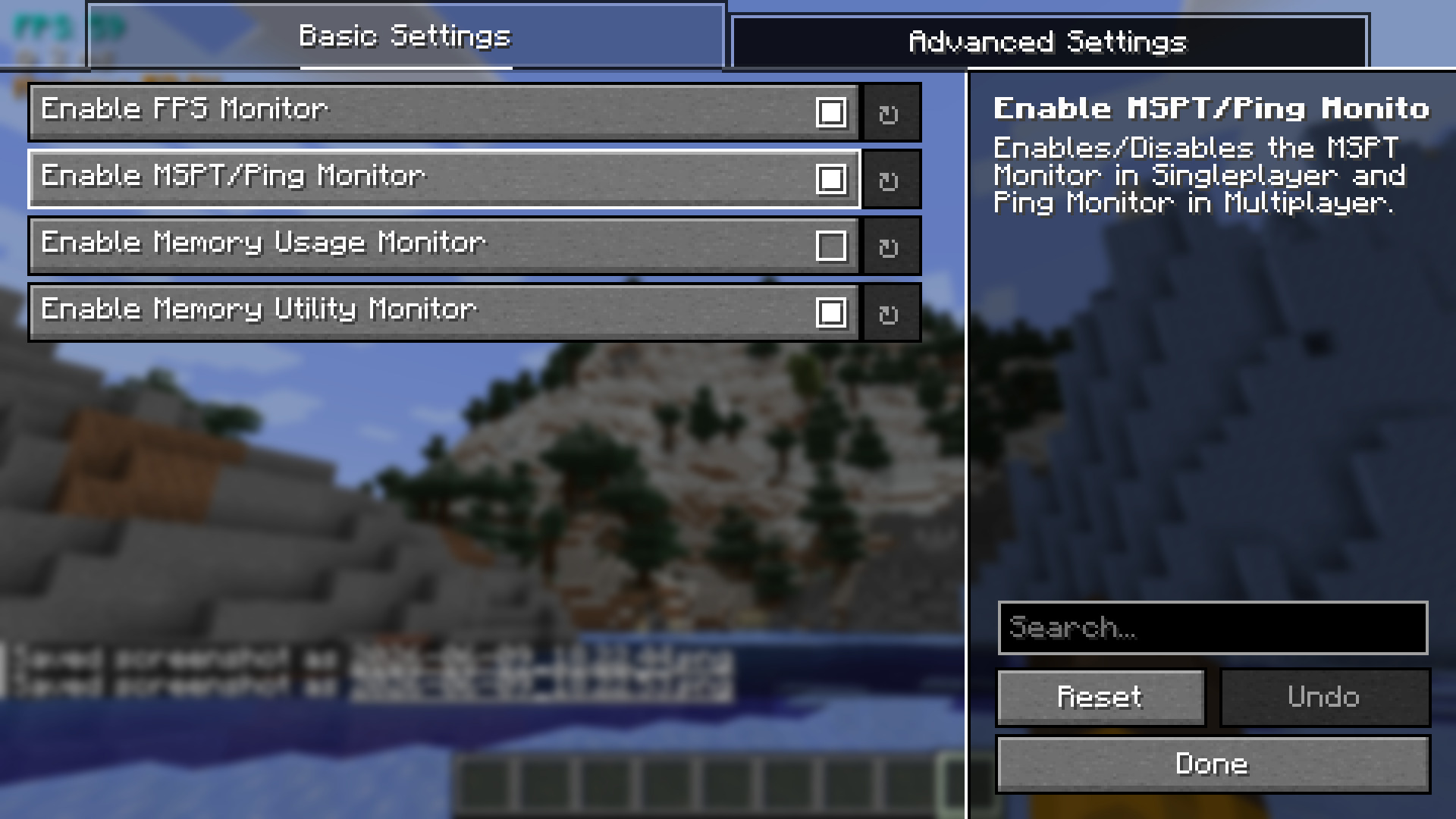
The above config screen can be opened through Mod Menu.
⚙️ Config Tutorial
- Firstly, open your Mod Menu. The mod is made to integrate into the Mod Menu API.
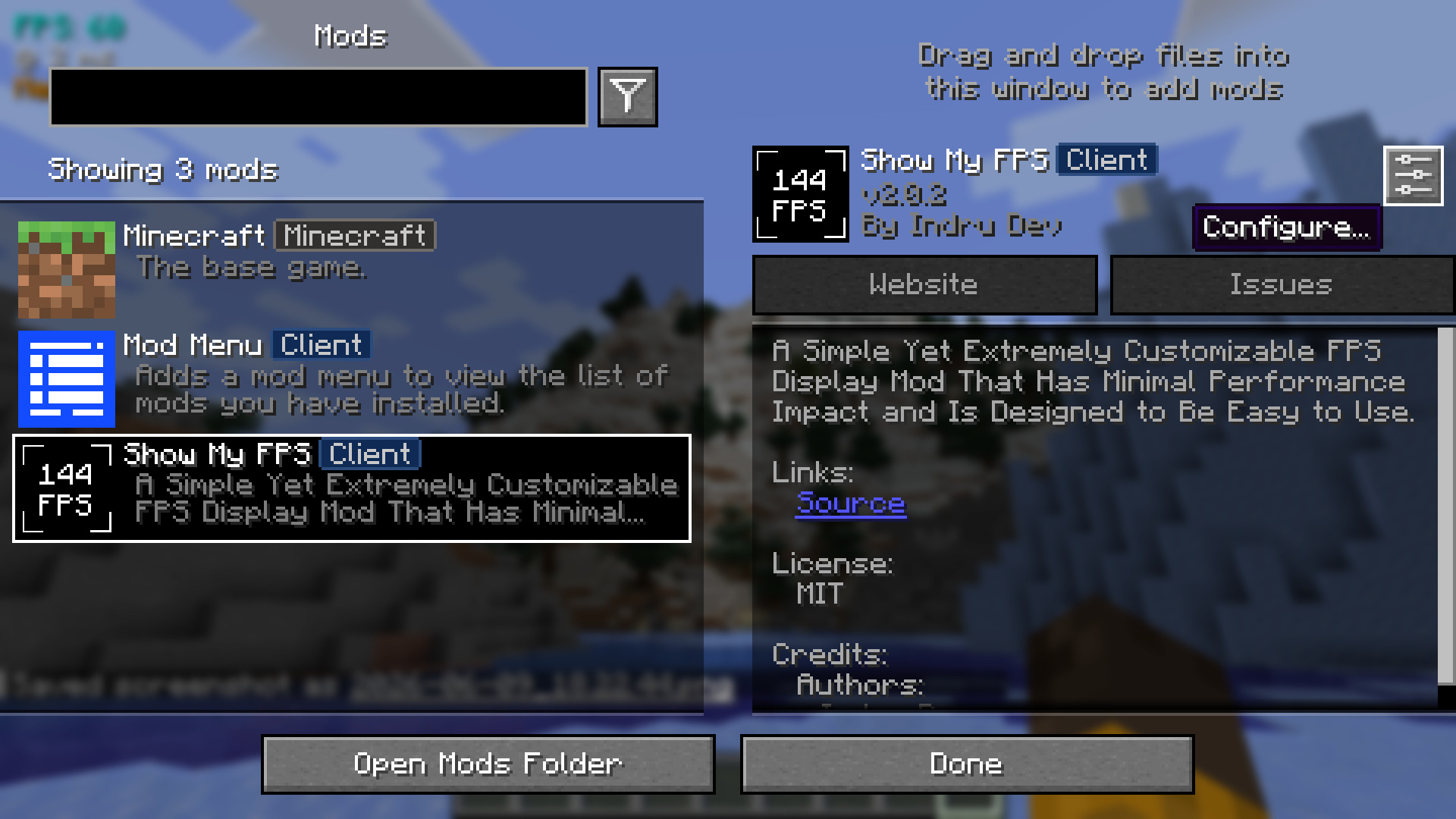
- Now you should see a screen like below. From here, you can enable and disable all the features you need, from colors to positions and components (planned). 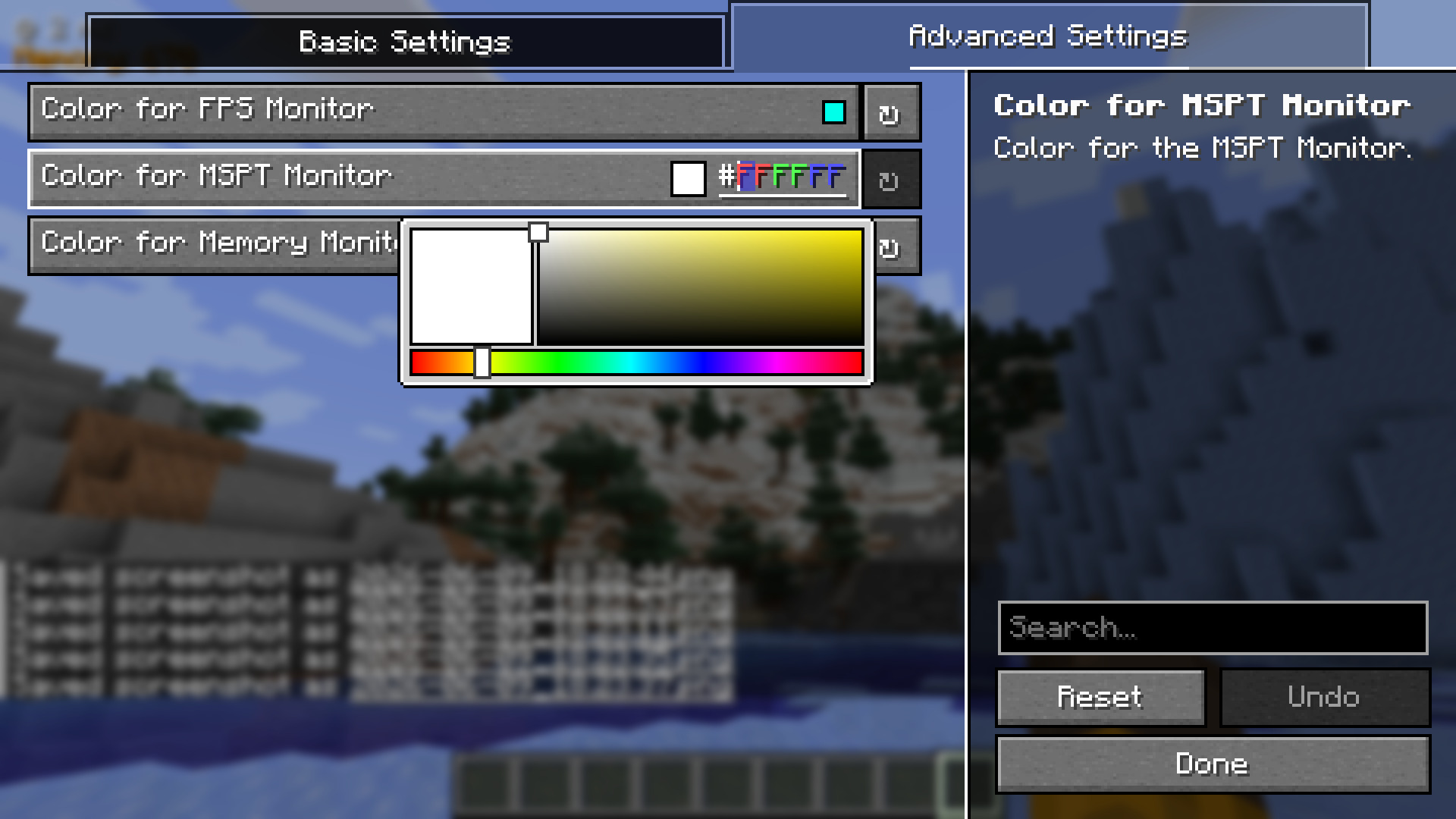 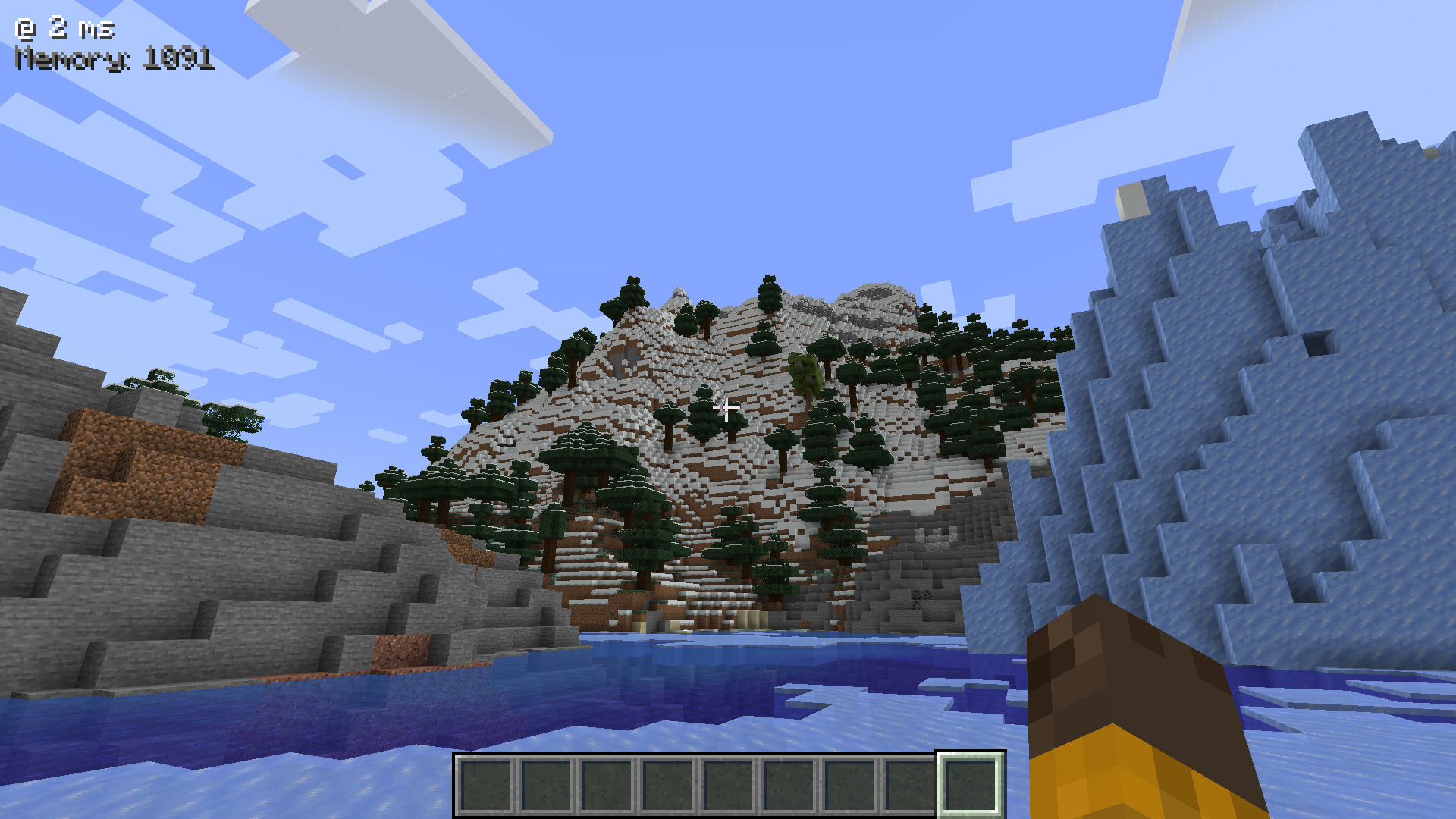
🐛 Nasty bugs
If any bugs are found, or if the mod is found to conflict with other mods, you can report at the GitHub Issue Tracker.
Also, pull requests are always accepted! Just fork the repo, add some changes, and create a Pull Request! I aim to respond to pull requests under 12 - 24 hours.
📃 Modpack Support? (Basically Licensing)
The mod is licensed under MIT. You may use it in your Modrinth and CurseForge modpacks for free (with or without credit)!
Does Show My FPS need to be installed on the Minecraft server?
No. Modrinth marks Show My FPS as unsupported on the server side. Install it only in your local mods folder. Your server can stay unchanged unless the project page lists an additional dependency.
Which version and loader does Show My FPS require?
Use a file for Fabric and your exact Minecraft version. Supported versions include 1.21.5, 1.21.4, 1.21.3. Files for different loaders are not interchangeable.
Show My FPS is not working – what should I check?
First check the Minecraft version, loader version and required dependencies. Because the mod is client-side, more server RAM will not fix it.
Similar mods
Popular mods in the same category
 Server-ready

VeinMiner
by Miraculixx
Mine the whole vein on mining a single ore/block. Make the tedious mining experience to something satisfying and fun! FTB Ultimine alternative
 Server-ready

Geckolib
by Gecko
A 3D animation library for entities, blocks, items, armor, and more!
 Client only

VeinMiner Hotkey
by Miraculixx
Veinminer Addon - Use a hotkey to veinmine with a dynamic crosshair & block highlighting
 Server-ready

Fzzy Config
by fzzyhmstrs
Config API with automatic GUIs, powerful validation options, server-client sync, and more!
Looking for mods for your own server?
The catalog lists mods that run on Minecraft servers.