
SkinsRestorer
🎨 Ability to restore/change skins on servers! (Offline and Online Mode)
Screenshots
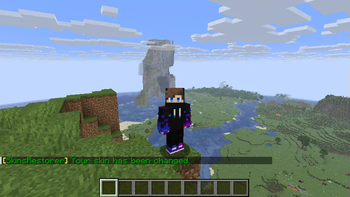
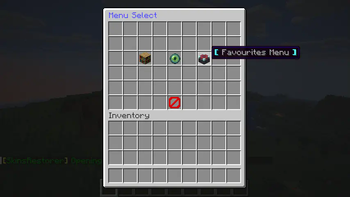
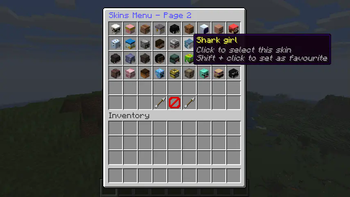
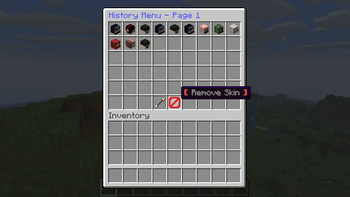
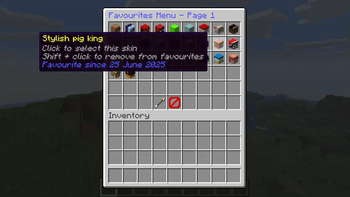
About this Mod
SkinsRestorer



What is SkinsRestorer?
SkinsRestorer is a plugin that restores skins for offline mode servers & networks that gives the players ability to change their skins by typing a single command.
Where can I use SkinsRestorer?







How can I install SkinsRestorer?
It's easy to install SkinsRestorer!
All the steps are detailed in our installation guide.
What are the Commands and Permissions?
Read the official documentation for a list of commands and permissions.
What if I need support?
If you need any support you can join our Discord server,
so we can help you out :)

Meet the Team:
- xknat - Developer
- Pistonmaster - Developer
- SloPlays - Website & backend
- mono21400 - support
Retired Staff
- Logics - Maintainer
- Angel_0 - support
- riflowth - Skinsystem intergration dev
- fezerngodo - Skinsystem intergration dev
- McLive - Retired dev
- Th3Tr0LLeR - Retired Founder
- Blackfire62 - Retired dev
- DoNotSpamPls - Retired dev
- HyperGaming18 - Retired support
Stats
Bukkit
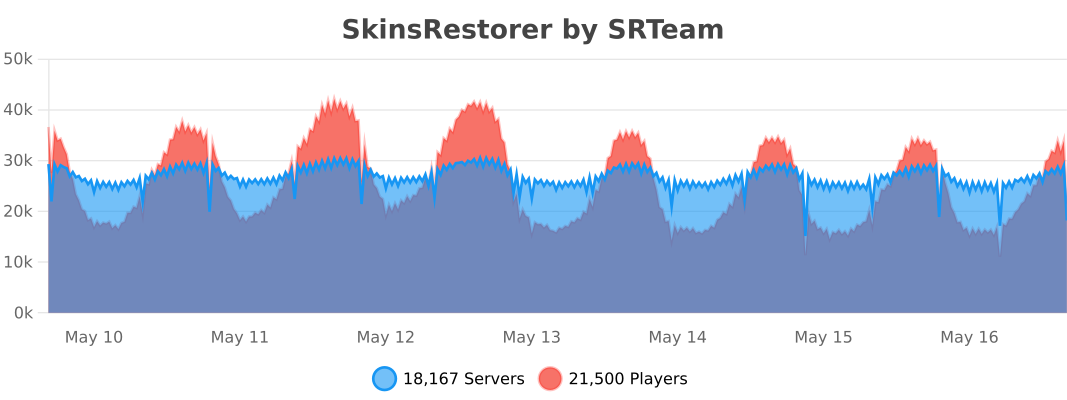
BungeeCord
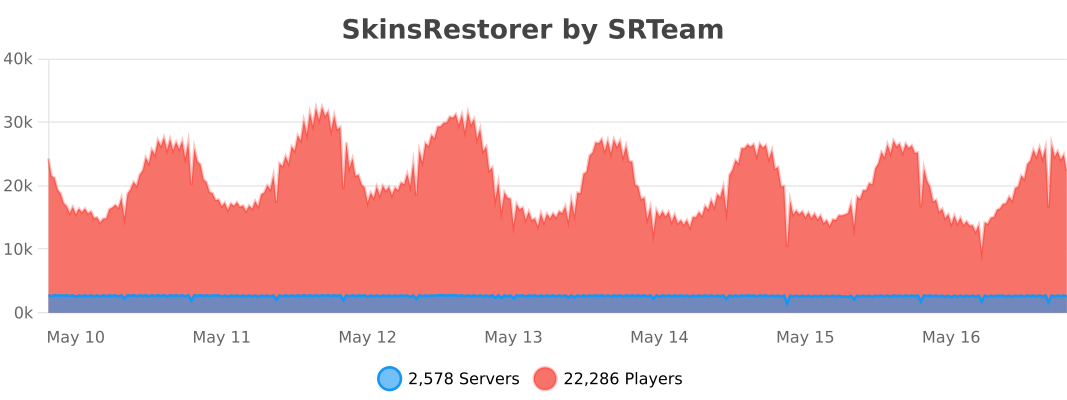
Velocity
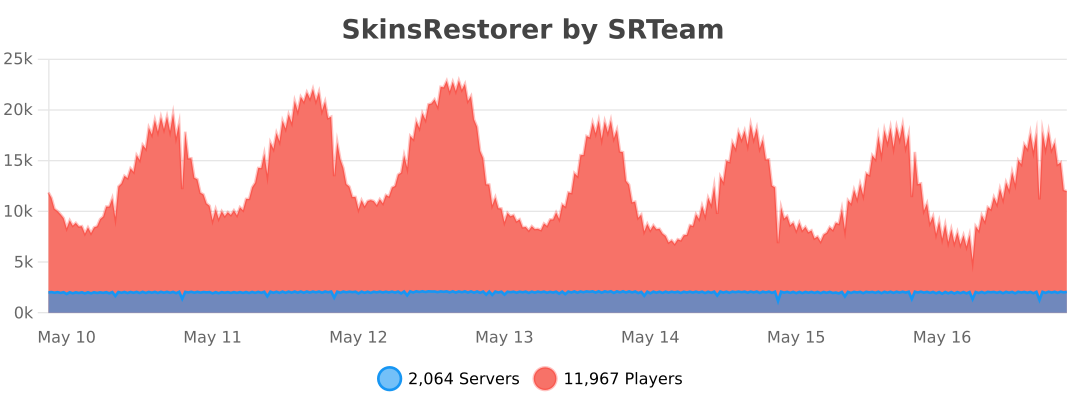
Want to support us and the plugin?
We have spent much of our time working on SkinsRestorer, we made it free, so that any server could enjoy it.
Please consider donating to us if you would like to thank us. This allows us to continue working on this project.



✨ Are you looking for an advanced administration panel for your server?
EnderDash allows you to manage your existing Minecraft servers using an advanced dashboard by installing a single plugin, batteries included. Run commands (with tab completion), read logs, manage files, invite your whole team, manage players, Ocelot (AI Assistant), works with your existing Infrastructure/Panels and much more.
Check it out: https://enderdash.com
end, no seriously just give us a star already ^w^.
Available Versions
How to Install SkinsRestorer on Your Server
Order Server
Order a Minecraft Java server with at least 3 GB RAM (4 GB recommended).
Set bukkit Loader
In the panel under "Egg", select the bukkit loader and matching Minecraft version (26.3).
Install Mod
Open the mod browser in the dashboard and search for "SkinsRestorer". Click "Install" – done! Alternatively, upload the .jar via SFTP to the /mods folder.
Compatibility
Mod Loaders
Minecraft Versions
26.3, 26.2, 26.1.2 (+72 more)
Server-side
✗ UnsupportedRecommended RAM
4 GB(min. 3 GB)Frequently Asked Questions
SkinsRestorer server crashes on startup – what to do?
Most common cause: wrong bukkit version or insufficient RAM. Check the server log (latest.log) for "OutOfMemoryError" or "Mixin" errors. With Mado Hosting: ensure at least 3 GB RAM is allocated and the loader matches the mod version (26.3). You can switch loaders with one click in the panel.
Is SkinsRestorer compatible with bukkit and bungeecord and fabric and folia and neoforge and paper and purpur and spigot and velocity and waterfall?
SkinsRestorer officially supports bukkit, bungeecord, fabric, folia, neoforge, paper, purpur, spigot, velocity, waterfall for Minecraft 26.3, 26.2, 26.1.2. The Mado dashboard automatically detects incompatible loader combinations.
Server lagging with SkinsRestorer – how to optimize performance?
Recommended RAM: 4 GB (per 8 players). Use /spark profiler to check if SkinsRestorer consumes the most tick time. Common fixes: reduce server view-distance to 8-10, install "performant" or "starlight" as supplementary mods on Forge. With Mado Hosting, your server runs on NVMe SSDs with dedicated CPU cores for minimal latency.
Similar Mods






Rent Modded Server
Install SkinsRestorer with just one click on your server.