
Modrinth · Forge, NeoForge
Snatched (Kidnap) on your Minecraft server
Snatched (Kidnap) runs on Minecraft servers with Forge or NeoForge. Order your server, set the loader in the panel and install the mod with one click in the mod browser.
The mod adds handcuffs, rope and more!
- Downloads
- 69.0K
- Author
- XZX
- Loader
- Forge, NeoForge
- Minecraft
- 1.19.2 – 1.21.9
- Updated
- –
Screenshots
What Snatched (Kidnap) looks like

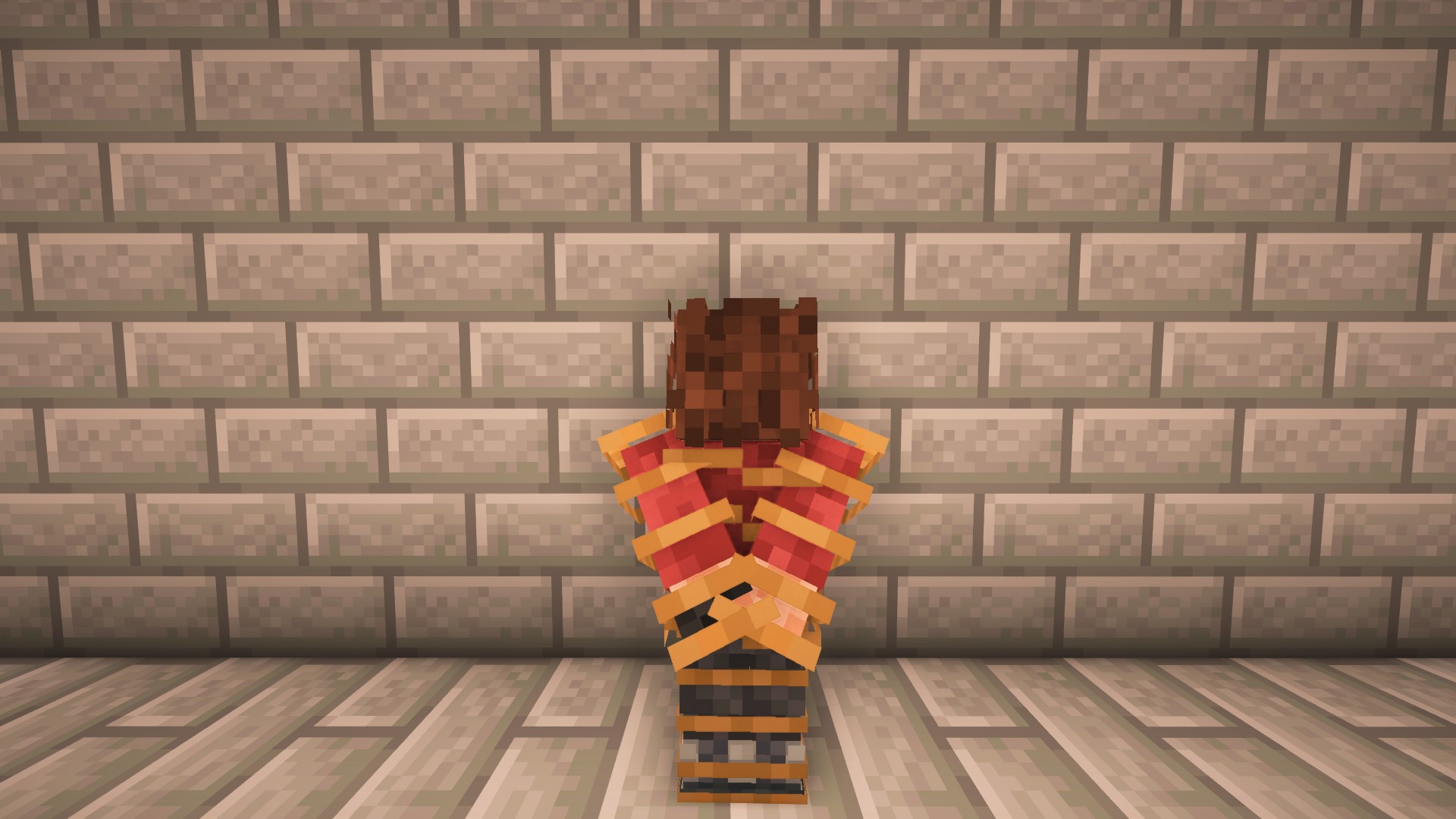
Images: Snatched (Kidnap) on Modrinth, published by the project team.
Setup
Install Snatched (Kidnap) on your server
The server and players need the same loader and Minecraft version. Back up the world before adding or updating mods.
- 01
Configure
4 GB of RAM is preselected. You choose the term and add-ons and pay by credit card or PayPal.
- 02
Set the loader
In the panel, set the server software to Forge or NeoForge and choose the matching Minecraft version, for example 1.21.9.
- 03
Install the mod
Search the mod browser for “Snatched (Kidnap)” and install the release for your loader. Alternatively, upload the .jar to the mods folder via SFTP. Required dependencies are listed on the project page.
- 04
Connect
Every player installs the same Snatched (Kidnap) release locally and connects using the server address from the panel.
- On the server
- Required
- On the client
- Required
- Loader
- Forge, NeoForge
- Minecraft
- 1.21.9, 1.21.8, 1.21.7 +9 more
- License
- Apache License 2.0
The panel
Install mods, find errors.
Real screenshots from the Mado panel. Both come with every Minecraft server.
Mod browser
Modrinth and CurseForge, right in the panel.
The browser filters by your Minecraft version. Install mods with one click, without uploading .jar files.

AI crash analysis
When a mod crashes, the analyzer reads the log.
Mods often fail on a wrong loader version, Java version or missing dependency. The analyzer names a likely cause and suggests a fix.

Releases
Published releases
Pick the file that matches your server’s loader and Minecraft version. The server and players need the same release.
Snatched (Kidnap) · Modrinth- Snatched (Kidnap) 1.2.1July 6, 2026Minecraft 1.21.8 · NeoForge
- Snatched (Kidnap) 1.2.1July 6, 2026Minecraft 1.21.1 · NeoForge
- Snatched (Kidnap) 1.2.1July 6, 2026Minecraft 1.20.1 · Forge
- Snatched (Kidnap) 1.2.1July 6, 2026Minecraft 1.19.2 · Forge
- Snatched 1.2.0 Neoforge 1.21.1November 2, 2025Minecraft 1.21.1, 1.21.10, 1.21.2, 1.21.3, 1.21.4, 1.21.5, 1.21.6, 1.21.7, 1.21.8, 1.21.9 · NeoForge
Original description by the project author

Snatched
Add new ways to interact in Minecraft! The Snatched mod lets you tie up and kidnap other players.
New Items
Rope
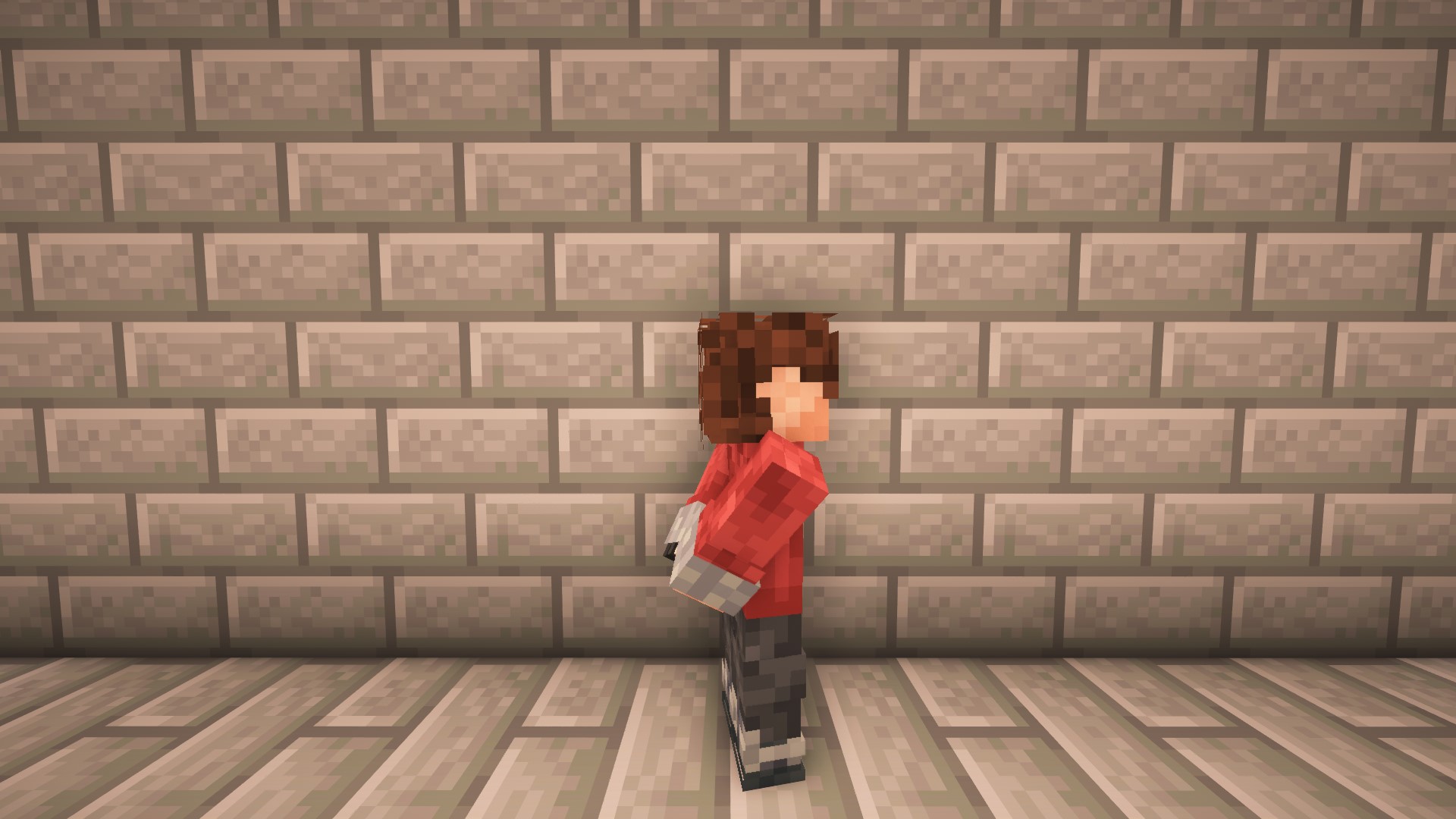
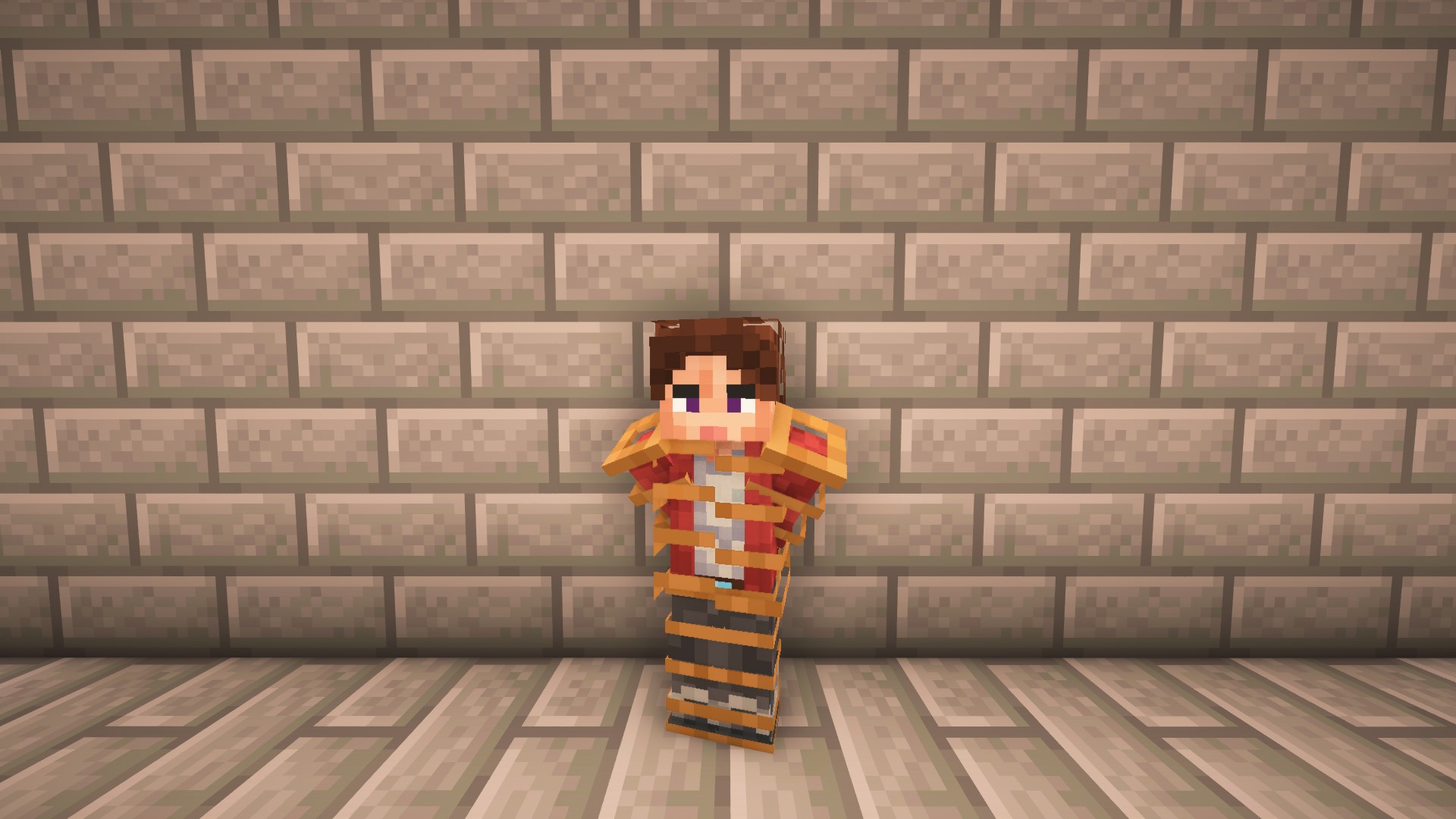
Use it to tie up another player. A tied-up player cannot attack, break blocks, or use items. It's a simple and reliable way to immobilize someone.
Lasso
The lasso works like a rope, but you can throw it. It applies faster but doesn't hold the player as strongly or reliably as the rope.
Sack
Put a sack on a player's head to greatly limit their vision - the screen becomes darkened, making it hard for the victim to see. Additionally, a player with a sack on their head cannot type in chat - their messages are replaced with muffled sounds.
Handcuffs
Handcuffs prevent a player from breaking blocks and attacking. A special key is needed to remove them. Each key is unique to a specific pair of handcuffs, which you craft at the Handcuff Workbench.
Gameplay Mechanics
Escaping
You can't lock a player up for too long. They can free themselves by pressing a special key (default B) multiple times. Another player can also free them by using Scissors or the Handcuff Key on them with Right-Click.
Searching a Player
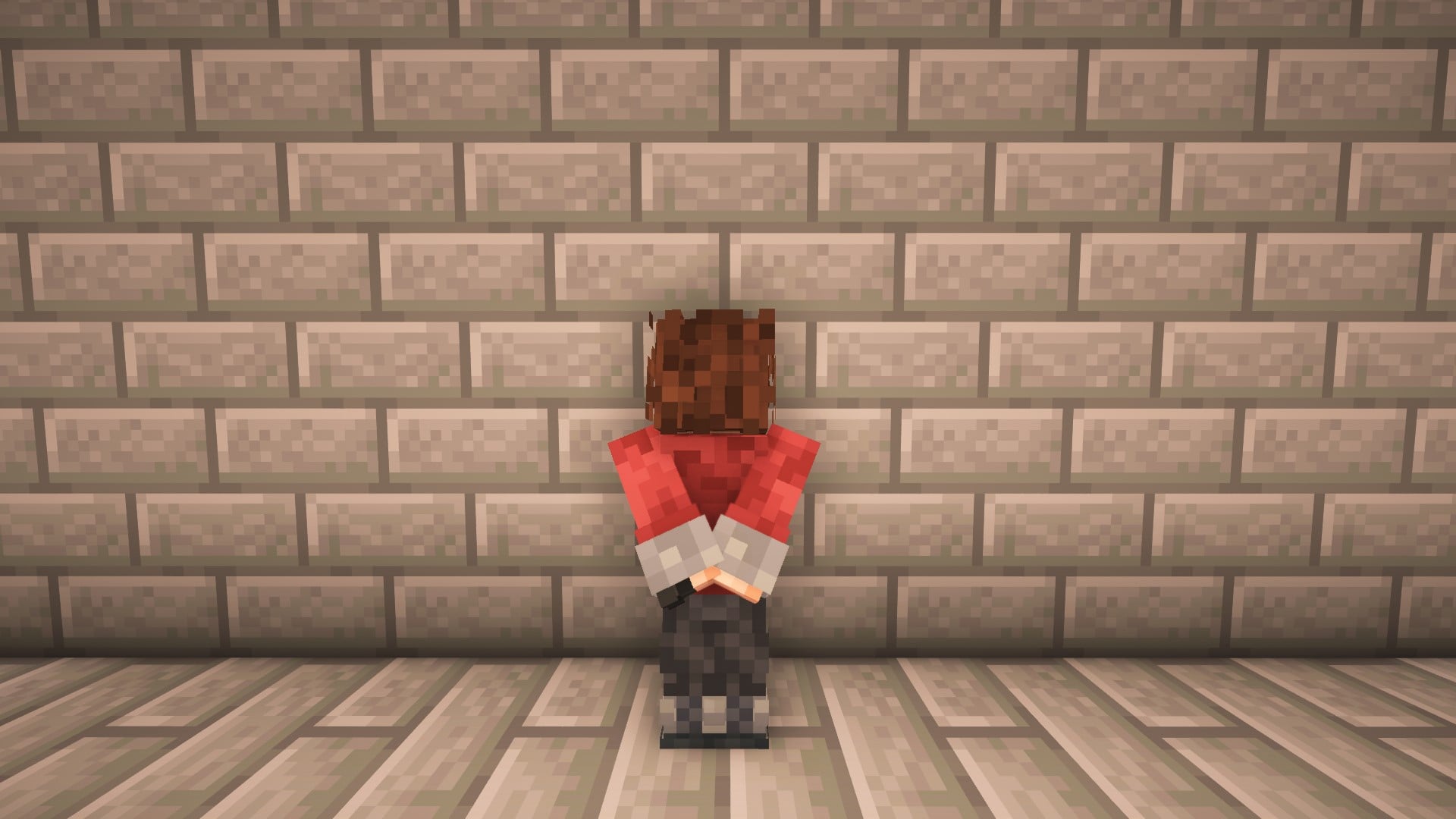
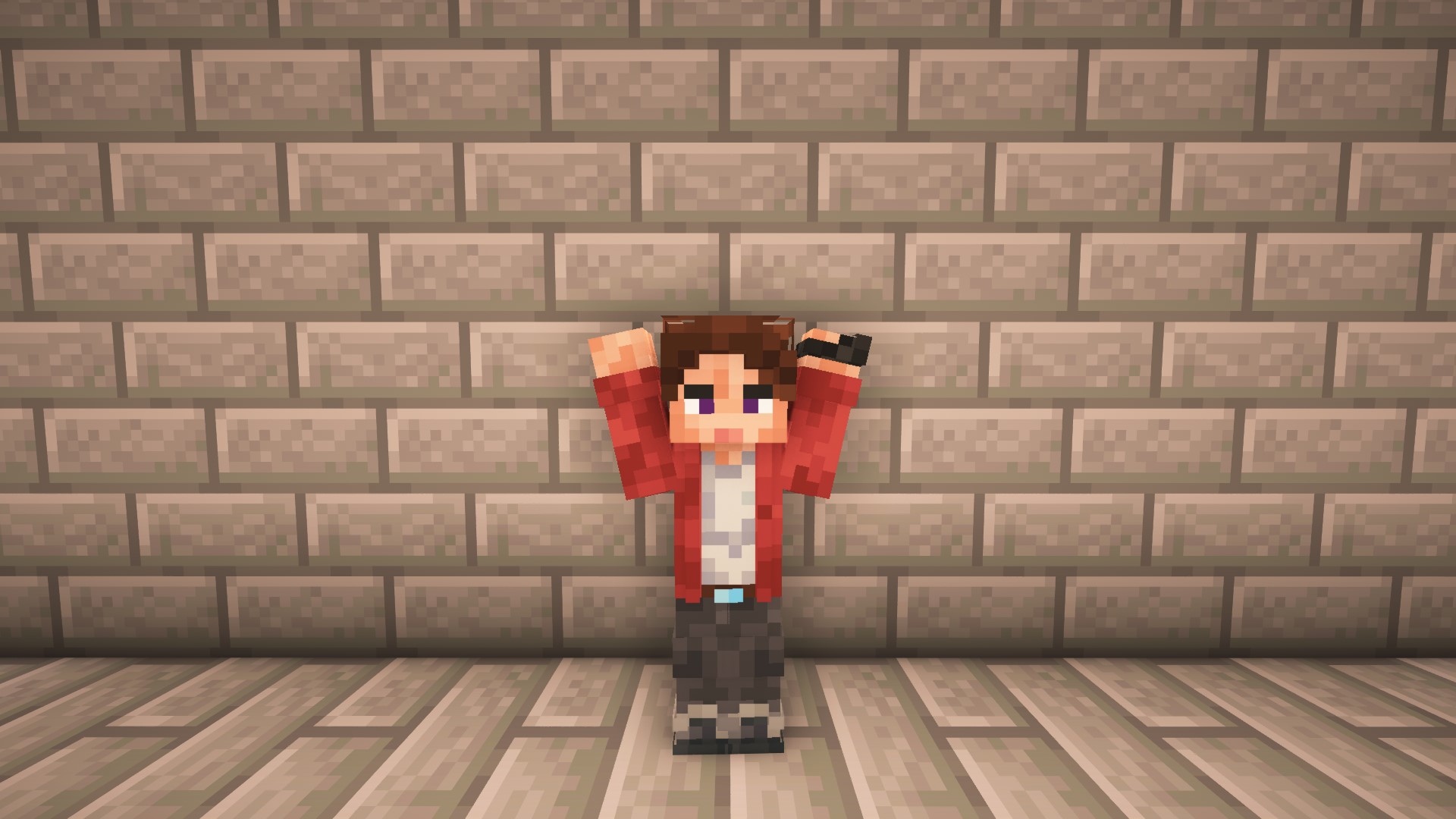
A player can raise their hands by pressing the N key. In this state, any other player can inspect their inventory using a Magnifying Glass. It's impossible to steal items - you can only look.
Leading a Player
You can lead a tied-up player. Take a Lead and right-click on the bound player - they will follow you. To stop leading, right-click on them again. The lead is consumed upon use and returned when released.
Configuration File
A separate configuration file is created for each world in the Minecraft/config/ folder. The file is named snatched_config_<seed>.json, where <seed> is the world seed. It allows you to adjust various mod parameters: item durability, snatch speed, escape delay, food cost per escape attempt, and others. To apply changes, you need to re-enter the world.
Commands
For convenience, the mod adds several commands:
| Command | Description |
|---|---|
/search <player> |
Allows you to view the specified player's inventory. |
/snatch <player> <type> |
Instantly restrains a player (rope, handcuffs). |
/escape <player> <type> |
Instantly releases a player. |
/handcuff create <code> |
Creates a unique pair of handcuffs and a key for them. |
Important: This mod is fully compliant with platform rules and does not contain any adult content.
Report bugs and suggest an idea - https://discord.gg/JYBNRnFV79
Snatched (Kidnap) server crashes on startup – what to do?
Common causes: the loader or Minecraft version does not match the mod file, a dependency is missing, or RAM is too low. Check the log (latest.log) for “OutOfMemoryError”, “Mixin” or missing mods. At Mado, the AI crash analysis reads the log and suggests a cause. You can change the loader and version in the panel.
Which loader does Snatched (Kidnap) run on?
According to Modrinth, Snatched (Kidnap) supports Forge, NeoForge for Minecraft 1.21.9, 1.21.8, 1.21.7.
How much RAM does a server with Snatched (Kidnap) need?
As guidance, 3–4 GB for a server with this mod. This is an estimate, not a measured minimum. More mods, many players and long view distances need more. The spark profiler shows whether a mod is costing tick time.
Similar mods
Popular mods in the same category
 Server-ready

VeinMiner
by Miraculixx
Mine the whole vein on mining a single ore/block. Make the tedious mining experience to something satisfying and fun! FTB Ultimine alternative
 Server-ready

Geckolib
by Gecko
A 3D animation library for entities, blocks, items, armor, and more!
 Client only

VeinMiner Hotkey
by Miraculixx
Veinminer Addon - Use a hotkey to veinmine with a dynamic crosshair & block highlighting
 Server-ready

Fzzy Config
by fzzyhmstrs
Config API with automatic GUIs, powerful validation options, server-client sync, and more!
Ready for your server with Snatched (Kidnap)?
4 GB of RAM from €8.00 per month. 35% off your first month with MADO35.