
Tempad
Create a portal to anywhere from anywhere
About this Mod
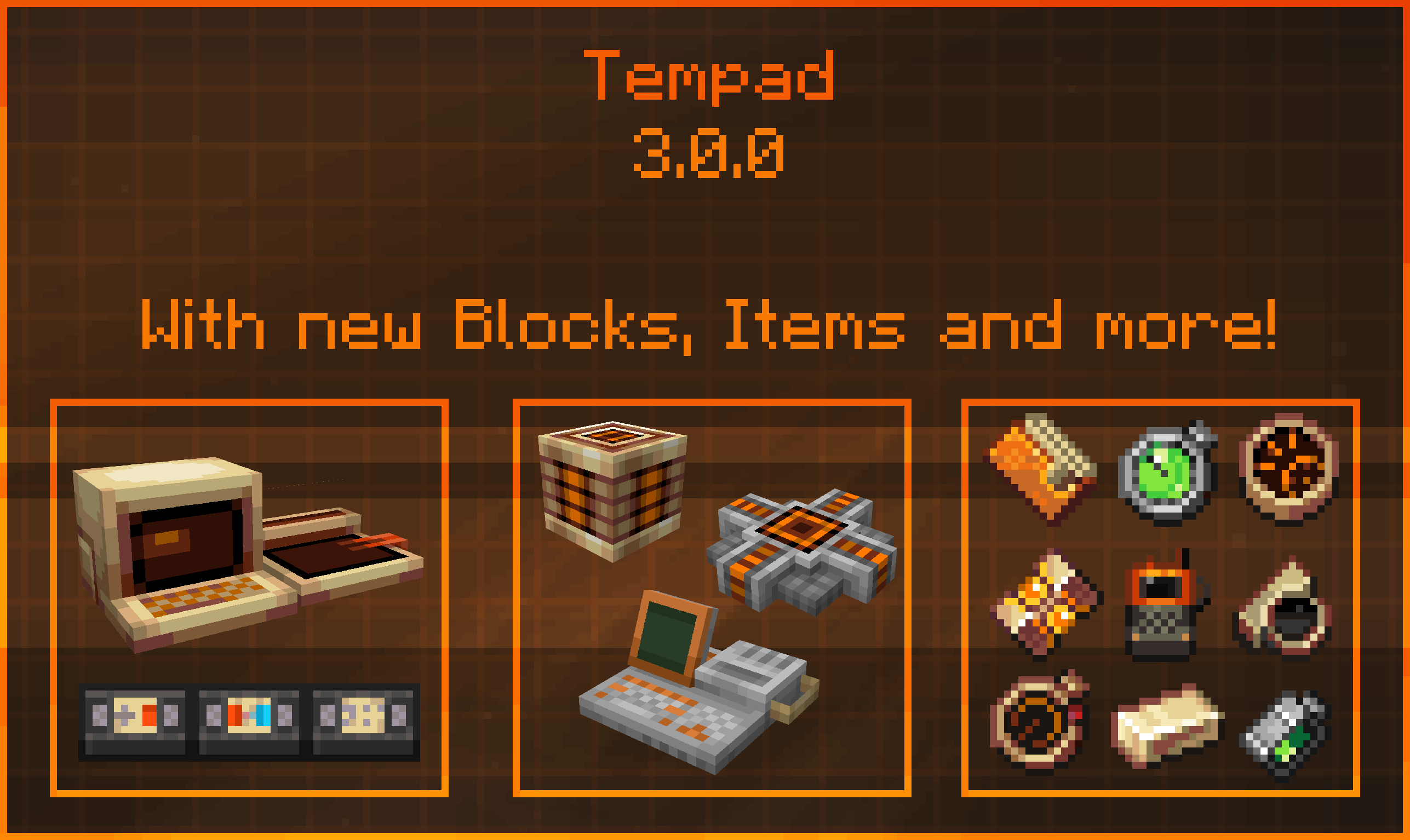
Tempad
Tempad is a Minecraft mod inspired by Marvel’s Loki, providing players with immersive teleportation mechanics through various intuitive and thematic items.
Features:
Timedoor Projector & Marker: Set teleport locations and easily travel between points using Timedoors.
Card Wallet: Conveniently store and manage location cards.
Time Twister: Return to previous locations effortlessly.
Location Broadcaster & Screening Device: Allow other players to teleport directly to you, with advanced filtering capabilities.
Knowledge Projector: Comprehensive in-game documentation accessible directly within Minecraft.
Workstation: A block-form variant of the portable Tempad.
Metronome: Block-form device for powering teleportation mechanics.
Compatibility:
Cadmus: Disable Timedoors on claimed territories.
Argonauts & FTB Teams: Filter teleportation options by guild, party, or teammates.
Jade: Enhanced HUD displaying additional block and Timedoor information.
Dark Mode Everywhere: Improved visibility with fully supported dark mode interfaces.
Curios: Items can be placed into dedicated Curios slots and visibly rendered on the player.
Special Thanks:
Facu for creating all block textures.
Shrimp for designing the item models and textures.
ArcanePigeon for crafting the mod’s GUI elements.
The dedicated Tempad Testers, especially RoboNebi, who significantly contributed to bug fixes and wrote extensive in-game documentation.

For All Time! Always!
Available Versions
How to Install Tempad on Your Server
Order Server
Order a Minecraft Java server with at least 3 GB RAM (4 GB recommended).
Set fabric Loader
In the panel under "Egg", select the fabric loader and matching Minecraft version (1.21.1).
Install Mod
Open the mod browser in the dashboard and search for "Tempad". Click "Install" – done! Alternatively, upload the .jar via SFTP to the /mods folder.
Compatibility
Mod Loaders
Minecraft Versions
1.21.1, 1.20.4, 1.20.1 (+2 more)
Server-side
✓ RequiredRecommended RAM
4 GB(min. 3 GB)Frequently Asked Questions
Tempad server crashes on startup – what to do?
Most common cause: wrong fabric version or insufficient RAM. Check the server log (latest.log) for "OutOfMemoryError" or "Mixin" errors. With Mado Hosting: ensure at least 3 GB RAM is allocated and the loader matches the mod version (1.21.1). You can switch loaders with one click in the panel.
Is Tempad compatible with fabric and forge and neoforge?
Tempad officially supports fabric, forge, neoforge for Minecraft 1.21.1, 1.20.4, 1.20.1. Note: Forge and Fabric mods are NOT cross-compatible – pick one loader and stick with it. The Mado dashboard automatically detects incompatible loader combinations.
Server lagging with Tempad – how to optimize performance?
Recommended RAM: 4 GB (per 8 players). Use /spark profiler to check if Tempad consumes the most tick time. Common fixes: reduce server view-distance to 8-10, install "performant" or "starlight" as supplementary mods on Forge. With Mado Hosting, your server runs on NVMe SSDs with dedicated CPU cores for minimal latency.
Similar Mods




Rent Modded Server
Install Tempad with just one click on your server.