
ThreatenIntel
Threatens Intel GPUs to work properly with PMWeather 0.15 and above
About this Mod
Discontinuation
This mod has been discontinued, as the permanent blanket bug has been resolved as of 0.16a.
📋 Overview
ThreatenIntel is an Addon For Protomanly's Weather Mod. It addresses a specific rendering issue on Intel GPUs and integrated graphics (iGPUs) when the Overcast Present option is enabled.
⚙️ What It Fixes
Resolves the Permanent blanket glitch caused by the "Overcast Present" option on Intel GPUs.
Full compatibility for players using Intel GPUs.
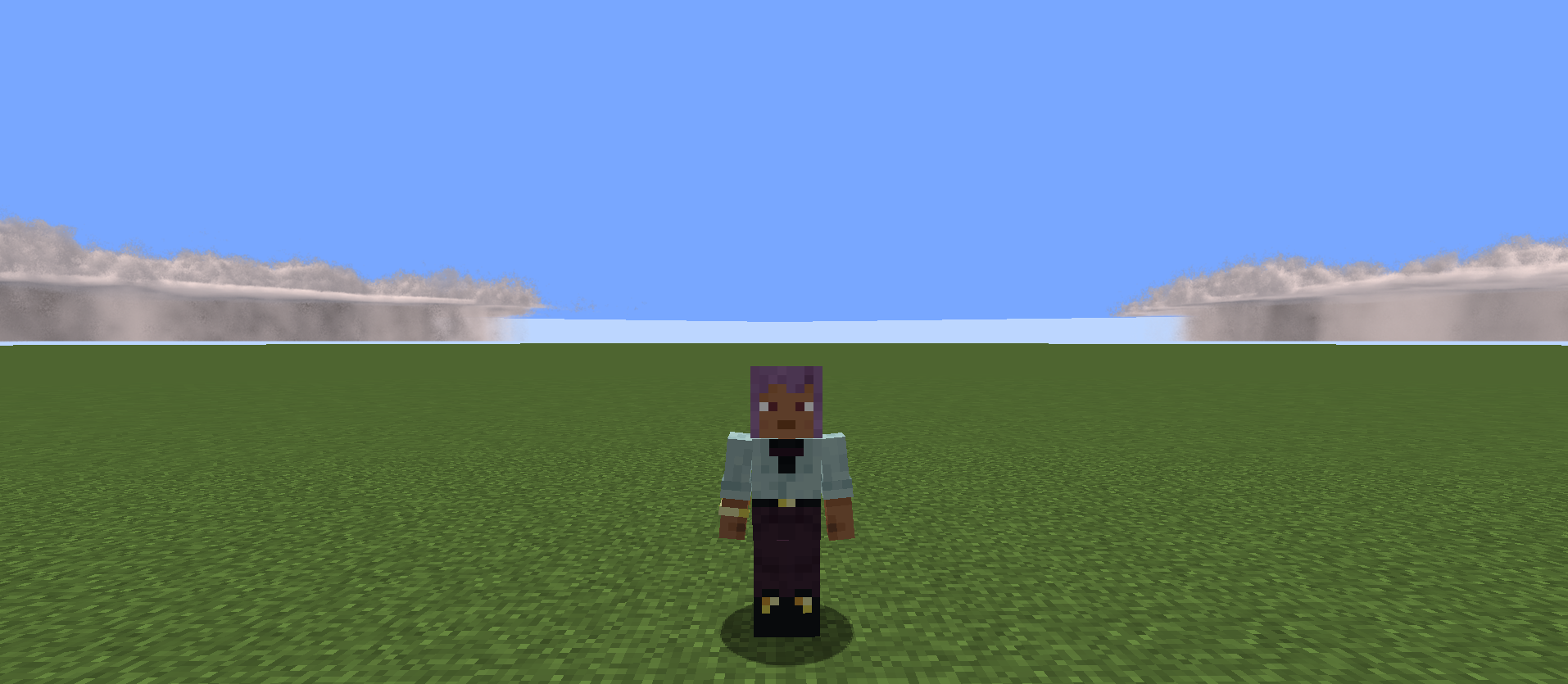
🖼️ Screenshots
- Tested on an Intel Core I5 1235U With Integrated UHD Graphics
Requirements
- PMWeather 0.15 or Above
- An Intel GPU or IGPU
Available Versions
How to Install ThreatenIntel on Your Client
Install the Mod Loader Locally
Install neoforge for your local Minecraft version.
Download the Matching File
Choose the ThreatenIntel file for neoforge and Minecraft 1.21.1.
Install Mod
Place the .jar file in your local .minecraft/mods folder and restart Minecraft. No server-side installation is required.
Compatibility
Mod Loaders
Minecraft Versions
1.21.1
Server-side
✗ UnsupportedRecommended RAM
4 GB(min. 3 GB)Frequently Asked Questions
Does ThreatenIntel need to be installed on the Minecraft server?
No. Modrinth marks ThreatenIntel as unsupported on the server side. Install it only in your local Minecraft mods folder. Your server can remain unchanged unless the mod page lists an additional dependency.
Which version and loader does ThreatenIntel require?
Use a file for neoforge and your exact Minecraft version. Supported versions include 1.21.1. Files for different loaders are not interchangeable.
ThreatenIntel is not working – what should I check?
First check the Minecraft version, loader version and required dependencies. Put the .jar file in your local .minecraft/mods folder and remove older duplicates. Because this mod is client-side, adding server RAM will not fix it.
Similar Mods






Minecraft Server for Your Group
ThreatenIntel stays on your client. Host a compatible world for your group.