
Modrinth · Fabric, Forge, NeoForge
chatbox on your Minecraft server
chatbox runs on Minecraft servers with Fabric or Forge or NeoForge. Order your server, set the loader in the panel and install the mod with one click in the mod browser.
a chatbox in mc
- Downloads
- 111.5K
- Author
- zhenshiz
- Loader
- Fabric, Forge, NeoForge
- Minecraft
- 1.20.1 – 26.3
- Updated
- –
Screenshots
What chatbox looks like
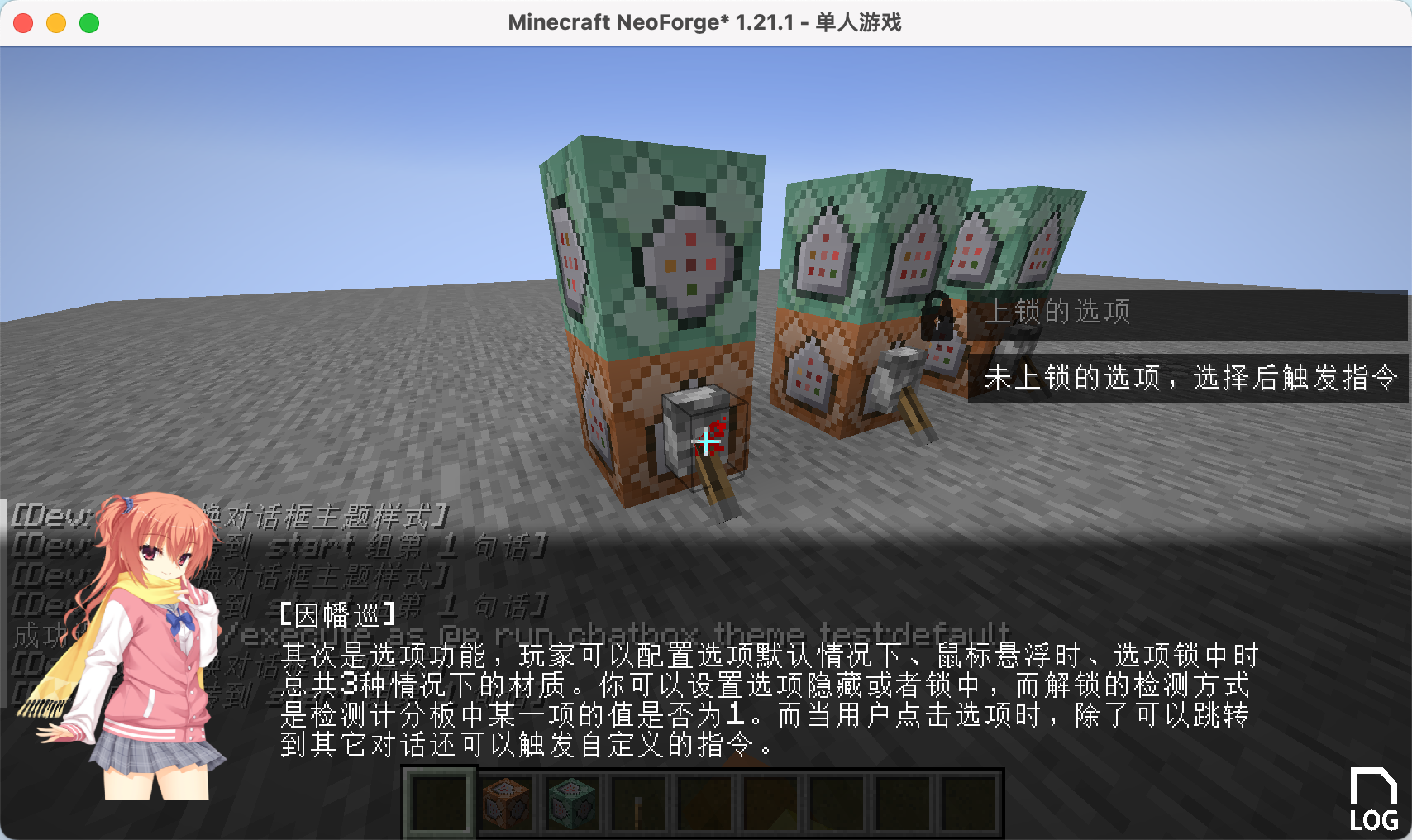
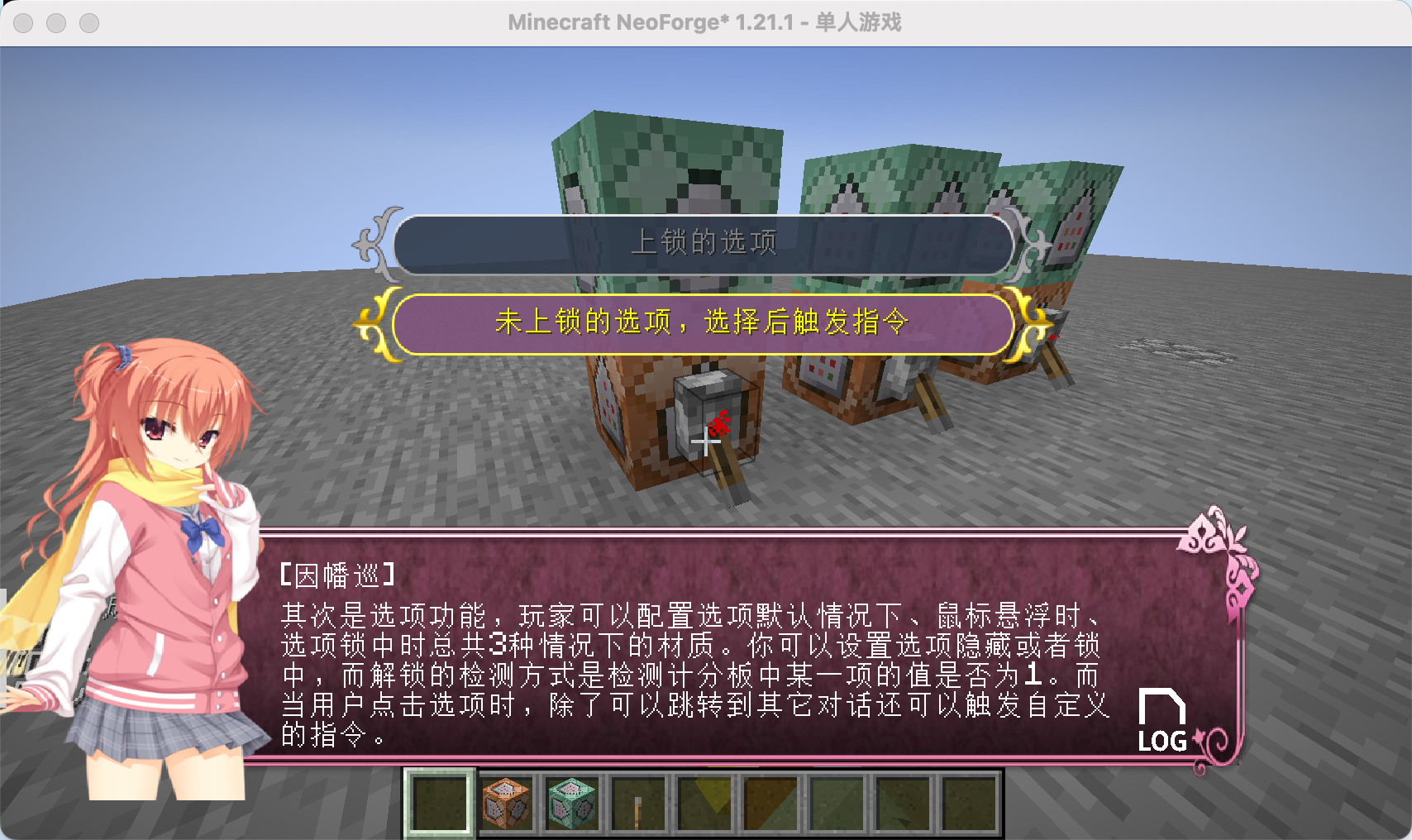
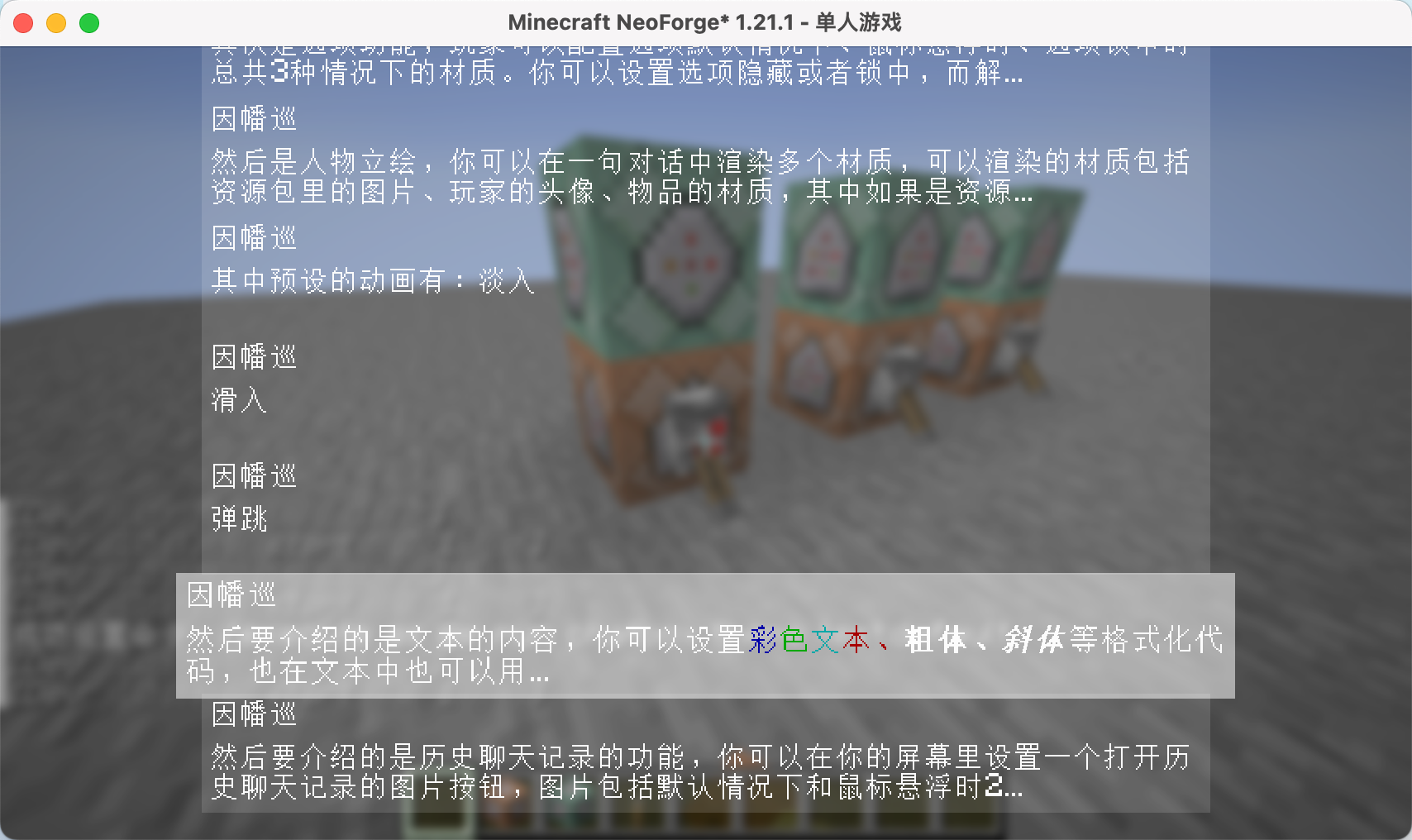
Images: chatbox on Modrinth, published by the project team.
Setup
Install chatbox on your server
The server and players need the same loader and Minecraft version. Back up the world before adding or updating mods.
- 01
Configure
4 GB of RAM is preselected. You choose the term and add-ons and pay by credit card or PayPal.
- 02
Set the loader
In the panel, set the server software to Fabric or Forge or NeoForge and choose the matching Minecraft version, for example 26.3.
- 03
Install the mod
Search the mod browser for “chatbox” and install the release for your loader. Alternatively, upload the .jar to the mods folder via SFTP. Required dependencies are listed on the project page.
- 04
Connect
Every player installs the same chatbox release locally and connects using the server address from the panel.
- On the server
- Required
- On the client
- Required
- Loader
- Fabric, Forge, NeoForge
- Minecraft
- 26.3, 26.1.2, 1.21.8 +4 more
- License
- GNU Affero General Public License v3.0 only
The panel
Install mods, find errors.
Real screenshots from the Mado panel. Both come with every Minecraft server.
Mod browser
Modrinth and CurseForge, right in the panel.
The browser filters by your Minecraft version. Install mods with one click, without uploading .jar files.

AI crash analysis
When a mod crashes, the analyzer reads the log.
Mods often fail on a wrong loader version, Java version or missing dependency. The analyzer names a likely cause and suggests a fix.

Releases
Published releases
Pick the file that matches your server’s loader and Minecraft version. The server and players need the same release.
chatbox · Modrinth- chatbox 1.1.5.1October 16, 2026Minecraft 1.21, 1.21.1 · Fabric
- 1.1.5-26.1.2September 22, 2026Minecraft 26.1.2 · Fabric, NeoForge
- chatbox 1.1January 18, 2026Minecraft 1.21.11 · NeoForge
- chatbox 1.1January 18, 2026Minecraft 1.21.11 · Fabric
- chatbox 1.0.9December 19, 2025Minecraft 1.21.8 · Fabric
Original description by the project author
Mod Introduction
ChatBox is a dialog box mod designed for Minecraft, inspired by the dialog systems found in Galgames. You can configure it using data packs:
Pre-set multiple themes for dialog boxes and switch between them anytime using commands.
Customize the appearance, position, and size of dialog boxes, option boxes, history buttons, and character portraits.
Character portraits support multiple types: images, player avatars, and item textures. You can define custom entry animations for these portraits, with images having 3 preset animations.
Configure dialog text and multiple options for each line. Clicking options can trigger custom commands and jump to other dialogs.
All text elements (dialogs, options) support translation keys.
Since all dialog configurations are implemented through data packs, you can reload all dialog settings directly using the /reload command. Create beautiful dialog systems without modifying any code!
Built-in Commands
Switch themes:
/chatbox theme
Jump to a specific dialog:
/chatbox skip
Open dialog box:
/chatbox open
Event System
For KubeJS users, the mod provides predefined events:
//client_script

// Triggered BEFORE dialog rendering. Provides GuiGraphics for custom rendering. Cancellable.
ChatBoxEvents.renderPre(event=>{
  let getGuiGraphics = event.getGuiGraphics()
  event.cancel()
})

// Triggered AFTER dialog rendering. Provides GuiGraphics for custom rendering.
ChatBoxEvents.renderPost(event=>{
  let getGuiGraphics = event.getGuiGraphics()
})

// Triggered when jumping to a dialog. Provides dialog metadata for custom functionality.
ChatBoxEvents.skipChat(event => {
  let { chatBoxScreen, resourceLocation, group, index } = event
})
Additional Information
Example data packs and documentation are available on GitHub.
Upcoming feature: The author is developing a web-based JSON generator to simplify dialog configuration. Stay tuned for its release!
chatbox server crashes on startup – what to do?
Common causes: the loader or Minecraft version does not match the mod file, a dependency is missing, or RAM is too low. Check the log (latest.log) for “OutOfMemoryError”, “Mixin” or missing mods. At Mado, the AI crash analysis reads the log and suggests a cause. You can change the loader and version in the panel.
Which loader does chatbox run on?
According to Modrinth, chatbox supports Fabric, Forge, NeoForge for Minecraft 26.3, 26.1.2, 1.21.8. Forge and Fabric files are not interchangeable: pick one loader for the server and clients.
How much RAM does a server with chatbox need?
As guidance, 3–4 GB for a server with this mod. This is an estimate, not a measured minimum. More mods, many players and long view distances need more. The spark profiler shows whether a mod is costing tick time.
Similar mods
Popular mods in the same category
 Server-ready

VeinMiner
by Miraculixx
Mine the whole vein on mining a single ore/block. Make the tedious mining experience to something satisfying and fun! FTB Ultimine alternative
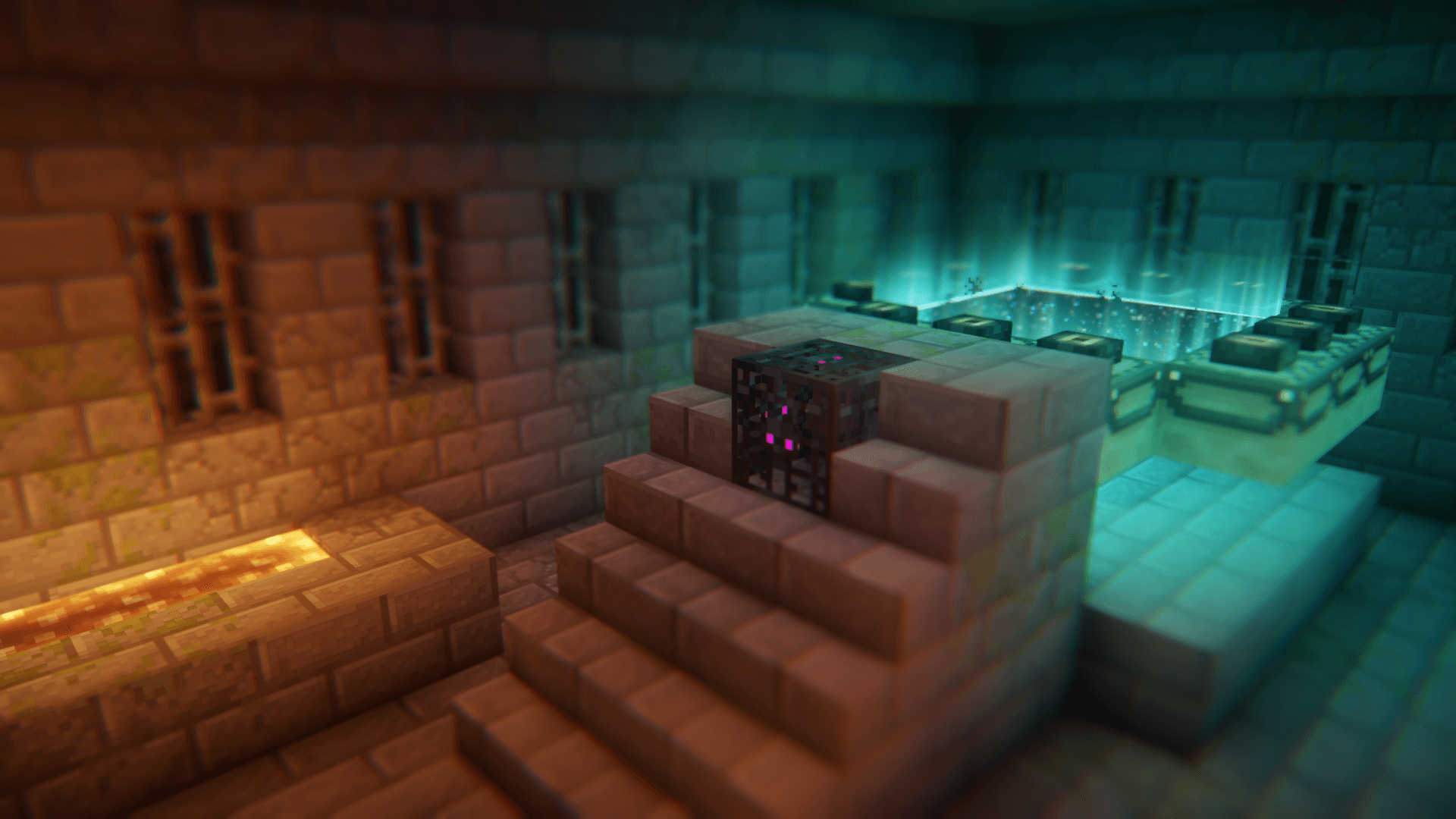 Client only
Euphoria Patches
by SpacEagle17
Euphoria Patches is an add-on for Complementary Shaders, extending it with more optional features and settings.
 Server-ready

Create
by simibubi
Aesthetic Technology that empowers the Player
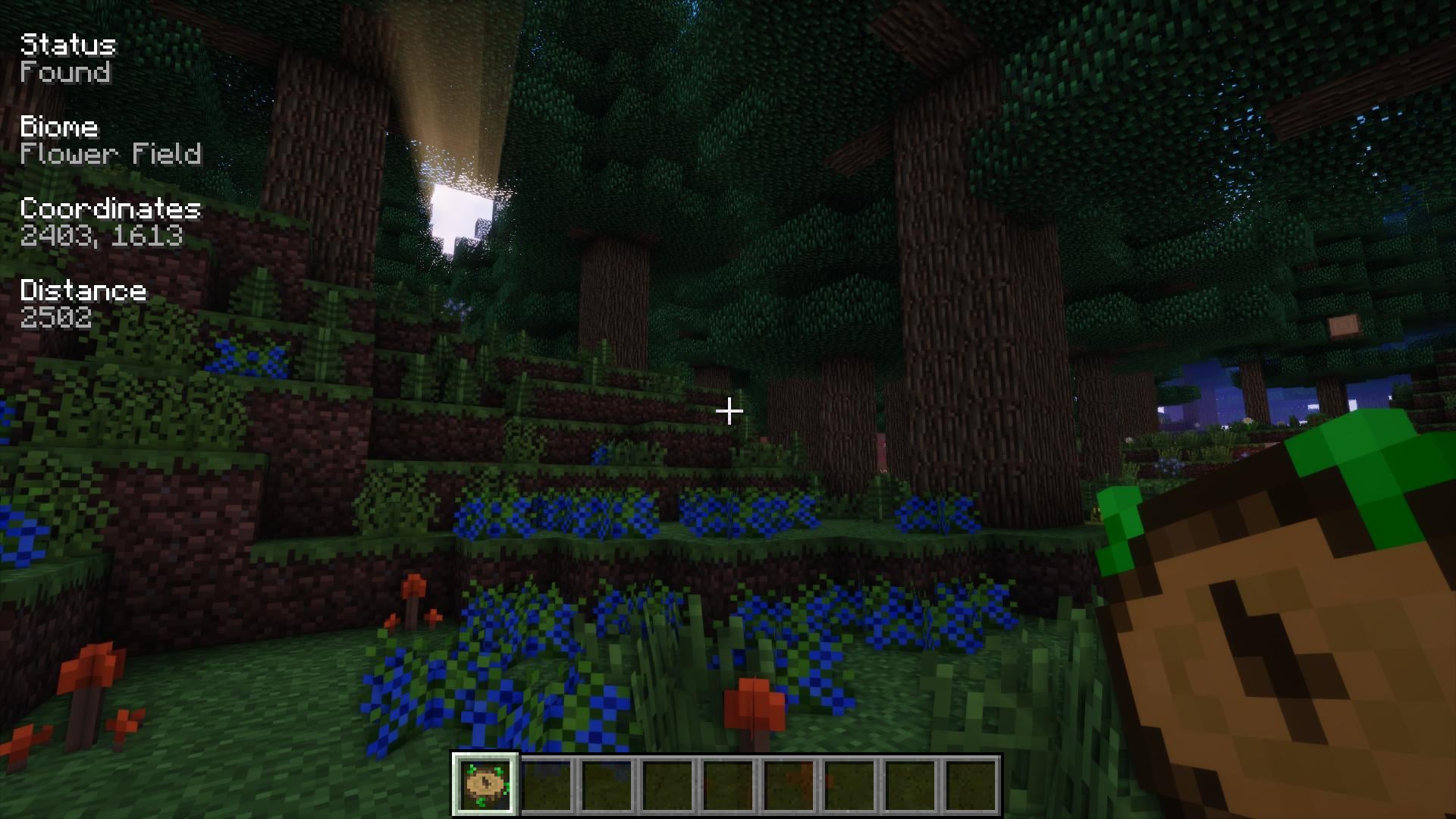 Server-ready
Nature's Compass
by Chaosyr
Allows you to locate biomes anywhere in the world.
Ready for your server with chatbox?
4 GB of RAM from €8.00 per month. 35% off your first month with MADO35.