
Mythic Metals
Adds a large variety of ores, toolsets, weapons and armor to the game.
Screenshots
About this Mod


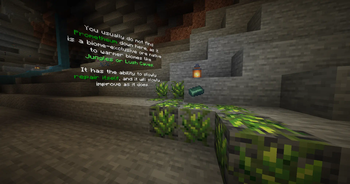
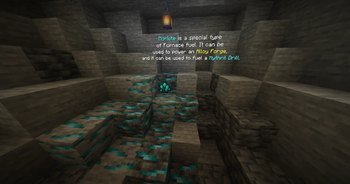
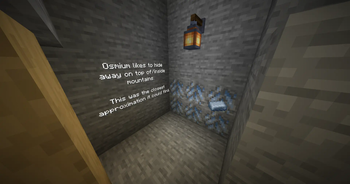
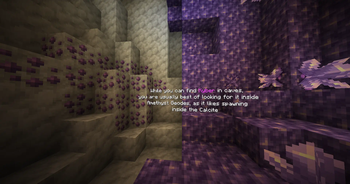
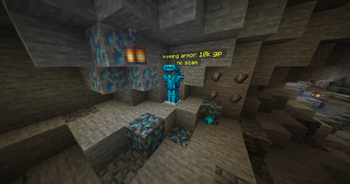
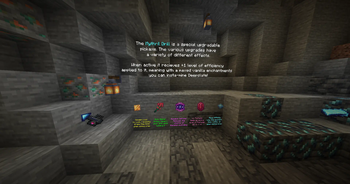
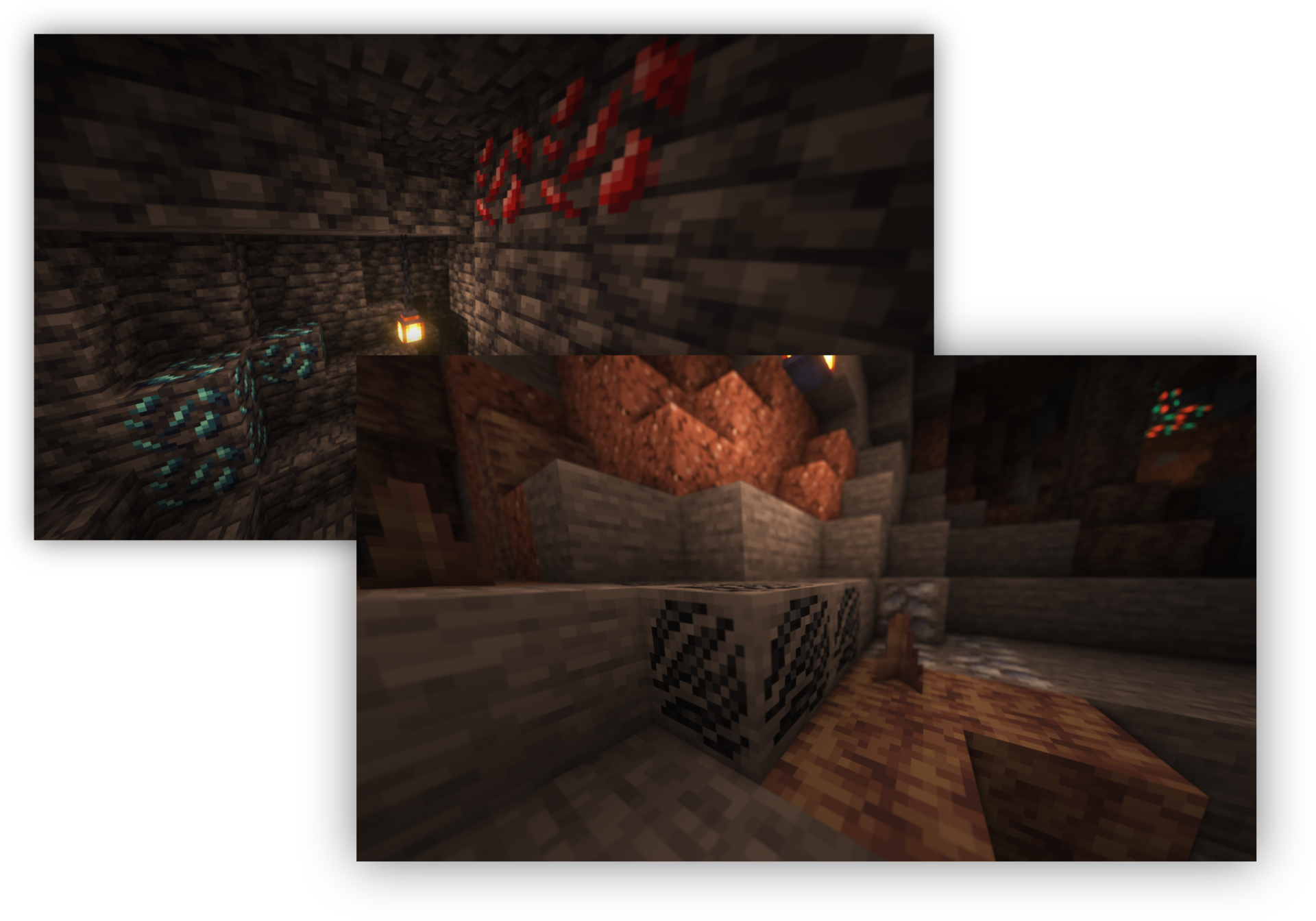
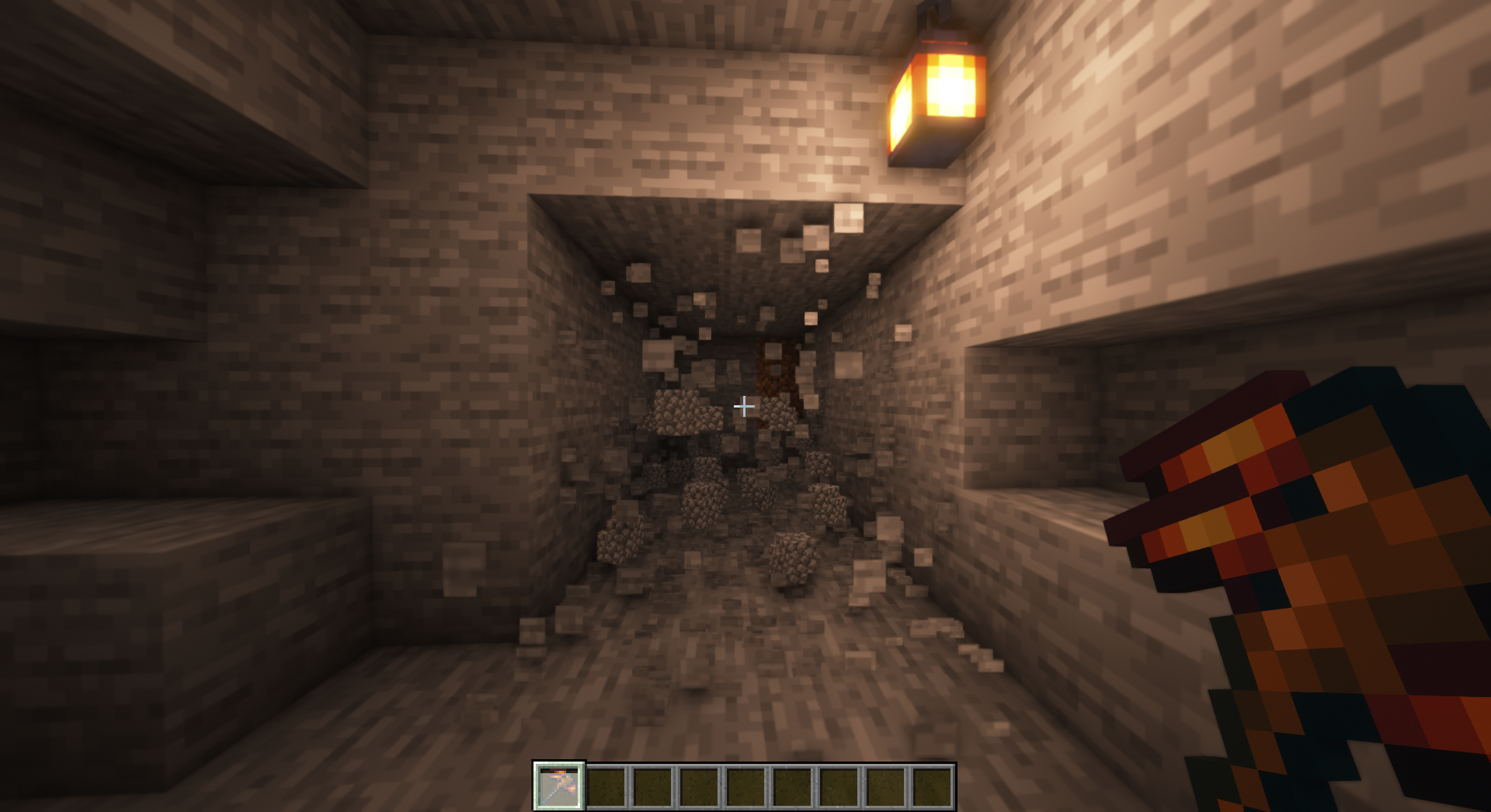
The ores in this mod all cover their own slice of the underground. There are even some in The Nether and The End!
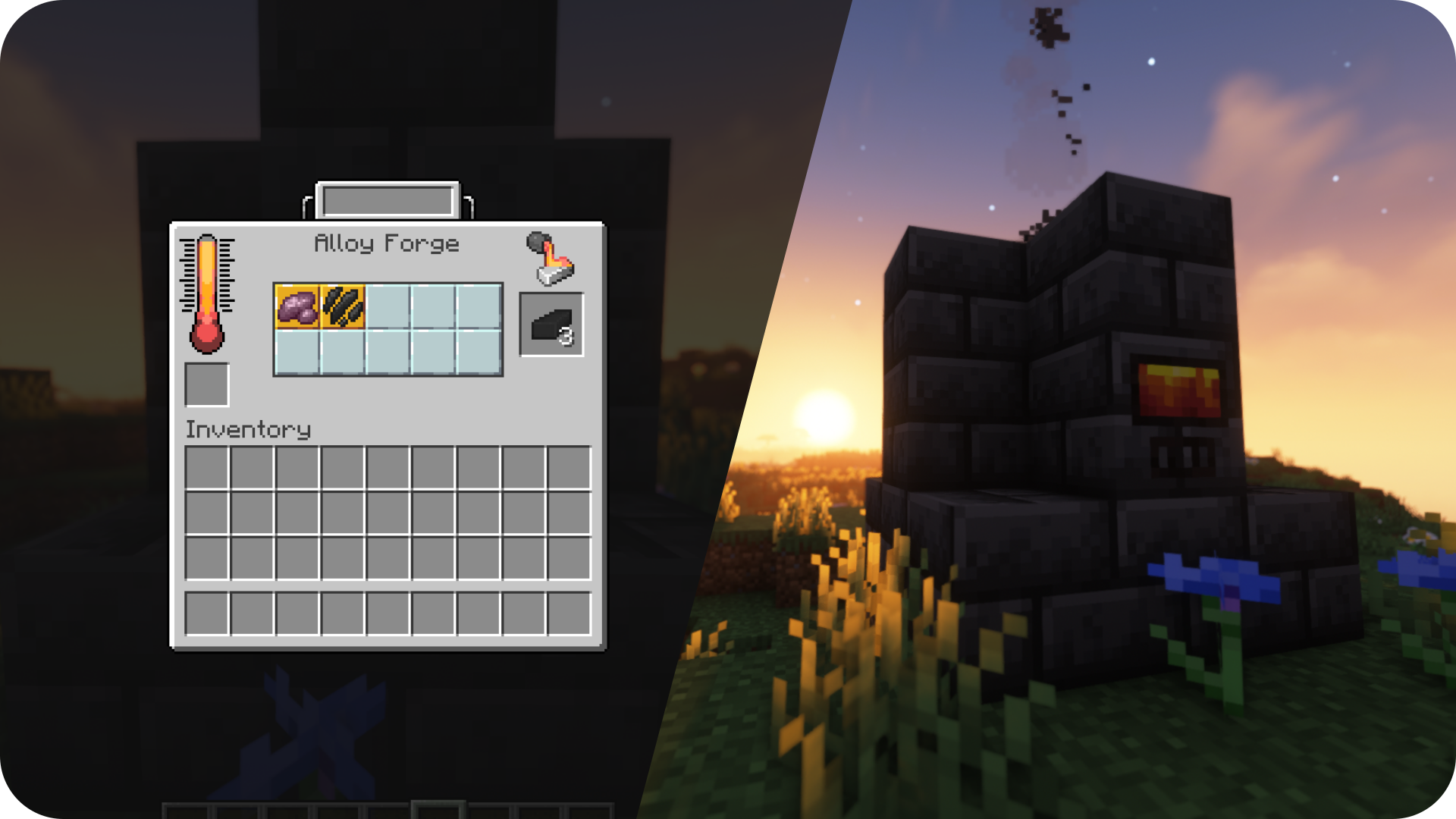
After gathering enough ores you can smelt them, blast them, or forge them with an Alloy Forge, into pretty metals or unique alloys.

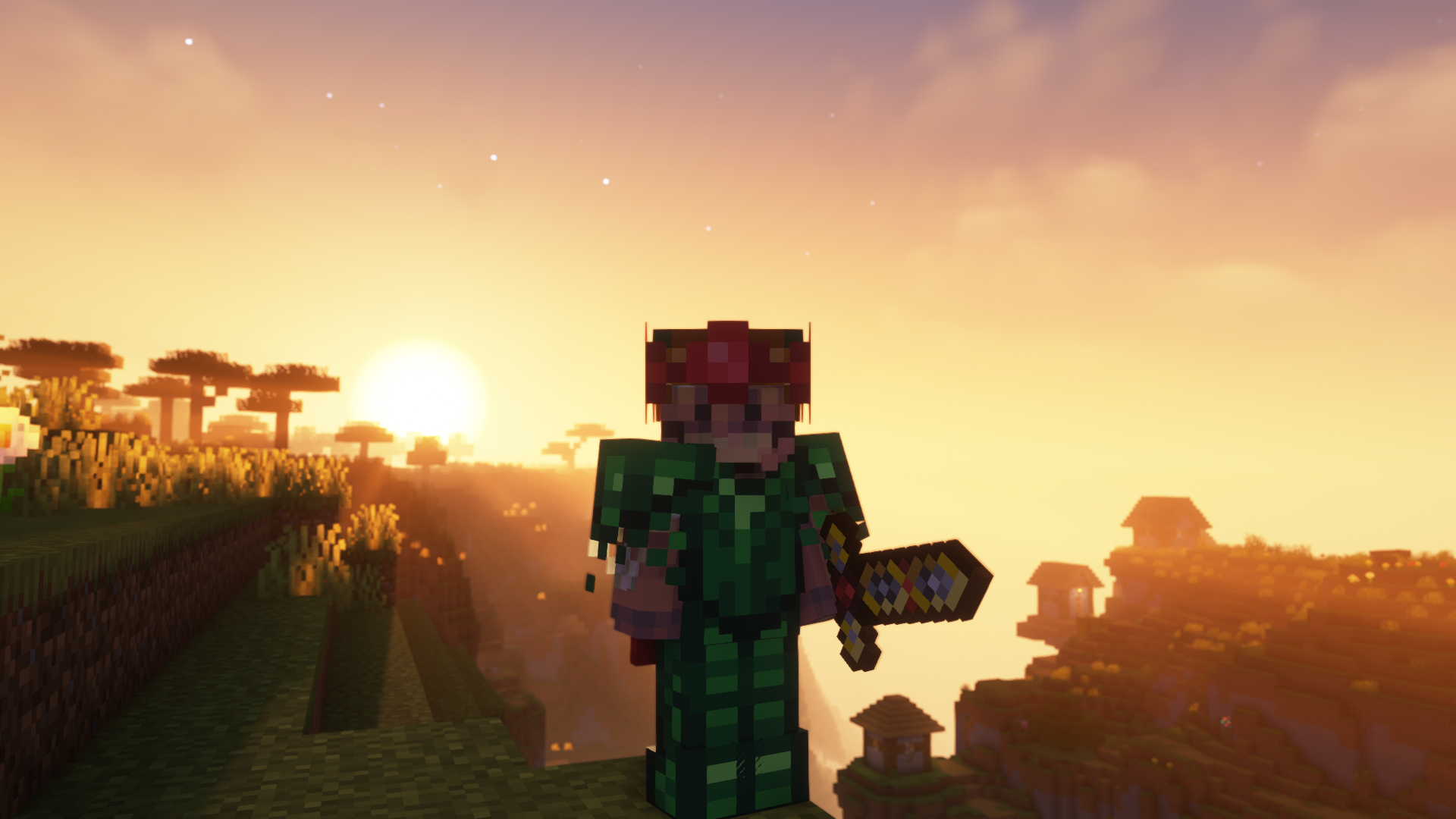
Swords stronger than netherite, a pickaxe that can blast through an obsidian wall, and armor that grows over time. This is some of the gear you can find and craft using the metals.

This project would not be possible if not for a ton of people. Thank you to everyone who has contributed! Click the banner above for a full list of credits.

Available Versions
How to Install Mythic Metals on Your Server
Order Server
Order a Minecraft Java server with at least 4 GB RAM (6 GB recommended).
Set fabric Loader
In the panel under "Egg", select the fabric loader and matching Minecraft version (26.1.2).
Install Mod
Open the mod browser in the dashboard and search for "Mythic Metals". Click "Install" – done! Alternatively, upload the .jar via SFTP to the /mods folder.
Compatibility
Mod Loaders
Minecraft Versions
26.1.2, 1.21.4, 1.21.1 (+19 more)
Server-side
✓ RequiredRecommended RAM
6 GB(min. 4 GB)Frequently Asked Questions
Mythic Metals server crashes on startup – what to do?
Most common cause: wrong fabric version or insufficient RAM. Check the server log (latest.log) for "OutOfMemoryError" or "Mixin" errors. With Mado Hosting: ensure at least 4 GB RAM is allocated and the loader matches the mod version (26.1.2). You can switch loaders with one click in the panel.
Is Mythic Metals compatible with fabric?
Mythic Metals officially supports fabric for Minecraft 26.1.2, 1.21.4, 1.21.1. The Mado dashboard automatically detects incompatible loader combinations.
Server lagging with Mythic Metals – how to optimize performance?
Recommended RAM: 6 GB (per 5 players). Use /spark profiler to check if Mythic Metals consumes the most tick time. Common fixes: reduce server view-distance to 8-10, install "performant" or "starlight" as supplementary mods on Forge. With Mado Hosting, your server runs on NVMe SSDs with dedicated CPU cores for minimal latency.
Similar Mods



![[TaCZ] Timeless and Classics Zero](https://cdn.modrinth.com/data/SzzJttH8/fd27766d2bb8390d284696b1dbd358f87e081439_96.webp)


Rent Modded Server
Install Mythic Metals with just one click on your server.