
Modrinth · NeoForge
Neo The Titans on your Minecraft server
Neo The Titans runs on Minecraft servers with NeoForge. Order your server, set the loader in the panel and install the mod with one click in the mod browser.
"This mod introduces genetically enhanced Titans, designed for modern Minecraft versions (1.21 and above)."
- Downloads
- 991.9K
- Author
- Unknown54731
- Loader
- NeoForge
- Minecraft
- 1.21.4
- Updated
- –
Screenshots
What Neo The Titans looks like

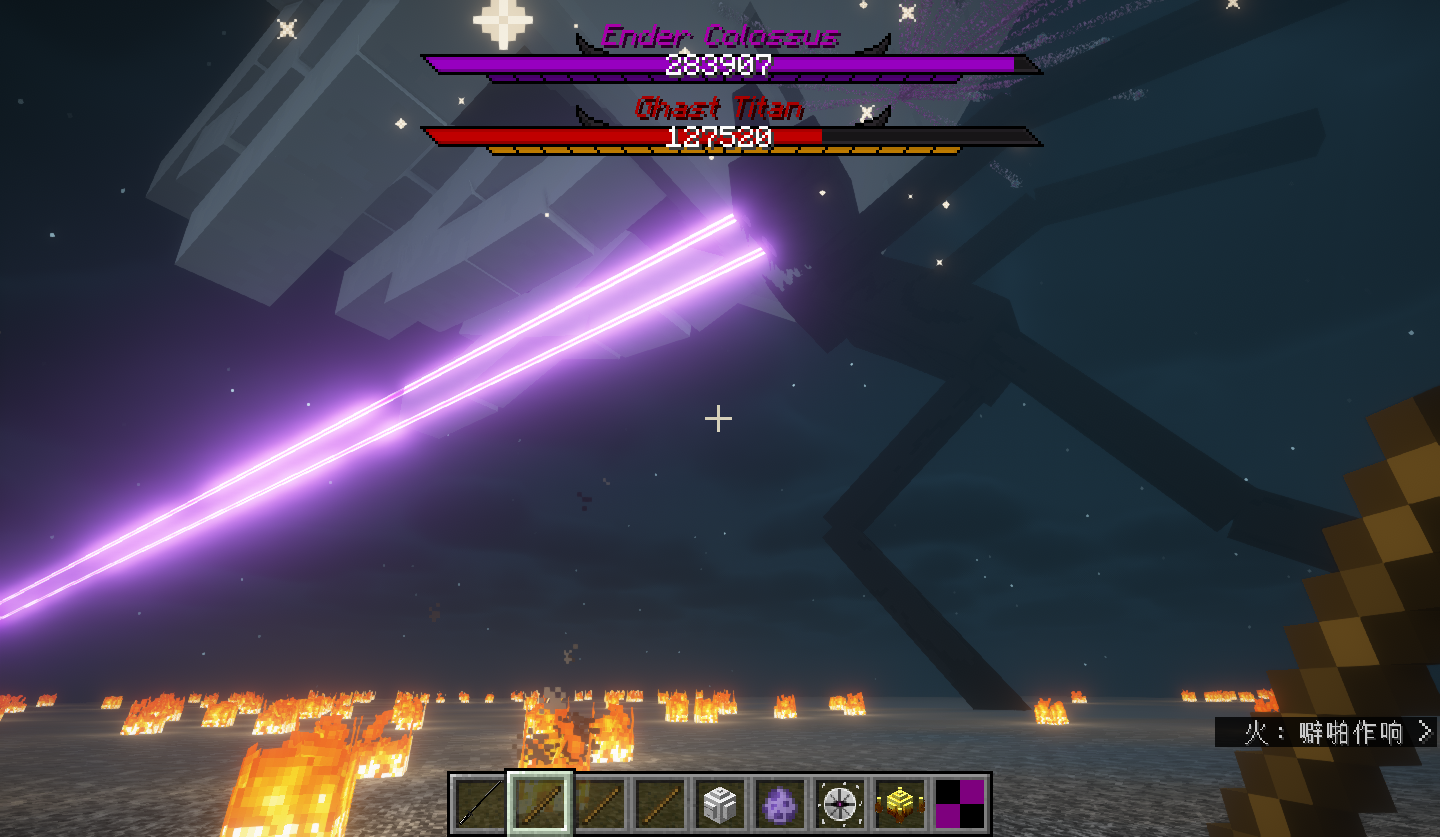


Images: Neo The Titans on Modrinth, published by the project team.
Setup
Install Neo The Titans on your server
The server and players need the same loader and Minecraft version. Back up the world before adding or updating mods.
- 01
Configure
6 GB of RAM is preselected. You choose the term and add-ons and pay by credit card or PayPal.
- 02
Set the loader
In the panel, set the server software to NeoForge and choose the matching Minecraft version, for example 1.21.4.
- 03
Install the mod
Search the mod browser for “Neo The Titans” and install the release for your loader. Alternatively, upload the .jar to the mods folder via SFTP. Required dependencies are listed on the project page.
- 04
Connect
Every player installs the same Neo The Titans release locally and connects using the server address from the panel.
- On the server
- Required
- On the client
- Required
- Loader
- NeoForge
- Minecraft
- 1.21.4
- License
- LicenseRef-All-Rights-Reserved
The panel
Install mods, find errors.
Real screenshots from the Mado panel. Both come with every Minecraft server.
Mod browser
Modrinth and CurseForge, right in the panel.
The browser filters by your Minecraft version. Install mods with one click, without uploading .jar files.

AI crash analysis
When a mod crashes, the analyzer reads the log.
Mods often fail on a wrong loader version, Java version or missing dependency. The analyzer names a likely cause and suggests a fix.

Releases
Published releases
Pick the file that matches your server’s loader and Minecraft version. The server and players need the same release.
Neo The Titans · ModrinthOriginal description by the project author
Overview
This mod recreates and optimizes the Titans mod, with content largely consistent with the original Titans mod: it adds giant boss creatures, more equipment, tools, and ores.
Compared to the Original Titans Mod
· Optimized boss animations (attacks and other basic animations, etc.);
· Balanced equipment and creature stats (equipment attack power is not overly exaggerated, bosses are easier to defeat);
· Improved gameplay experience (removed a significant amount of code targeting Creative mode, optimized some boss-related lag, etc.);
· Added some quick commands (e.g., /killTitan);
· Added more Titans related to creatures from newer versions (e.g., Gargantuan Titan);
· Enhanced related textures (e.g., health bar frames and entity textures, etc.).
Notes
· This mod is not a simple recreation; it includes some original innovative content and optimizations for survival gameplay and balance.
· This mod is currently in development, and equipment for certain boss stages has not yet been implemented (some bosses may be slightly overpowered; please wait for future updates).
· This mod currently offers a portion of the normal survival gameplay experience. More content will be added in future updates.
· This mod replaces the vanilla health and armor bars, which can be enabled or disabled in the configuration file.
· Related configuration files and Titan destruction are controlled by the vanilla entity destruction rules.
· Entering and exiting Spectator mode while in a Titan's perspective may cause the game to crash!
(You can use /gamerule mobGriefing false to prevent Titans from destroying blocks.)
Currently Updated Titans
· Wither Skeleton Titan
· Ender Colossus
· Wither Skeleton Titan
· Ghast Titan
· Creaking Titan
· Blaze Titan
· Breeze Titan
· Charged Creeper Titan
· Creeper Titan
· Husk Titan
· Zombie Titan
· Zombie Villager Titan
· Skeleton Titan
· Snow Golem Titan
Gallery
Neo The Titans server crashes on startup – what to do?
Common causes: the loader or Minecraft version does not match the mod file, a dependency is missing, or RAM is too low. Check the log (latest.log) for “OutOfMemoryError”, “Mixin” or missing mods. At Mado, the AI crash analysis reads the log and suggests a cause. You can change the loader and version in the panel.
Which loader does Neo The Titans run on?
According to Modrinth, Neo The Titans supports NeoForge for Minecraft 1.21.4.
How much RAM does a server with Neo The Titans need?
As guidance, 4–6 GB for a server with this mod. This is an estimate, not a measured minimum. More mods, many players and long view distances need more. The spark profiler shows whether a mod is costing tick time.
Similar mods
Popular mods in the same category
 Server-ready
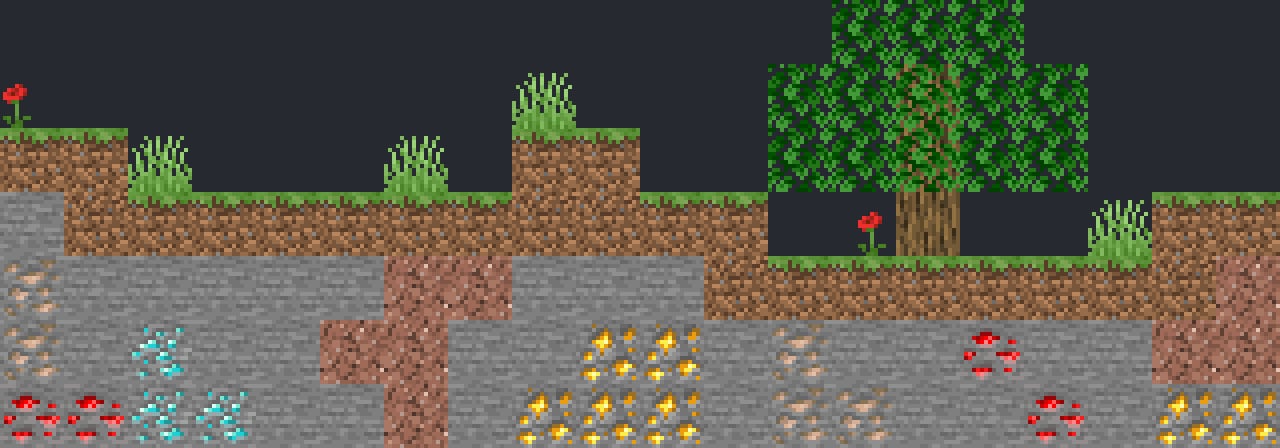
VeinMiner
by Miraculixx
Mine the whole vein on mining a single ore/block. Make the tedious mining experience to something satisfying and fun! FTB Ultimine alternative
 Client only

VeinMiner Hotkey
by Miraculixx
Veinminer Addon - Use a hotkey to veinmine with a dynamic crosshair & block highlighting
 Server-ready
Curios API
by TheIllusiveC4
A flexible and expandable accessory/equipment API for users and developers.
 Server-ready

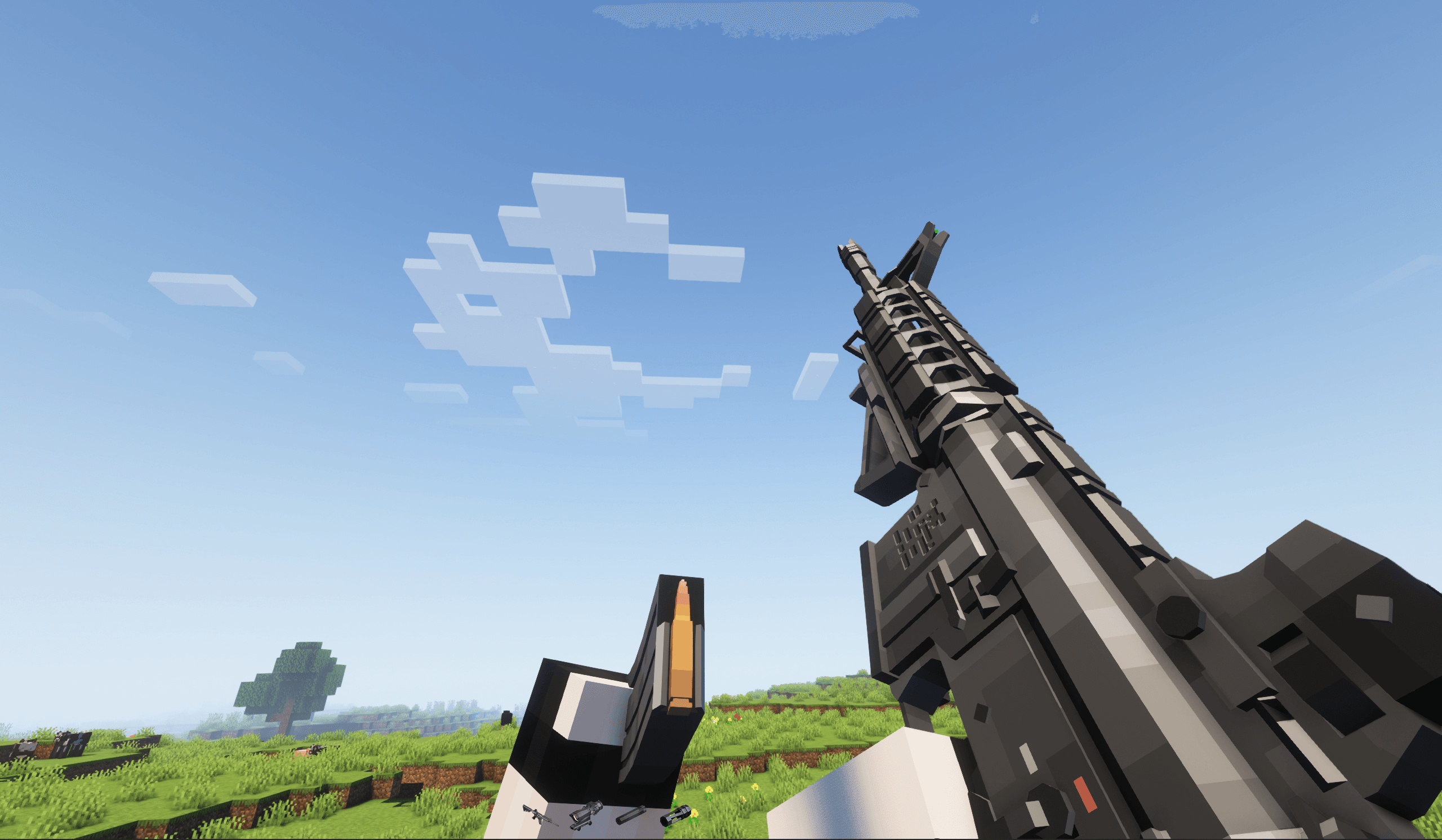
[TaCZ] Timeless and Classics Zero
by craneblock6666
The most Immersive and Customizable modern FPS experience in Minecraft - A complete Remaster of the TaC gun mod by the original team.
Ready for your server with Neo The Titans?
6 GB of RAM from €12.00 per month. 35% off your first month with MADO35.