
Skin Shuffle
Effortless in-game skin customization and management—change, store, and customize your skins with SkinShuffle. Instant skin changes available on compatible servers.
Screenshots
About this Mod



SkinShuffle
SkinShuffle is a mod that allows you to change, store and customise your skin in-game. It also allows you to change your skin without leaving the server as long as the mod is installed on the server.
SkinShuffle integrates with Mojang's online API to change skins, if you do not have a Minecraft account, SkinShuffle WILL NOT work, you will receive NO SUPPORT from me for using a pirated version of Minecraft.
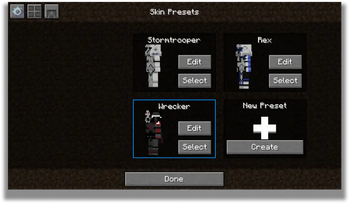
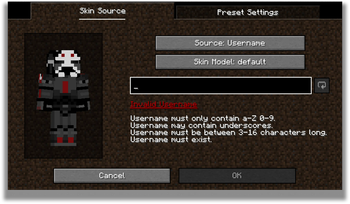
Skins are stored in Skin Presets, these presets can be created from the following sources:
- Texture URLs
- Usernames
- UUIDs
- Files
- In-game textures (Identifiers)
Supported Versions
Only the latest stable release (26.1) and latest beta release (26.3) are supported.
Server-Side Support
When SkinShuffle is installed on the server, you can change your skin in-game without having to relog. SkinShuffle will refresh your skin for you, and for other players instantly - even for players that do not have the mod on their client.
Got a Paper/Spigot/Bukkit server? Consider using the Skin Shuffle Bridge plugin to allow players on your server to hot-swap skins!
Alternatively, SkinShuffle is supported by SkinRestorer (fabric+neoforge+forge) if your server has that installed, players using SkinShuffle will be able to quickly change their skins without needing to rejoin!
We have massive plans to expand server-side support in the future:
- Skin Changing Commands that allow vanilla clients to change their skins.
- Skin Preset Sharing
Client-Side Support
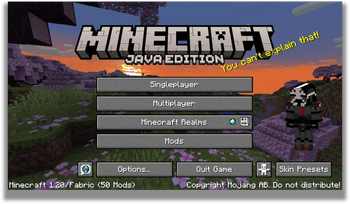
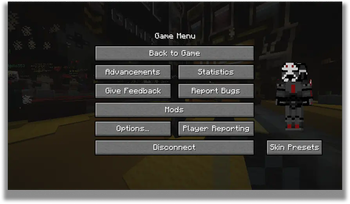
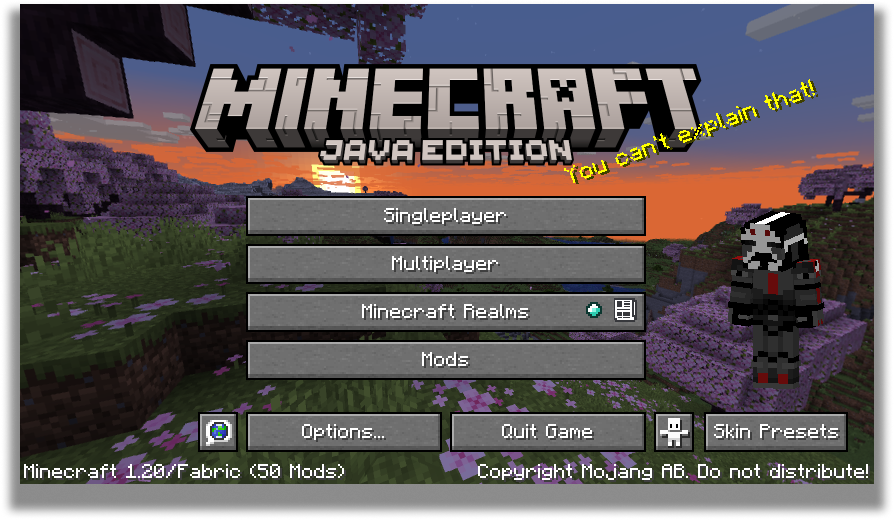
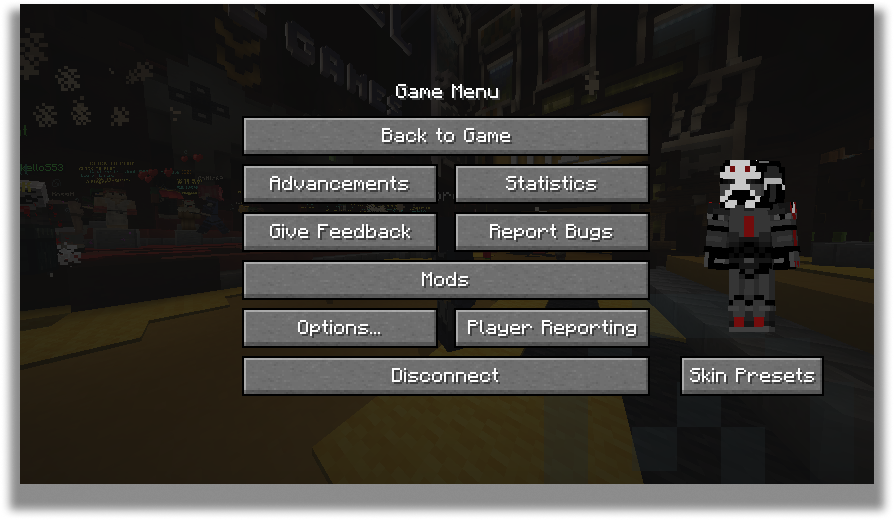
SkinShuffle works right out the bat for clients! Browse, create and edit skin presets in the Carousel and Edit Preset screens that can be accessed via Mod Menu or through the widget on the pause screen and the title screen.
When you start the game for the first time with SkinShuffle, it will automatically create a preset from your current skin and set it as the main preset! Your currently chosen preset will be shown on the widget.
Carousel Screen
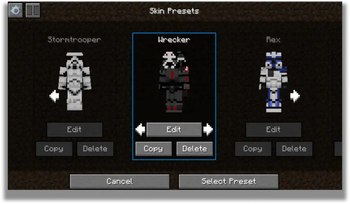
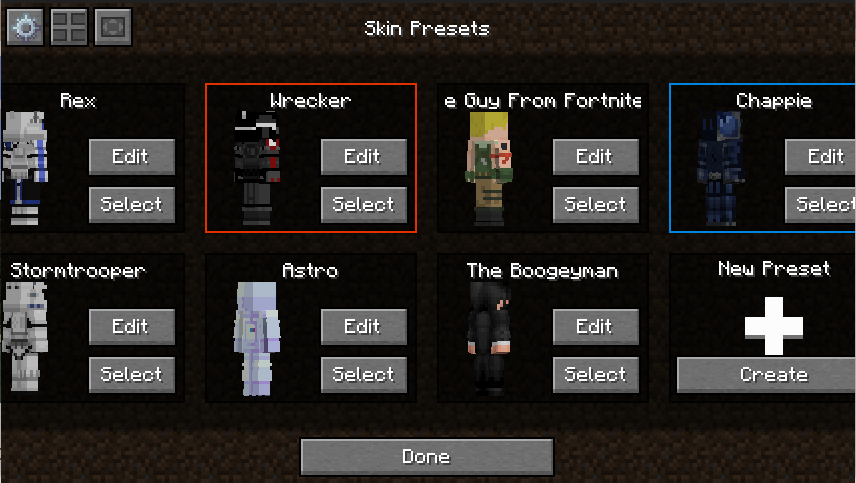
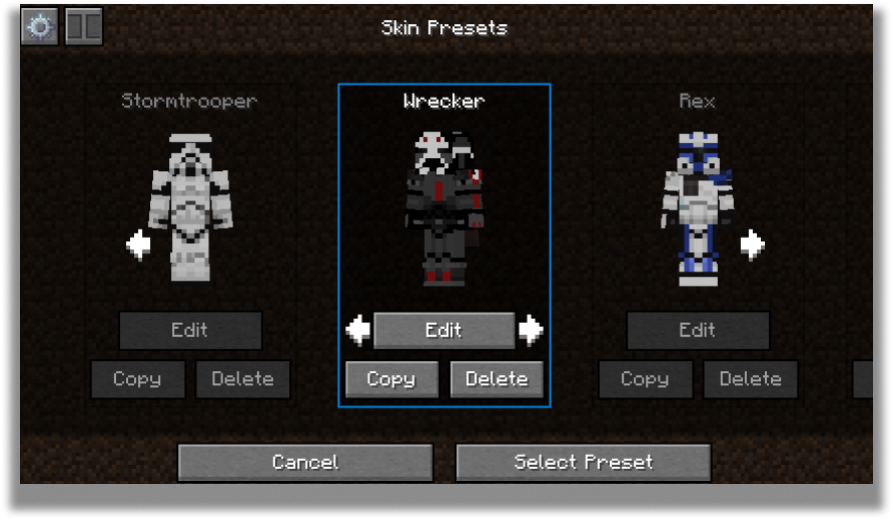
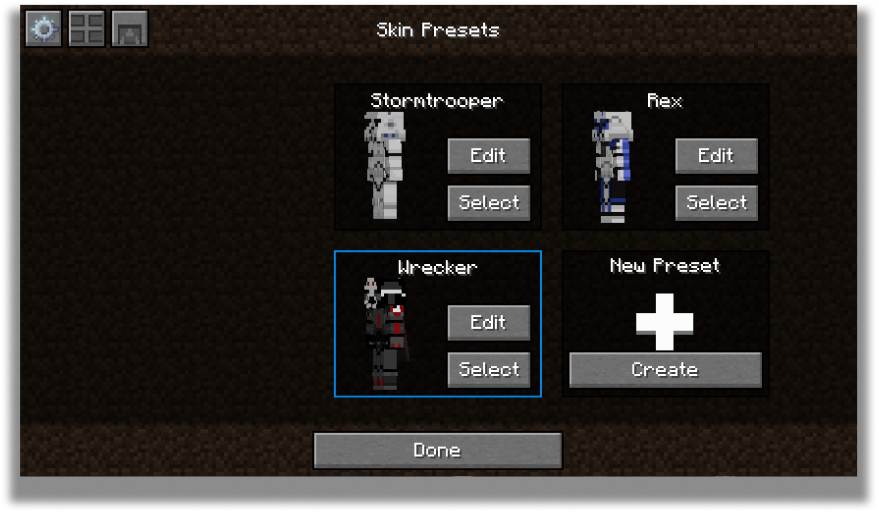
The carousel is where all your skins will be stored for future use! You can create, edit and delete your presets.
The carousel screen has two modes: Compact and Carousel
You can customize every preset to your own desire in the edit screen.
Edit Screen
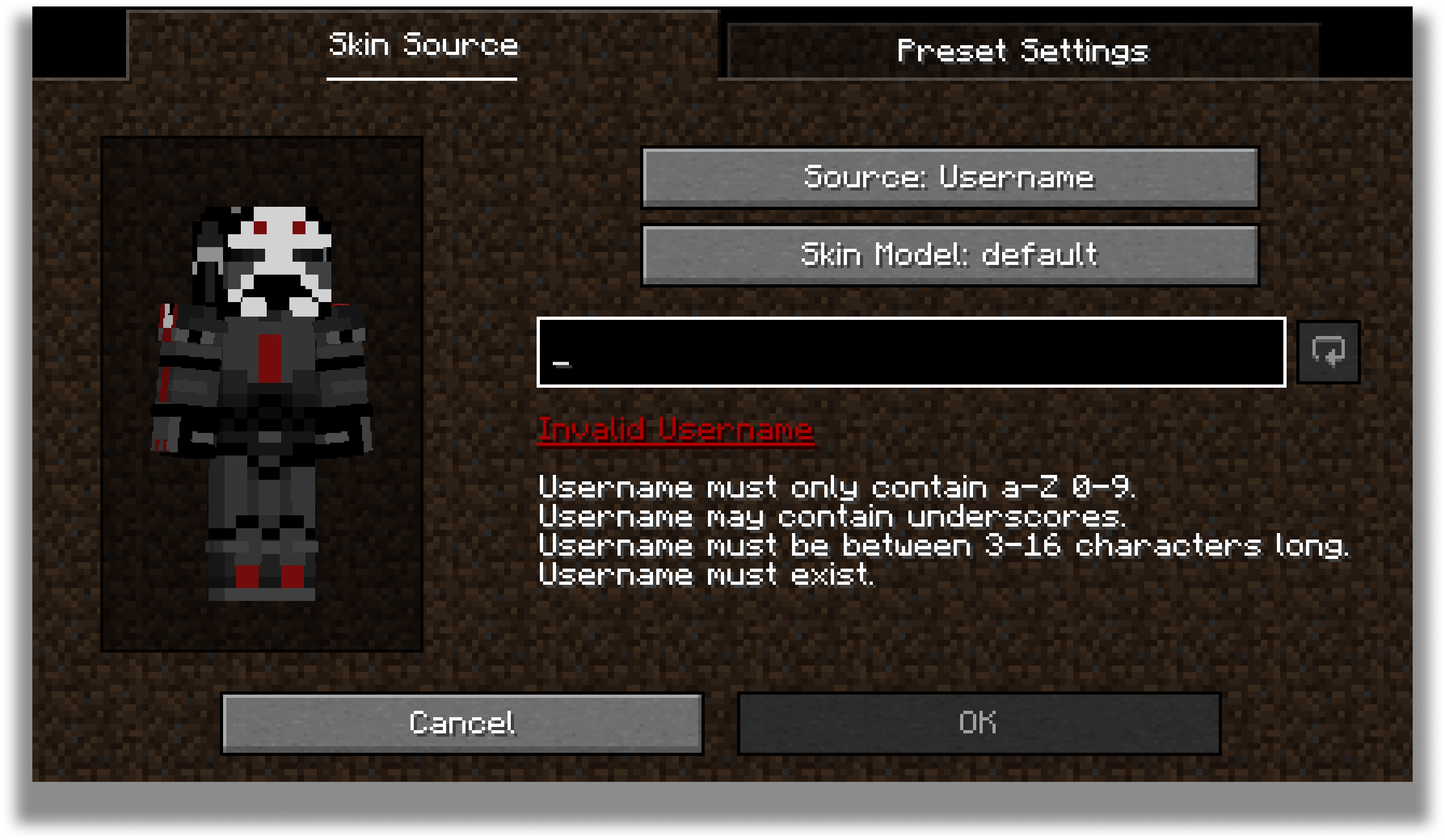
The edit screen allows you to change the actual texture of the skin, the model type and the name of the preset.
For the future, there are plans to add cape and ear customization to this screen.
Configuration
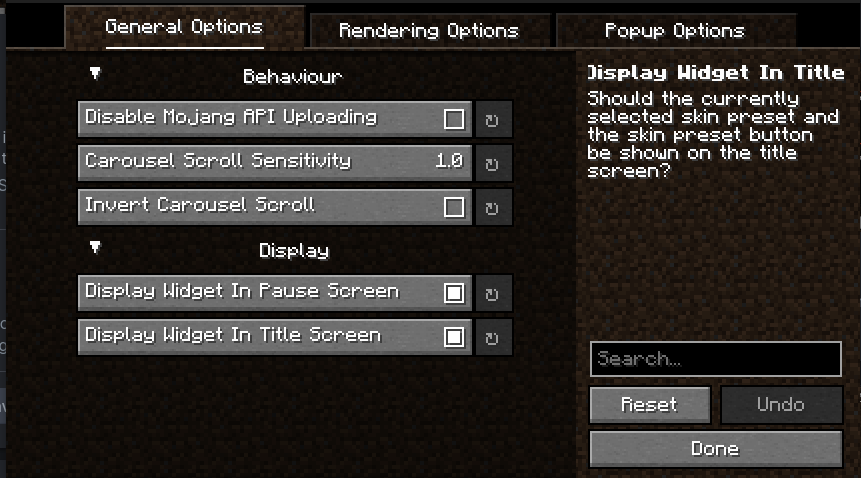
Every part of SkinShuffle is customizable thanks to YACL's powerful configuration screen.
You can customize the speed that skins rotate in the carousel, to where they should follow your cursor, and where the preview widget should show.
By using my mods, you agree to the Modpack Distribution Guidelines and the End User License Agreement
Available Versions
How to Install Skin Shuffle on Your Server
Order Server
Order a Minecraft Java server with at least 3 GB RAM (4 GB recommended).
Set fabric Loader
In the panel under "Egg", select the fabric loader and matching Minecraft version (26.3).
Install Mod
Open the mod browser in the dashboard and search for "Skin Shuffle". Click "Install" – done! Alternatively, upload the .jar via SFTP to the /mods folder.
Compatibility
Mod Loaders
Minecraft Versions
26.3, 26.2, 26.1.2 (+21 more)
Server-side
~ OptionalRecommended RAM
4 GB(min. 3 GB)Frequently Asked Questions
Skin Shuffle server crashes on startup – what to do?
Most common cause: wrong fabric version or insufficient RAM. Check the server log (latest.log) for "OutOfMemoryError" or "Mixin" errors. With Mado Hosting: ensure at least 3 GB RAM is allocated and the loader matches the mod version (26.3). You can switch loaders with one click in the panel.
Is Skin Shuffle compatible with fabric?
Skin Shuffle officially supports fabric for Minecraft 26.3, 26.2, 26.1.2. The Mado dashboard automatically detects incompatible loader combinations.
Server lagging with Skin Shuffle – how to optimize performance?
Recommended RAM: 4 GB (per 8 players). Use /spark profiler to check if Skin Shuffle consumes the most tick time. Common fixes: reduce server view-distance to 8-10, install "performant" or "starlight" as supplementary mods on Forge. With Mado Hosting, your server runs on NVMe SSDs with dedicated CPU cores for minimal latency.
Similar Mods






Rent Modded Server
Install Skin Shuffle with just one click on your server.