
Modrinth · Forge
Mutant More on your Minecraft server
Mutant More runs on Minecraft servers with Forge. Order your server, set the loader in the panel and install the mod with one click in the mod browser.
The new and improved Mutant More mod!
- Downloads
- 1.3M
- Author
- AlexandersFunAndGames
- Loader
- Forge
- Minecraft
- 1.19.2 – 1.20.6
- Updated
- –
Screenshots
What Mutant More looks like
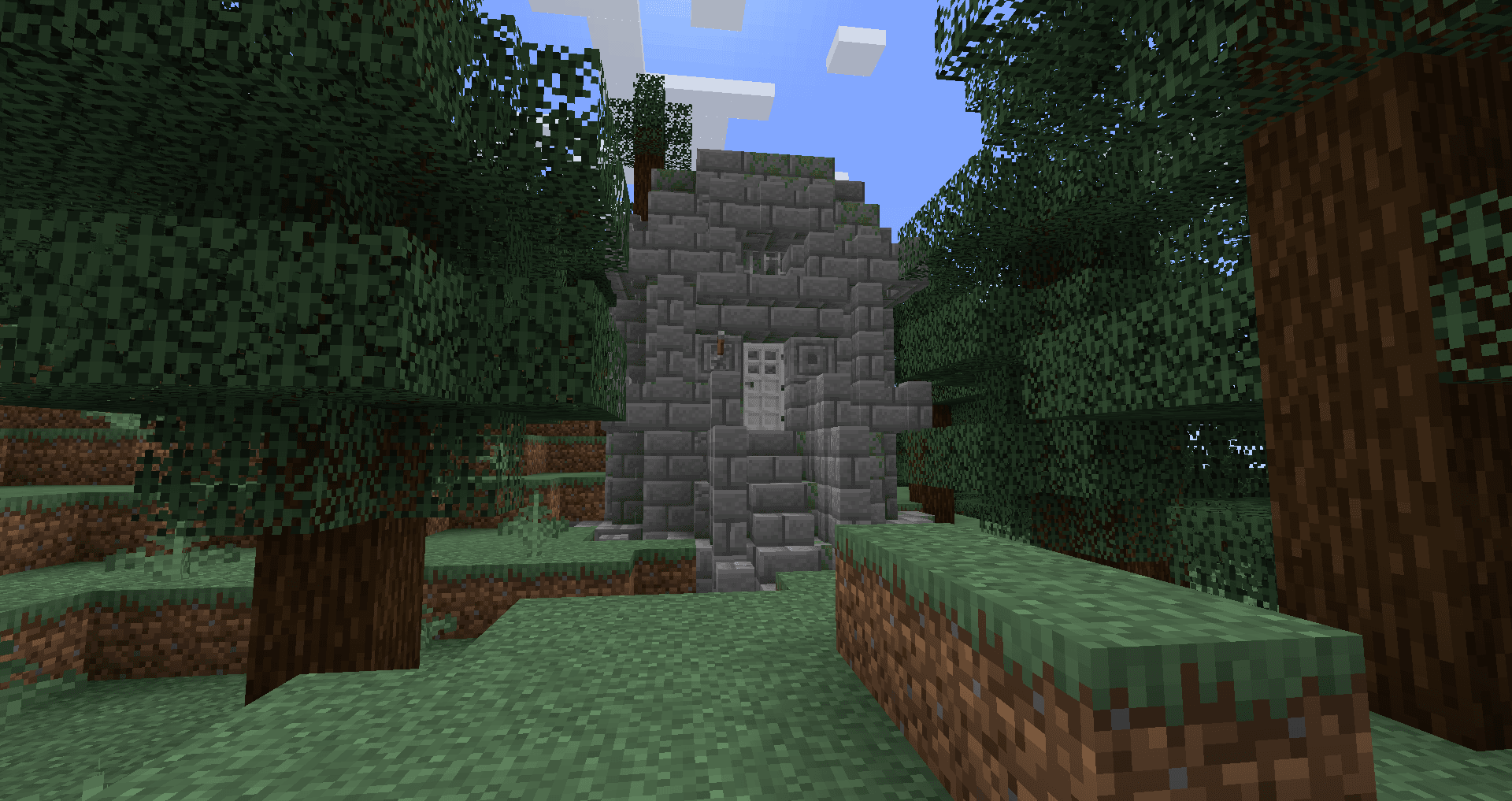
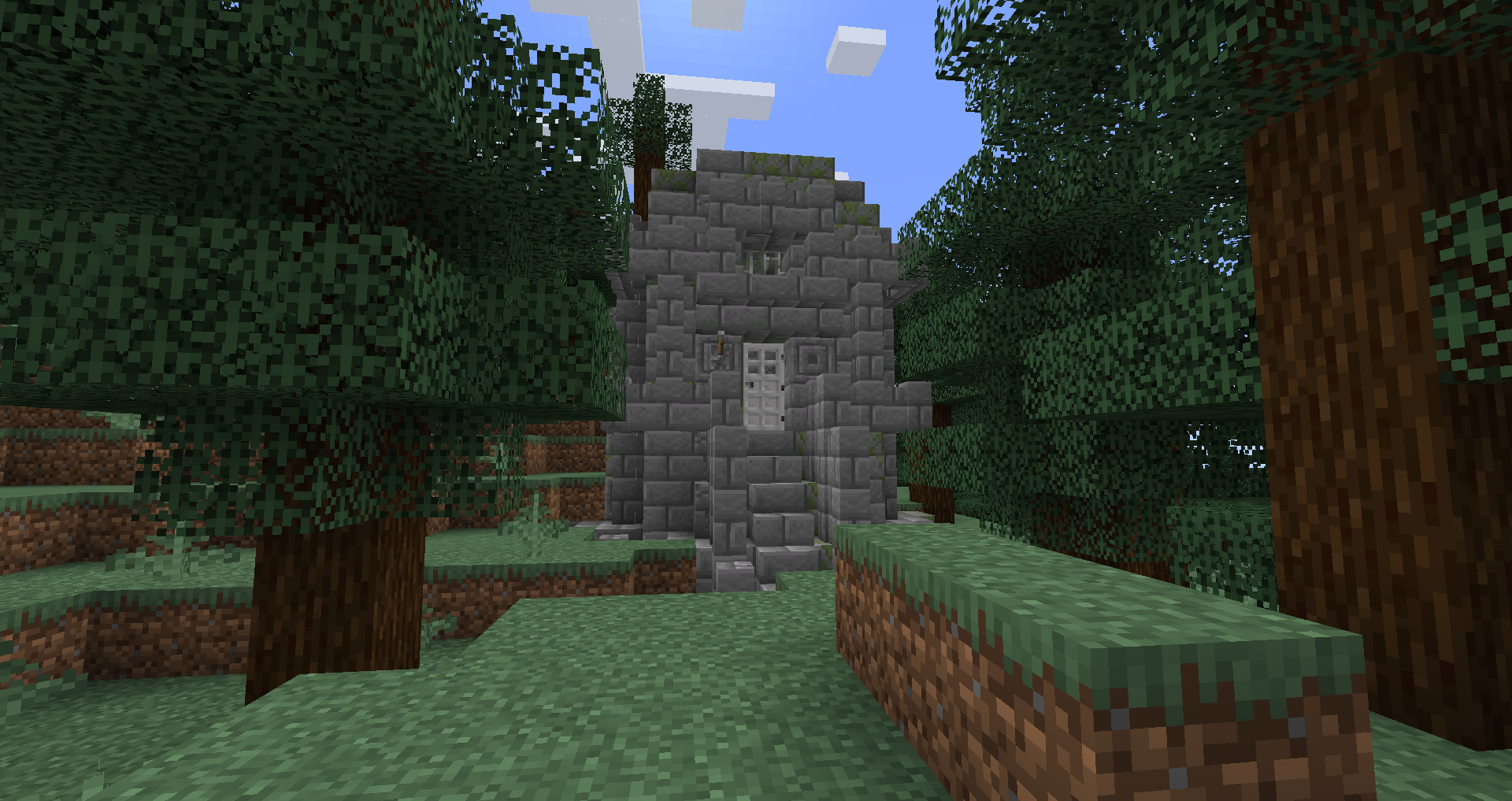 Derelict Laboratory Entrance
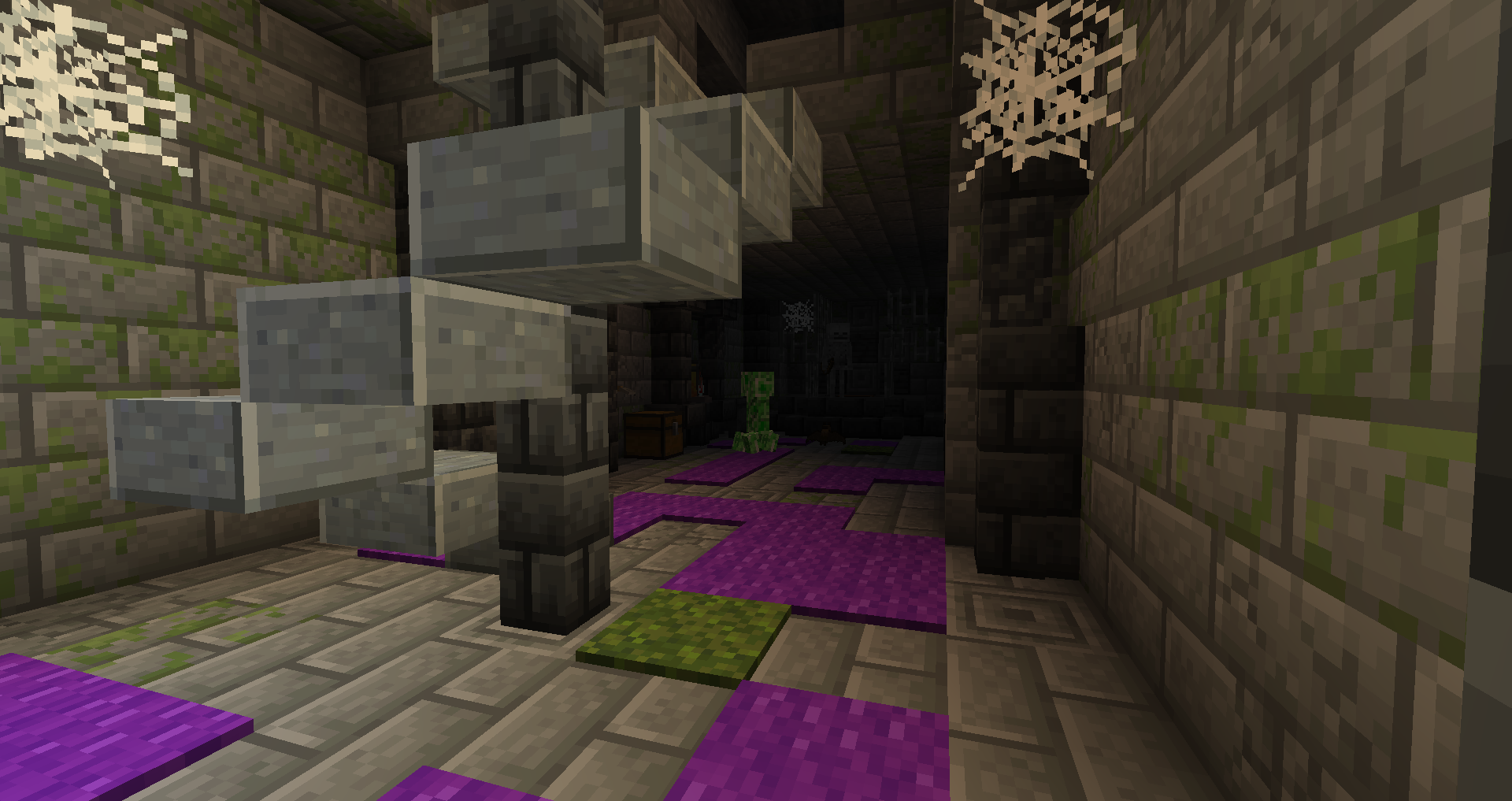 Derelict Laboratory Chamber 1
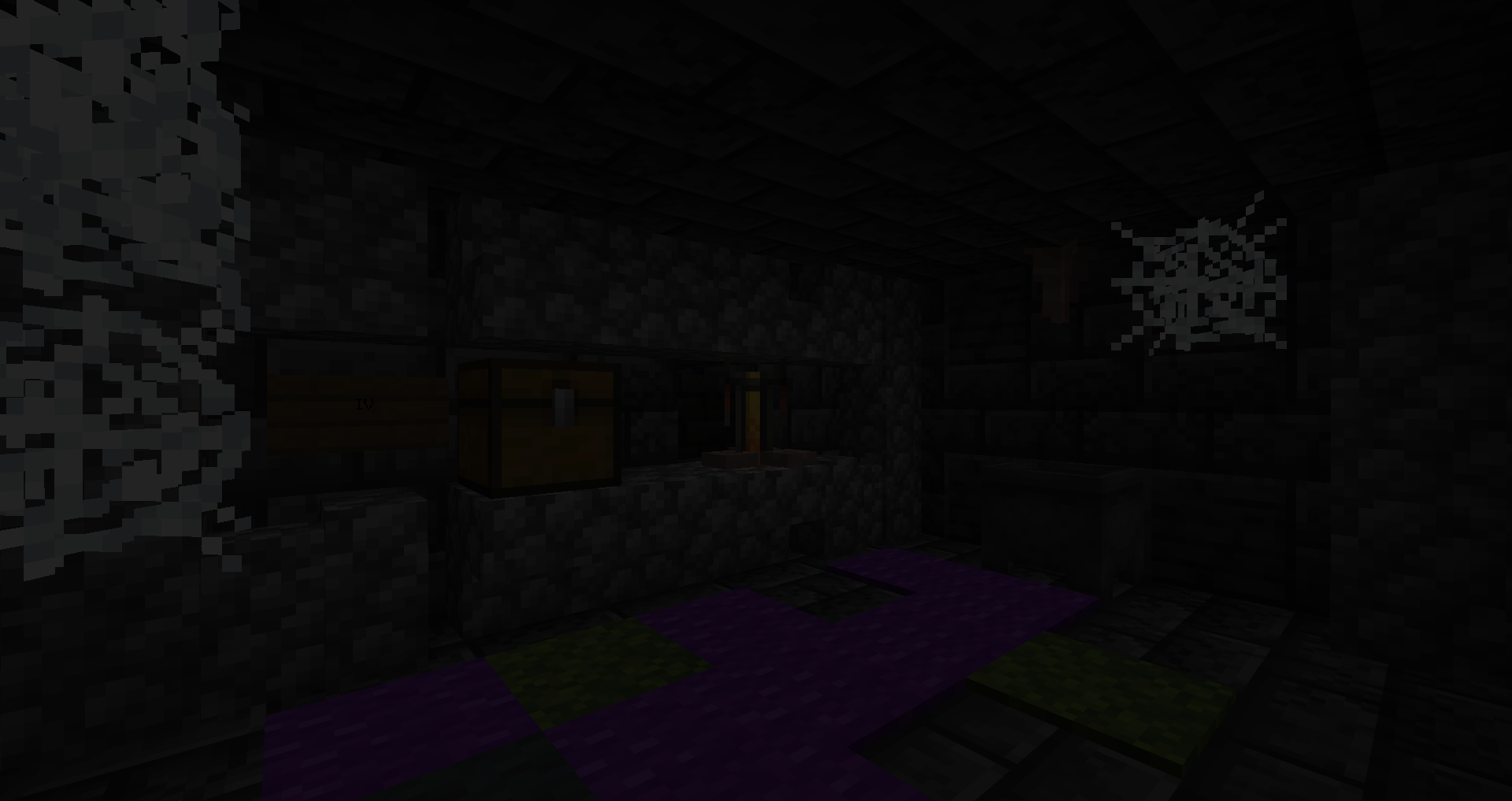 Derelict Laboratory Chamber 2
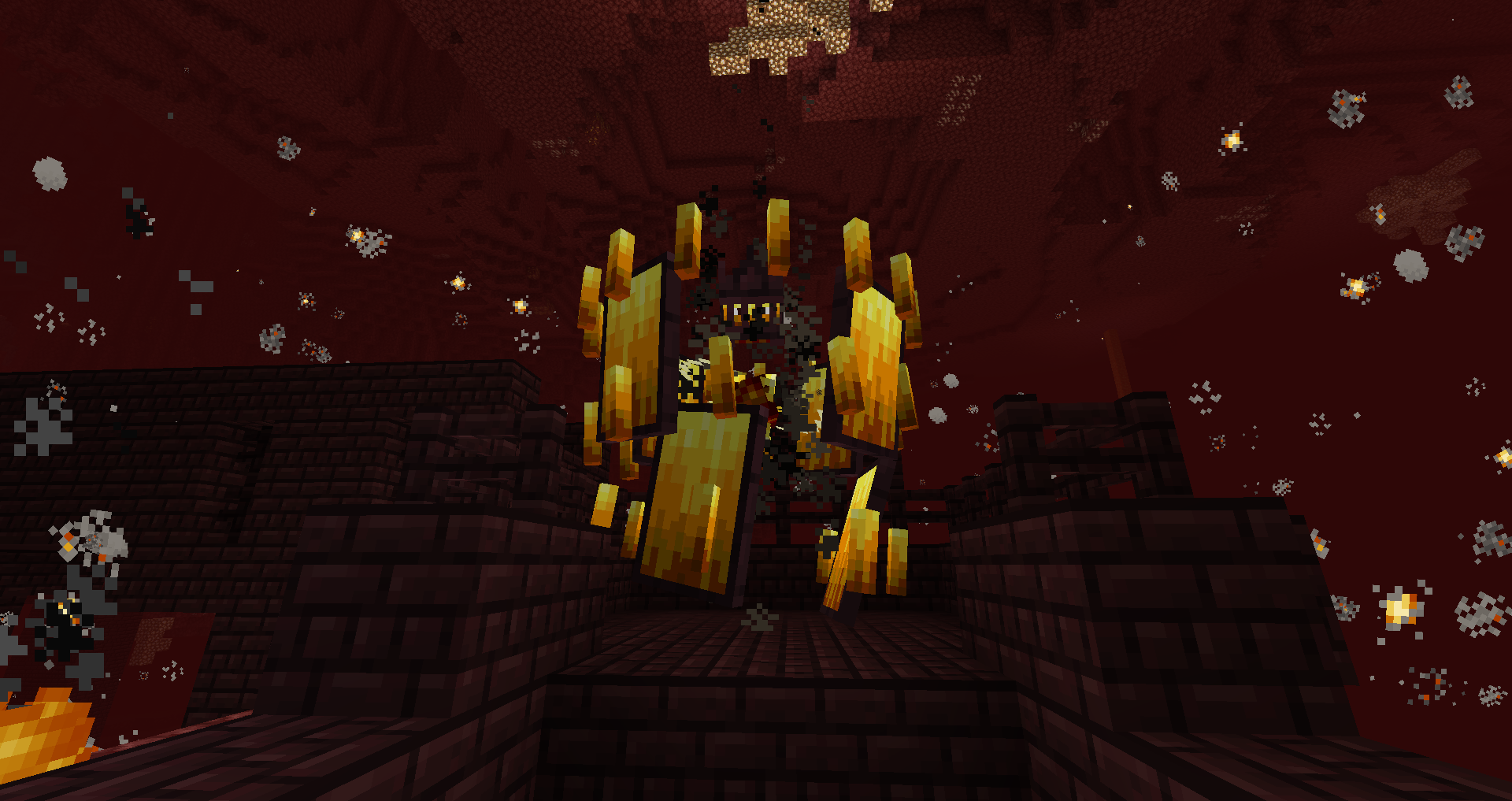 Mutant Blaze
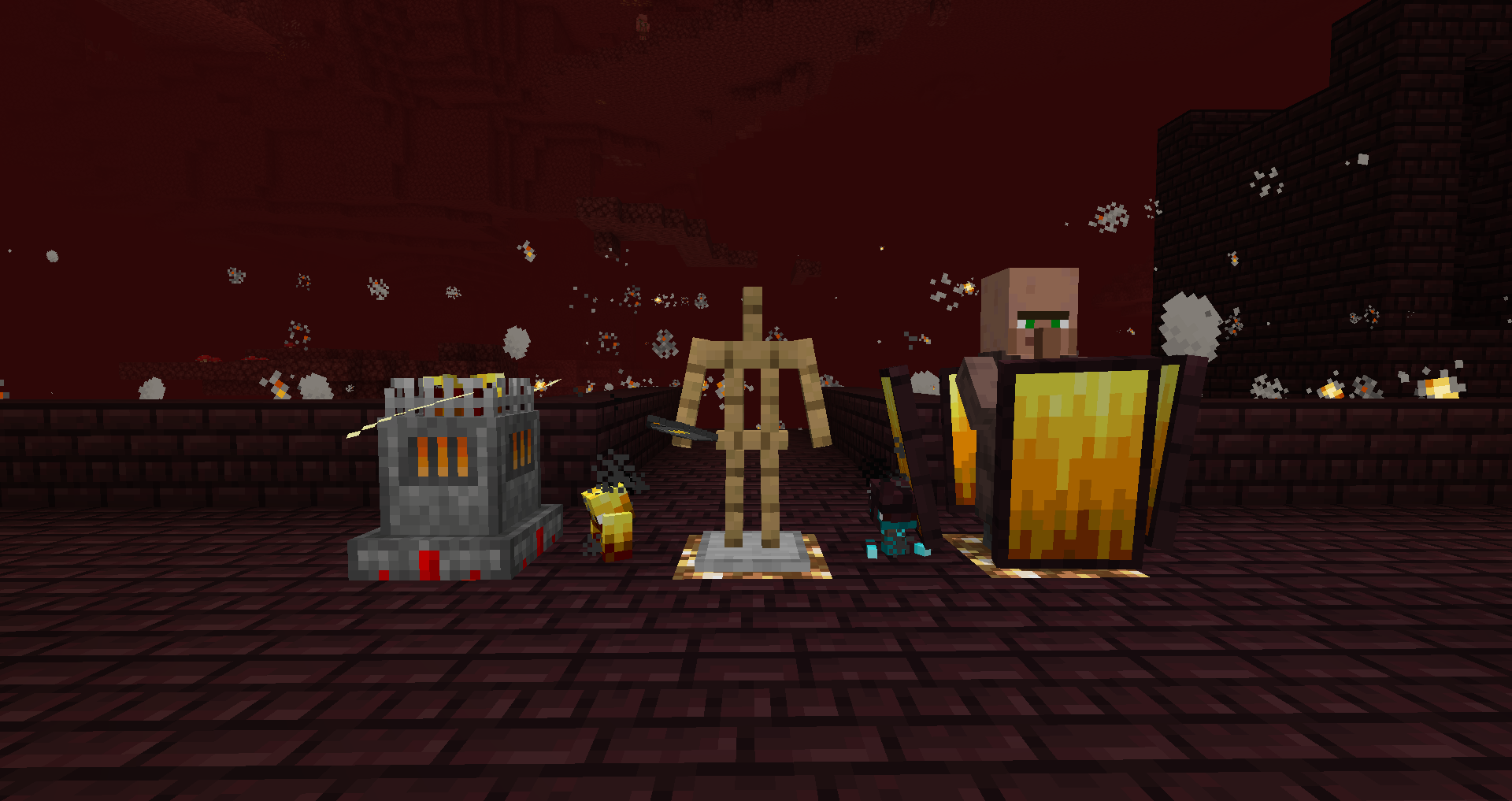 Mutant Blaze Rewards
Images: Mutant More on Modrinth, published by the project team.
Setup
Install Mutant More on your server
The server and players need the same loader and Minecraft version. Back up the world before adding or updating mods.
- 01
Configure
4 GB of RAM is preselected. You choose the term and add-ons and pay by credit card or PayPal.
- 02
Set the loader
In the panel, set the server software to Forge and choose the matching Minecraft version, for example 1.20.6.
- 03
Install the mod
Search the mod browser for “Mutant More” and install the release for your loader. Alternatively, upload the .jar to the mods folder via SFTP. Required dependencies are listed on the project page.
- 04
Connect
Every player installs the same Mutant More release locally and connects using the server address from the panel.
- On the server
- Required
- On the client
- Required
- Loader
- Forge
- Minecraft
- 1.20.6, 1.20.5, 1.20.4 +4 more
- License
- LicenseRef-Custom
The panel
Install mods, find errors.
Real screenshots from the Mado panel. Both come with every Minecraft server.
Mod browser
Modrinth and CurseForge, right in the panel.
The browser filters by your Minecraft version. Install mods with one click, without uploading .jar files.

AI crash analysis
When a mod crashes, the analyzer reads the log.
Mods often fail on a wrong loader version, Java version or missing dependency. The analyzer names a likely cause and suggests a fix.

Releases
Published releases
Pick the file that matches your server’s loader and Minecraft version. The server and players need the same release.
Mutant More · Modrinth- Early Access 2.0.0 for Minecraft 1.20.1January 1, 2026Minecraft 1.20.1, 1.20.2, 1.20.3, 1.20.4, 1.20.5, 1.20.6 · Forge
- Early Access 2.0.0September 30, 2024Minecraft 1.19.2 · Forge
Original description by the project author


About
Mutant More allows you to transform regular mobs into powerful new mutant forms! These mutants are very dangerous and won’t be easy to defeat, but if you do manage to slay them, you’ll be rewarded with an array of useful new items!
Mutant More was heavily inspired by the Mutant Creatures and Mutant Beasts mods, and it’s highly recommended that you use their successor Mutant Monsters alongside Mutant More!
Mutant More is currently in early access, so it still has some visual bugs, missing sounds, unpolished features, etc. It should, however, still be enjoyable and as safe to add to your worlds as any other mod.
How to play
Find a Derelict Laboratory. The Derelict Laboratory is a new structure that you’ll have to find if you want to learn the secrets of mutation, you can do this by wandering around aimlessly in a forest and hoping you’ll be lucky enough to stumble upon the entrance to this elusive new structure, or get some help from a Wandering Trader, who can sell you a map to the nearest Derelict Laboratory… for a hefty price, of course.
Brew mutation potions. You can use the potion ingredients found inside the Derelict Laboratory to brew the new Formula Y and Compound Z potions, make sure to remember these recipes, because you’ll be using them a lot!
Mutate a mob! Not all mobs can be mutated, so it might take a bit of trial and error to find out which ones to mutate, but you can tell which mobs can be mutated and which can’t by watching the particles of a mutating mob: Red particles mean that the mob can’t mutate, blue particles mean that the mob can mutate but the conditions to mutate (such as being in a certain biome) aren’t met, dark purple particles mean that the mob can mutate but you didn’t get lucky (if that happens, just keep trying or brew mutation potions with a higher mutation chance), and anything else means that the mob is mutating successfully! But if you don’t want to go through all of that trial and error, just have a look at the list of mutants in the next section.
Complete all of the advancements. Mutant More adds lots of advancements, can you complete them all?
List of Mutants
Mutant Wither Skeleton: An agile master of melee combat. Keep your eyes on this mutant at all times, because you never know when it might unleash an unexpected attack! Created by mutating a Wither Skeleton.
Mutant Blaze: A tanky ranged attacker. This mutant has several layers of defence that you’ll have to break through if you want to defeat it! Created by mutating a Blaze.
Mutant Shulker: An unpredictable creature. This mutant has lots of tricks up its non-existent sleeve, so make sure that you’re prepared for the fight! Created by mutating a Shulker.
Mutant Husk: A bulky monster capable of churning up the ground into quicksand. Keep an eye on where you’re walking when fighting this mutant, or you might get stuck in the path of a powerful attack! Created by mutating a Husk.
Mutant Hoglin: A rampaging beast. Make sure not to attack this mutant too rapidly, or it’ll become enraged! Created by mutating a Hoglin.
Mutant Frozen Zombie: A slow but powerful ranged attacker. Make sure not to get frozen solid by its attacks, or it’ll try to smash you to pieces! Created by mutating a Zombie in cold biomes, or mutating a Frozen Zombie if Dungeons Mobs is installed.
Mutant Jungle Zombie: A relentless monster. Watch out for its vine arm, or you might get grabbed! Created by mutating a Zombie in jungle biomes, or mutating a Jungle Zombie if Dungeons Mobs is installed.
Credits
Thanks to OBLIQUE for suggesting most of the Mutant Blaze and Mutant Husk’s abilities.
Thanks to tdstress for giving me permission to use the textures from the brilliant resource pack Mutant Beasts: The Retexturing.
Certain sounds are modified versions of sounds from Minecraft, Minecraft Dungeons, the Mutant Creatures mod, Angry Birds and Half Life 2.
Mutant More server crashes on startup – what to do?
Common causes: the loader or Minecraft version does not match the mod file, a dependency is missing, or RAM is too low. Check the log (latest.log) for “OutOfMemoryError”, “Mixin” or missing mods. At Mado, the AI crash analysis reads the log and suggests a cause. You can change the loader and version in the panel.
Which loader does Mutant More run on?
According to Modrinth, Mutant More supports Forge for Minecraft 1.20.6, 1.20.5, 1.20.4.
How much RAM does a server with Mutant More need?
As guidance, 3–4 GB for a server with this mod. This is an estimate, not a measured minimum. More mods, many players and long view distances need more. The spark profiler shows whether a mod is costing tick time.
Similar mods
Popular mods in the same category
 Server-ready
VeinMiner
by Miraculixx
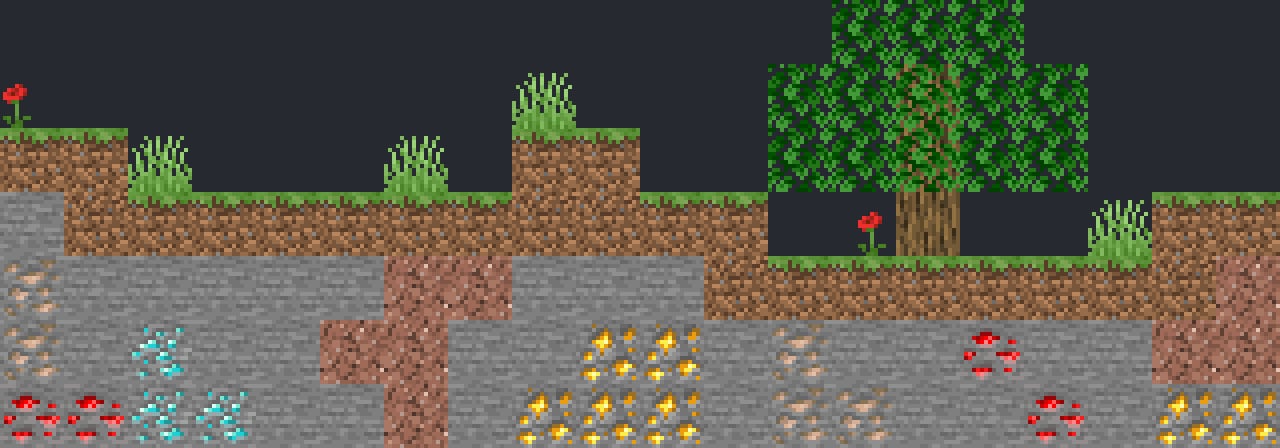
Mine the whole vein on mining a single ore/block. Make the tedious mining experience to something satisfying and fun! FTB Ultimine alternative
 Client only

VeinMiner Hotkey
by Miraculixx
Veinminer Addon - Use a hotkey to veinmine with a dynamic crosshair & block highlighting
 Server-ready

Curios API
by TheIllusiveC4
A flexible and expandable accessory/equipment API for users and developers.
 Server-ready

[TaCZ] Timeless and Classics Zero
by craneblock6666
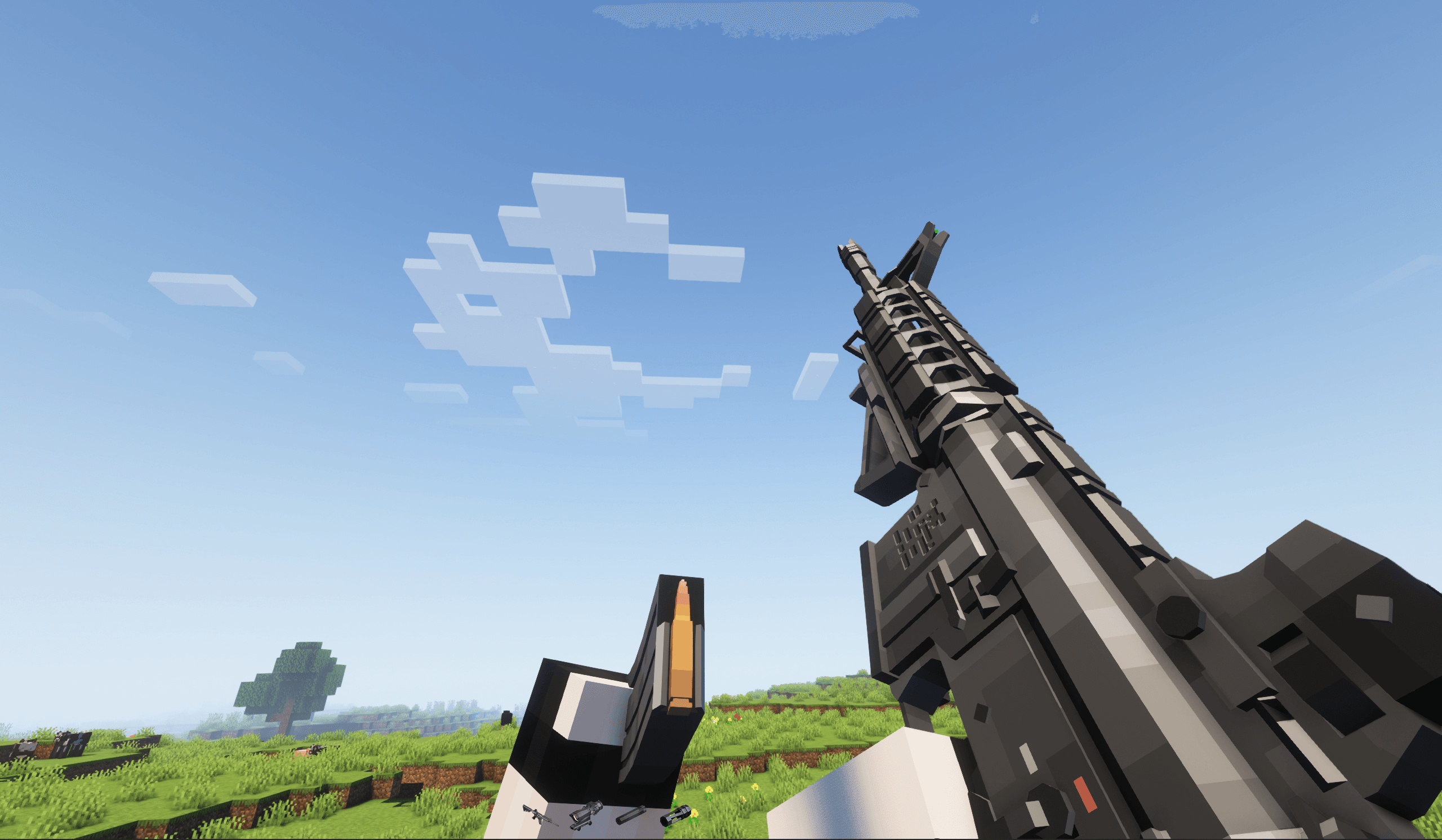
The most Immersive and Customizable modern FPS experience in Minecraft - A complete Remaster of the TaC gun mod by the original team.
Ready for your server with Mutant More?
4 GB of RAM from €8.00 per month. 35% off your first month with MADO35.